Miko 3 AI Robot: A 2026 Look at the Connected Kids Bot
Miko 3 blends chatty AI features, educational apps and animated robot behavior for young children, but its connected design raises familiar questions about subscriptions, privacy and long-term support.
Compare prices and availability
Check current prices and availability for this guide on eBay.
As an eBay Partner, we may be compensated if you make a purchase.
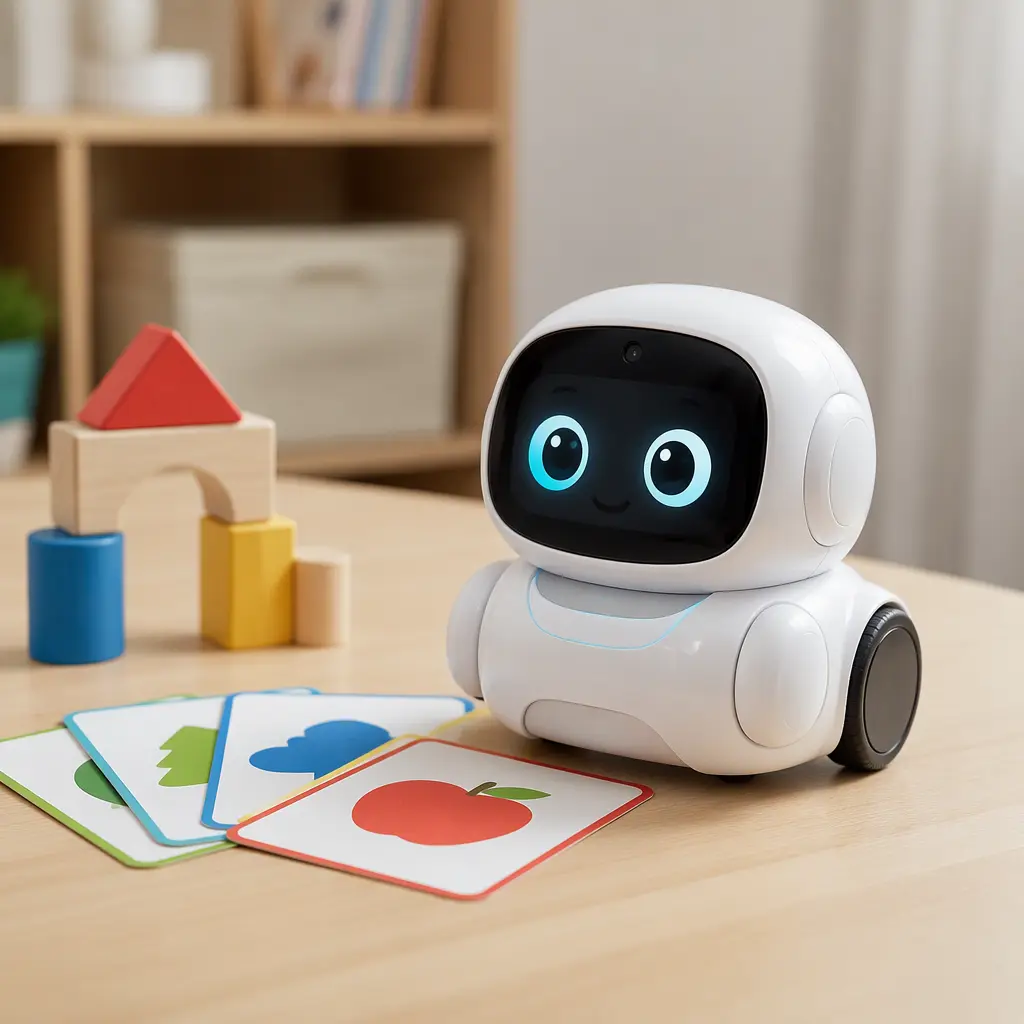
Miko 3 arrived during a wave of connected toys that tried to combine entertainment, education and conversational AI into a single device for children. Part robot companion and part tablet-style learning platform, the rolling desktop robot uses animated expressions, voice interaction and app-based content to keep younger users engaged. By 2026, the conversation around products like this is less about novelty and more about practical questions: how useful are the AI features day to day, what data does the robot collect, and how dependent is the experience on subscriptions and cloud services?
Where it came from
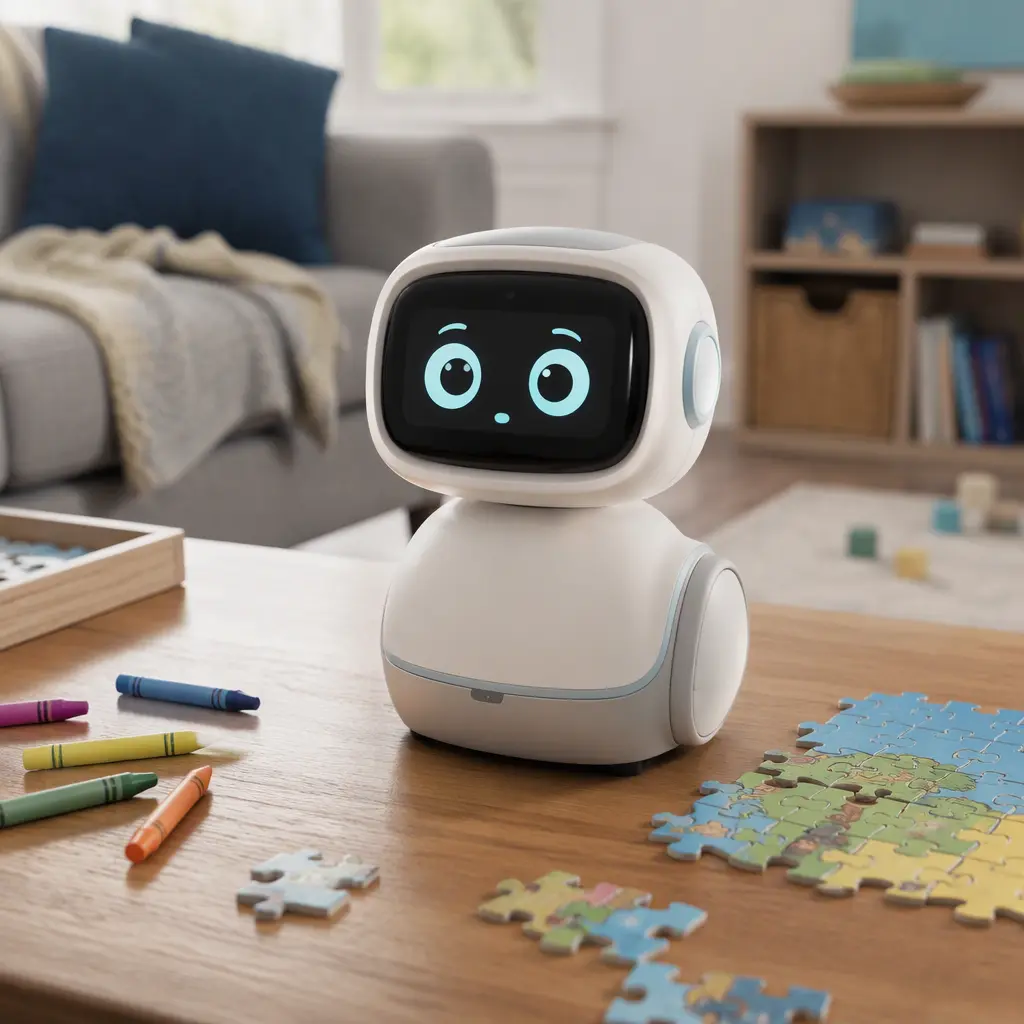
Miko was introduced as part of a broader push toward socially interactive consumer robots aimed at children. Unlike programmable STEM kits that focus mainly on coding or engineering challenges, Miko positioned itself as a personality-driven companion with conversation, games and guided educational content. The product family evolved alongside advances in speech recognition and cloud-connected AI systems, which made more natural back-and-forth interactions possible than many earlier toy robots could deliver.
The Miko 3 model became one of the company's best-known releases, combining onboard sensors, a touchscreen-style face and app-connected features in a compact rolling design. Marketing around the robot emphasized learning, curiosity and emotional engagement, while parents were encouraged to see it as a screen alternative that still offered digital content. As generative AI tools became more visible in mainstream technology, products like Miko also faced closer scrutiny over moderation, child safety and the difference between scripted educational responses and open-ended AI conversation.
Why it works
The core appeal of Miko 3 is that it behaves more like a character than a gadget. Animated eyes, movement and conversational prompts give the robot a sense of presence that tablets and smart speakers often lack. Younger children tend to respond strongly to that personality-driven design, especially when paired with trivia games, storytelling and guided activities. The robot's movement and reactions are intentionally simplified and approachable rather than highly realistic, which helps keep the experience playful instead of uncanny.
Its connected features rely heavily on microphones, cameras and cloud processing. Voice interaction allows children to ask questions or respond to prompts, while camera and sensor systems support navigation and certain interactive functions. Depending on the region and software version, some features may require companion apps, account setup or internet connectivity. As with many connected children's products, the long-term value depends partly on whether families are comfortable with ongoing software ecosystems and the possibility that features may change over time through updates or subscription plans.
- Voice-based conversations and question answering
- Animated facial expressions and rolling movement for character-like interaction
- Educational games, quizzes and guided activities
- Companion app support for setup and parental controls
- Cloud-connected AI features that may expand through software updates
Who it's for
Miko 3 is generally aimed at younger school-age children, particularly those in the early elementary range who enjoy talking toys, guided games and interactive storytelling. Children who already enjoy smart speakers or tablet-based learning apps may adapt quickly to the robot format. Adult interest tends to center on the novelty of conversational robotics and the attempt to make educational technology feel more social. Families looking for a fully offline toy or a screen-free experience may find the connected design less appealing, since many of the headline features depend on internet services and account-linked functionality.
Variants and what to look for today
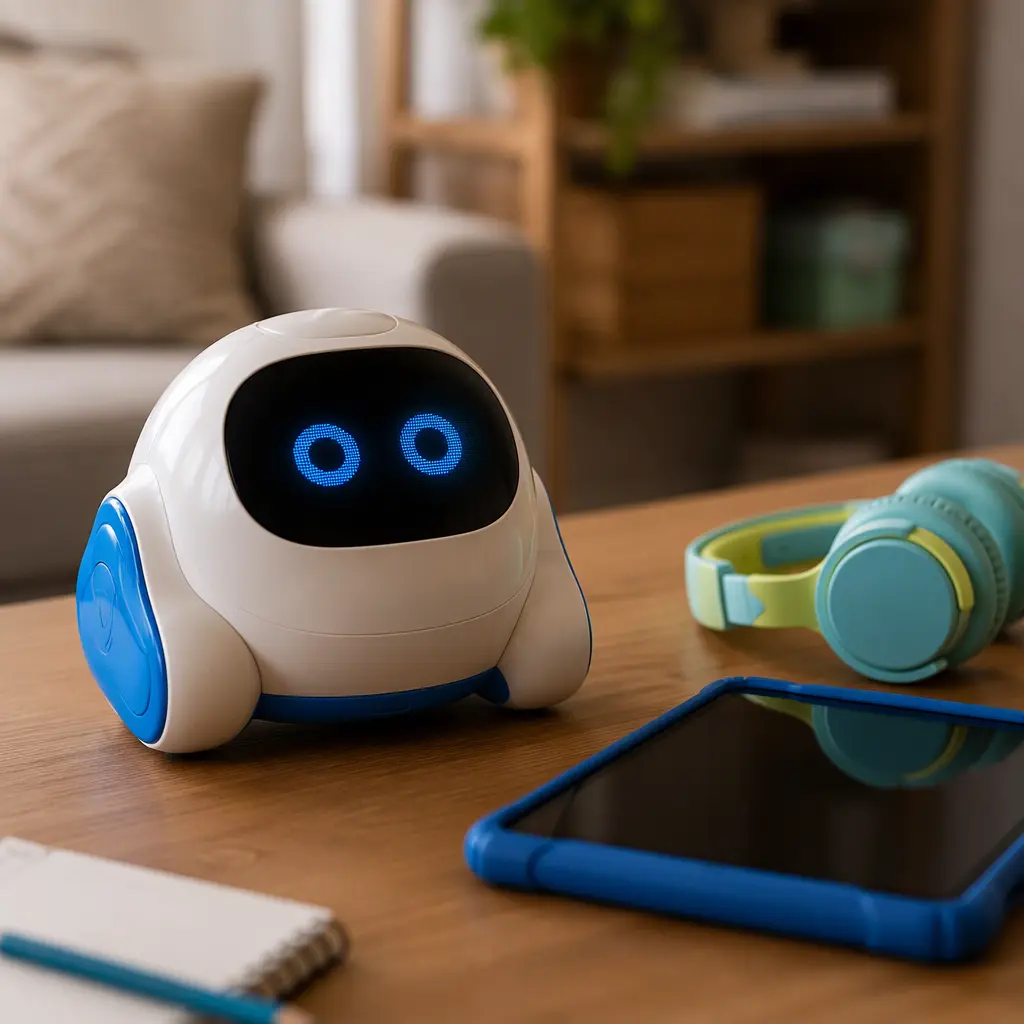
By 2026, shoppers may encounter different software bundles, retailer-exclusive packages or refurbished units alongside newer connected robot competitors. Because the platform depends on online services, it is worth checking whether setup apps remain supported on current versions of iOS and Android before buying. Parents should also confirm whether key educational features are included with the robot purchase or tied to optional subscriptions.
Privacy policies and parental control options matter as much as hardware design in this category. Families considering Miko 3 should review what information the company says it collects, how voice recordings are handled and whether parents can manage or delete stored data. Since the robot includes microphones and camera hardware, placement within the home is another practical consideration. Some parents may prefer to limit use to common family spaces rather than bedrooms.
- Check app compatibility with current phones and tablets
- Review subscription requirements before purchase
- Look for clear parental controls and account management options
- Confirm regional support for connected services and language features
- Be cautious with heavily discounted used units that may have account or battery issues
Frequently asked questions
Does Miko 3 use generative AI?
Miko 3 combines scripted educational content with AI-driven conversational systems. Depending on software updates and connected services, some interactions may feel more open-ended than traditional talking toys. The experience is still typically moderated and structured for younger users rather than offering unrestricted chatbot access.
Can children use it without an internet connection?
Some basic functions may remain available locally, but many of the robot's headline features rely on cloud connectivity. Conversations, content updates and app-linked experiences can depend on an active internet connection and supported online services.
Are subscriptions required?
Subscription offerings and bundled content can vary over time and by retailer or region. Families should verify which educational activities or premium features are included with purchase and which may require ongoing payments or memberships.
What should parents know about privacy?
As with many connected smart toys, Miko 3 uses microphones and cameras to support interaction. Parents should review the manufacturer's published privacy policies, parental controls and data-management options carefully, especially regarding voice recordings, cloud processing and child accounts.
Miko 3 reflects the direction many children's electronics have taken in the mid-2020s: less focused on standalone hardware and more dependent on software ecosystems, cloud AI and ongoing updates. For some families, that creates a uniquely engaging companion that blends education and entertainment in a more interactive format than a tablet alone. For others, the tradeoffs around subscriptions, privacy and connected-device dependence may outweigh the novelty. Either way, it remains one of the better-known examples of the modern AI toy category and a useful snapshot of where children's consumer robotics currently stands.