BALL 2 Desk Robots: Fun Gadget or Short-Lived Novelty?
A parent-focused guide to BALL 2 desk robots covering AI features, battery life, privacy considerations, app dependence and whether older kids keep using them beyond the first few weeks.
Compare prices and availability
Check current prices and availability for this guide on eBay.
As an eBay Partner, we may be compensated if you make a purchase.
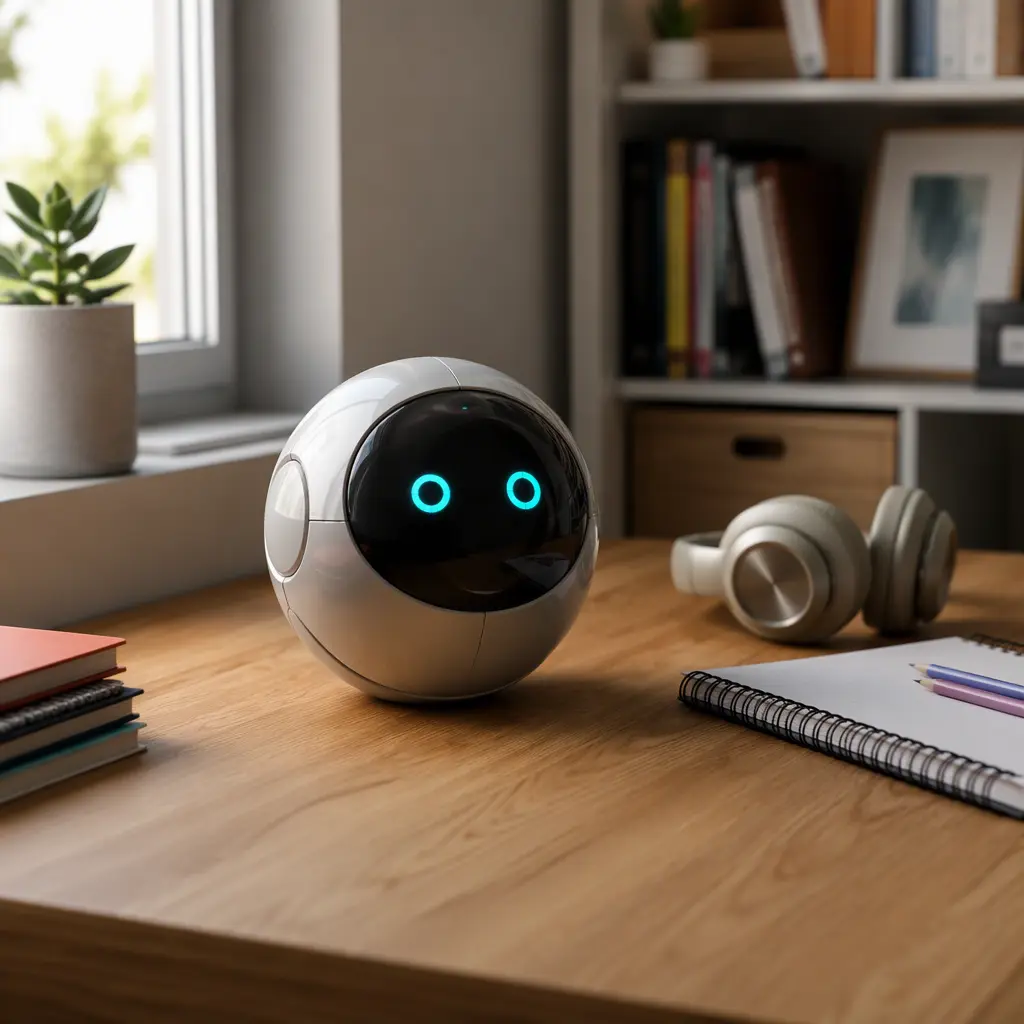
Desk robots such as BALL 2 sit somewhere between a smart speaker, a fidget gadget and a programmable companion toy. For parents of 9- to 12-year-olds, the main question is usually not whether the robot looks impressive on day one, but whether it still gets used a month later. Products in this category often combine app-connected features, simple conversational AI, movement, sounds and mini games. The appeal can be genuine for tech-curious older kids, especially those interested in coding, robotics or gadgets, but the long-term value depends heavily on battery life, how useful the AI functions actually feel and how much setup and maintenance parents are willing to manage.
What to look for
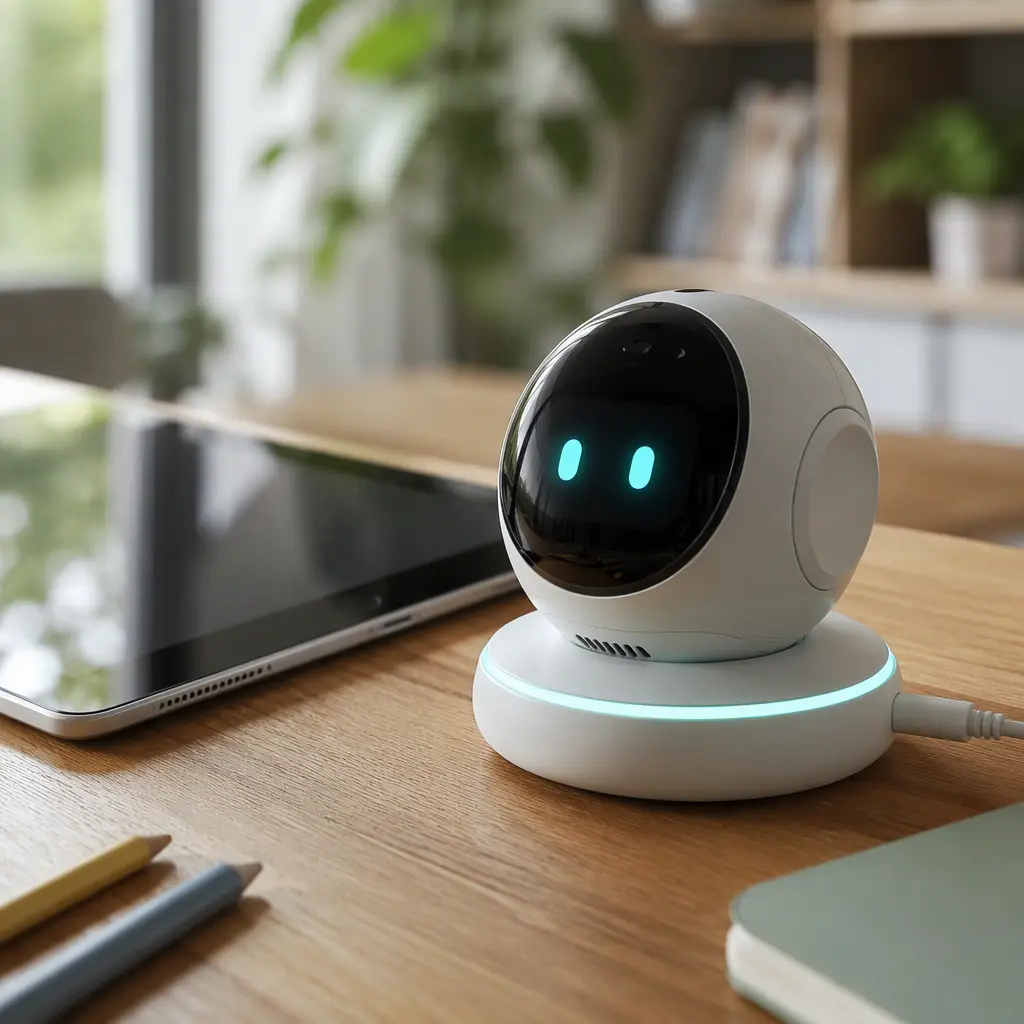
Connected desk robots vary widely in how “smart” they really are. Some mostly rely on pre-programmed animations, touch sensors and canned voice responses, while others connect to cloud-based AI systems that generate more flexible conversations or activities. For families, the biggest differences usually come down to how dependent the toy is on apps and subscriptions, how long it lasts between charges and whether the novelty wears off once the movement tricks have been explored.
- Battery expectations matter. Many compact desk robots need frequent charging if movement, lights and voice features are used heavily.
- Check whether key features require Wi‑Fi, cloud access or an account setup. Some toys lose major functions offline.
- Look for clear parental controls, especially if microphones or voice recording features are included.
- Consider where the toy will live. Constant sound effects and motor noise can become distracting in shared family spaces.
- Find out whether the companion app works on your household devices and operating systems before buying.
- Some AI features rely on subscriptions, token systems or limited daily interactions according to manufacturer policies.
- Storage and durability matter more than expected. Small robots with charging docks, cables and accessories can become clutter quickly.
- Kids interested in coding or customization may stay engaged longer than children mainly looking for a conversational companion.
Age suitability
The 9-to-12 age range is probably the strongest fit for products like BALL 2 because tweens are old enough to understand the technology while still enjoying playful interaction. Younger children may treat a desk robot roughly or become frustrated by setup steps and app navigation. Older teens often lose interest quickly unless the robot supports meaningful programming, customization or integration with broader STEM hobbies. Families should also consider whether the child already has several connected devices. For some children, a desk robot becomes another notification-driven gadget rather than a distinct toy experience.
Options compared
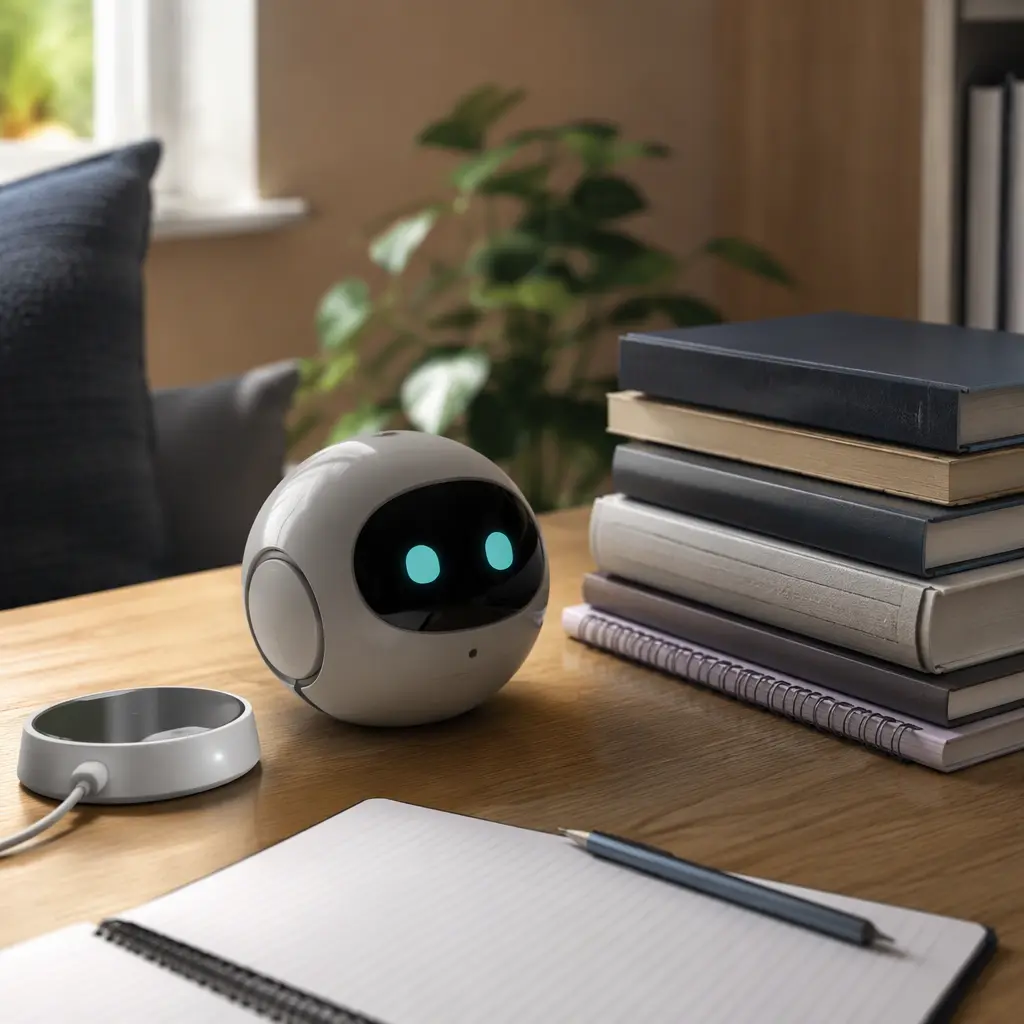
Most desk robots fall into three broad categories. The first is the simple animatronic type: moving eyes, sound effects, touch responses and perhaps a few voice commands. These can be entertaining without needing constant internet access, and they are usually easier for families who want lower privacy concerns. The downside is that older kids often exhaust the available interactions fairly quickly.
The second category adds app-connected features and lightweight AI conversation. BALL 2 appears aimed closer to this space, where personality and interaction are major selling points. These robots may answer questions, react differently over time or support mini activities through a connected app. This can extend engagement for children who enjoy novelty and personalization, but it also increases dependence on software updates and cloud services. If the company stops supporting the app later, parts of the experience may become limited.
The third category leans more heavily into coding and STEM learning. These products sometimes offer block coding, programmable actions or robotics challenges. They are usually a better long-term fit for technically curious kids, though they may feel less immediately charming as “companions.” Families choosing between entertainment and educational value should think carefully about which style actually matches the child’s interests.
- Best for gadget-focused tweens: app-connected robots with customizable personalities and mini activities.
- Best for lower-maintenance households: simpler offline animatronic desk pets with fewer cloud features.
- Best for STEM-focused kids: programmable robots with coding support and expandable activities.
- Probably not ideal for children who lose interest in gadgets quickly or already ignore similar smart devices after short periods.
- Less suitable for families wanting completely screen-free play, since many features rely on companion apps or online connectivity.
- Worth considering carefully in shared bedrooms or study areas because movement sounds, alerts and charging routines can become annoying over time.
Frequently asked questions
Do AI desk robots actually teach coding or STEM skills?
Some do, but many are primarily entertainment products with light educational elements. A robot that mainly chats, reacts emotionally or performs tricks is different from a programmable robotics kit. Parents looking for structured STEM learning should check whether coding tools, challenges or expandable projects are included rather than assuming all AI robots are educational.
How important is battery life?
Battery life affects daily use more than many families expect. Robots with movement, lights, wireless connectivity and voice features can drain quickly. Frequent charging may not bother tech-focused tweens, but casual users sometimes stop reaching for the toy if it is regularly unavailable or tethered to a charger.
Are privacy concerns realistic with connected toys?
They can be. Any toy with microphones, cameras or cloud-based AI services may collect some usage data according to manufacturer policies. Parents should review privacy documentation, account settings and app permissions carefully. It is also useful to check whether core functions still work without continuous internet access.
Will older kids keep using a desk robot?
That depends heavily on the child’s interests. Tweens who enjoy customizing gadgets, exploring AI tools or experimenting with robotics may return to the robot regularly. Children who mainly enjoy the initial novelty of movement and voice interaction may lose interest after the first few weeks once the available responses become familiar.
Can these robots work without subscriptions?
Some can, while others reserve advanced AI interactions or cloud services for paid plans or limited free usage tiers. Parents should check whether subscriptions, credits or app accounts are required for the features most heavily advertised by the manufacturer.
BALL 2 and similar desk robots can make sense for families with tech-curious tweens who enjoy interactive gadgets and understand that connected toys require charging, updates and occasional troubleshooting. The strongest value usually comes when the robot offers something beyond novelty, whether that is customization, coding or genuinely engaging interaction. For households seeking long-lasting offline play or low-maintenance entertainment, a connected AI desk robot may feel harder to justify once the first wave of excitement fades.