Loona vs Eilik: Which Desk Robot Fits Family Homes?
Comparing Loona and Eilik for family homes, including setup, noise, privacy features, app dependence, durability and whether these desktop robot companions stay engaging for kids over time.
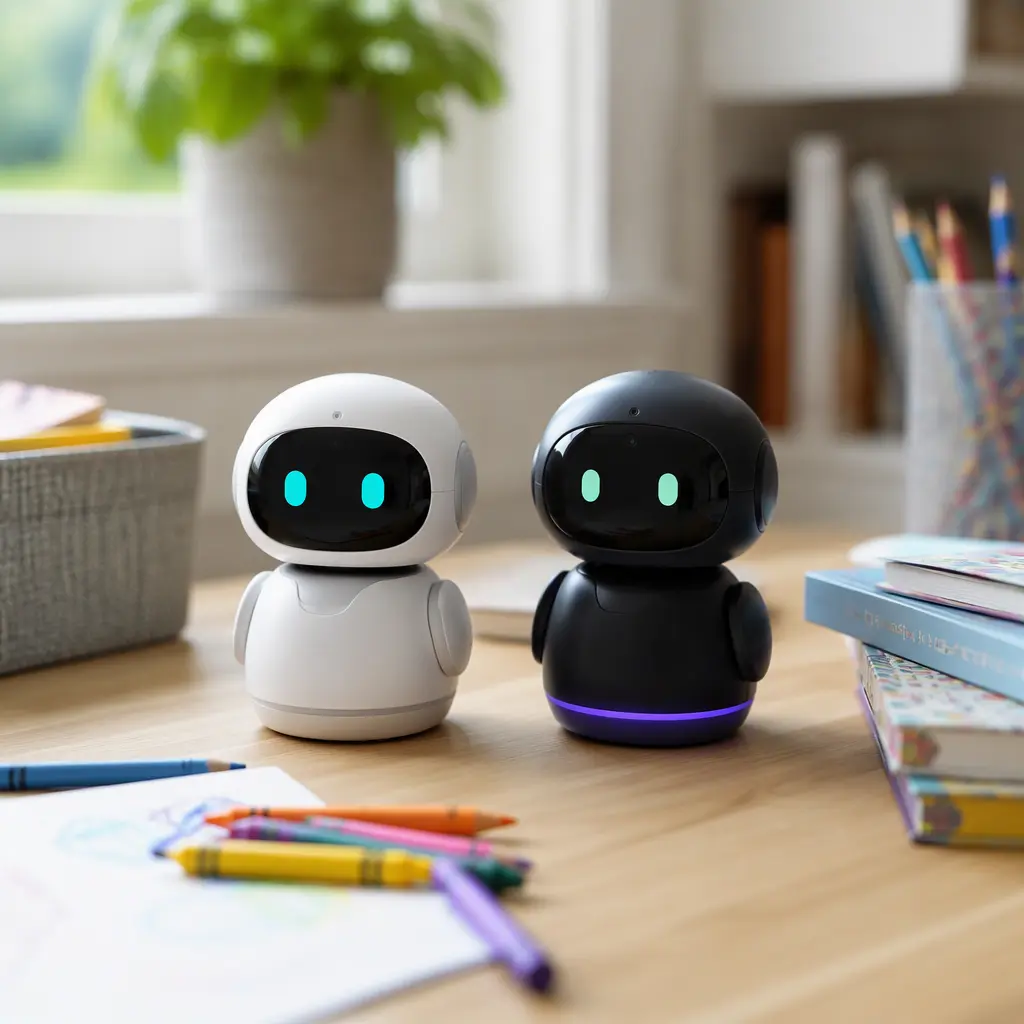
Compare prices and availability
Check current prices and availability for this guide on eBay.
As an eBay Partner, we may be compensated if you make a purchase.
Desk robots such as Loona and Eilik sit somewhere between toy, pet substitute and smart gadget. Both are designed to react to movement, sound and interaction, but they approach play very differently. For families choosing between them, the main differences are not only price or appearance. Noise levels, internet dependence, privacy features, durability and how much adult setup is required all matter just as much as the robot’s personality. Parents of children aged 6 to 8 often want a toy that feels interactive without turning into another demanding screen-based device, so it helps to understand what these robots actually do day to day rather than relying on marketing clips.
What to look for
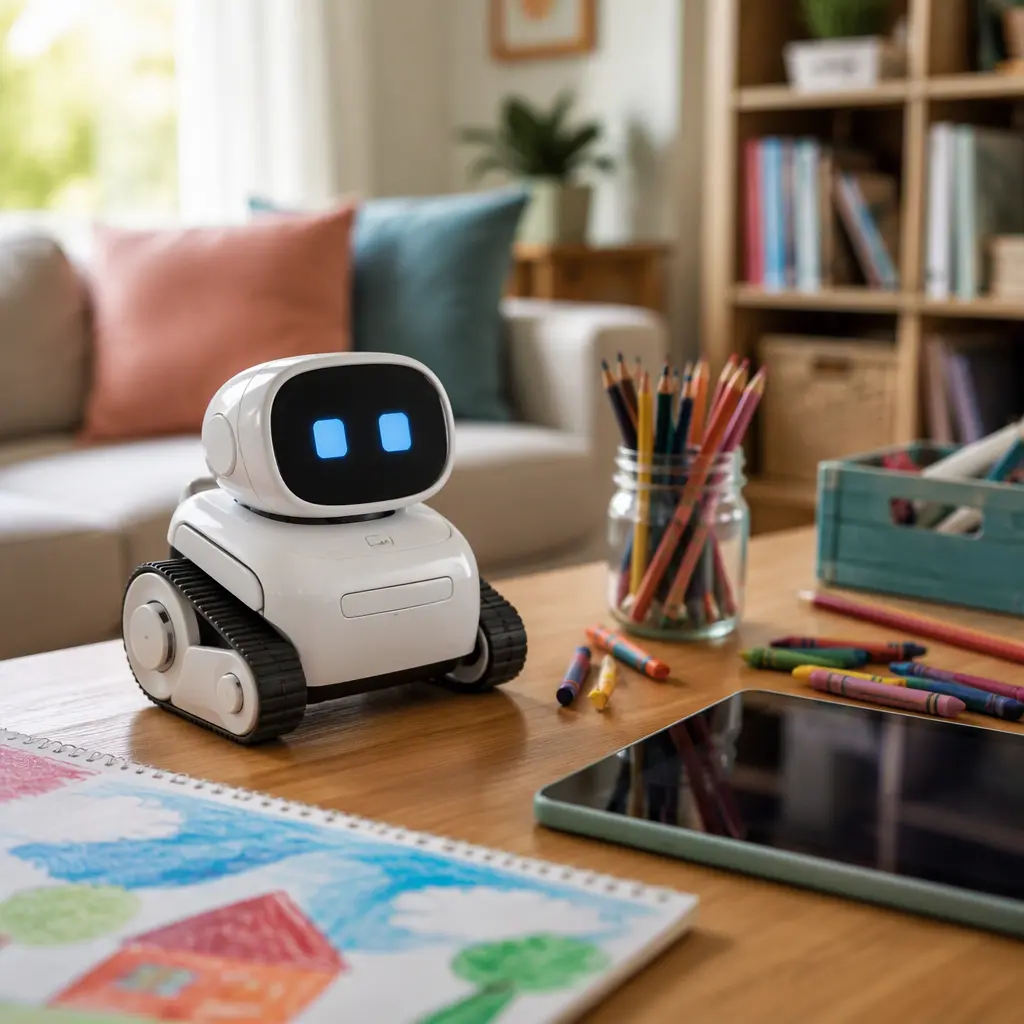
Although both products are often grouped together as robot pets, they work differently. Loona is a more advanced connected robot with AI-style interactions, app features and camera-based navigation. Eilik is closer to an expressive animatronic desk companion that reacts with sounds, motion and touch sensors. One is built around connected features and updates, while the other focuses on quick, low-friction play. Before buying either, consider how much setup and supervision your household is comfortable with.
- Check whether the robot needs a constant app connection or internet access for key features.
- Look at microphones and cameras carefully. Loona includes camera-based interaction and more connected functionality, while Eilik is simpler and less data-dependent.
- Consider noise levels. Both make sounds frequently, but Eilik’s expressive squeaks and reactions can become repetitive in quiet homes or shared spaces.
- Think about battery charging habits. Desk robots are often used in short bursts but may need frequent charging if children use them heavily.
- Assess durability for your child’s age. Small moving joints, wheels and exposed mechanisms may not suit rough handling.
- Check offline usefulness. Some connected toys lose major features if servers, apps or subscriptions change in future.
- Consider storage and desk space. These are not pocket toys and work best on stable indoor surfaces.
- Look at long-term engagement. Interactive robots often attract strong interest at first, then become occasional novelty toys unless the child enjoys routine interaction and imaginative play.
Age suitability
For children aged 6 to 8, both robots can work well, but they suit different personalities. Loona tends to appeal more to children who enjoy technology, voice interaction and gadget-style play. Kids interested in coding, smart devices or virtual pets may stay engaged longer because the robot has more behaviors and connected features to explore. Eilik usually suits children who want immediate reactions without setup complexity. Its expressive animations and emotional responses are easy for younger children to understand quickly. However, children expecting deep conversations or highly intelligent AI may lose interest if the interactions start to feel repetitive. Parents should also expect varying attention spans. These robots are usually companions to other toys rather than all-day entertainment devices.
Options compared
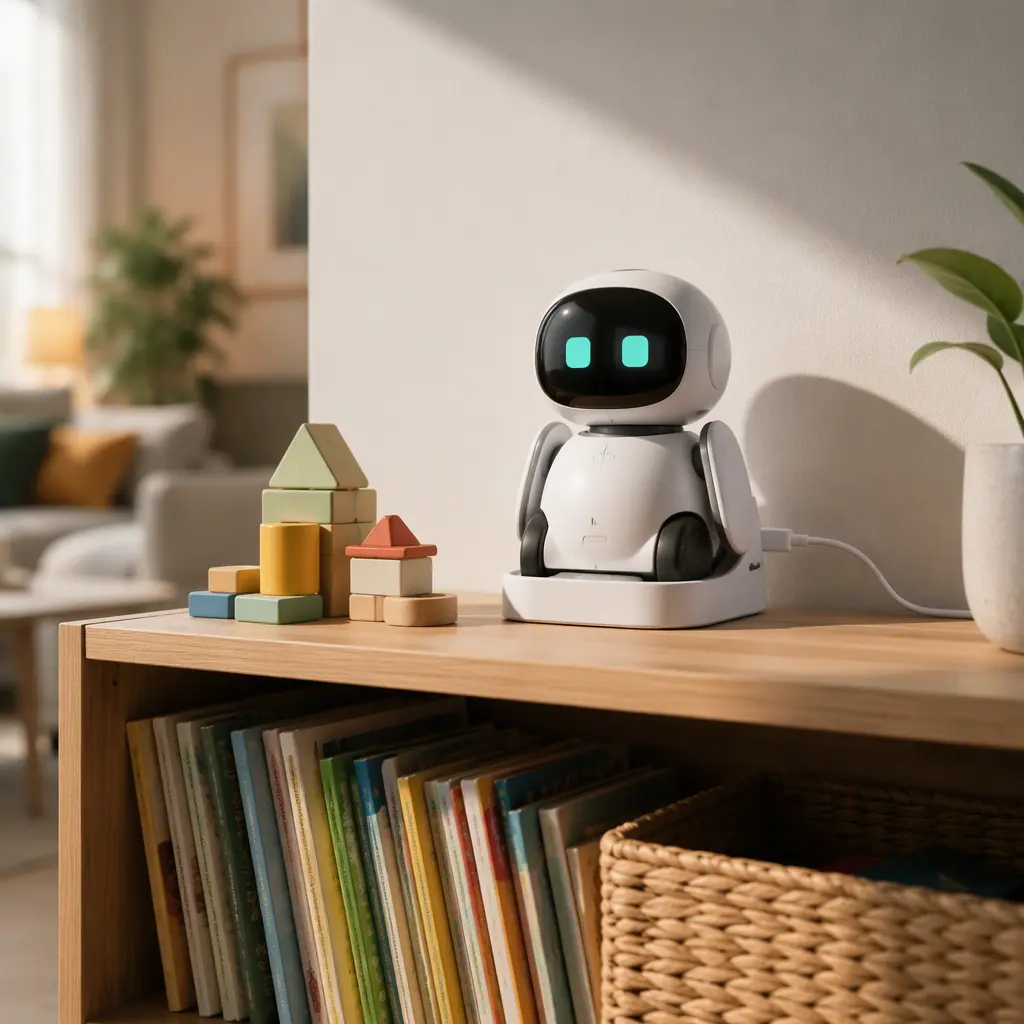
Loona is the more ambitious option. Manufacturer materials describe features such as facial recognition, voice interaction, app-connected activities and autonomous movement. In practice, this means more setup time, more software updates and greater reliance on a stable home network. Families comfortable with connected devices may appreciate the wider range of interactions and the feeling that the robot changes over time through updates. The trade-off is that privacy considerations become more important because camera and microphone features are part of the experience. Parents should also consider what happens if app support changes in future, since some smart toys become less useful when cloud services are reduced or discontinued.
Eilik is simpler and more self-contained. It focuses on emotional reactions, touch responses and playful animations rather than AI-style conversation or navigation. That lower complexity can actually make it easier to live with in busy homes. Setup is lighter, there is less dependence on accounts or internet features, and children can start interacting almost immediately. It may also suit parents who prefer toys that work mostly offline. The downside is that the play pattern can become predictable sooner. Children who love collectible figures, fidget toys or desk pets may continue enjoying Eilik as a companion object, while children expecting evolving gameplay or advanced intelligence may move on quickly.
- Choose Loona if your child enjoys smart gadgets, interactive technology and exploring connected features with adult help nearby.
- Choose Eilik if you want a lower-friction desktop companion that works more like an expressive toy than a smart assistant.
- Avoid either option if your household is sensitive to repetitive electronic sounds or prefers toys with no charging requirements.
- Loona may be less suitable for families wanting minimal app use or limited data-sharing concerns.
- Eilik may disappoint children expecting open-ended AI conversation or complex learning activities.
- Neither robot replaces active outdoor play, construction toys or social games, but both can encourage nurturing and imaginative interaction in short sessions.
Frequently asked questions
Do these robots work without Wi‑Fi?
Eilik is generally less dependent on internet access because many interactions are built into the toy itself. Loona’s connected features and updates rely more heavily on app pairing and network access. Exact offline functionality can change over time through software updates, so checking current manufacturer information before buying is worthwhile.
Are desk robots educational?
They can encourage curiosity about robotics, technology and cause-and-effect interaction, but they are not full educational platforms in the same way as coding kits or STEM construction sets. Most learning comes through imaginative interaction and experimenting with responses rather than structured lessons.
How noisy are they?
Both robots use movement sounds, electronic effects and vocal-style noises frequently. Eilik’s expressive sound effects are a major part of its personality, while Loona adds motor movement and voice-style interactions. In shared family rooms or apartments, some parents may prefer limited play sessions rather than constant background activity.
Will kids still use them after the novelty fades?
That depends heavily on the child’s interests. Children who naturally revisit plush pets, figurines or tamagotchi-style toys often maintain interest longer because they enjoy routine interaction. Children looking for fast-changing gameplay may lose interest after exploring the robot’s main reactions and features.
Which robot is easier for parents to manage?
Eilik is usually the easier option for households wanting quick setup and fewer connected features to supervise. Loona offers more advanced interaction possibilities but also requires more involvement with apps, updates and connected-device management.
For most family homes, the choice comes down to whether you want a smart connected robot experience or a simpler expressive desk companion. Loona offers broader interaction and more ambitious technology, but asks more from parents in terms of setup, privacy consideration and maintenance. Eilik keeps things lighter and easier to manage, though its simpler play style may not hold attention as long for tech-focused children. Matching the robot to your child’s play habits and your household’s tolerance for connected gadgets is usually more important than choosing the robot with the longest feature list.