Miko 4 vs EMO Robot for Curious Kids
A parent-focused guide comparing Miko 4 and EMO for children who love asking questions, with practical advice on conversations, privacy, supervision and long-term usability.
Compare prices and availability
Check current prices and availability for this guide on eBay.
As an eBay Partner, we may be compensated if you make a purchase.
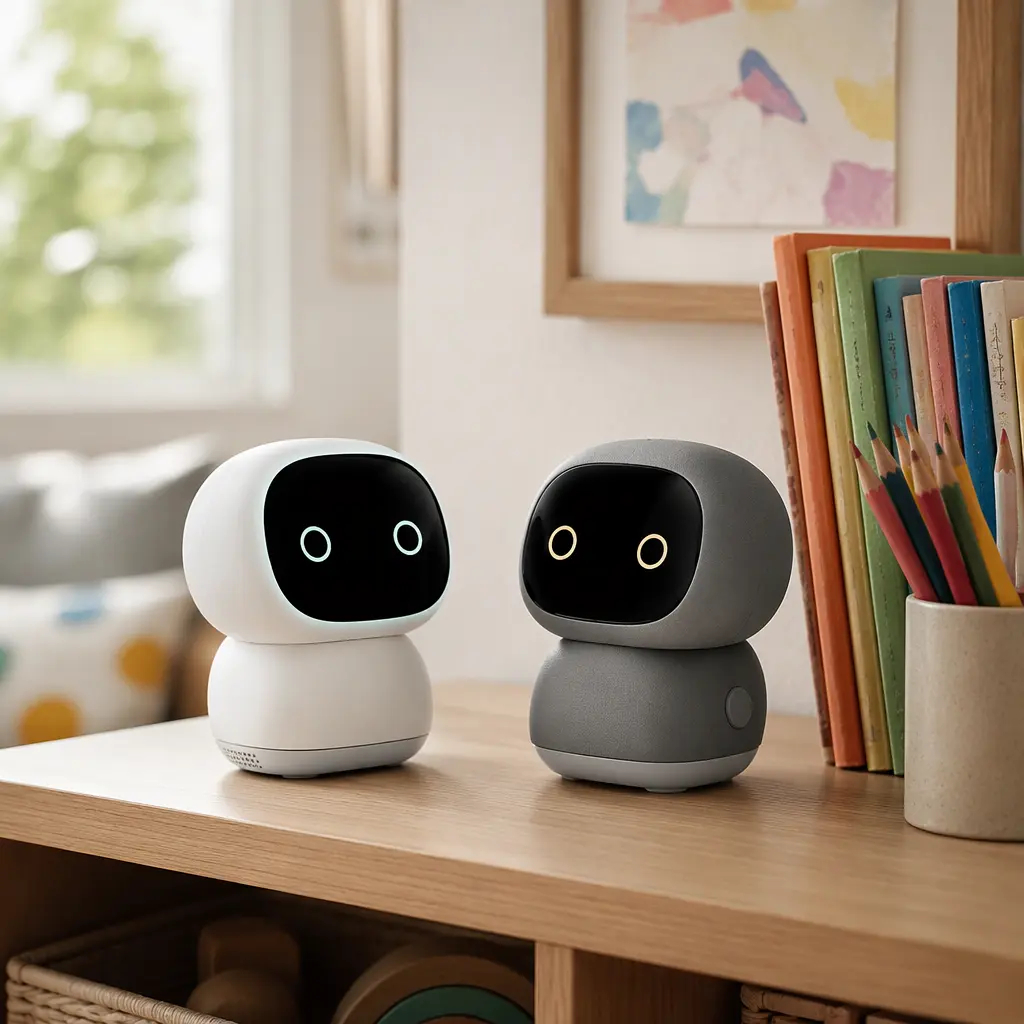
AI companion robots are increasingly aimed at children who enjoy chatting, asking unusual questions and interacting with technology in a more conversational way than a standard toy allows. Two names that often come up are Miko 4 and EMO. Both are designed to react to voices, answer questions and create a sense of personality, but they approach that goal differently. For parents choosing between them, the main question is not simply which robot talks more. It is whether the conversations feel useful, age-appropriate and manageable in everyday family life without becoming repetitive, distracting or overly dependent on apps and internet services.
What to look for
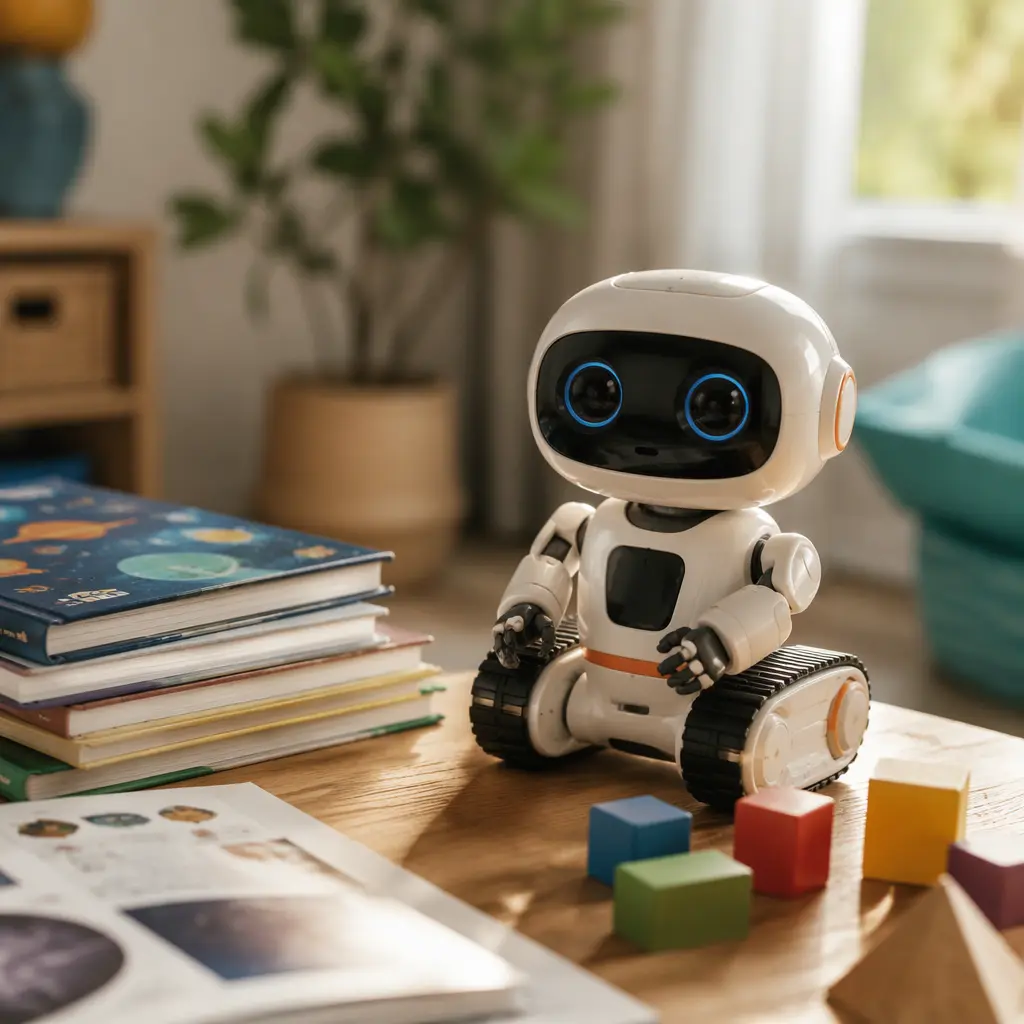
Children aged 6 to 8 often move quickly from simple commands to open-ended questions. A robot that only handles scripted replies may feel exciting for a few days before frustration sets in. Parents should focus less on novelty and more on how the robot behaves during repeated daily use. Since these devices rely on microphones, cloud processing and companion apps to varying degrees, it is also important to consider privacy settings, internet dependence and whether the robot remains useful if online services change later.
- Conversation style: Some robots focus on educational question-and-answer interactions, while others lean toward personality, reactions and entertainment.
- Microphones and privacy: Check whether voice recordings are stored, whether parental controls exist and whether accounts are required.
- Offline usefulness: Many AI features need internet access. Consider whether games, movement or basic interactions still work offline.
- App dependence: Some robots are managed heavily through a parent app, including setup, permissions and updates.
- Noise level: Companion robots often speak frequently and make sound effects that may become tiring in shared spaces.
- Durability and storage: Small desktop robots are not built for rough handling like outdoor toys or chunky preschool electronics.
- Subscription or credits: Some AI features may rely on ongoing services or limited access tiers depending on the manufacturer.
- Attention balance: Conversational robots can encourage curiosity, but some children may become fixated on repetitive interactions.
Age suitability
For children aged 6 to 8, both Miko 4 and EMO sit in an interesting middle ground. They are generally more engaging than simple talking toys but less independent than a tablet or laptop. Miko 4 is typically positioned more directly toward children, with educational content, guided interactions and family-oriented controls. That can make it easier for younger children who want a robot that responds clearly to questions. EMO, by contrast, is often treated more like a desktop companion with a playful personality and reactive behaviors. Some younger children may love its expressive style, while others may become frustrated if conversations feel less structured or drift into novelty responses. Families expecting long educational discussions may find that both devices still have limits compared with speaking to a real person or using broader AI tools under supervision.
Options compared
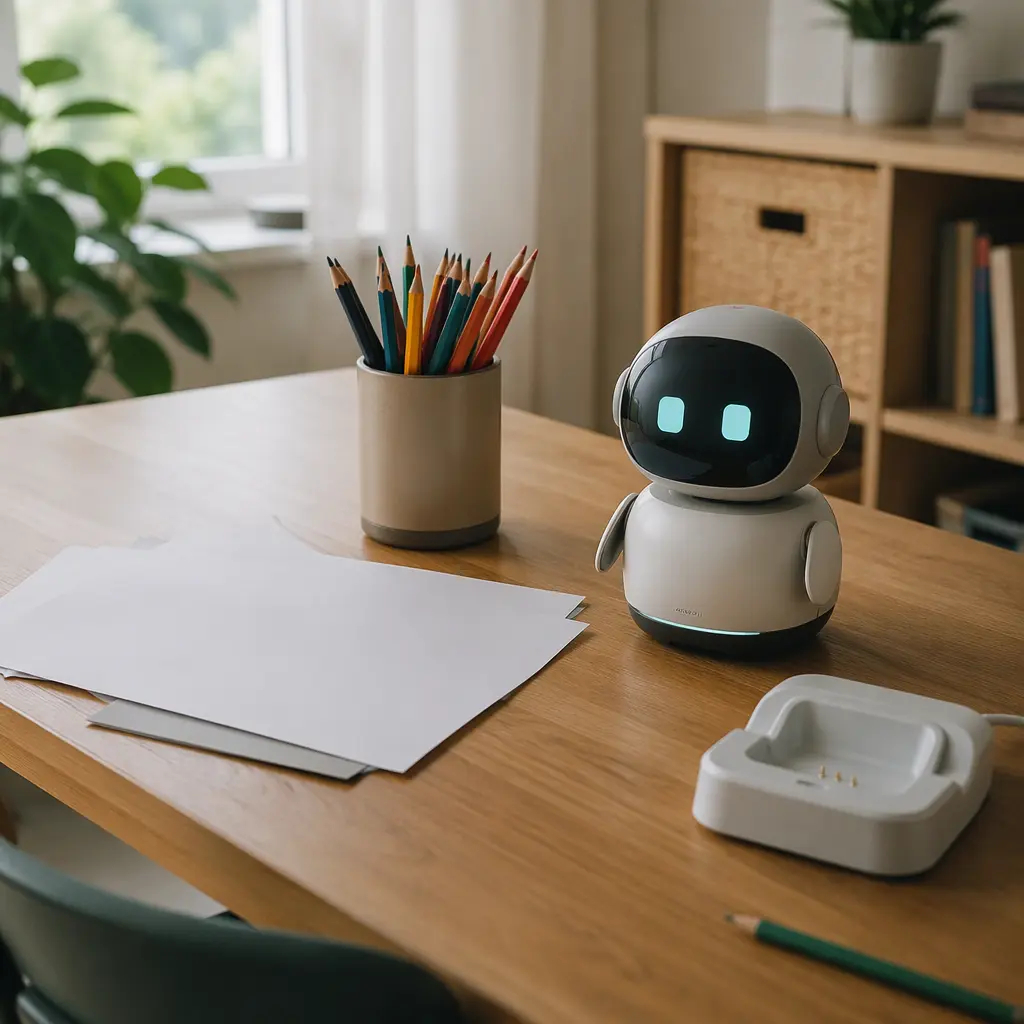
Miko 4 generally makes more sense for families prioritizing guided interaction and child-focused conversation. Its design and marketing emphasize learning activities, questions and structured engagement. For a child who constantly asks factual questions or enjoys quiz-style exchanges, this style can feel more satisfying and less random. Parents may also prefer that approach if they want clearer boundaries between educational play and pure entertainment. The trade-off is that some children eventually notice the limits of pre-planned interactions or repeated conversational patterns.
EMO tends to appeal more to children who enjoy personality-driven gadgets and reactive behavior. It behaves more like a tiny digital companion than a learning tool. That can create a stronger emotional connection for some children, especially those interested in robotics, animations or expressive movement. However, families specifically looking for detailed open-ended conversation may find that personality and reactions matter more than depth. EMO may also suit older children within the age range who are comfortable experimenting with technology and understanding that AI conversation can sometimes produce odd or inconsistent replies.
- Choose Miko 4 if your child enjoys asking factual questions, prefers guided activities and benefits from a more structured experience.
- Choose EMO if your child wants a character-like robot with expressive reactions and playful desk companion behavior.
- Avoid either option if you want fully offline use or strongly prefer toys without microphones or cloud services.
- Children who become easily frustrated by repeated answers may lose interest unless expectations are managed early.
- Families with limited tolerance for device management should check app requirements and update processes before buying.
Frequently asked questions
Do these robots actually use AI?
Both products use AI-related features to some extent, especially for voice recognition and conversational responses. However, they are still limited consumer toys rather than fully capable AI assistants. Many interactions rely on pre-designed behaviors combined with cloud-based processing.
Can children use them without internet access?
Most conversational features depend on internet connectivity. Some animations, movement or local reactions may still work offline, but question-answer conversations and updates usually rely on cloud services. Parents should expect setup through a companion app and a stable home connection.
Are AI robots good for learning?
They can support curiosity and encourage children to ask questions, especially about science, facts or language. However, they should not replace reading, creative play or human interaction. Children in this age group still benefit most from active discussion with parents, teachers and peers.
Do these robots need a subscription?
Manufacturers sometimes offer optional subscriptions, premium content or evolving online services. Since policies can change over time, parents should review the current support model directly from the manufacturer before purchase.
Which robot is less intrusive at home?
That depends partly on your household. Miko 4 may feel more structured and activity-focused, while EMO's expressive reactions can make it seem more constantly present. Families sensitive to background chatter or frequent sound effects should pay close attention to volume controls and idle behavior.
For most families with children aged 6 to 8, the better choice depends on whether the goal is guided learning interaction or a playful robotic companion. Miko 4 is usually the clearer fit for children who want answers, activities and conversation prompts tied to learning. EMO is more about personality and responsive behavior. Neither replaces human conversation, and both work best when treated as occasional shared tech toys rather than always-on companions.