Yoto Player (3rd Generation): Screen-free audio in an app era
The latest Yoto Player keeps the company’s card-based, screen-free audio idea intact while adding app-connected convenience, family controls and new questions about privacy and ongoing costs.
Compare prices and availability
Check current prices and availability for this guide on eBay.
As an eBay Partner, we may be compensated if you make a purchase.
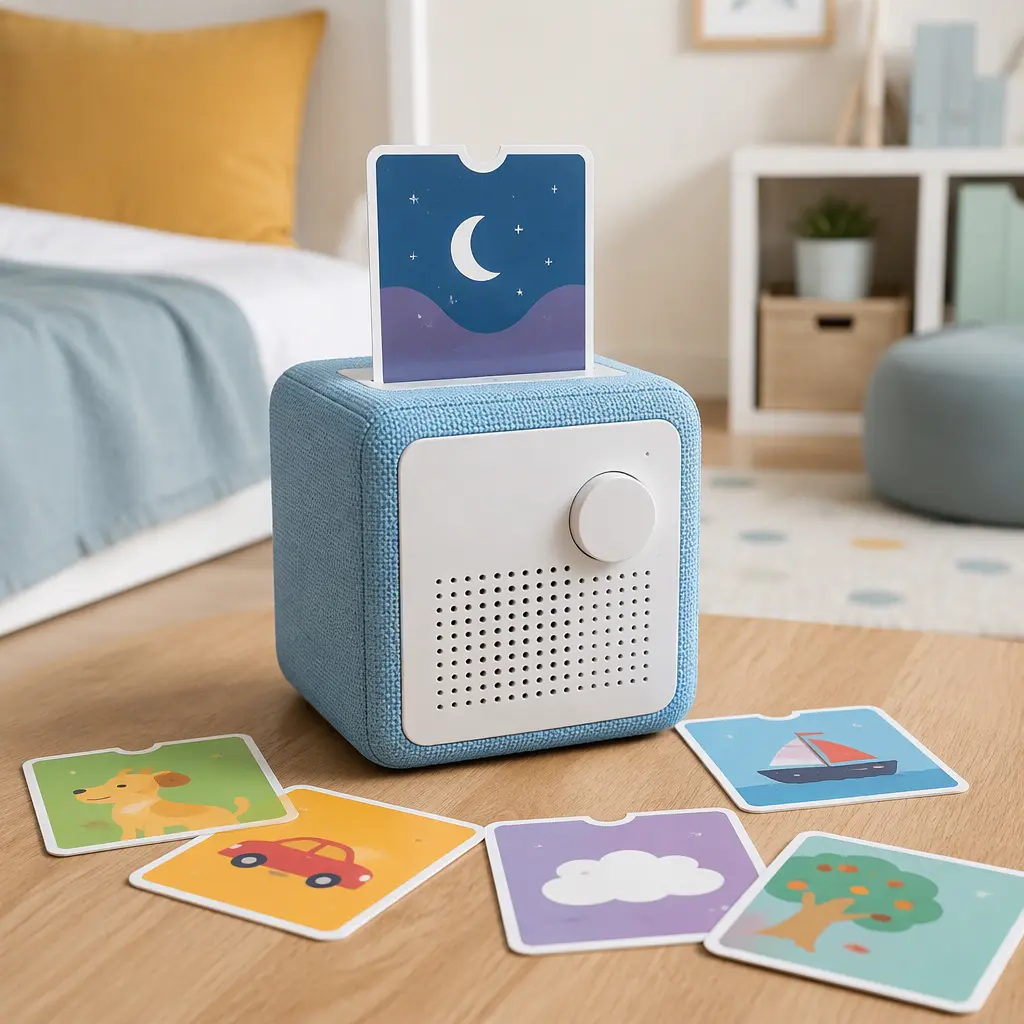
The Yoto Player sits in an unusual space between old-fashioned children’s audio storytelling and modern connected technology. At a glance, the third-generation version still looks like a compact bedside speaker designed for younger listeners, with physical cards replacing touchscreens and endless scrolling. The appeal is straightforward: children insert a card to hear stories, music, podcasts or educational audio, while parents manage much of the setup through a companion app. That balance between independence for kids and control for adults is a major reason the product has gained attention among families trying to reduce screen time without giving up digital convenience.
Where it came from
Yoto emerged during a period when parents were increasingly looking for alternatives to tablets and smartphones for younger children. Rather than competing directly with full-featured smart devices, the company focused on a simpler idea: a dedicated audio player that could deliver stories and music through physical interaction instead of apps and recommendation feeds. The card system became the product’s defining feature. Children choose a card, place it into the player, and the audio begins automatically, giving the experience some of the tactile feel of older media formats.
The third-generation Yoto Player continues that approach while reflecting how connected toys and family electronics have evolved. App support now plays a larger role in setup, content management and parental preferences. The player can work as a speaker, clock, white-noise machine and audio companion, but much of its long-term usefulness still depends on the wider Yoto ecosystem of cards, downloadable content and mobile-device integration. That combination has helped the product stand out in a crowded children’s electronics category, especially among families interested in calmer forms of entertainment.
Why it works
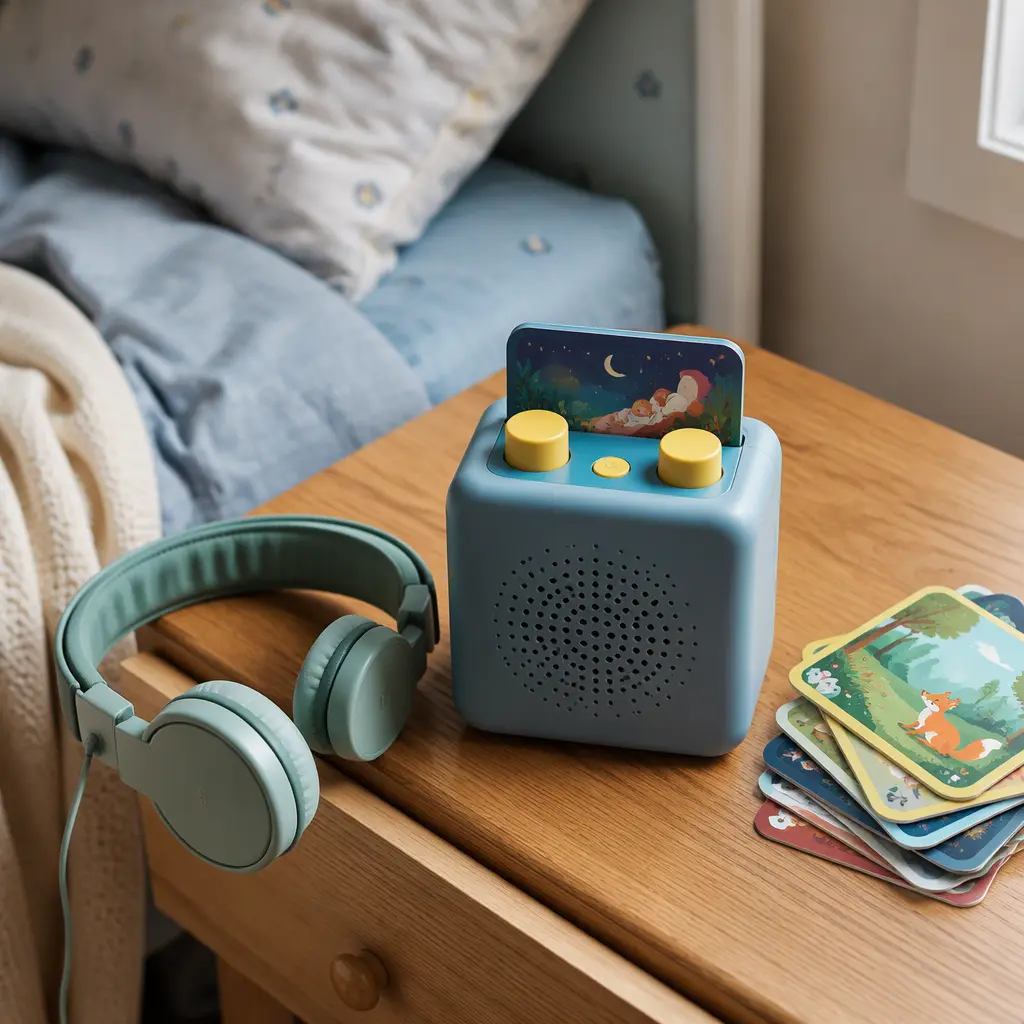
The core design succeeds because it removes several friction points common to kids’ technology. There is no open app store to browse through, no web browser, and no social feed competing for attention. Children interact with the device physically, often learning quickly how to start, stop and switch audio on their own. For younger users, that independence can feel more approachable than navigating menus on a touchscreen. The cube-like design and simple controls also make the player feel more like a household object than a fragile gadget.
At the same time, the product is not fully disconnected from modern digital systems. Parents generally rely on the companion app for account management, content access and setup tasks. Depending on the content type, some audio may involve downloads, streaming or cloud-linked features. That creates an experience that is partly offline and partly connected, which is convenient for updates and libraries but also means families should understand how much they want to rely on an app ecosystem over time.
- Card-based playback gives younger children a physical way to choose audio
- Simple controls are designed to reduce dependence on touchscreens
- Companion apps allow parents to manage libraries and settings
- Audio options can include stories, music, educational content and podcasts
- Built-in speakers and headphone support make it usable in shared or quiet spaces
- Nightlight and sleep-oriented features broaden its role beyond storytelling
Who it's for
The Yoto Player is generally aimed at children who are old enough to handle cards and basic controls independently, though many families also use it with preschool-aged listeners during shared story time. It tends to appeal most to parents seeking a middle ground between fully analog toys and unrestricted smart devices. Older children may enjoy audiobooks and music playback, while adults sometimes use the speaker functions or sleep sounds as part of a bedroom routine. Because the experience depends heavily on audio engagement, it often works best for children who already enjoy listening to stories or music without needing visual stimulation.
Variants and what to look for today
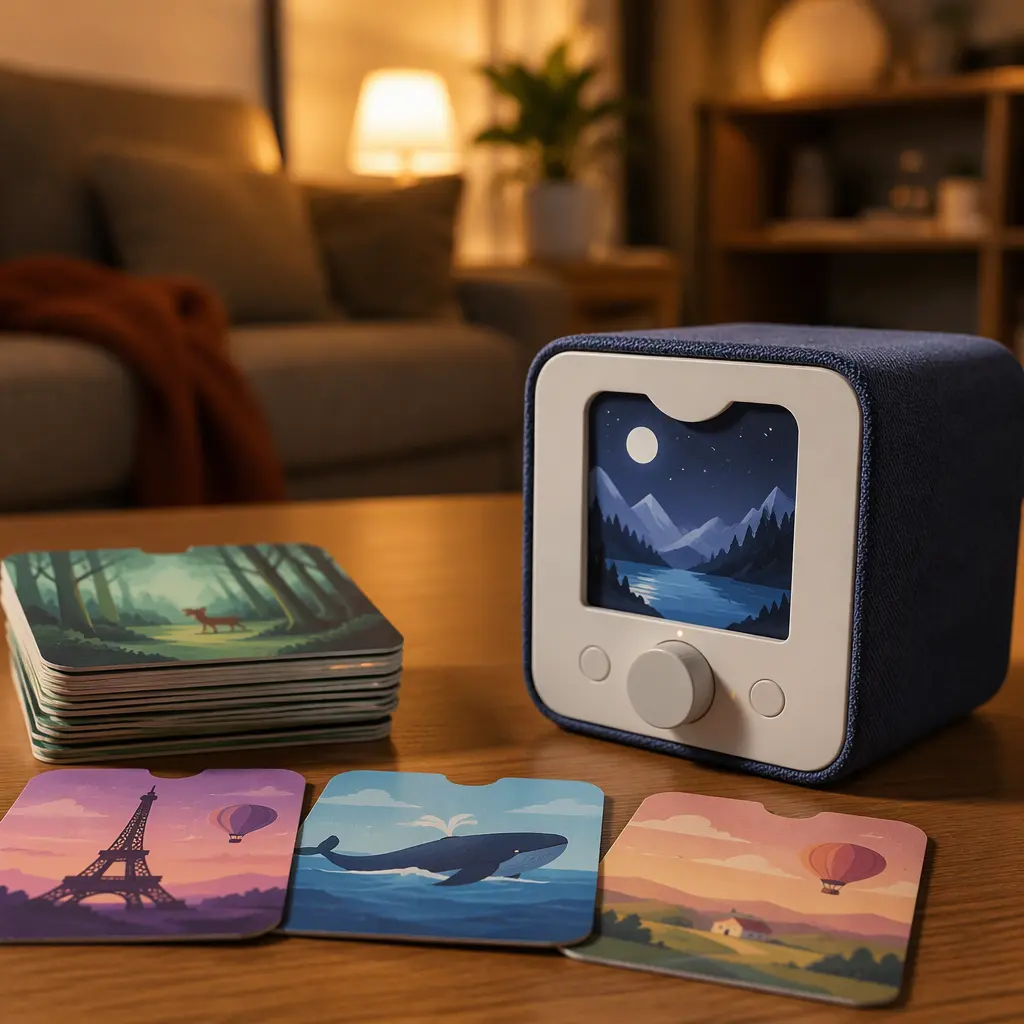
The current Yoto lineup includes multiple player sizes and accessory options, so families shopping today may encounter both the larger Yoto Player and more portable alternatives. The third-generation version continues the recognizable cube format while refining hardware and connectivity features. Buyers should pay attention to compatibility with their home devices, internet setup and preferred listening habits rather than focusing only on appearance.
Content access is another important consideration. The Yoto system revolves around cards, and building a library over time can become part of the experience. Some families enjoy collecting physical cards, while others may prefer customizable or app-managed options where available. As with many connected products aimed at children, it is worth checking how parental controls operate, what information is managed through the app and whether certain features depend on ongoing cloud support or regional availability.
- Look for clear information about app compatibility with your phone or tablet
- Check whether desired audio content is available in your region
- Consider whether you want a bedroom-focused player or a portable version
- Be cautious of unofficial accessories with unclear compatibility or durability
- Review privacy settings and account controls during initial setup
Frequently asked questions
Does the Yoto Player work without a screen?
Yes. The player is designed around physical controls and audio cards rather than a touchscreen interface. Children can often use the basic playback functions independently once the device has been set up through the companion app.
Does it need the internet all the time?
Some features and content management functions rely on internet connectivity, particularly during setup, syncing or downloading content. Certain audio may be available offline after it has been stored locally, but the experience is still connected to the broader Yoto ecosystem.
Are there privacy concerns with connected audio devices for kids?
As with many app-connected family products, parents may want to review account permissions, wireless settings and how data is managed. The level of concern varies depending on which features are enabled and how the device is used in the home. Reading current manufacturer privacy documentation is a sensible step before setup.
Is the Yoto Player mainly for younger children?
Younger listeners are a major audience, but the platform’s audiobook and music options can also appeal to older children. Interest often depends more on listening habits than age alone. Some families continue using the player for bedtime audio and podcasts long after children outgrow simpler story content.
The third-generation Yoto Player reflects a broader shift in children’s technology toward products that try to slow things down rather than constantly demand attention. Its mix of physical media, connected features and controlled independence gives it a distinct identity in a market crowded with tablets and smart speakers. At the same time, it is still part of a modern digital ecosystem, with all the trade-offs that come with apps, accounts and content libraries. For many families, that balance is exactly the point.