Connected Toys That Still Work After App Support Ends
A parent-focused guide to connected toys that keep useful play features even if apps, servers or updates disappear. Learn what to check before buying for ages 9–12.
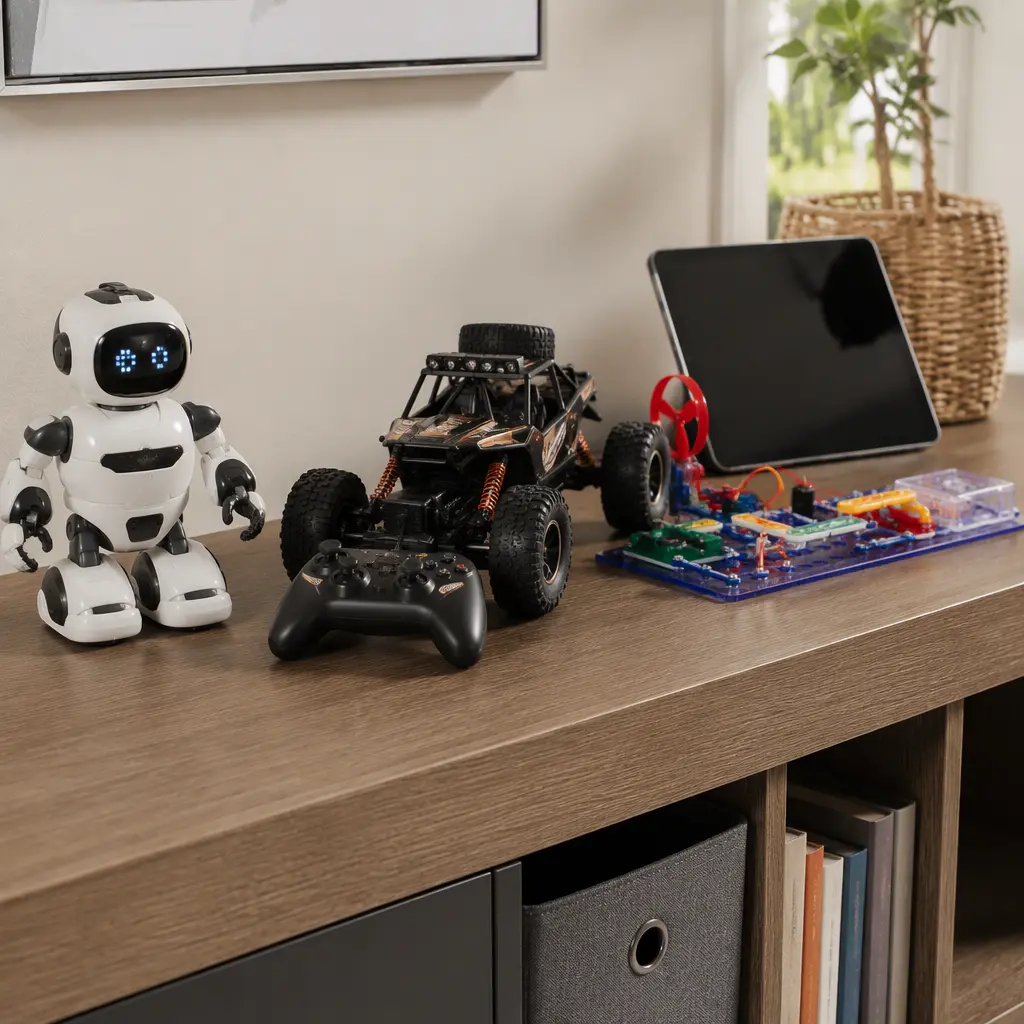
Compare prices and availability
Check current prices and availability for this guide on eBay.
As an eBay Partner, we may be compensated if you make a purchase.
Many connected toys depend on apps, cloud servers or software updates to unlock their main features. That can become a problem a few years later when a company stops supporting the app, removes online services or no longer updates software for newer phones and tablets. For parents buying for children aged 9 to 12, it is worth focusing on toys that still offer meaningful offline play if the connected features disappear. The strongest options usually treat the app as an extra rather than the only way to control, program or enjoy the toy.
What to look for
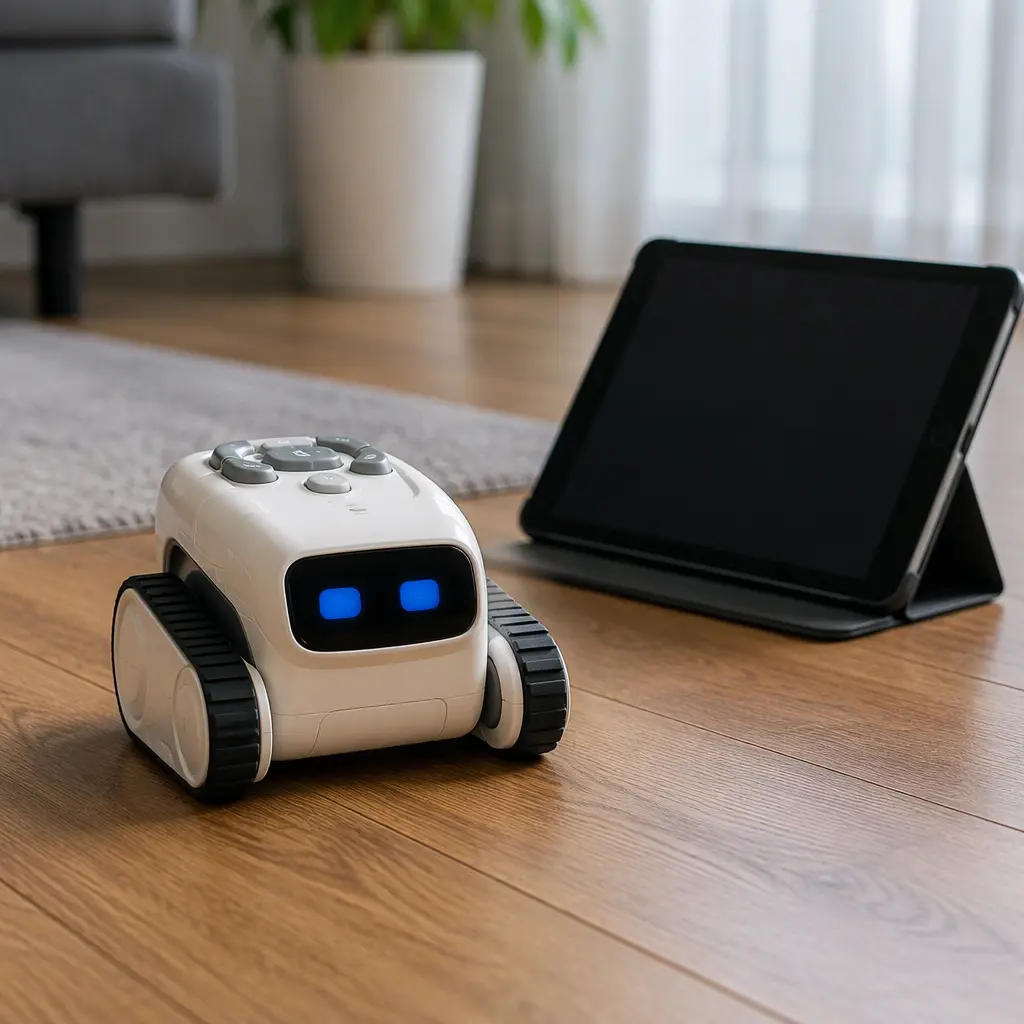
The safest connected-toy purchases are products with strong built-in functions that do not rely on permanent internet access or company servers. Some toys use apps only for setup, extra levels or optional customization, while others stop working almost entirely without a connection. Parents should also consider how likely the toy is to remain compatible with future devices. A toy that depends on a specific phone operating system version or a mandatory subscription can become frustrating faster than expected.
- Look for physical controls on the toy or dedicated handheld remotes instead of app-only control.
- Check whether coding, gameplay or movement features still work offline after initial setup.
- Prefer toys that use standard Bluetooth or local Wi‑Fi connections rather than cloud-only services.
- Battery-replaceable toys can remain usable longer than products with sealed rechargeable packs that may wear out.
- Avoid toys that require ongoing subscriptions, credits or always-online accounts for core features.
- Read manufacturer support pages to see whether firmware updates are optional or mandatory.
- Consider storage space and charging needs, especially for larger robots, RC vehicles or building systems.
Age suitability
Children aged 9 to 12 often want more independence from simple remote-control toys, so this age group is where app-connected robots, coding kits and smart RC products become especially common. Many children in this range can handle setup menus, firmware updates and beginner coding concepts, but younger siblings may struggle without adult help. Parents should also think about how much troubleshooting they are willing to manage. Some connected toys create excellent long-term hobby play for tech-interested children, while others feel repetitive once the novelty of the app wears off.
Options compared
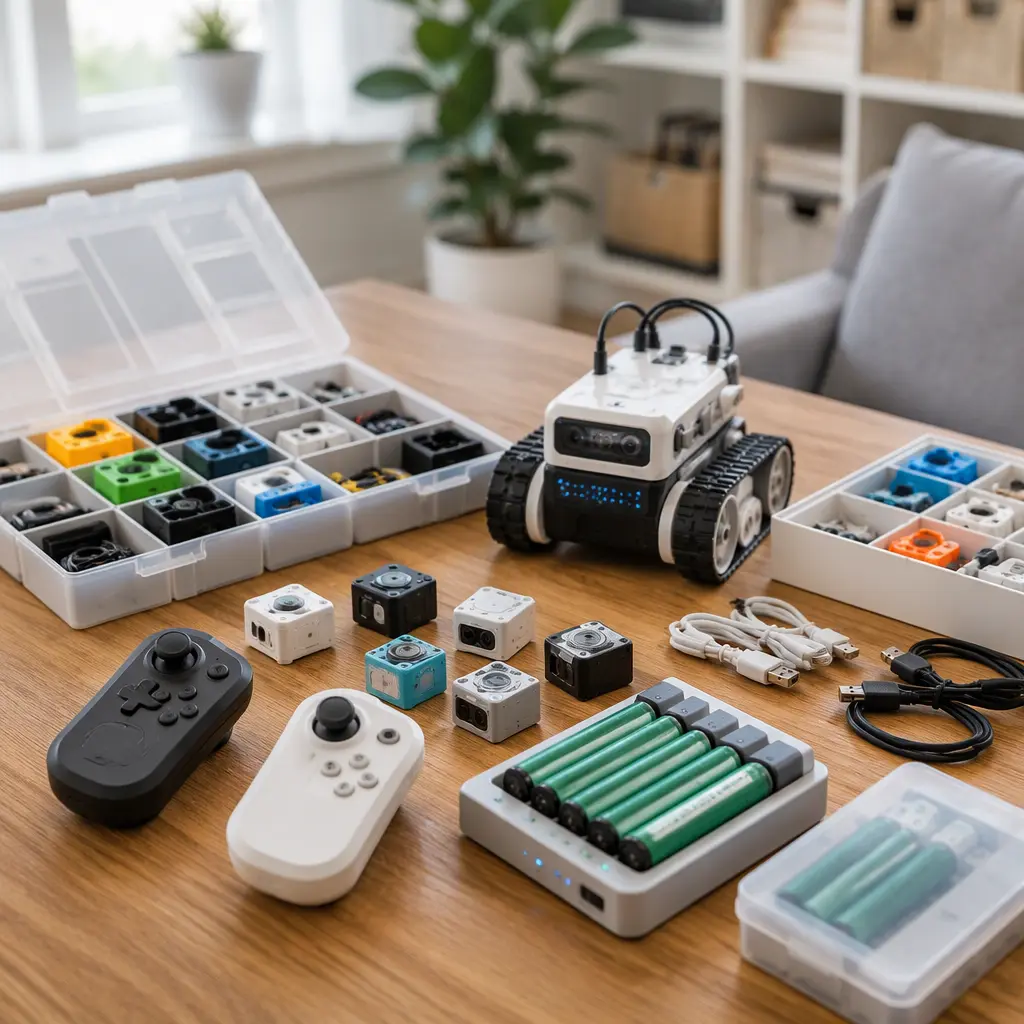
Programmable robots are usually the safest category if you want connected features without total app dependence. Many coding robots aimed at older children include onboard buttons, built-in game modes or downloadable programs that continue running offline. Systems from established educational brands often keep basic movement, sensors and coding activities usable even if companion apps change over time. The trade-off is that these toys can be expensive and sometimes require significant storage space and regular charging.
RC vehicles with dedicated handheld controllers are another strong option. Some modern RC toys add optional smartphone driving modes, telemetry or stunt programming, but the core driving experience still works through the included controller. These suit children who prefer active play over coding. They are less dependent on updates, although replacement batteries and spare parts may become harder to find after a few years.
- Coding robots: Best for children interested in problem-solving and repeat play. Usually quieter indoor toys, but setup can take time.
- Electronic building kits: Good for children who enjoy experimenting and rebuilding. Often usable entirely offline once assembled.
- RC vehicles with physical controllers: Better for outdoor or active play. Less app risk, but some models are noisy and need larger storage areas.
- Smart companion pets or AI chat toys: Highest long-term risk because many rely on cloud processing, voice services or account systems.
- App-only board game hybrids: Often the weakest long-term value if the app becomes unavailable or unsupported on newer devices.
Frequently asked questions
What happens when a toy app disappears from app stores?
If the app is removed, new downloads may become impossible on replacement devices. Some toys continue functioning with existing installations, while others lose setup access or important gameplay features entirely. Toys with onboard controls or dedicated remotes are usually less affected.
Are AI toys more risky than standard connected toys?
Often, yes. AI toys that rely on cloud-based voice processing or conversational features may stop working if servers close or subscriptions end. Simpler connected toys using Bluetooth control or offline coding are generally easier to keep functional over time.
Do older connected toys still work without updates?
Sometimes. Toys using standard Bluetooth connections or self-contained software can remain usable for years. Problems usually appear when newer phones no longer support older apps or when login systems and cloud services shut down.
Should parents avoid connected toys completely?
Not necessarily. Connected features can add coding lessons, customization and creative play that purely offline toys cannot offer. The key is choosing products where the connected element enhances play rather than replacing the toy's basic function.
Which connected toys tend to last longest?
Toys from established robotics, educational and hobby brands often remain usable longer because they support offline functions and standard hardware connections. Products with physical controls and downloadable content stored locally usually age better than cloud-dependent systems.
A connected toy can still be a good long-term purchase if it works as a toy first and a connected device second. Before buying, check whether children can still drive, build, code or play without relying on constant app support. That simple distinction often separates toys that remain useful for years from those that become difficult to use once software support changes.