MatataStudio Tale-Bot Pro and the push for screen-light coding
MatataStudio’s Tale-Bot Pro aims to introduce coding concepts through buttons, movement and storytelling rather than constant screen time, while still raising questions about apps, data and long-term support.
Compare prices and availability
Check current prices and availability for this guide on eBay.
As an eBay Partner, we may be compensated if you make a purchase.
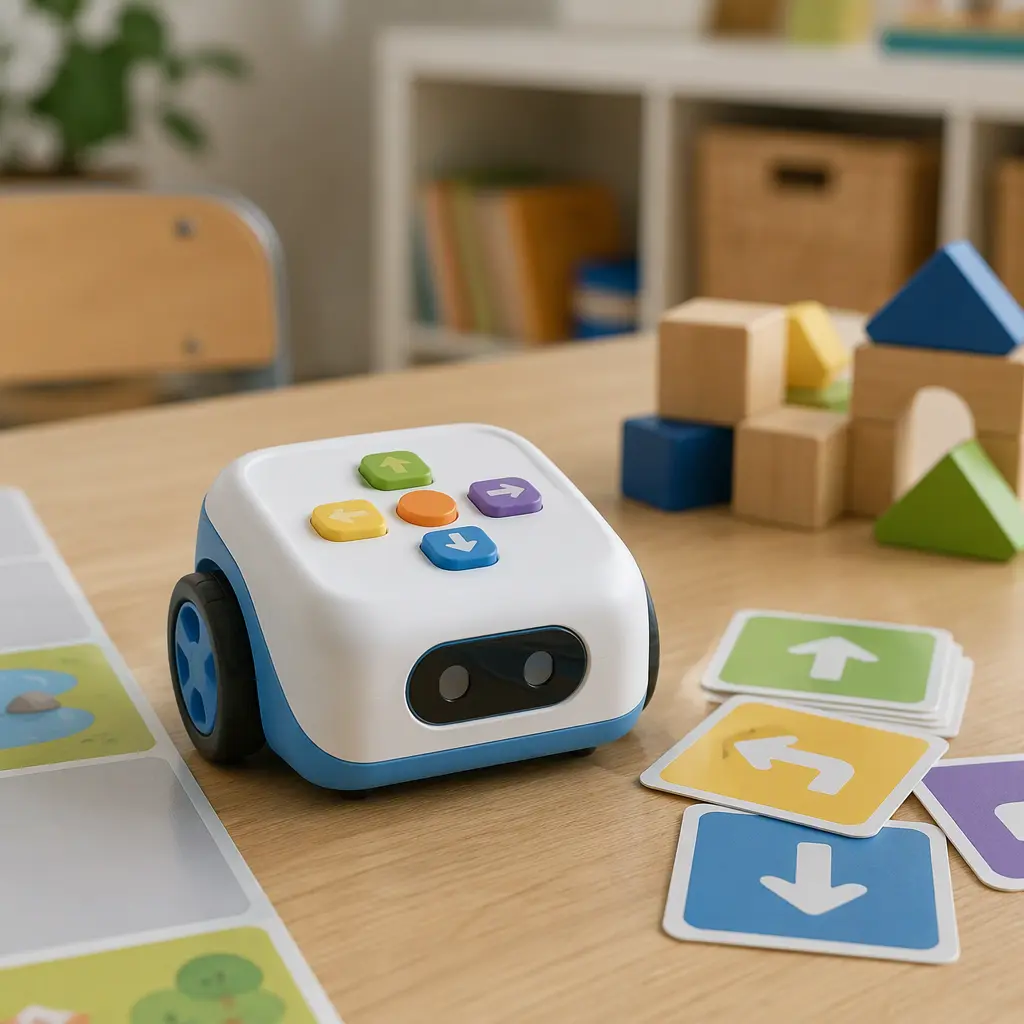
MatataStudio’s Tale-Bot Pro sits in a growing category of educational robots designed to teach coding ideas without putting a tablet in front of children for every activity. The robot uses simple directional controls, sounds and movement to introduce sequencing, logic and problem-solving in a format aimed at early learners. That pitch has become increasingly attractive to schools and parents looking for “screen-light” STEM activities that still connect to modern computing concepts. At the same time, products like this also bring practical questions about app dependence, classroom data handling and how useful the toy remains if online services or software support change over time.
Where it came from
MatataStudio entered the educational technology space with coding-focused learning systems aimed at younger children and early elementary classrooms. The broader idea behind the company’s products has been consistent: teach computational thinking through physical interaction first, then gradually introduce more advanced concepts later. Tale-Bot Pro follows that philosophy by emphasizing tactile controls and immediate feedback instead of requiring children to read code on a screen.
The timing also reflects wider trends in both schools and toy retail. Coding toys are no longer marketed only to older children interested in robotics clubs or engineering kits. Manufacturers increasingly position these products as early-learning tools alongside literacy games and math manipulatives. Tale-Bot Pro appears designed to fit that environment, with durable classroom-oriented styling, simplified controls and activities that can support storytelling as much as pure programming. Although companion software and connected features are part of the ecosystem, the core concept depends on children pressing physical controls and watching the robot respond in real space.
Why it works
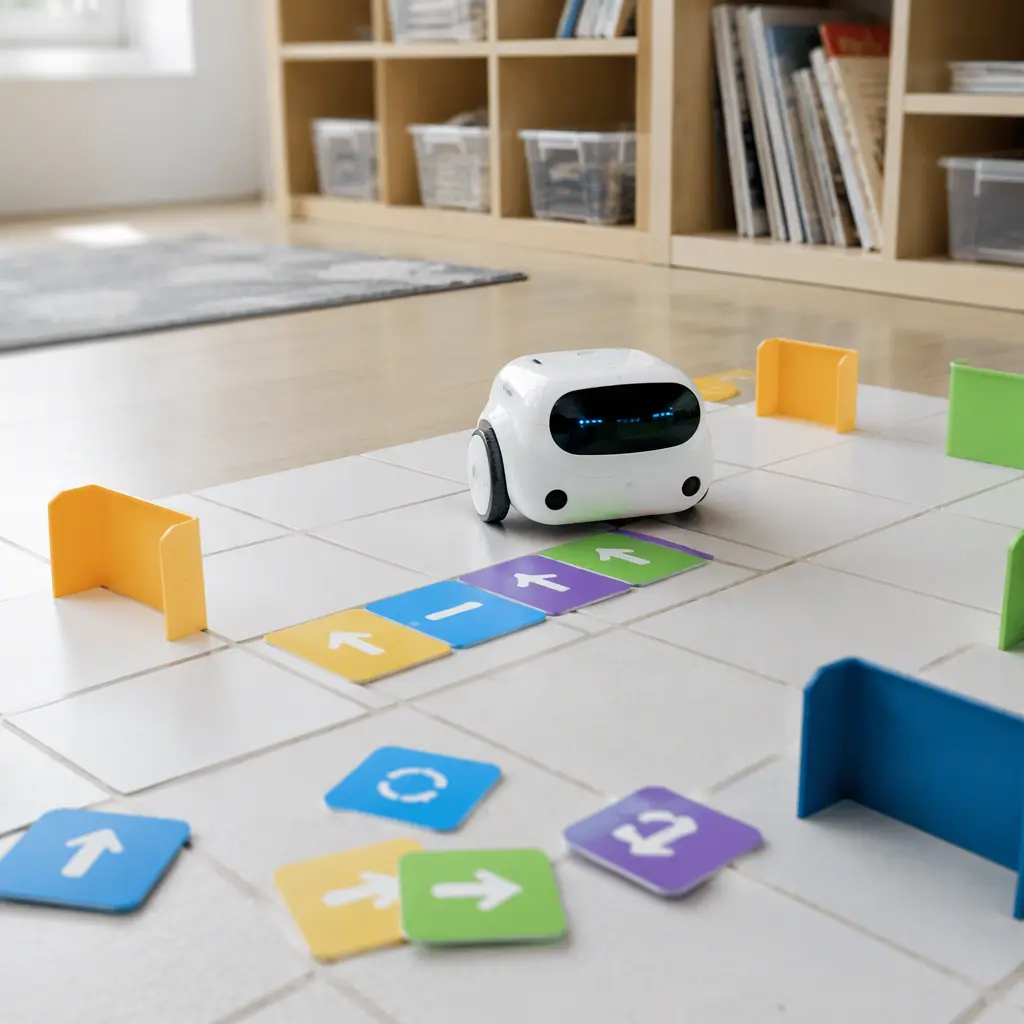
The main appeal of Tale-Bot Pro is that it turns abstract coding ideas into visible actions. Younger children often struggle with concepts that only exist on a screen, but directional movement, sound effects and command sequences create immediate cause-and-effect learning. A child enters a short series of commands, presses play and watches the robot carry them out step by step. That loop can reinforce sequencing, prediction and debugging in a way that feels closer to play than formal instruction.
The robot’s approachable design is also part of the formula. Educational robots for early learners tend to avoid exposed wiring, complicated assembly or highly technical interfaces. Tale-Bot Pro instead appears built around rounded forms, large buttons and expressive feedback that can keep younger children engaged even before they fully understand coding vocabulary. Teachers and parents often use this category of toy for collaborative activities as well, with children building routes, creating stories or solving movement challenges together.
- Button-based programming designed for pre-reading or early-reading children
- Physical movement that demonstrates sequencing and logic in real space
- Storytelling and route-planning activities that go beyond traditional coding drills
- Classroom-friendly format with durable styling and simplified controls
- Potential app-connected features depending on setup and regional software support
Who it's for
Tale-Bot Pro is primarily aimed at preschool and early elementary-age children, especially those who are just beginning to encounter coding concepts. The toy’s physical controls and visual feedback make it more approachable than text-based programming kits intended for older students. It may also appeal to educators searching for group STEM activities that do not require every child to use an individual tablet or laptop. Adults interested in educational technology often see products like this as a middle ground between traditional toys and fully screen-based learning systems. However, families should still expect some setup, charging and software management depending on how deeply they use companion features.
Variants and what to look for today
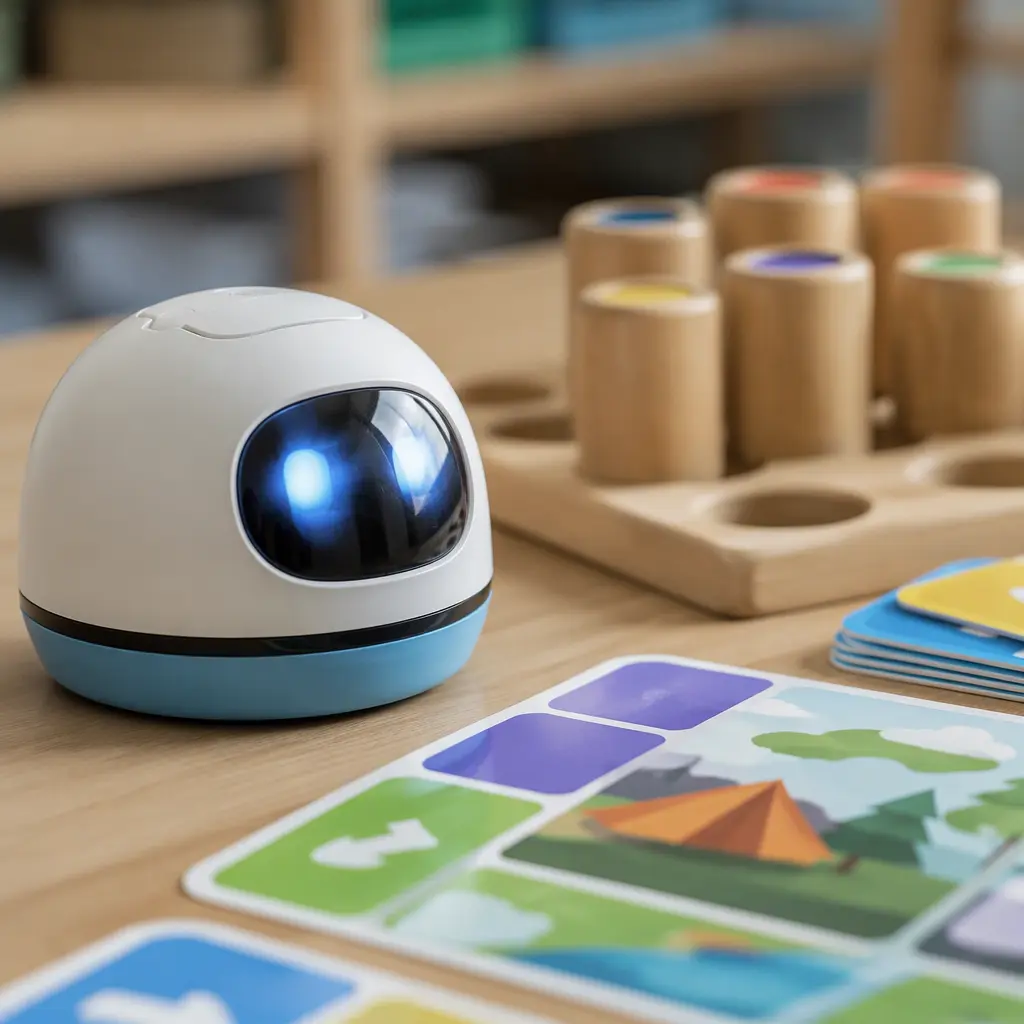
Educational robotics products often appear in several classroom bundles, accessory packs or curriculum-focused sets rather than dramatically different core versions. Buyers looking at Tale-Bot Pro should pay attention to what is actually included, particularly whether coding cards, mats, charging accessories or teacher resources are bundled together. Retail listings can vary between classroom suppliers, educational catalogs and general toy stores.
The biggest practical consideration may not be the hardware itself but the surrounding ecosystem. Some educational robots function almost entirely offline after charging, while others rely more heavily on companion apps for updates, activities or expanded lessons. Parents and schools may want to confirm device compatibility, language support and whether account creation is required for certain features. In classroom settings, administrators may also ask how student information is handled if cloud-connected functions are involved. Because educational technology changes quickly, long-term software support can matter just as much as physical durability.
- Check whether activities work fully offline or require a companion app
- Look for clear information about tablet or phone compatibility if app features are important
- Compare classroom bundles carefully because included accessories may differ
- Buy from established educational retailers when possible to avoid incomplete imports or unsupported versions
- Consider whether replacement charging cables or classroom accessories are easy to obtain
Frequently asked questions
Does Tale-Bot Pro require a screen to work?
The core idea behind the robot is screen-light learning through onboard controls and physical interaction. Some expanded activities or updates may involve companion software, but the basic movement-and-sequencing play pattern is designed to function directly on the robot itself.
Is this a true coding robot or just a remote-control toy?
Products like Tale-Bot Pro are generally intended to teach foundational coding concepts such as sequencing, loops and logical order. The experience is simplified for younger children, but it goes beyond ordinary remote control by asking children to plan and enter commands ahead of time.
Can adults use it without a classroom setup?
Yes. Although educational robots are often marketed to schools, many are also designed for home use. Families commonly use them for simple STEM activities, obstacle courses and collaborative games without formal lesson plans.
What should buyers watch for with connected learning toys?
The main considerations are app support, device compatibility, account requirements and how much functionality remains available offline. It is also useful to check whether the manufacturer continues updating companion software over time, particularly if the toy depends on mobile apps for expanded content.
Tale-Bot Pro reflects a broader shift in educational toys toward tactile, collaborative STEM learning that does not revolve entirely around screens. Its appeal comes from making coding feel physical and approachable for younger children. At the same time, the product belongs to a modern category where software support, connected features and ecosystem design matter almost as much as the robot itself. For families and schools balancing hands-on play with digital learning, that combination is both the opportunity and the tradeoff.