Sphero: The rolling robot that smuggled coding into playtime
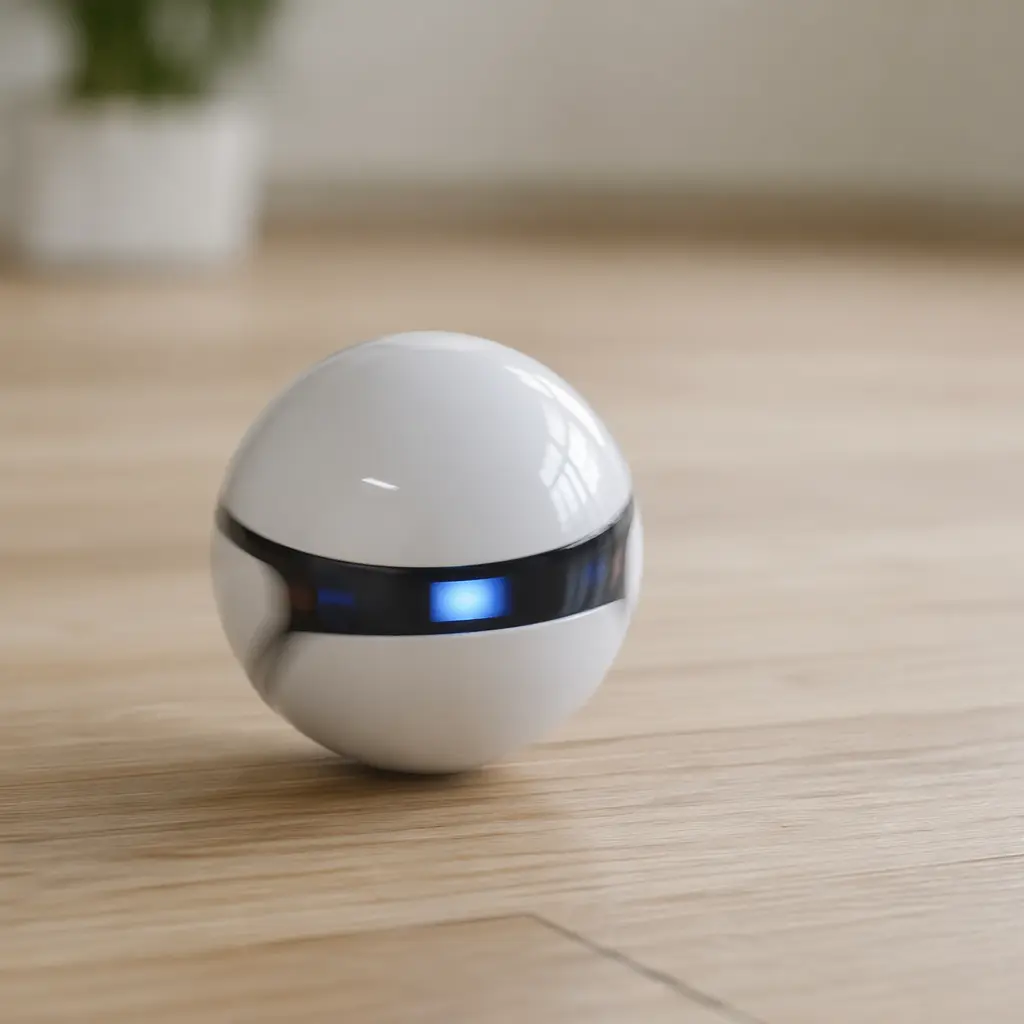
A palm-sized robot ball that turned screen time into hands-on learning, Sphero blended play, physics, and coding—quietly teaching a generation how software meets the real world.
Compare prices and availability
Check current prices and availability for this guide on eBay.
As an eBay Partner, we may be compensated if you make a purchase.
At first glance, Sphero looks almost too simple to be interesting: a smooth, palm-sized ball that rolls around under its own power. But that simplicity is the trick. When Sphero arrived in the early 2010s, it quietly reframed what a toy robot could be—less about flashing lights and catchphrases, more about how kids (and adults) could tell a machine what to do. It didn’t just roll; it responded, reacted, and, crucially, waited for instructions written in code.
Where it came from
Sphero debuted in 2013, born from a Colorado-based startup with a clear ambition: make robotics approachable. Smartphones had just become powerful enough to act as controllers, sensors, and screens all at once, and Sphero took advantage of that shift. Instead of packing buttons and displays onto the toy itself, the intelligence lived in an app, leaving the robot as a durable, sealed sphere packed with motors and sensors.
Originally pitched as a fun, app-controlled gadget, Sphero’s educational potential became obvious almost immediately. Schools and after‑school clubs began using it to introduce programming concepts without the intimidation of a keyboard-heavy setup. By steering a real object across the floor, kids could see the results of code instantly—an approach that felt closer to play than to homework.
Why it works
Sphero works because it links abstract ideas to physical outcomes. Code isn’t just lines on a screen; it’s the reason the ball turns left, changes colour, or avoids an obstacle. That cause-and-effect loop is powerful, especially for younger learners who benefit from tangible feedback.
The design also removes friction. With no sharp edges, exposed wheels, or fragile limbs, the robot can survive being chased under sofas or bumped into skirting boards. The smooth shell invites experimentation, not caution.
- Spherical design that protects internal components
- App-based control using phones or tablets
- Sensors that track movement, speed, and direction
- Support for visual, block-based coding as well as text coding
Who it’s for
Sphero is typically aimed at primary school age and up, but its real audience is broader. Younger children can enjoy simple driving and colour-changing activities, while older kids and teens dig into programming challenges. Adults—especially parents and educators—often find themselves just as engaged, using Sphero as a low-pressure way to understand coding concepts they may have missed the first time around.
Variants and what to look for today
Over time, the Sphero family expanded beyond a single rolling ball. There have been smaller versions designed for classrooms, more advanced models with extra sensors, and companion robots that focus on drawing or line-following rather than rolling freely. While the core idea remains the same, the experience can vary depending on which ecosystem and app support is still current.
If you’re looking for a Sphero-style robot today, focus less on cosmetic extras and more on software support. Active apps, clear lesson content, and compatibility with the devices you already own matter more than top speed or brightness. Generic lookalikes can roll, but they often lack the depth that makes Sphero a learning tool rather than a novelty.
Frequently asked questions
Does Sphero really teach coding?
Yes, in an introductory sense. Sphero uses visual, block-based programming and optional text coding to teach logic, sequencing, and problem-solving. It’s a starting point rather than a full curriculum.
Is it more toy or educational tool?
It’s both. The strength of Sphero is that it doesn’t force a choice between fun and learning. Kids can play first and discover the educational side naturally.
Do you need programming experience to use it?
No. The apps are designed for beginners, with tutorials and challenges that assume no prior knowledge. More advanced users can still push further.
Is it suitable for classrooms?
Very much so. Its durability and shared-app approach make it popular in schools, coding clubs, and libraries.
More than a decade after its debut, Sphero stands as a reminder that educational toys don’t have to look like lessons. By hiding serious ideas inside a playful form, it helped normalize coding as something you could do on the living room floor—no desk required.