Are AI Drawing Robots Worth It for Creative Kids?
A parent-focused guide to AI drawing robots for ages 6–8, covering creativity, screen time, subscriptions, privacy, offline play and whether these connected art toys are worth the trade-offs.
Compare prices and availability
Check current prices and availability for this guide on eBay.
As an eBay Partner, we may be compensated if you make a purchase.
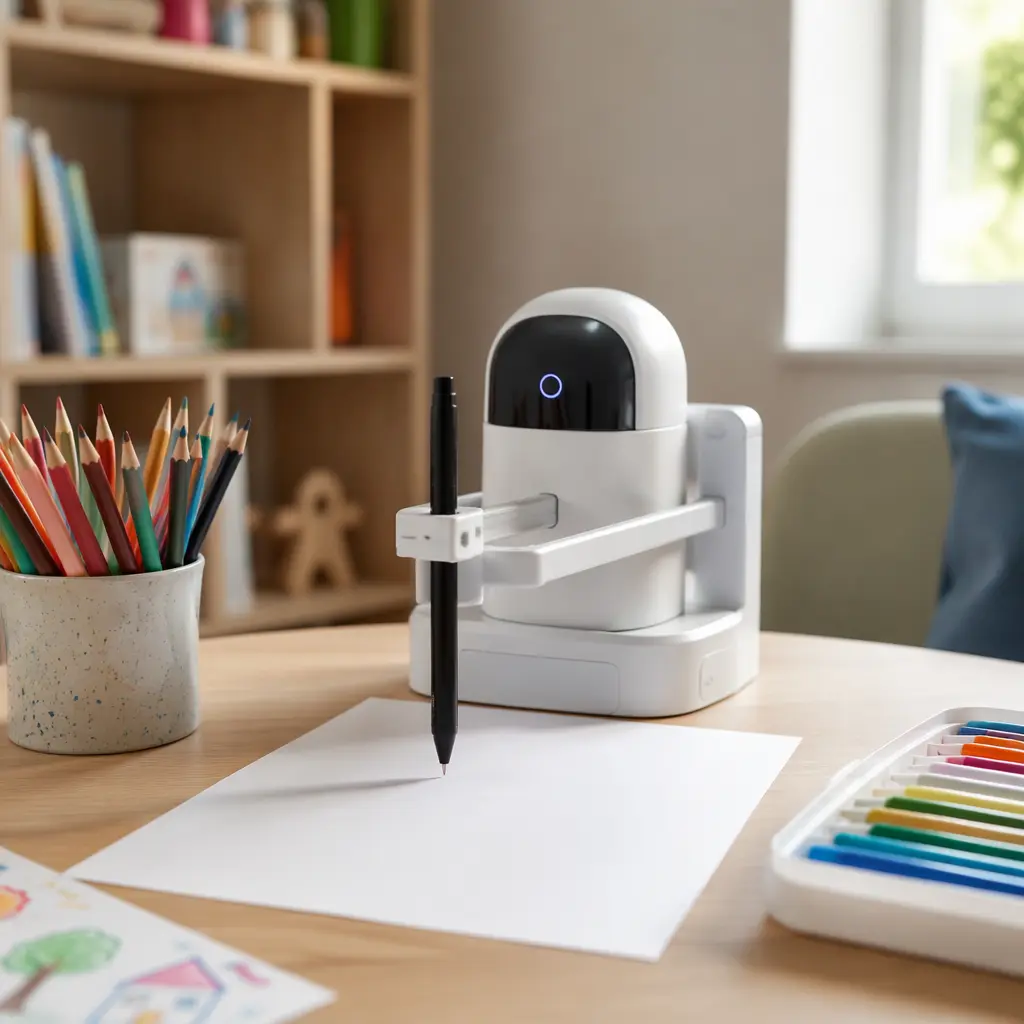
AI drawing robots for children combine simple robotics with connected software that can suggest, guide or generate drawings. Some trace shapes onto paper, some teach step-by-step drawing through an app, and some use cloud-based AI tools to turn prompts into cartoon-style artwork. For parents of children aged 6–8, the main question is usually not whether the technology works, but whether it genuinely supports creativity or simply replaces it with automated output. These toys can encourage reluctant artists, introduce basic coding or robotics concepts and add novelty to art time. At the same time, many depend heavily on apps, accounts or subscriptions, and some increase screen use more than expected for an arts-and-crafts toy.
What to look for
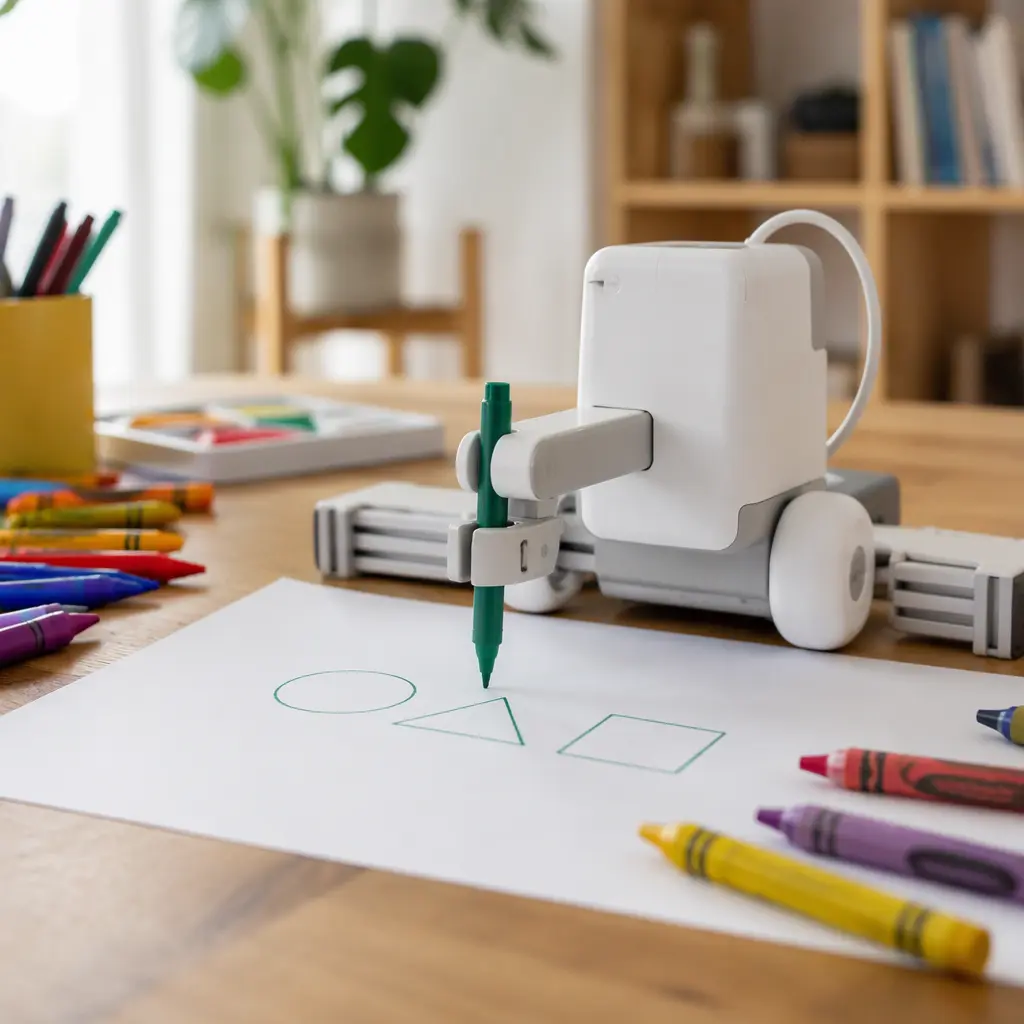
The biggest difference between AI drawing robots is how much of the creative process the child controls. Some products mainly automate drawing, while others act more like a guided art teacher. Parents should also check whether the toy works offline, whether advanced features require paid credits or subscriptions, and how much setup an adult will need to manage. For younger children in the 6–8 range, ease of use matters more than having the most advanced AI features.
- Check whether the toy can function without a constant internet connection or app login.
- Look for clear parental controls, especially if the toy includes microphones, cameras or cloud-based image generation.
- Consider how much screen time is actually required. Some robots only need occasional app setup, while others keep children on a tablet throughout the activity.
- Review subscription or credit systems carefully. Some manufacturers limit AI-generated drawings or premium templates behind ongoing payments.
- Choose durable, easy-to-clean materials. Drawing robots often use markers that can dry out, leak or smudge.
- Think about noise and movement. Motorized robots can produce constant buzzing sounds that may bother siblings or shared spaces.
- Check device compatibility before buying. Some toys only support newer phones or tablets.
- Consider storage. Robots with detachable arms, cables or drawing mats can take up more space than standard art kits.
Age suitability
Most AI drawing robots marketed toward children work best for ages 6–8 when a child can follow multi-step instructions and handle basic troubleshooting. Younger children may enjoy watching the robot move but often need help pairing devices, positioning paper or restarting apps. At this age, many children still benefit more from open-ended drawing materials than from highly automated systems that produce polished results too quickly. A child who already enjoys sketching, crafting or building with STEM toys may get more value from a drawing robot than a child who prefers fast-paced digital games. Families looking for fully screen-free creative play may also find that these products shift attention toward managing apps instead of making art.
Options compared
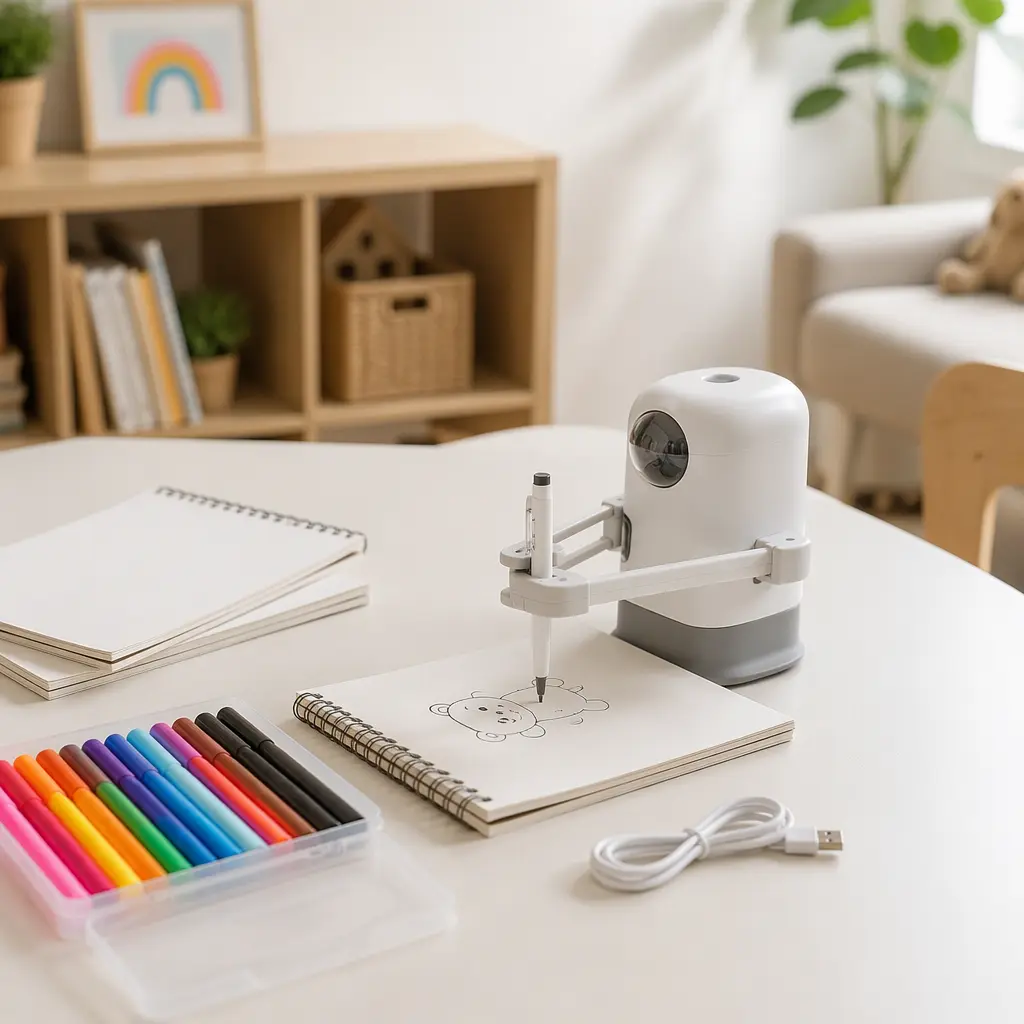
AI drawing toys generally fall into three categories. The first includes tracing or plotter-style robots that physically move a pen across paper. These can feel impressive at first and are often engaging for children who enjoy machines or gadgets. The trade-off is that the robot may end up doing most of the creative work. Some children move from creating their own pictures to mainly selecting templates and watching the device complete them.
The second category focuses on guided learning. These toys use apps or simple AI systems to break drawings into steps, offer prompts or adapt lessons to the child’s skill level. For many families, this approach supports creativity better because the child still draws by hand. The downside is that these systems often depend heavily on tablets and may lock advanced lessons behind subscriptions or online accounts.
The third category combines AI image generation with crafts or robotics. A child types or speaks prompts and the software creates characters, scenes or coloring pages. These systems can inspire imaginative storytelling, especially for children who struggle to start with a blank page. However, they also raise more privacy and moderation concerns because cloud-based AI systems may process prompts externally. Parents should check whether generated content is filtered for children and whether the toy remains useful if servers or support are discontinued later.
- Tracing robots suit children fascinated by gadgets, motion and repeatable designs, but may reduce hands-on drawing practice.
- Guided drawing systems suit children who want structure and skill-building while still creating artwork themselves.
- AI image-generation toys suit highly imaginative children who enjoy storytelling and experimenting with ideas, but they usually involve the most screen use and cloud dependence.
- Families prioritizing quiet, portable or independent play may prefer traditional art kits, drawing projectors or sticker-based craft sets instead.
- Children who become frustrated by technical delays may lose interest quickly if the toy requires frequent updates, charging or app troubleshooting.
Frequently asked questions
Do AI drawing robots reduce creativity?
They can, depending on how they are used. Toys that automate most of the drawing process may encourage passive watching rather than active making. Guided systems that teach techniques or inspire ideas tend to support creativity more effectively because the child still makes artistic decisions.
Are subscriptions common with AI art toys?
Increasingly, yes. Some manufacturers include free starter content but reserve additional templates, AI generations or lesson libraries for paid plans. Parents should check whether the toy remains enjoyable without ongoing purchases.
Do these toys work offline?
Some do, especially basic drawing robots that follow preloaded instructions. More advanced AI features often require internet access because image processing happens on external servers. Offline usefulness matters if a company later reduces support or shuts down online services.
Are AI drawing robots educational?
They can support fine motor skills, sequencing, visual planning and interest in technology. Educational value depends heavily on whether the child actively participates or mainly watches automated drawing happen.
What is the main downside for parents?
The combination of screen dependence, account management and ongoing costs is often the biggest concern. Many parents expect an art toy but discover that setup, updates and app navigation become a regular part of playtime.
For families deciding between an AI drawing robot and traditional creative toys, the most useful question is whether the technology adds meaningful interaction or simply extra complexity. The strongest options encourage children to draw, experiment and make choices rather than passively generate finished pictures. For ages 6–8, balance matters: a connected drawing toy can be engaging in moderation, but it usually works best alongside simple offline art supplies that leave more room for imagination and independent creativity.