AI Desk Robots With Better Offline Value for Teens
Compare AI desk robots for teens by looking beyond novelty features. Learn how app dependence, cloud services, privacy and offline modes affect long-term usefulness.
Compare prices and availability
Check current prices and availability for this guide on eBay.
As an eBay Partner, we may be compensated if you make a purchase.
AI desk robots are designed to sit beside a computer or on a shelf, mixing conversation, animations, games and simple productivity features into a compact companion device. For teens, the appeal is usually personality and interaction rather than practical robotics. The challenge for parents is that many of these products depend heavily on apps, cloud servers or subscription systems that may change over time. A robot that feels lively at launch can lose features if the manufacturer reduces support, changes app requirements or closes online services. Before buying, it helps to focus less on marketing terms like “AI-powered” and more on what the robot can still do without an internet connection years later.
What to look for
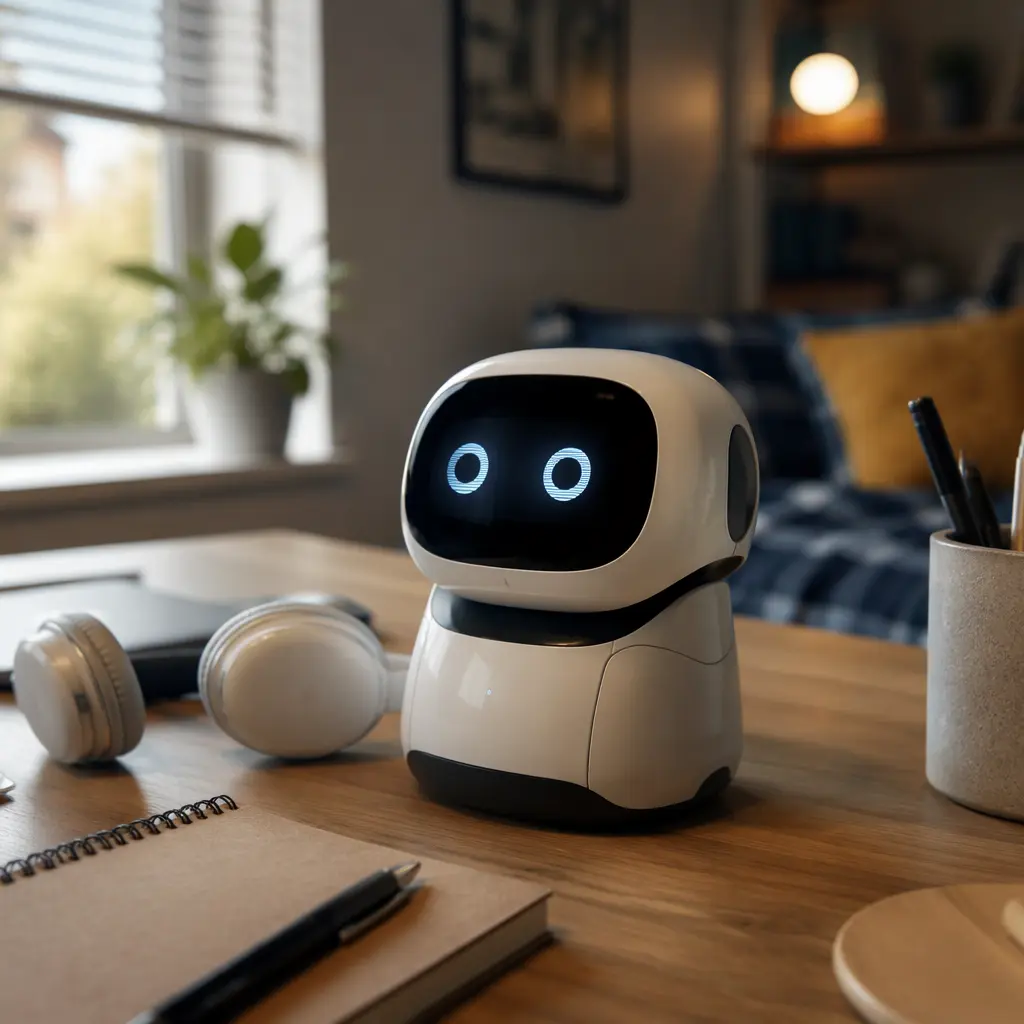
The biggest difference between desk robots is how much of the experience runs locally on the device compared with cloud-based systems. Some products use onboard programming for expressions, movement and simple interactions, while others send voice requests to remote servers for nearly every response. Cloud features can feel more advanced at first, but they also create long-term uncertainty if support changes. Parents should also check whether the robot remains useful without a phone app, whether account creation is required and how updates are delivered.
- Offline functionality: Look for robots that can still move, react, play built-in games or run routines without internet access.
- App dependence: Some robots stop working almost entirely if the companion app is removed from app stores or loses support for newer phones.
- Microphones and cameras: Many AI robots include always-listening microphones or optional camera features. Check whether recordings are stored locally or processed in the cloud.
- Subscription systems: Certain conversational features may rely on monthly credits or paid AI services after an introductory period.
- Repairability and battery access: Sealed batteries and proprietary charging systems can shorten useful lifespan.
- Programming options: Robots with simple coding tools or offline scripting often stay interesting longer than novelty chat features alone.
- Noise levels: Animated desk robots can include fans, motors and notification sounds that may become distracting in shared rooms or study spaces.
- Regional support: Voice assistants, language support and cloud services sometimes vary by country and may change over time.
Age suitability
Most AI desk robots are better suited to teenagers than younger children because the experience often centers on customization, coding, desktop companionship or conversational novelty rather than active play. The 13+ age range also reflects the connected nature of many products, including account systems, voice interaction and app permissions. Teens interested in technology, coding or digital art may get more long-term value from programmable robots that can run routines and animations offline. Teens expecting highly advanced conversation similar to modern AI chat apps may be disappointed by simplified or scripted interactions, especially once internet services are limited. Parents should also consider whether the robot is mainly decorative, educational or social, since different products emphasize different strengths.
Options compared
AI desk robots generally fall into three broad categories. The first is cloud-first companion robots that focus on conversation, emotional reactions and app-connected personalities. These tend to offer the most impressive demonstrations early on because they rely on online AI processing and frequent updates. The trade-off is long-term uncertainty. If servers close or subscriptions change, many features may stop functioning or become limited. These robots suit teens who enjoy experimenting with emerging tech and understand that the experience may evolve over time. They are less suitable for families who expect a device to work consistently for many years without ongoing online support.
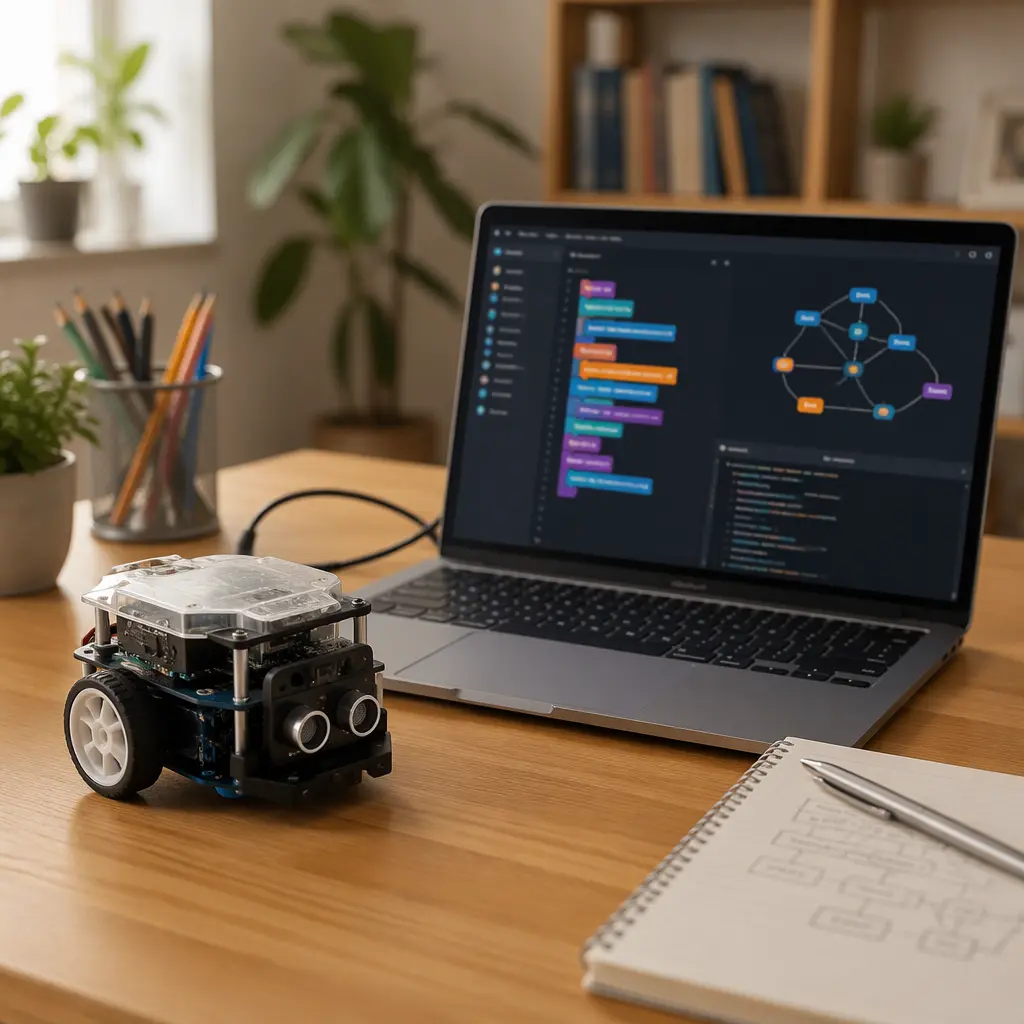
The second category is programmable desktop robots with some AI-style features layered on top. Products in this group may include voice commands, facial expressions or app connectivity, but they usually retain offline coding modes, movement routines or sensor-based games. These are often the safest long-term choice because the core functions remain usable even if cloud features disappear. They suit teens interested in coding, engineering or robotics clubs and tend to offer stronger replay value beyond novelty conversation.
The third category is animated companion gadgets marketed with AI language even though the technology is mostly pre-programmed. These products may react to touch, sound or simple commands without relying heavily on cloud systems. While less advanced, they are often easier to maintain and less affected by app shutdowns. They suit teens who mainly want a desktop character or fidget-style companion rather than a sophisticated assistant.
- Cloud-first AI companions: Strong personality features and conversational novelty, but highest dependence on apps, servers and subscriptions.
- Programmable robots with offline tools: Better long-term value for coding and experimentation, usually more resilient after support changes.
- Animated reactive companions: Simpler interactions, lower privacy concerns and fewer online requirements, but less depth overall.
Frequently asked questions
Do AI desk robots still work if the company stops updates?
It depends on how the robot was designed. Robots with local programming, built-in games or offline controls usually keep basic functionality. Products that rely on cloud processing for speech and personality features may become severely limited if online services close or apps stop working on newer devices.
Are these robots educational or mostly novelty items?
Some are closer to coding kits or robotics learning tools, while others function mainly as interactive desk companions. Educational value tends to be stronger when the robot supports programmable routines, sensors or scripting rather than only conversational features.
Should parents worry about privacy?
Privacy deserves attention because many AI desk robots include microphones and connect to online accounts. Manufacturers may process voice requests through cloud systems to generate responses. Parents should review data policies, available mute controls and whether accounts can be used with limited data sharing.
Do these robots need subscriptions?
Some manufacturers include free basic features but place advanced AI conversations, expanded personalities or cloud storage behind subscriptions or credit systems. It is worth checking whether the robot remains useful without ongoing payments.
What makes a robot a better long-term purchase?
The most durable value usually comes from robots that combine offline functions with expandable activities such as coding, local games or customizable routines. A robot that can still entertain or teach without cloud access is generally a safer long-term choice than one built mainly around online conversation.
For most families, the safest approach is to treat AI desk robots as connected gadgets with uncertain support timelines rather than permanent collectibles. Products with offline programming tools, local controls and useful standalone features are typically more resilient after app updates slow down. Teens who enjoy coding and experimentation often get more lasting value from these systems than from purely conversational robots that depend heavily on cloud services.