Beginner Electronic Toys That Teach How Buttons Work
A parent-focused guide to simple electronic toys for ages 3–5 that explain real-world buttons, switches, and dials—what to look for, age fit, safety notes, and common questions.
Compare prices and availability
Check current prices and availability for this guide on eBay.
As an eBay Partner, we may be compensated if you make a purchase.
For many preschoolers, buttons feel like magic. Press one and something happens—lights turn on, sounds play, or a motor moves. Beginner electronic toys can turn that magic into understanding by clearly showing cause and effect. This guide focuses on simple, age-appropriate electronic toys for children ages 3–5 that help them learn how real-world controls work, without overwhelming features or screen-heavy play.
What to look for
The best beginner electronic toys make controls obvious and outcomes predictable. Preschoolers are still building fine motor skills and attention, so clarity matters more than complexity. Look for designs that slow things down and invite repeat exploration.
- Clear cause and effect: One action should trigger one result, such as a button that turns a light on and off.
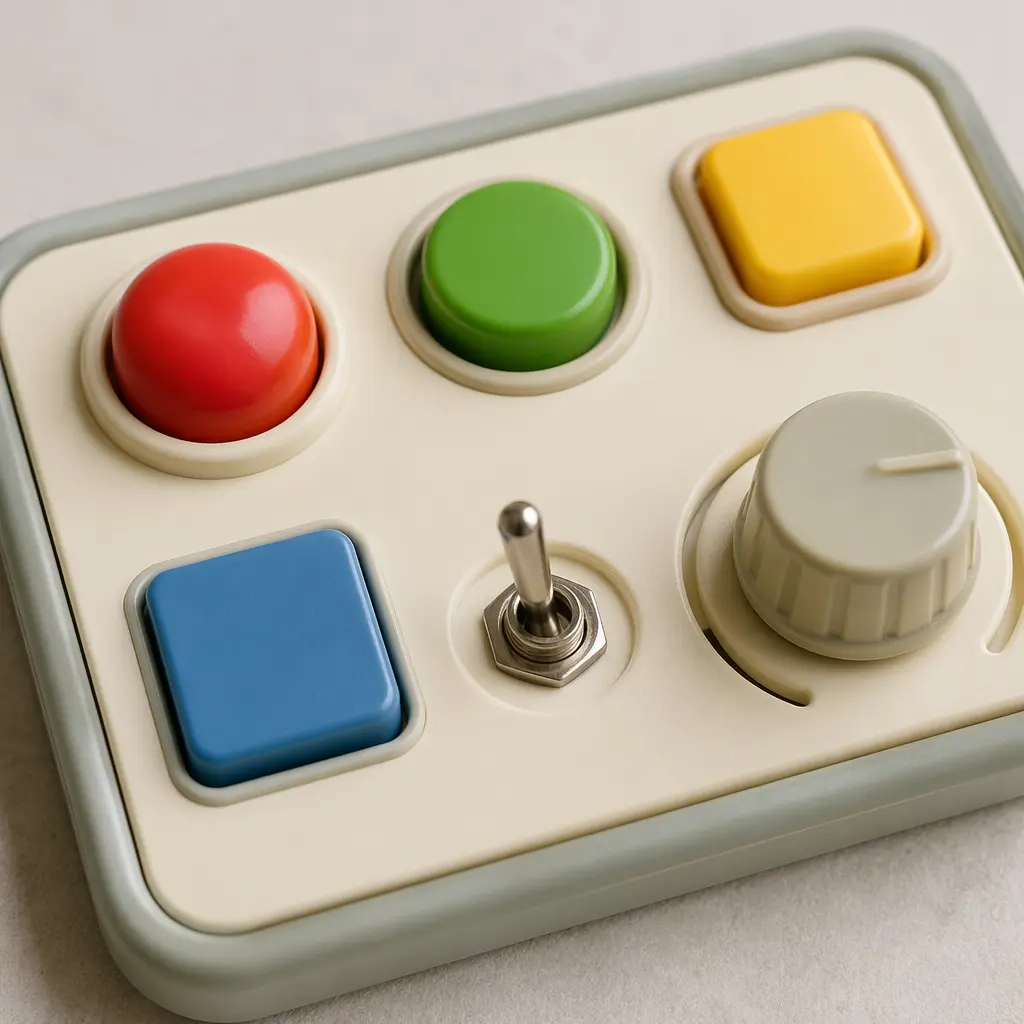
- Large, distinct controls: Oversized buttons, sliders, and switches are easier to see and manipulate.
- Physical feedback: Clicks, resistance, or movement help children feel when an action works.
- Limited modes: Fewer settings reduce confusion and support focused learning.
- Durable construction: Sturdy housings and recessed electronics stand up to drops and rough handling.
- Simple power sources: Easy battery access for adults and auto-off features help manage use.
Age suitability
For ages 3–5, electronic toys should balance novelty with mastery. Three-year-olds benefit from very direct interactions—press, hear, see. By age four and five, children can handle a few different controls on the same toy and start comparing what each one does. Avoid toys designed for older kids that add menus, small icons, or fast sequences, as these can distract from learning how controls function. When possible, check that the toy’s size, sound level, and required strength match preschool abilities.
Standout categories or types
Not all electronic toys teach controls in the same way. Some emphasize repetition, while others introduce variety. Understanding the main categories can help you match a toy to your child’s learning style.
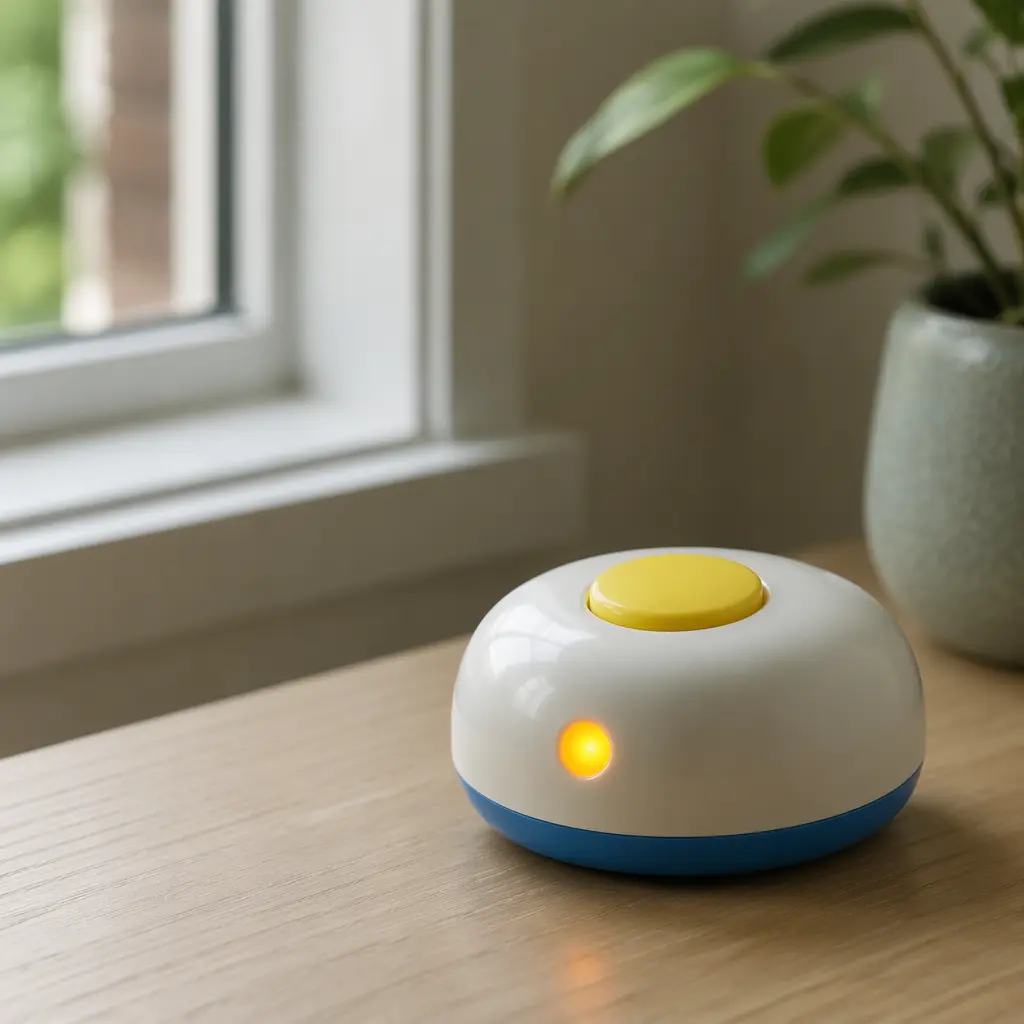
- Single-function button toys: These focus on one control, helping children grasp on/off concepts without distraction.
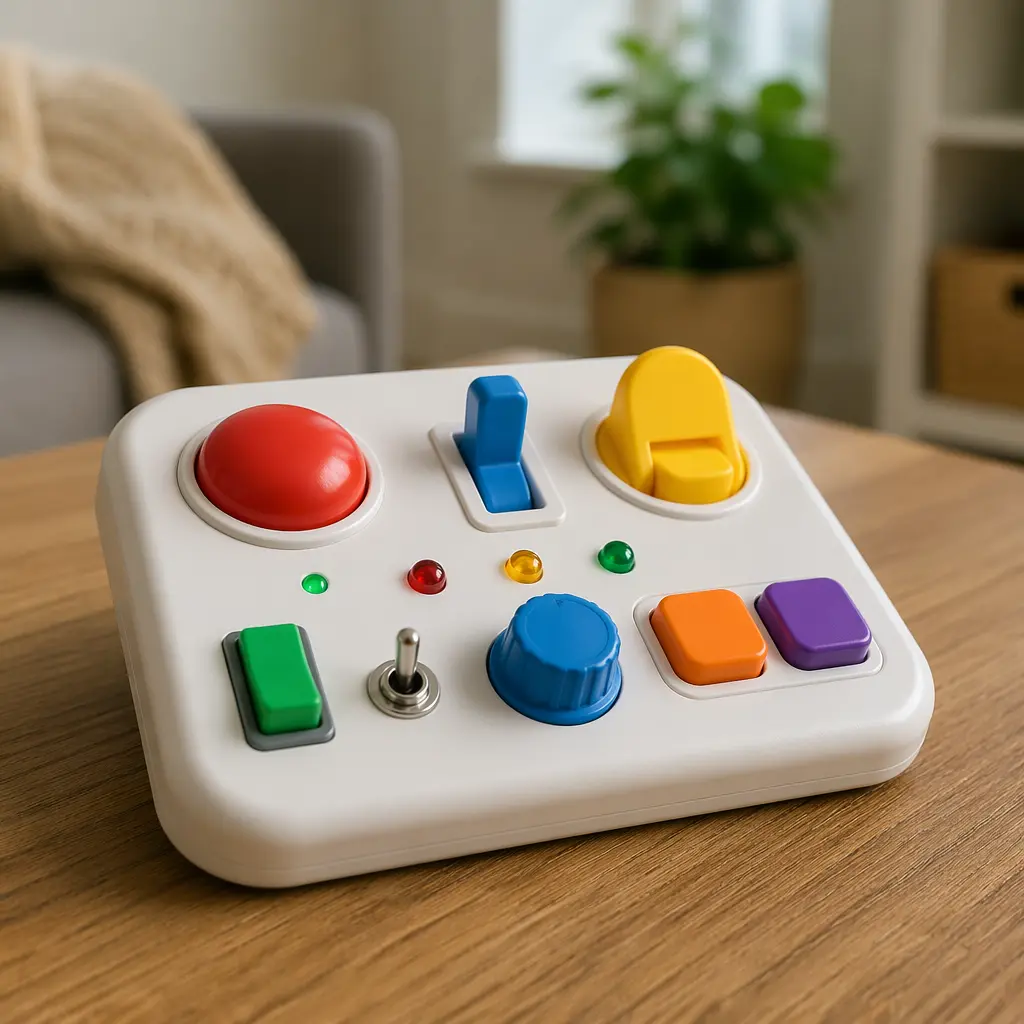
- Activity boards: Panels with multiple buttons, switches, and dials let kids compare different inputs side by side.
- Light-and-sound toys: Visual and audio feedback reinforces cause and effect, especially for early learners.
- Motor-response toys: Pressing a control makes something move, teaching that buttons can control motion.
- Pretend control toys: Simplified versions of real-world interfaces, like control panels, support imaginative play while teaching function.
Frequently asked questions
Do electronic toys reduce creativity?
When designed simply, electronic toys can support creativity rather than limit it. Clear controls free children to experiment and predict outcomes, which is a foundation for problem-solving and imaginative play.
How loud should these toys be?
Preschool-friendly electronic toys should have moderate volume levels. Sounds should be noticeable but not startling, and ideally adjustable or limited to prevent overstimulation.
Are screens necessary for learning buttons?
No. Physical buttons and switches often teach control concepts more effectively than screens at this age. Tactile feedback helps children understand what their actions do.
How many features are too many?
If a child needs instructions to remember what each button does, the toy may be too complex. For beginners, fewer features usually mean deeper understanding.
Can these toys prepare kids for real devices?
Yes. Learning that buttons control lights, sounds, or movement builds transferable skills that apply to household devices, tools, and later technology.
Beginner electronic toys work best when they explain the basics clearly and invite hands-on exploration. By choosing simple designs with obvious controls, parents can help preschoolers move from pressing buttons at random to understanding how and why things respond.