Best AI Toys That Still Work During Wi‑Fi Outages
A parent-focused guide to AI and smart toys that keep working without constant internet access, with practical advice on offline play, privacy, subscriptions, durability and age fit for ages 6–8.
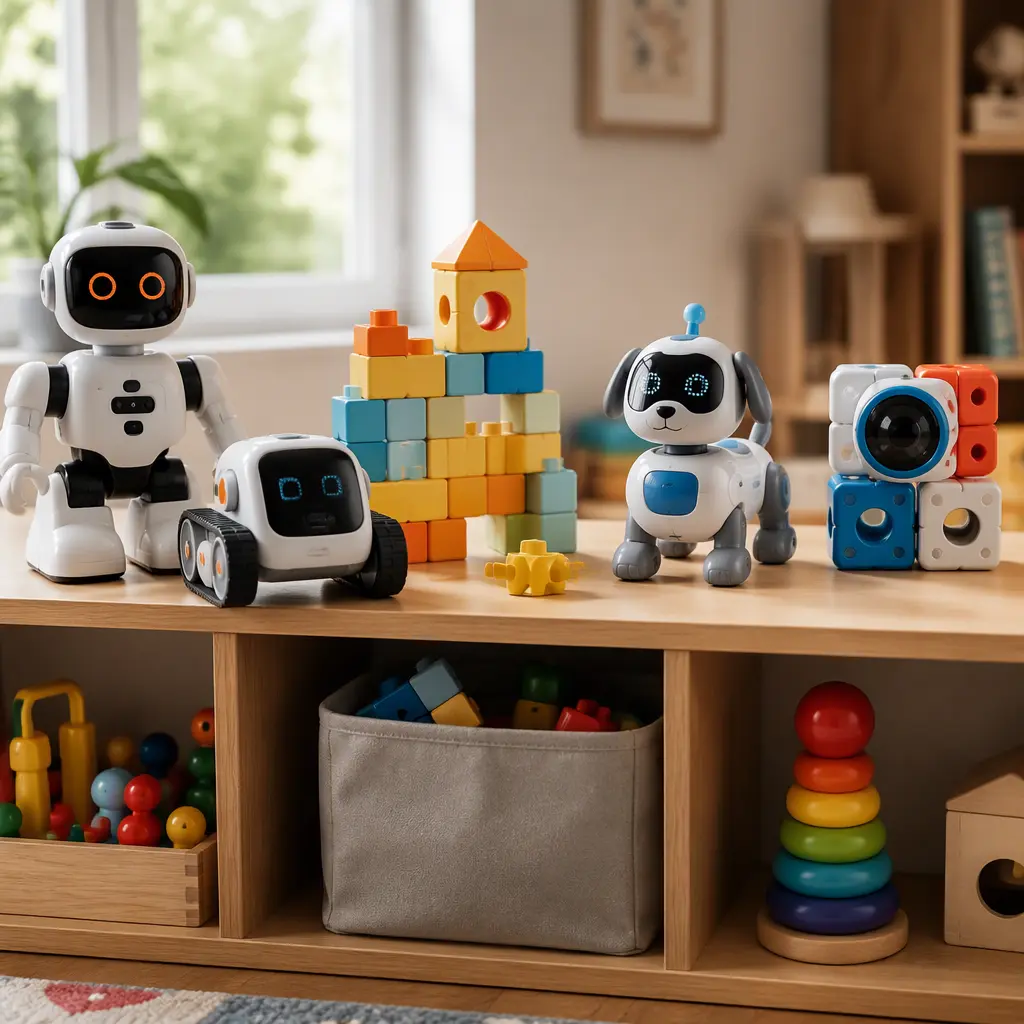
Compare prices and availability
Check current prices and availability for this guide on eBay.
As an eBay Partner, we may be compensated if you make a purchase.
Many AI and connected toys stop being useful the moment a home internet connection drops or an app service changes. For parents shopping for children aged 6–8, that can turn an expensive gadget into a frustrating screen accessory instead of a real toy. The most reliable choices are toys that keep core play features available offline, even if cloud-based extras disappear temporarily. In practice, that usually means physical controls, onboard voices or animations, downloadable content stored locally, or open-ended building and coding activities that do not depend on live servers. Some products marketed as “AI toys” are actually simpler voice-response or sensor-based devices, which can be more dependable because fewer functions rely on cloud processing. The right option depends on how much supervision you want to provide, how comfortable you are with microphones and apps, and whether your child prefers creative building, storytelling, coding or companion-style play.
What to look for
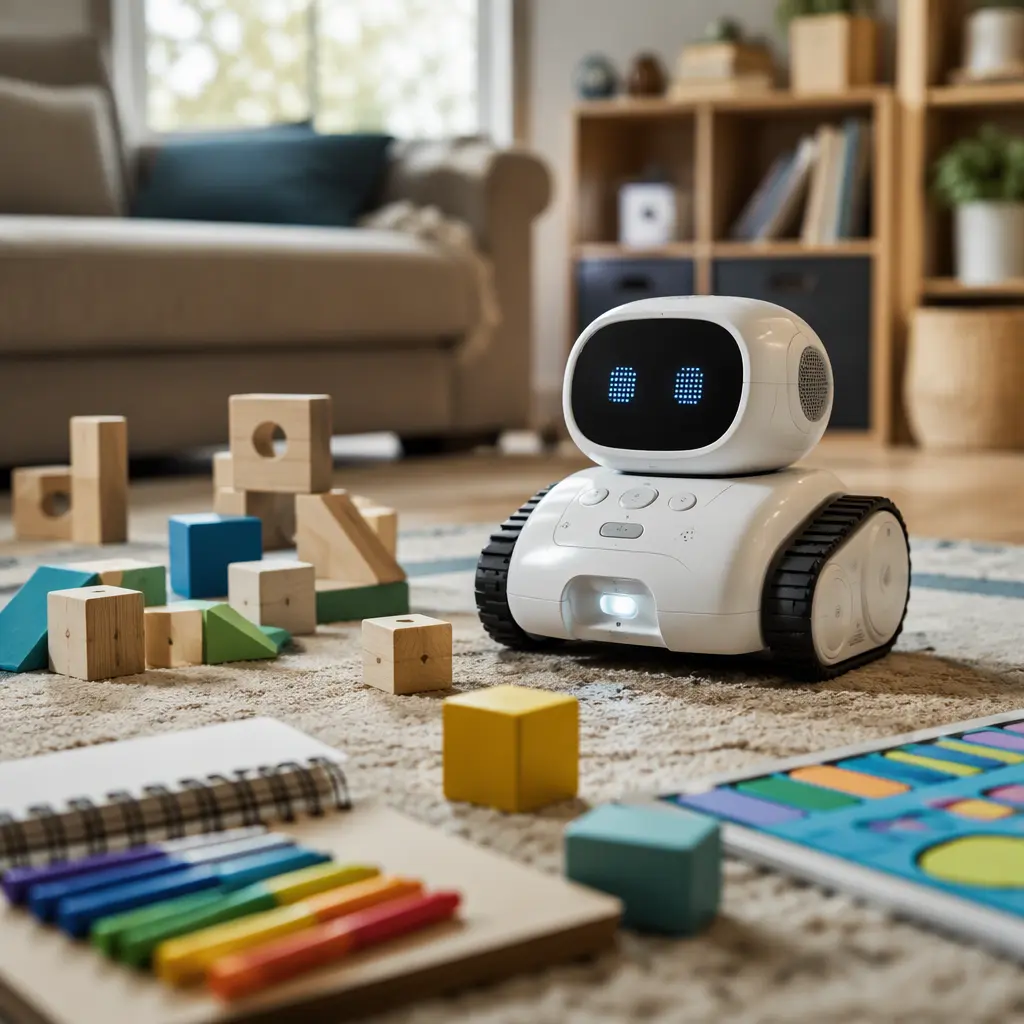
The most important question is not whether a toy uses AI, but what still works when the internet does not. Some connected toys use cloud services for speech recognition, story generation or updates, while others store enough features directly on the device for everyday play. For younger school-age children, toys with tactile controls and repeatable offline activities tend to stay useful longer than app-heavy products that require constant syncing.
- Check whether the toy has meaningful offline modes such as coding challenges, music, drawing, storytelling prompts or movement games that work without Wi‑Fi.
- Look for clear information about microphones, cameras and voice recording. Some smart toys process speech locally while others send recordings to cloud servers.
- Find out whether the toy requires a subscription, credits or app account to access major features.
- Consider device compatibility if an app is required. Some toys only support newer phones or tablets.
- Prioritize durable physical play value. Building systems, programmable robots and interactive pets with manual controls usually remain usable longer.
- Think about noise levels. Voice assistants, robotic pets and chat-based toys can become repetitive in shared living spaces.
- Check storage needs and charging habits. Large robotic toys may need floor space and regular charging cycles.
- Look for parental controls, especially for toys with chat, voice interaction or internet-connected content updates.
Age suitability
Children aged 6–8 are often ready for beginner coding concepts, structured problem-solving and more independent play, but they still benefit from clear rules and simple interfaces. Toys that mix physical activity with technology usually work best for this age group. Coding robots with button-based commands can introduce sequencing and logic without requiring constant reading. Interactive pets and conversational toys may appeal emotionally, but younger children can become frustrated if speech recognition fails offline or behaves inconsistently. App-supported toys are generally easier for older children within this range, especially around age 8, while younger children may need regular setup help from adults. Families looking to reduce screen time may prefer robotics kits, programmable vehicles or hybrid STEM toys that use a tablet only during setup and continue functioning independently afterward.
Options compared
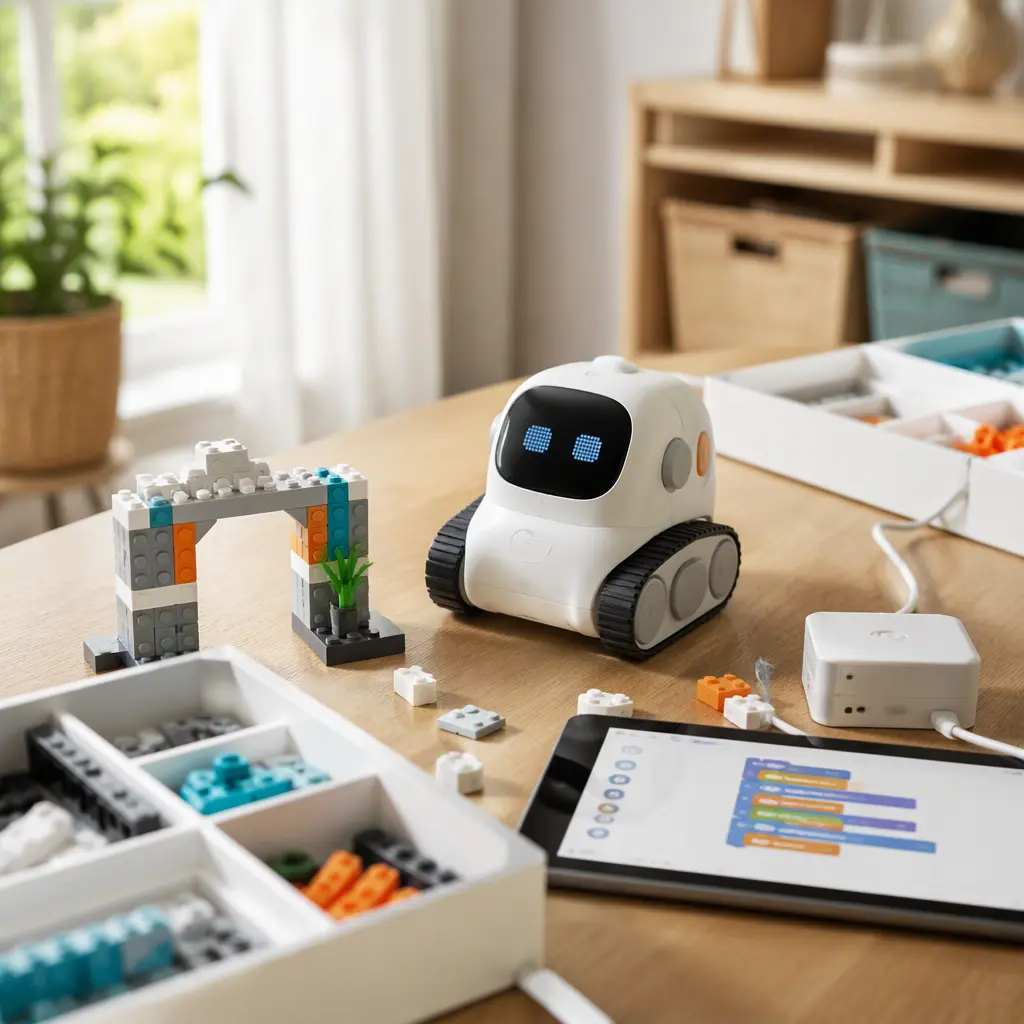
Coding robots are often the strongest category for offline usefulness. Many beginner robots aimed at ages 6–8 can follow programmed commands directly from onboard buttons or locally stored routines. Products in the Botley and LEGO robotics categories, for example, focus more on sequencing and logic than cloud AI services. These toys usually continue functioning even when apps or internet connections are unavailable. They suit children who enjoy puzzles, construction and repeatable challenges, though some require more setup space and adult assistance during initial assembly.
Interactive companion toys sit at the opposite end of the spectrum. Products marketed as AI pets or conversational friends may rely heavily on speech processing, updates or app-based personalities. Some still provide offline movement, sounds and simple games, but advanced conversation features can become limited without internet access. These toys tend to suit children who enjoy imaginative roleplay and emotional interaction more than structured STEM play. Parents sensitive to privacy concerns may prefer toys with local processing or limited connectivity instead of always-listening microphones.
- Offline coding robots: Best for problem-solving, repeat play and lower dependence on cloud services. Usually durable and educational, but sometimes less emotionally engaging.
- Building-based smart kits: Good balance between screen-free construction and optional app support. Often easier to store in parts, though setup time can be longer.
- Interactive AI companions: Strong personality-driven play and storytelling potential, but cloud dependence and privacy concerns vary widely.
- RC and programmable vehicles: Appealing for active kids who enjoy movement and experimentation. Battery management and indoor space can become limiting factors.
- Voice-assistant-style toys: Convenient for trivia, stories and music, but often least useful during outages because many features require live internet access.
Frequently asked questions
Do AI toys need internet access all the time?
Not always. Some toys only use internet connections for updates, downloading new content or optional voice features. Others rely on cloud processing for core functions such as conversation or game generation. Parents should look specifically for offline play modes rather than assuming all features work locally.
Are offline smart toys safer for privacy?
They can be simpler from a privacy perspective because less information may leave the device, but it depends on the manufacturer’s design. Toys with microphones, cameras or companion apps may still collect usage data even if core play works offline. Reviewing account requirements and data policies is still important.
What happens if a toy’s app is discontinued?
This is one of the biggest long-term risks with connected toys. If servers or apps are removed, some features may stop working permanently. Toys with strong physical gameplay, onboard controls or downloadable local content usually age better because they remain functional without active support.
Are AI toys educational for ages 6–8?
They can support logic, sequencing, creativity and basic coding concepts when designed thoughtfully. However, educational value depends more on the activities than the AI label itself. Open-ended building and problem-solving toys generally encourage deeper engagement than passive conversation features alone.
Which type works best during travel or power outages?
Battery-powered coding robots, programmable vehicles and handheld interactive toys with built-in controls are usually the most reliable choices. Toys that require constant syncing to a phone, smart speaker or cloud service are less practical during outages or travel situations with limited connectivity.
For most families, the safest buying approach is to treat connected features as optional extras rather than the toy’s entire purpose. A well-designed smart toy should still offer meaningful hands-on play when Wi‑Fi is unavailable, apps stop updating or servers change over time. For ages 6–8, coding robots, hybrid STEM kits and durable programmable toys generally provide the strongest balance between technology, independence and long-term usefulness without turning every play session into a connectivity test.