Best Viral Desk Robots That Still Work Offline in 2026
A parent-focused guide to viral desk robots that still function offline, with practical advice on privacy, app dependence, replay value, noise, charging and long-term usability.
Compare prices and availability
Check current prices and availability for this guide on eBay.
As an eBay Partner, we may be compensated if you make a purchase.
Desk robots continue to trend online thanks to expressive movements, voice reactions and social-media-friendly tricks, but many connected gadgets lose appeal once the novelty fades or a required app stops being supported. For families shopping in 2026, the more useful buying question is not which robot looks most impressive in short videos, but which ones still function well without constant cloud access. Offline controls, local programming features and physical interaction matter more for long-term value than viral clips alone. Teen buyers often want something entertaining for a bedroom desk or gaming setup, while parents may care more about microphones, data collection, battery life and whether the toy still works when Wi‑Fi is unavailable.
What to look for
Many viral desk robots combine simple motors and sensors with app-connected features marketed as artificial intelligence. Some genuinely use cloud-based assistants or conversational systems, while others mainly rely on pre-programmed responses and animations. Neither approach is automatically better. The key difference is whether the robot remains enjoyable and functional when offline. A robot that can drive, react to touch, run local routines or support basic coding without internet access is usually a safer long-term purchase than one that depends heavily on cloud servers or subscription credits.
- Check whether core functions work without Wi‑Fi, including movement controls, games, sounds and programming modes.
- Look for clear privacy controls if the robot includes microphones or cameras. Some connected toys continuously listen for wake words or send voice requests to cloud servers.
- Consider app dependence. Robots that require a phone app for every action may lose usefulness if operating systems stop supporting older apps.
- Battery and charging convenience matter for desk use. USB‑C charging is becoming more common and easier for teens to manage.
- Noise levels vary widely. Small companion robots may make constant motor sounds, fan noise or repeated voice effects that become distracting in shared rooms.
- Think about replay value. Robots with coding challenges, modular accessories or physical interaction tend to stay interesting longer than robots built around novelty reactions alone.
- Storage space is usually manageable, but some rolling robots need clear floor or desk areas to avoid falls or collisions.
- Regional support can affect smart features. Voice assistants, cloud AI tools and app stores are not equally available in every country.
Age suitability
The 13+ category fits desk robots better than younger age groups because many products involve smartphone pairing, software updates and experimentation with coding or automation features. Teens who enjoy gadgets, customization or robotics projects are more likely to appreciate programmable features beyond basic remote control. Some desk robots also include social features, camera streaming or AI chat systems that parents may prefer older users to manage responsibly. Younger children can still enjoy simpler interactive robots, but highly connected models may create frustration if setup, account systems or voice controls become part of the experience.
Options compared
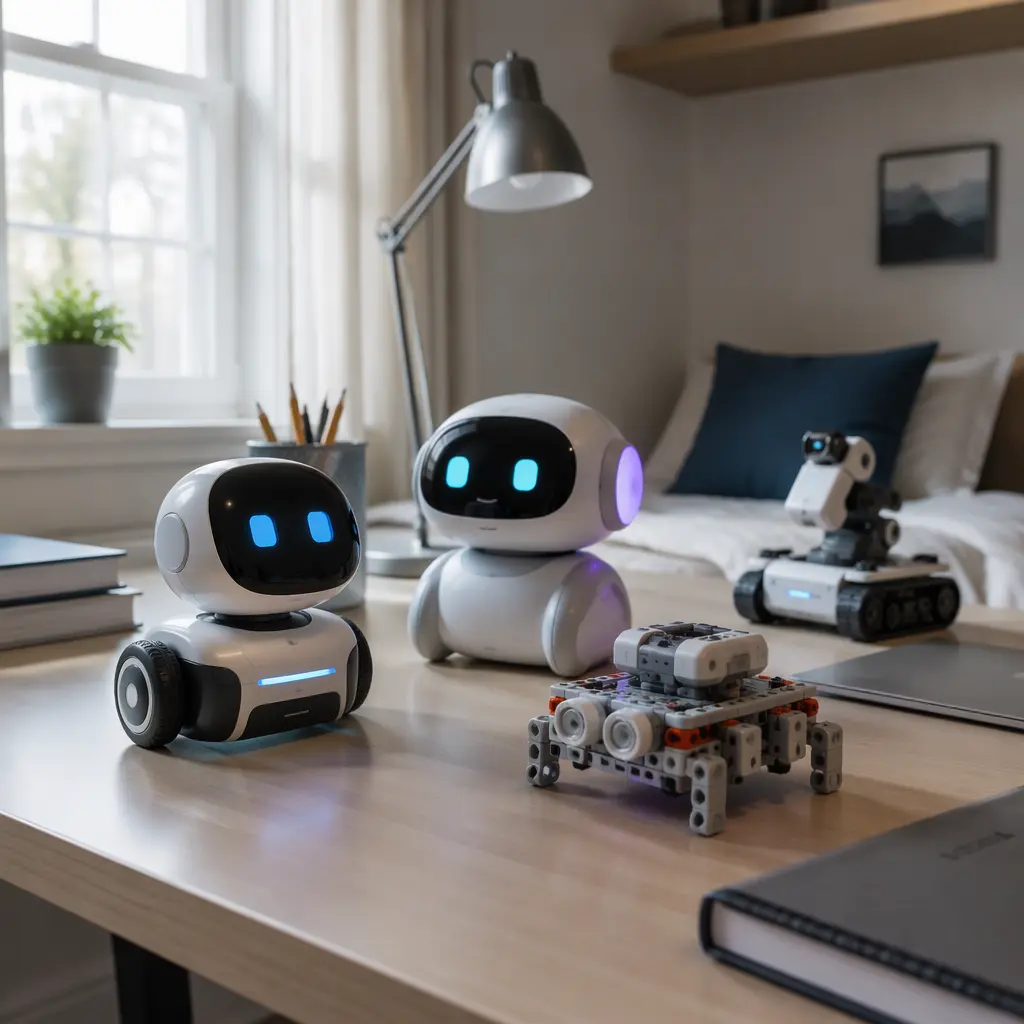
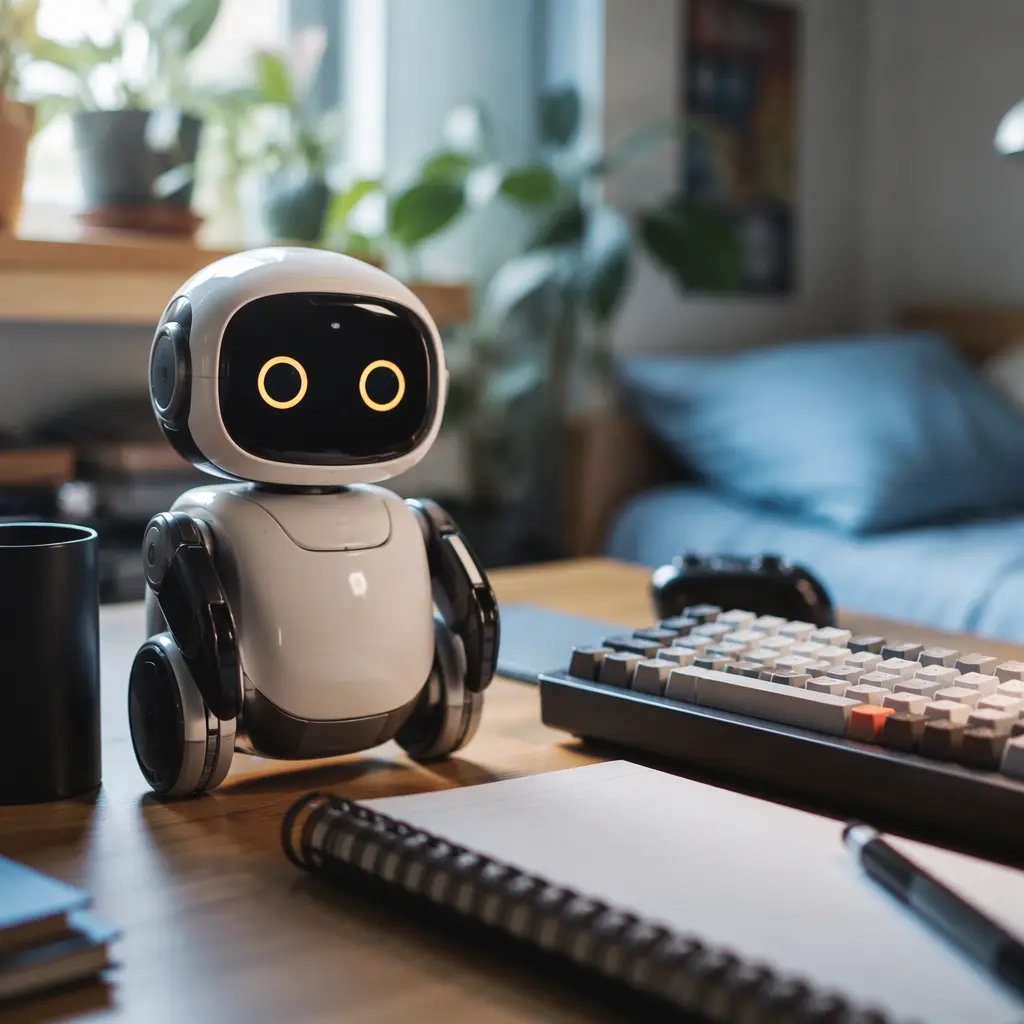
Companion-style desk robots are currently the most visible category online. These robots focus on personality, facial expressions, voice reactions and desk presence rather than advanced mobility. Examples include small animated bots designed to react to touch, sounds or notifications. Their appeal comes from casual interaction and display value, but replay longevity depends heavily on offline behavior. If a companion robot still supports local games, reactions and programmable routines without internet access, it is more likely to remain entertaining after the first few weeks.
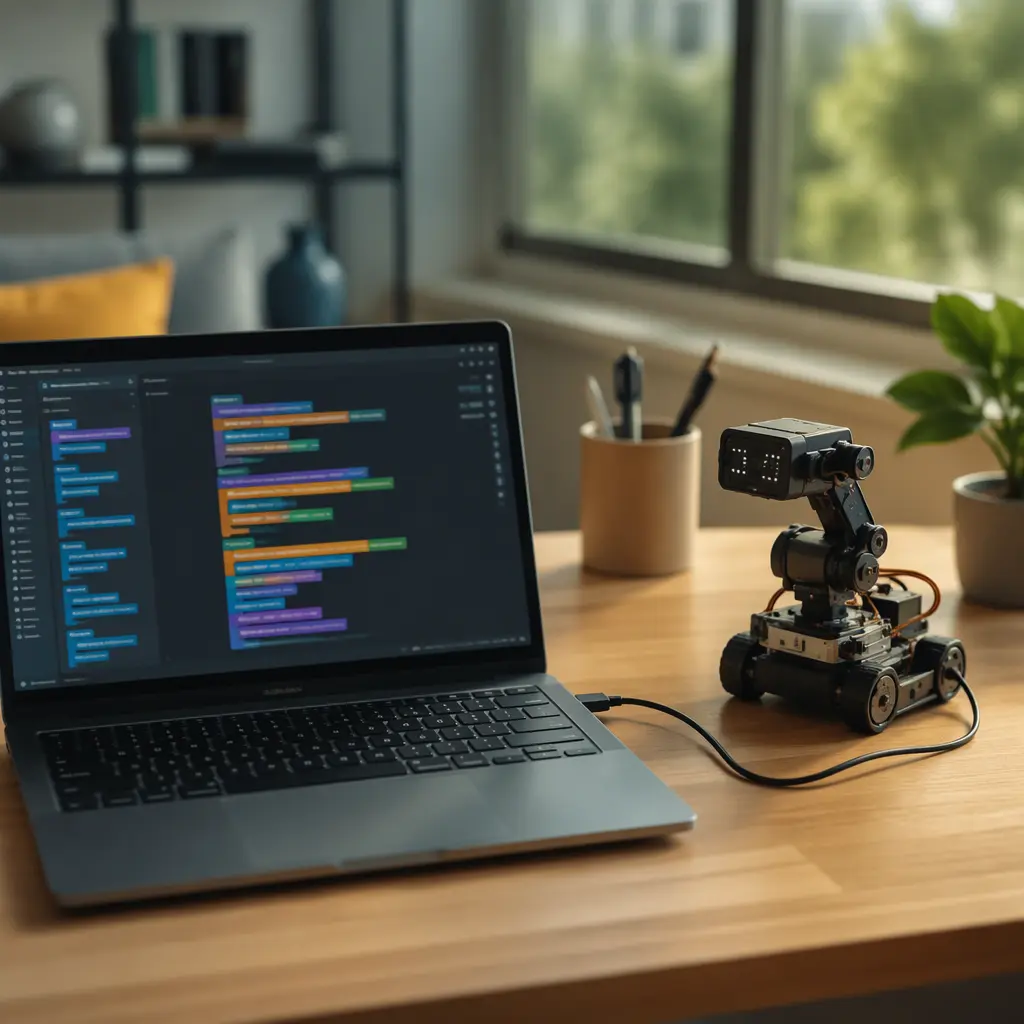
Programmable mini robots suit teens who want more than passive entertainment. Robots inspired by STEM kits or beginner coding systems often include offline movement routines, obstacle detection and customizable commands. They may look less polished in social media clips, but they usually deliver better long-term engagement because users can build new behaviors over time. Rolling camera robots and AI assistant robots can feel more advanced initially, yet they also create the biggest privacy and support concerns. Features such as voice assistants, cloud chat systems and live video feeds may stop functioning if services change or subscriptions expire. For buyers who want lower maintenance and less data collection, simpler local-control robots remain the safer choice.
- Companion robots: best for decoration, casual interaction and expressive animations; weaker for deep gameplay or learning value.
- Programmable coding robots: stronger replay value and offline usefulness; may require patience during setup and learning.
- Rolling camera robots: more interactive mobility and streaming features; higher privacy concerns and heavier app dependence.
- Gesture-control or sensor-based robots: usually simpler and more reliable offline, but less adaptable over time.
- Modular robotics kits: best for hobby-focused teens who enjoy tinkering and upgrades; require storage space and ongoing interest.
Frequently asked questions
Do desk robots need internet access all the time?
Not always. Many robots can still drive, react to touch, play sounds or run programmed actions offline. However, cloud-based voice assistants, AI conversations and some app features may stop working without internet access. Checking what functions remain available offline is one of the most important buying steps.
Are AI desk robots different from regular interactive robots?
Sometimes, but marketing language can blur the distinction. True AI-connected robots often rely on cloud processing for conversation or adaptive responses, while simpler interactive robots mainly use pre-programmed animations and sensor triggers. A robot does not need advanced AI to provide enjoyable interaction or coding practice.
What privacy concerns should parents watch for?
Microphones, cameras and account-based apps are the main areas to review. Some robots store voice recordings or transmit requests through external servers. Parents should check whether features can be disabled locally and whether the toy still works reasonably well without creating online accounts.
Do viral desk robots hold attention for long?
That depends on the type of interaction offered. Robots built around short jokes, reactions or dances can lose appeal quickly. Products with coding tools, physical challenges, accessories or customizable routines tend to have better replay value because users continue discovering new uses over time.
Are offline robots less advanced?
Not necessarily. Offline robots may actually feel more dependable because they continue working regardless of server changes or app support. While they may lack cloud-based chat systems or advanced voice assistants, many still provide responsive controls, personality features and creative programming tools.
A good desk robot in 2026 should still feel useful after trends move on. For most families, the strongest balance comes from robots that combine local controls, practical privacy settings and enough creativity to reward repeat use. Viral popularity may help narrow the search, but offline functionality, manageable app dependence and long-term support are usually what determine whether a desk robot becomes a lasting hobby item or just another short-lived gadget.