Ropet vs Eilik for Small UK Flats and Shared Desks
Choosing between Ropet and Eilik for a compact home or shared workspace? This guide compares noise, charging habits, privacy, desk space and long-term practicality for teens and adults.
Compare prices and availability
Check current prices and availability for this guide on eBay.
As an eBay Partner, we may be compensated if you make a purchase.
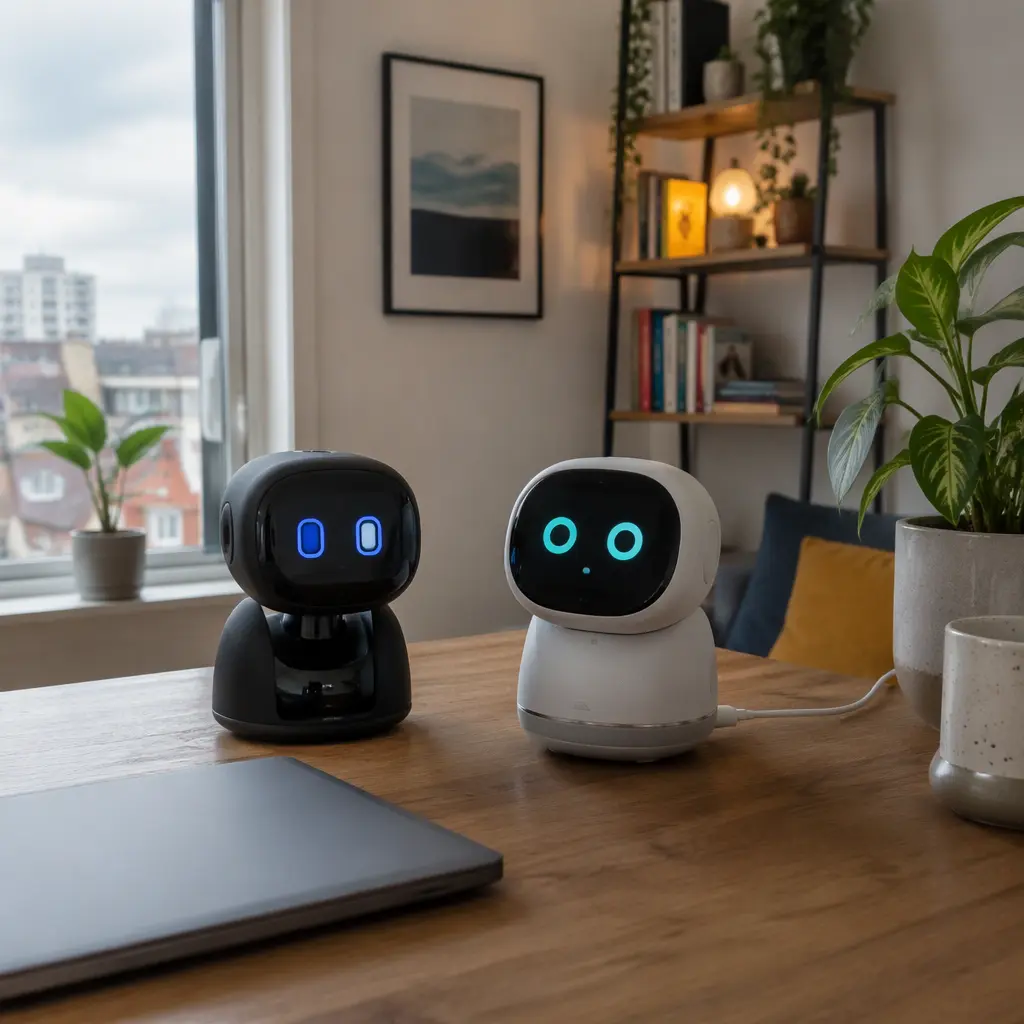
Small desktop robots such as Ropet and Eilik are designed less as traditional toys and more as animated desk companions. Both aim to add personality to a workspace or bedroom shelf through movement, sounds and reactive behaviour, but they suit different living situations. In compact UK flats, student rooms or shared desks, practical details matter as much as novelty. Noise levels, charging habits, app dependence and whether the robot stays interesting after the first week can make the difference between a daily companion and another object taking up space. For buyers aged 13 and up, the main decision is not which robot is more advanced on paper, but which one fits comfortably into the routines and limits of a small shared environment.
What to look for
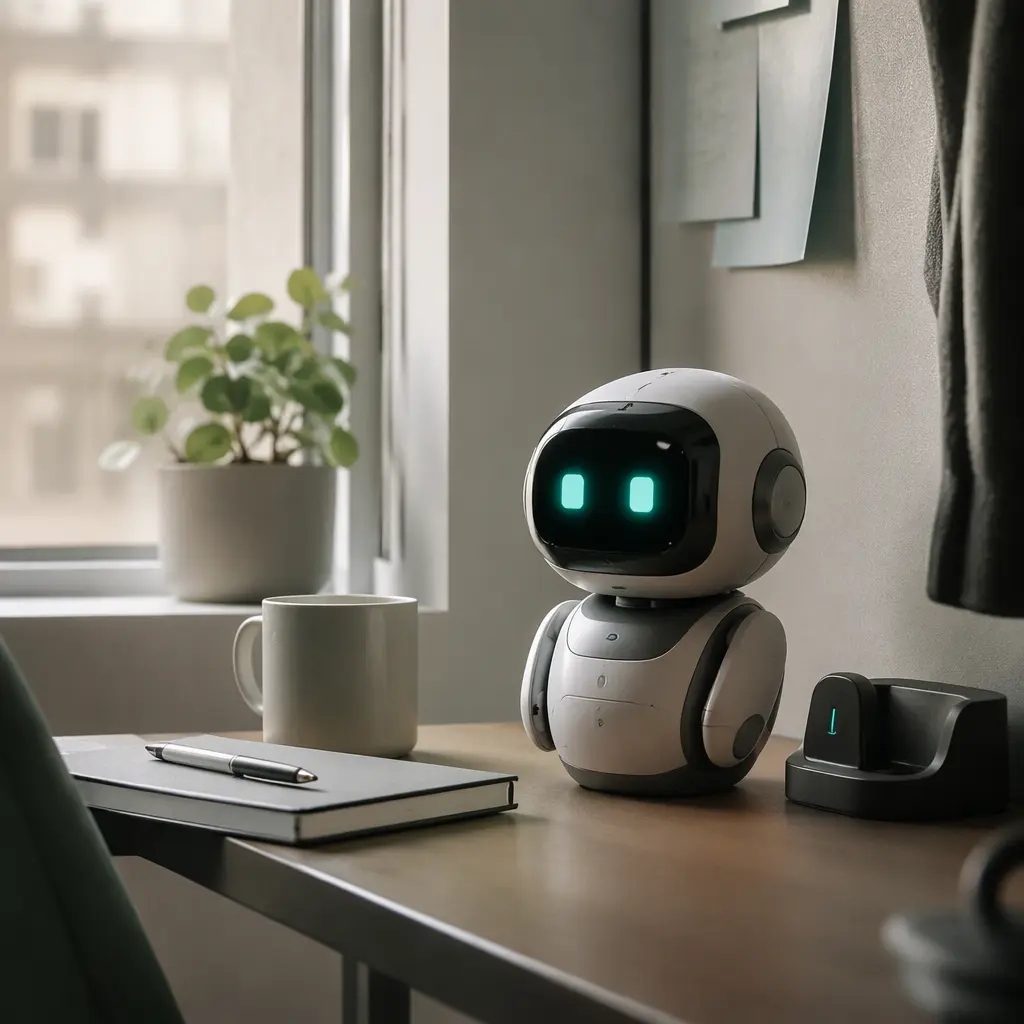
Desk robots sit somewhere between a fidget gadget, a decorative object and a connected toy. The most important features are often the least flashy ones. In small flats or shared offices, the robot needs to be easy to live with rather than simply entertaining for a few minutes. Ropet and Eilik both use expressive movement and sound rather than advanced AI conversation, so expectations should stay realistic. These are reactive companions, not fully conversational assistants.
- Noise control matters in shared spaces. Some desk robots use frequent sound effects, chirps or movement noises that may become distracting during calls, study sessions or late evenings.
- Charging routines affect long-term use. A robot that needs frequent charging may end up switched off on a shelf rather than actively used.
- Desk footprint is important for compact setups. Consider not only the robot itself but also charging docks, cables and any accessories.
- App dependence varies. Some features may rely on mobile apps, firmware updates or cloud-connected functions, while others work mostly offline.
- Privacy considerations are worth checking. If a robot includes microphones, cameras or app accounts, review manufacturer privacy policies and permissions carefully.
- Interaction style changes the experience. Some buyers want occasional background animation, while others prefer more active reactions and attention-seeking behaviour.
- Storage and portability matter in shared homes or student accommodation where desk space changes frequently.
Age suitability
Although both products are often marketed with playful personalities, they generally fit older children, teens and adults better than younger children. The appeal comes from expressive animation, desktop interaction and novelty rather than structured educational play. For users aged 13 and over, these robots can work as conversation pieces, study companions or decorative gadgets. Younger children may enjoy the movement initially but could become frustrated by limited interaction depth or the need for careful charging and setup. Buyers expecting the flexibility of a voice assistant or the intelligence of a chatbot may also find the experience more limited than marketing videos suggest.
Options compared
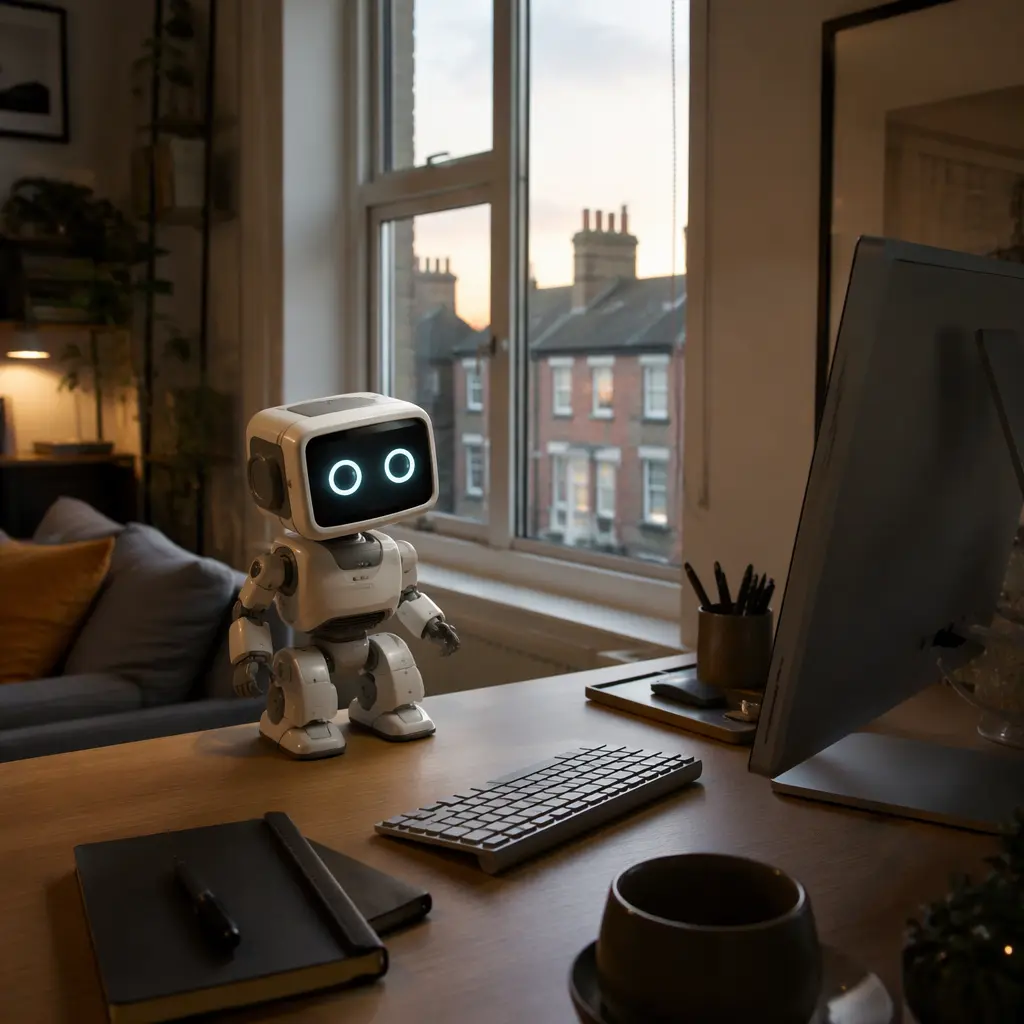
Eilik is generally positioned as a more expressive desktop companion with animated reactions, emotional behaviour and interactions with other Eilik units. That can make it more engaging for buyers who enjoy novelty, desk decorations or reactive movement throughout the day. However, that same personality can become distracting in quieter homes or shared workspaces. Frequent sound effects and attention-seeking behaviours may suit a private bedroom better than a hot-desk office or library-style study setup. Buyers sensitive to repetitive sounds should look carefully at mute options and user settings before choosing it.
Ropet-style companion robots typically lean toward a calmer decorative presence, depending on the specific version and app ecosystem involved. For smaller flats, that lower-key behaviour may fit more naturally into daily routines. A quieter robot with simpler movement patterns can feel less intrusive on a crowded desk. On the other hand, buyers looking for energetic reactions or frequent interaction may find calmer desk pets less engaging over time.
- Choose Eilik if the goal is expressive animation, playful reactions and a stronger 'character' presence on the desk.
- Choose a simpler Ropet-style companion if quieter operation and lower distraction levels matter more than constant interaction.
- Shared office users may prefer robots with reliable mute settings and predictable movement schedules.
- Students in compact accommodation may benefit from smaller devices with straightforward USB charging and minimal accessories.
- Collectors and gadget enthusiasts may enjoy robots that interact with matching units, though this adds cost and storage demands.
- Buyers wanting genuine AI conversation or productivity features may be disappointed. Most desktop robots in this category rely on scripted reactions, sensors and animations rather than advanced AI systems.
Frequently asked questions
Do these desk robots work without Wi-Fi?
Many core reactions and movements work locally through built-in sensors and programming. However, setup apps, firmware updates or extra features may require a phone connection or internet access. Buyers should check whether the manufacturer still supports the companion app in their region before purchasing.
Are they noisy enough to bother other people?
That depends on the environment and the robot's personality settings. In quiet flats or shared study rooms, repeated sound effects and motor noises may become noticeable. Models with adjustable volume or mute modes are usually easier to live with in compact spaces.
Do they need constant charging?
Most desktop companion robots use rechargeable batteries and require regular charging depending on usage. Frequent animations, sounds and movement typically reduce battery life. In practice, many owners leave them connected by USB for part of the day, which can add cable clutter to small desks.
Are these true AI robots?
In most cases, no. Products like Ropet and Eilik are better understood as interactive animatronic companions. They react to touch, movement or nearby objects using programmed behaviours rather than open-ended artificial intelligence conversations.
Do they become clutter after the novelty wears off?
That depends heavily on expectations. Buyers who enjoy ambient gadgets, desk decorations or collectible tech are more likely to keep using them. People hoping for deep conversation, productivity tools or long play sessions may lose interest more quickly once the reactions become familiar.
For small UK flats and shared desks, the best choice usually comes down to tolerance for noise and attention-seeking behaviour. Eilik suits buyers who want a lively animated desk companion and do not mind occasional interruptions. Simpler Ropet-style robots fit better where quiet operation, compact storage and lower maintenance matter more. Before buying, it is worth checking app support, charging setup and mute options carefully, since those practical details often determine whether a desktop robot becomes part of a routine or simply another gadget on the shelf.