Screen‑Free Coding Robots for Kids Ages 6–8
A parent-friendly guide to tactile, button-based coding robots for ages 6–8. Learn what features matter, age fit, safety tips, and the main types that teach logic without tablets.
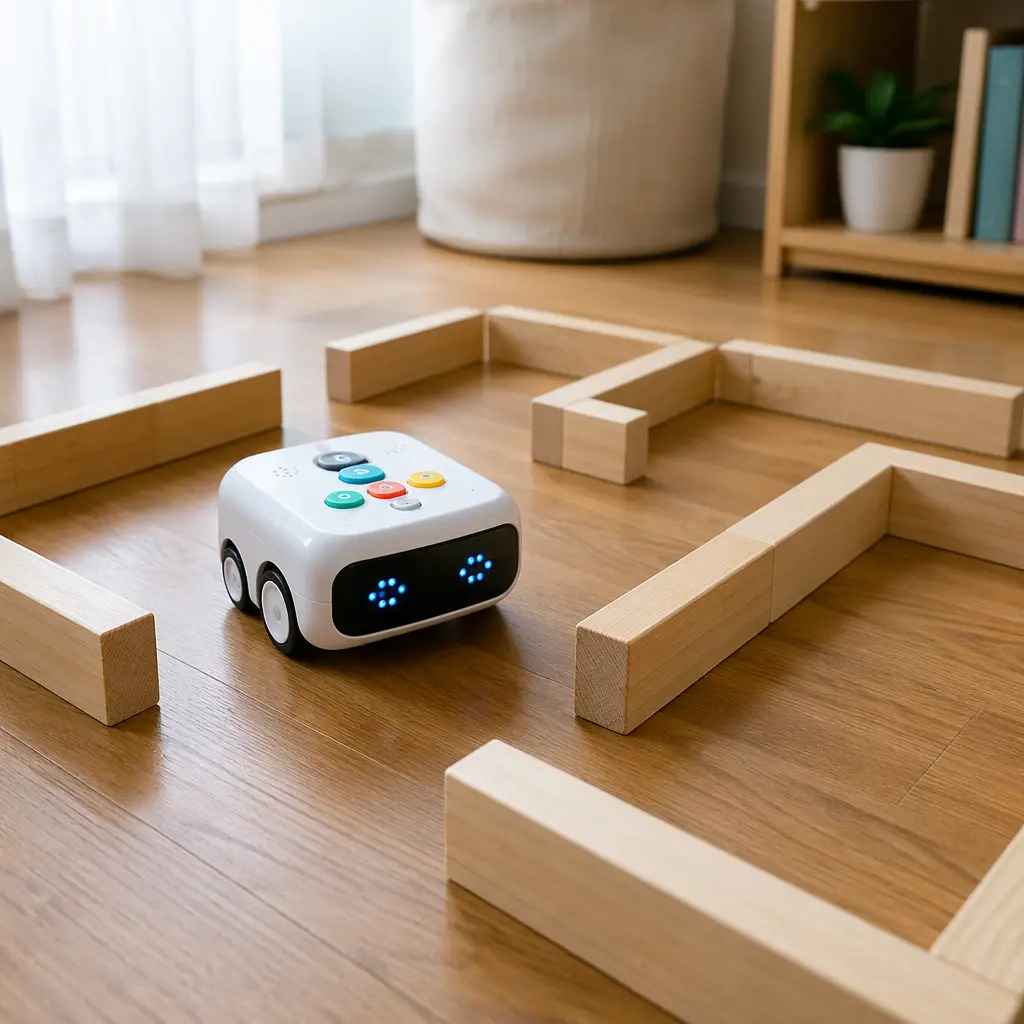
Compare prices and availability
Check current prices and availability for this guide on eBay.
As an eBay Partner, we may be compensated if you make a purchase.
Screen‑free coding robots give kids ages 6–8 a hands‑on way to learn logic, sequencing, and problem‑solving—without relying on tablets or apps. These toys use buttons, cards, or physical pieces to let children “program” a robot they can see and touch. For families trying to balance screen time while still building STEM skills, tactile coding toys can be a practical middle ground.
What to look for
Not all screen‑free coding robots work the same way. Some focus on simple directional commands, while others add loops, conditions, or challenges that grow with your child. For ages 6–8, look for toys that balance ease of use with room to progress.
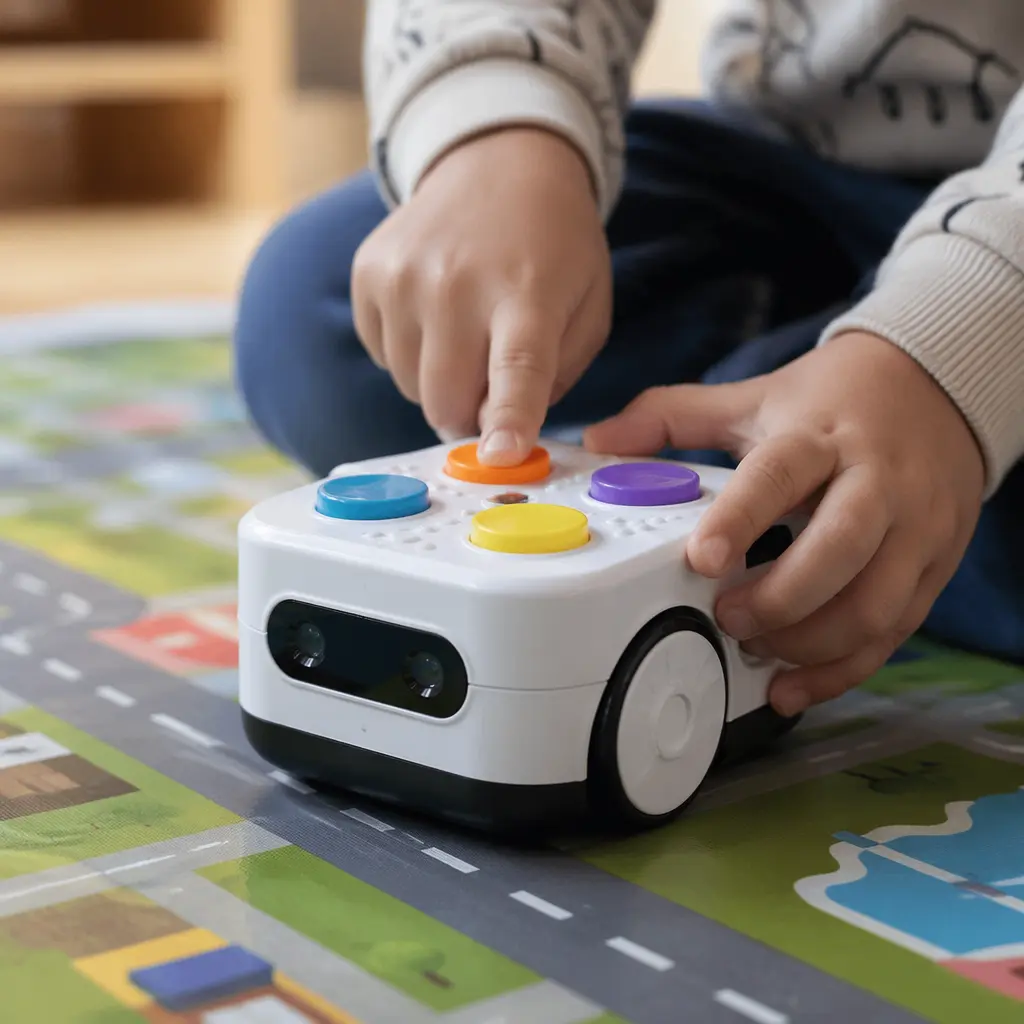
- Clear physical controls: Large buttons, tiles, or cards that clearly represent actions like forward, turn, or repeat
- Progressive difficulty: The ability to start simple and add more complex commands over time
- Immediate feedback: Lights, sounds, or movement that show whether the code worked
- Durable build: Sturdy plastic or wood that can handle floor play and repeated use
- Open‑ended play: Options to create new paths or challenges rather than only following preset tasks
Age suitability
For kids ages 6–8, the best coding robots avoid tiny pieces and complicated setup. Children in this age range can usually follow multi‑step directions, predict outcomes, and fix mistakes, which makes them ready for basic programming concepts. If a toy is labeled for younger ages, it may feel repetitive. If it’s aimed much older, it can become frustrating without adult help.
Standout categories or types
Screen‑free coding robots generally fall into a few main categories. Understanding the differences can help you choose one that matches your child’s interests and learning style.
- Button‑based robots: Kids press buttons directly on the robot to enter a sequence of moves. These are intuitive and good for beginners.
- Card or tile coding sets: Commands are represented by physical cards or tiles laid out in order. This helps visual learners see the full program at once.
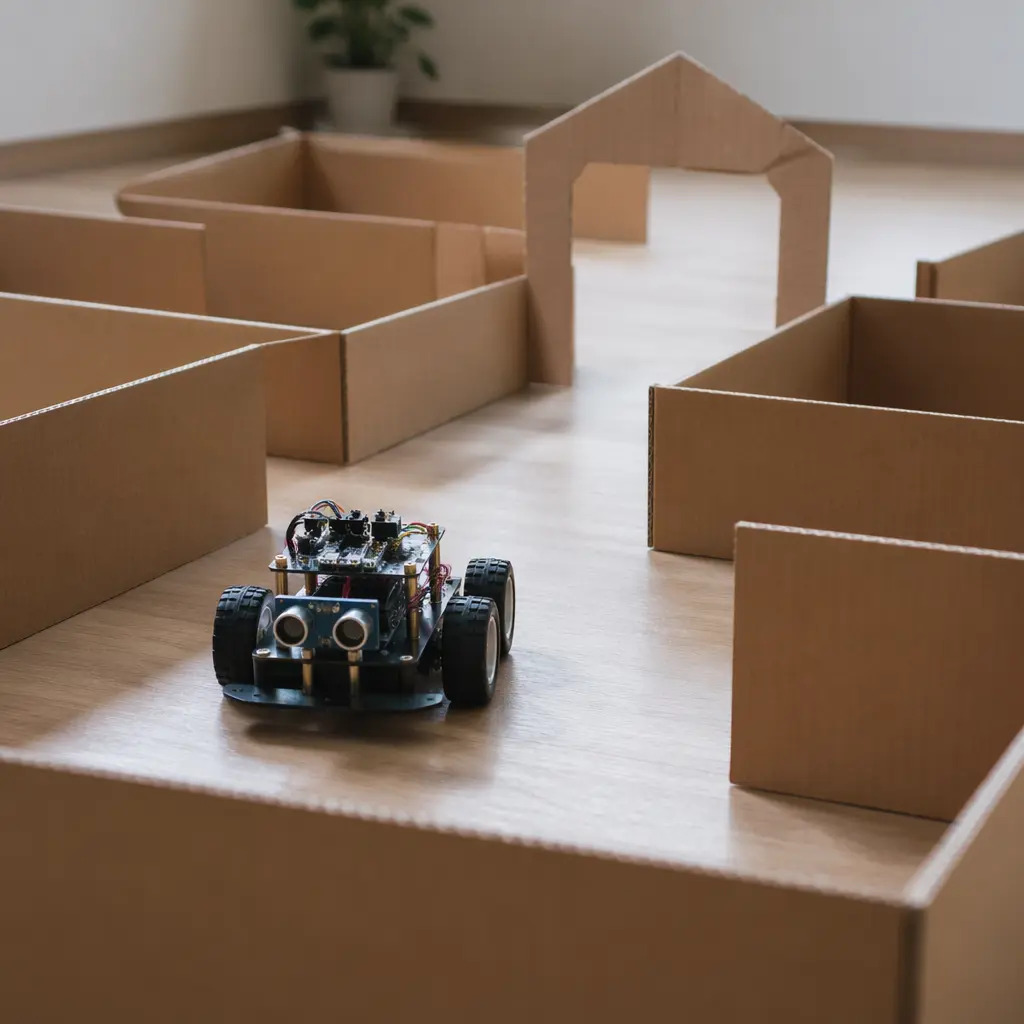
- Maze and map robots: Designed to solve paths or challenges, often paired with boards or mats that add a puzzle element.
- Creative movement robots: Focus more on storytelling and imaginative play, where coding controls how a character moves through a scene.
Frequently asked questions
Do screen‑free coding robots really teach coding?
Yes, they introduce core ideas like sequencing, cause and effect, debugging, and sometimes loops. While they don’t teach written code, they build the thinking skills that support later programming.
Are these toys better than app‑based coding kits?
They serve different goals. Screen‑free robots reduce screen time and encourage physical play, while app‑based kits may offer deeper complexity. Many families use screen‑free options as a starting point.
How long do kids usually stay interested?
Interest often lasts longer when the robot allows open‑ended challenges rather than only fixed levels. Adding homemade obstacle courses or family challenges can extend play value.
Can more than one child play together?
Many screen‑free coding robots work well for cooperative play. One child can plan the sequence while another sets up the course, encouraging teamwork and communication.
Screen‑free coding robots can be a smart choice for parents who want educational toys that feel like play. By focusing on hands‑on interaction and logical thinking, these robots help kids ages 6–8 build foundational STEM skills—no tablet required.