Are AI Walkie Talkies Safe for Kids’ Voice Privacy?
A parent-focused guide to AI walkie talkies for ages 6–8, covering microphones, cloud processing, recording risks, parental controls, offline use and practical buying trade-offs.
Compare prices and availability
Check current prices and availability for this guide on eBay.
As an eBay Partner, we may be compensated if you make a purchase.
AI walkie talkies for children are starting to appear alongside traditional toy radios, often promising voice effects, translation tools, chat assistants or app-connected messaging. For parents, the main question is not only whether these features are fun, but what happens to children’s voices and conversations once microphones, apps and cloud services are involved. Some products process audio directly on the device and work much like ordinary walkie talkies. Others send recordings or voice clips through company servers before returning a response. Understanding that difference matters more than marketing terms such as “smart” or “AI-powered.” For children aged 6–8, the safest and simplest choice is often still a basic offline radio toy unless the connected features solve a specific need your family actually wants.
What to look for
The biggest difference between AI walkie talkies and standard toy radios is how voice data is handled. Traditional walkie talkies usually send audio directly between devices over short-range radio signals with no internet connection involved. AI-enabled versions may add speech recognition, app-linked messaging, translation or chatbot-style replies, which can require internet access and cloud processing. Parents should check whether the toy still works in a basic offline mode when Wi‑Fi or mobile apps are unavailable.
- Look for clear explanations of whether voice recordings are stored, temporarily processed or permanently saved by the manufacturer.
- Check if the toy requires a companion app, account creation or ongoing internet access for core features.
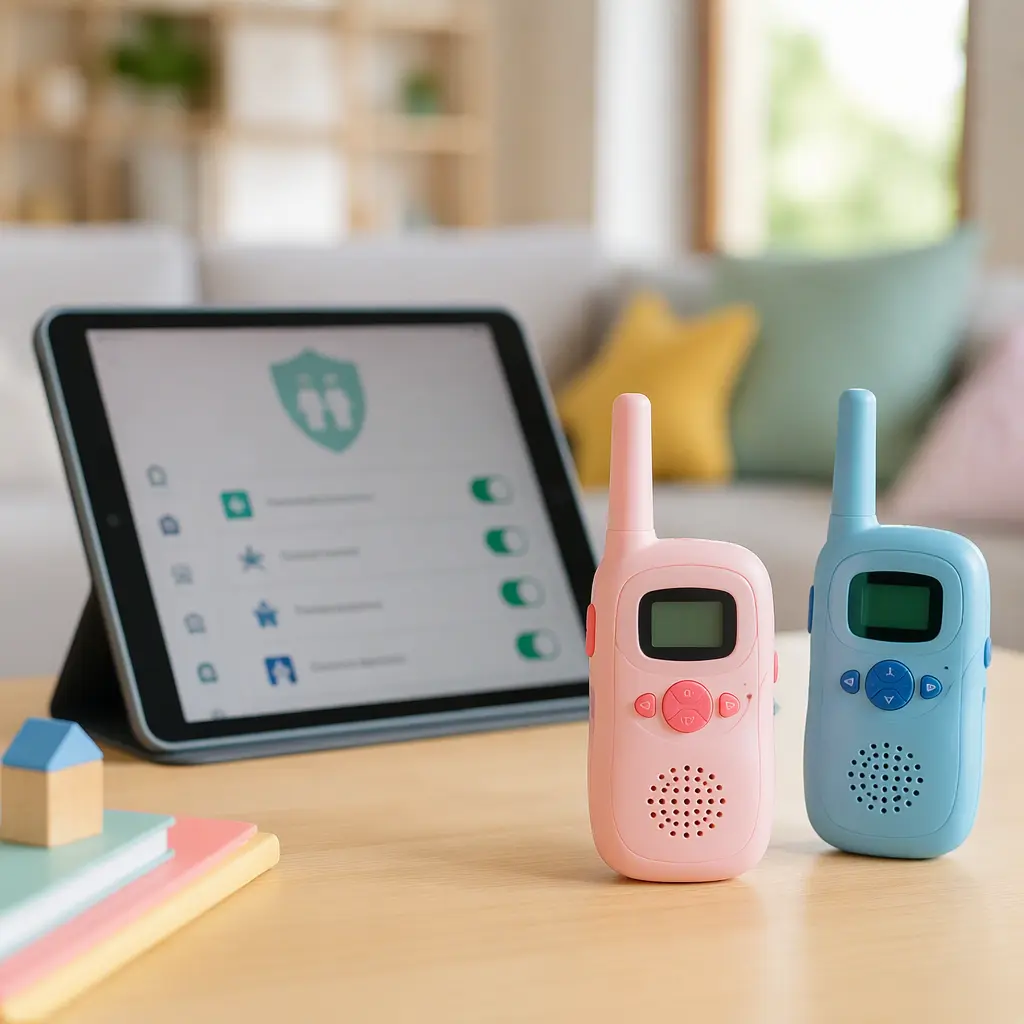
- Review parental controls carefully, including contact approvals, mute settings, usage limits and microphone permissions.
- Consider whether the device includes cameras, location sharing or Bluetooth pairing in addition to microphones.
- Find out which features still work fully offline, such as push-to-talk radio communication between paired units.
- Check for subscription fees, monthly credits or premium AI features that may limit long-term usefulness.
- Think about battery life and charging habits, since connected features can drain batteries faster than ordinary radios.
- Consider durability, water resistance and button simplicity for younger children who may use them outdoors.
Age suitability
For ages 6–8, simpler designs are usually easier to manage and supervise. Children in this age group often enjoy the role-play and independence of walkie talkies without needing advanced AI features. Devices that rely heavily on menus, app setup or voice assistants may frustrate younger users or create more parental maintenance than expected. Basic offline radios suit outdoor play, camping, sibling communication and neighborhood games with minimal setup. AI-enabled models may appeal more to children who already use tablets responsibly and understand rules about talking to online systems. Parents should also think about reading ability, since privacy prompts, app permissions and setup instructions are usually written for adults rather than children.
Options compared
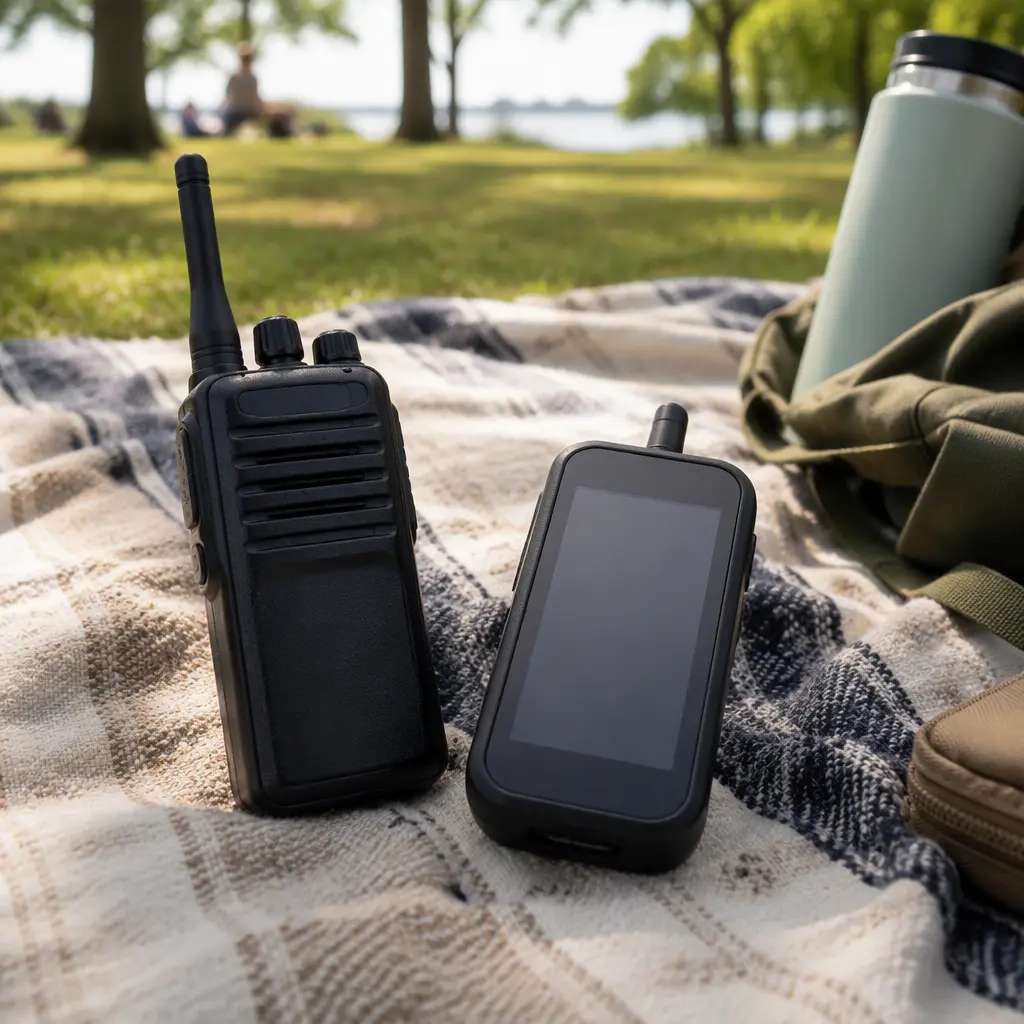
Traditional offline walkie talkies remain the easiest option for many families. They usually operate over short radio ranges without storing conversations or requiring accounts. The trade-off is that features are limited to direct voice communication and simple sound effects. They also work best outdoors or across short indoor distances, where walls and interference can reduce range. For parents prioritising privacy, low maintenance and screen-free play, this category is generally the simplest fit.
App-connected walkie talkies sit in the middle. These may allow voice messaging over Wi‑Fi, parent-approved contacts or recorded clips shared through a smartphone app. Some products market AI features that are actually fairly basic, such as automatic voice changing or preset responses processed locally on the device. Others use cloud-based speech recognition or chatbot systems that depend on external servers. The benefit is expanded communication range and more interactive features. The downside is greater reliance on apps, accounts and company support. If servers shut down or app updates stop, parts of the toy may lose functionality.
- Offline radio walkie talkies: best for simple outdoor play, fewer privacy concerns and lower ongoing maintenance.
- App-connected messaging devices: useful for families wanting longer-distance communication with parental controls.
- Cloud-based AI chat walkie talkies: may offer translation, interactive responses or voice assistants, but create the most privacy and support considerations.
- Hybrid models with offline mode: practical for families wanting basic radio play even when internet services are unavailable.
- Rechargeable smart devices: convenient indoors but may need frequent charging during travel or camping.
- Battery-powered traditional radios: often easier to keep running on trips if spare batteries are available.
Frequently asked questions
Do AI walkie talkies record children’s conversations?
Some do, while others only process audio temporarily. Manufacturers may store recordings to improve speech recognition, enable playback features or support moderation systems. Privacy policies are important here because recording practices vary widely between brands. If a company does not clearly explain how voice data is handled, parents may prefer a simpler offline device.
Can connected walkie talkies work without internet access?
It depends on the design. Some products keep basic push-to-talk radio functions offline while disabling AI features without internet access. Others rely entirely on apps and cloud servers. Families who travel, camp or limit screen time may want products that still function as ordinary radios when disconnected.
Are AI features useful for younger children?
Many children aged 6–8 are mainly interested in imaginative communication rather than advanced smart features. Voice changers, sound effects and simple messaging can be entertaining, but complex AI assistants may add little practical value at this age. Parents should weigh whether the connected features genuinely improve play or mainly increase setup and privacy concerns.
What parental controls matter most?
The most useful controls are usually contact approvals, microphone permissions, message review options and the ability to disable online communication entirely. Parents should also check whether the toy allows firmware updates and whether app permissions can be limited on the connected phone or tablet.
How can parents reduce privacy risks?
Using nicknames instead of full names, disabling unnecessary permissions and reviewing account settings regularly can help. It is also sensible to avoid linking children’s toys to broader smart-home accounts where possible. Offline play modes reduce data sharing and usually require less ongoing monitoring.
AI walkie talkies can be entertaining, but the connected features deserve the same level of scrutiny parents would give to a tablet or smart speaker. For many families with children aged 6–8, a dependable offline walkie talkie remains the lower-maintenance and lower-risk choice. Connected models make more sense when families specifically want app-based communication, translation or interactive voice features and are comfortable managing privacy settings, updates and cloud dependence over time.