Miko Mini vs Eilik: Which AI Desk Robot Suits Small Homes?
A parent-focused comparison of Miko Mini and Eilik for smaller homes, covering conversation features, offline play, noise, privacy concerns and long-term engagement for ages 6–8.
Compare prices and availability
Check current prices and availability for this guide on eBay.
As an eBay Partner, we may be compensated if you make a purchase.
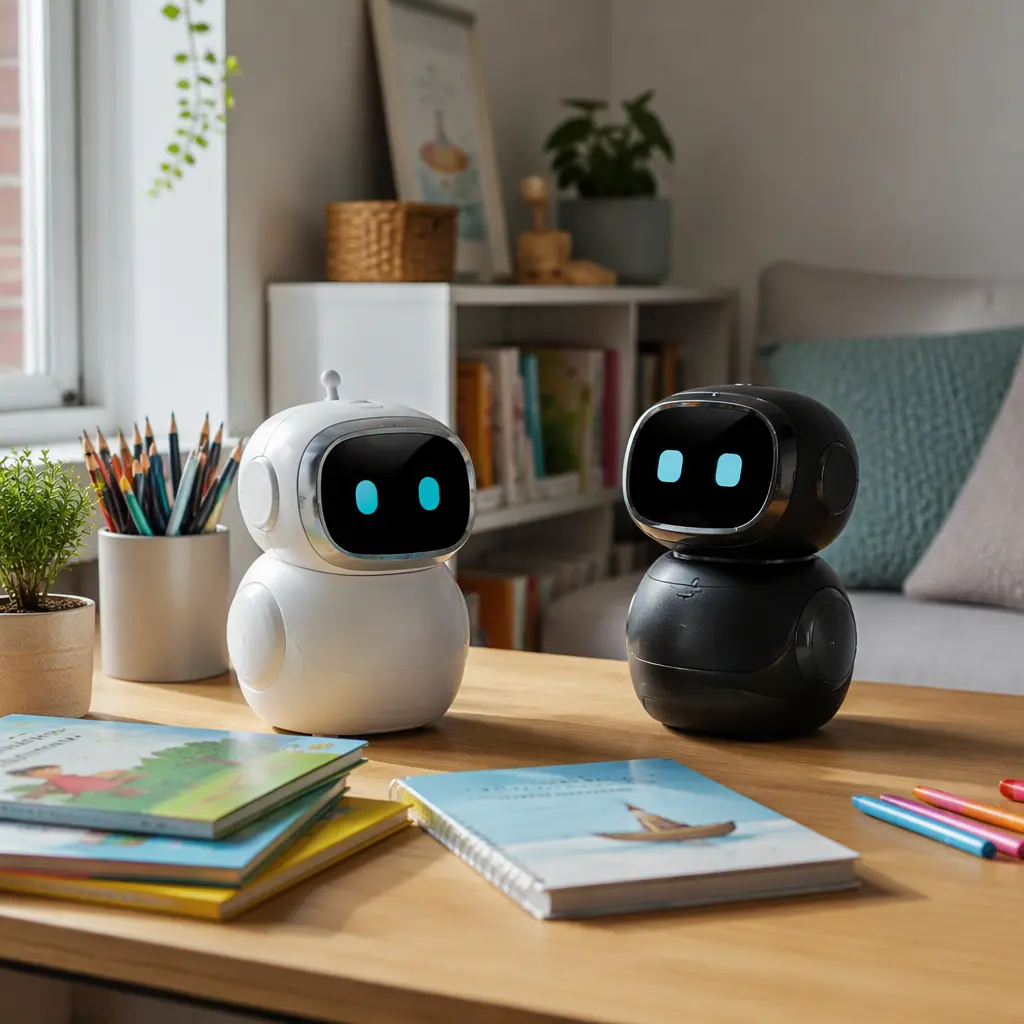
AI desk robots are designed to bring conversation, reactions and interactive play into a smaller footprint than larger smart speakers or programmable robots. For parents comparing Miko Mini and Eilik, the biggest differences are not just appearance or price category. The real decision comes down to how much connected AI interaction you want, how much noise and screen-like engagement fits your home, and whether the robot still feels interesting after the first few weeks. Both products aim at younger children, but they approach play very differently. Miko Mini focuses on voice interaction, educational content and app-connected features, while Eilik behaves more like an expressive animated desktop companion with touch sensors and physical reactions rather than full conversational AI.
What to look for
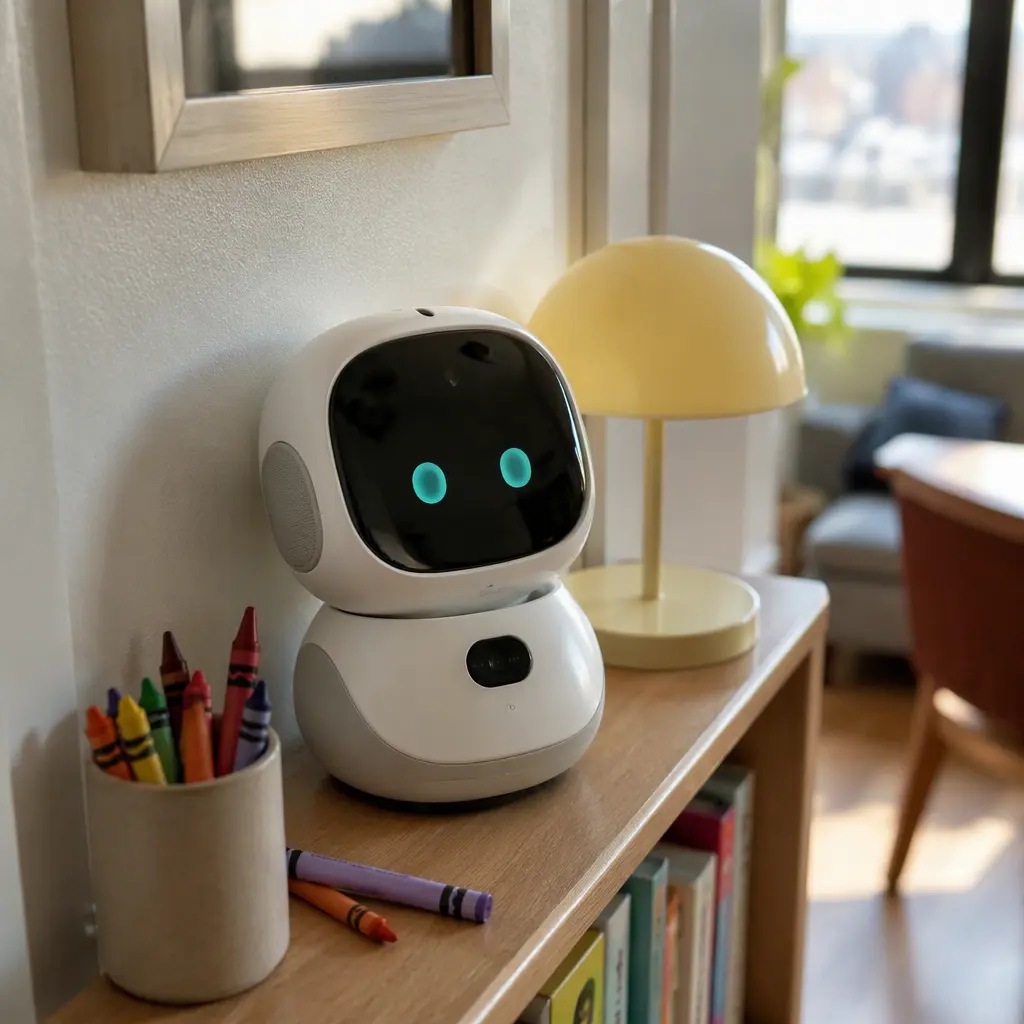
In smaller homes, desk robots need to fit around shared spaces, homework areas and family routines without becoming disruptive. Parents should look beyond marketing terms like “AI-powered” and check what actually works without an internet connection, what data the toy collects and how often an adult may need to step in for setup or troubleshooting. The two robots compared here also differ in how much they depend on apps, cloud services and voice processing.
- Conversation quality: Miko Mini is designed for spoken interaction and question answering, while Eilik relies more on sounds, animations and emotional reactions than natural conversation.
- Offline usefulness: Eilik keeps most of its core personality features without internet access. Miko Mini may lose some functions if cloud services or app connections are unavailable.
- Noise levels: Eilik uses expressive sound effects frequently. Miko Mini may speak more often during conversations or guided activities. Neither is silent enough for every shared workspace.
- Privacy considerations: Miko Mini includes microphones and connected features that may send data through companion services. Parents should review account settings, permissions and parental controls carefully.
- Screen dependence: Miko Mini includes educational and interactive content that can feel closer to app-based entertainment. Eilik is more tactile and object-focused.
- Storage and portability: Both are small enough for desks or shelves, but charging cables, docking spots and safe storage still matter in tight spaces.
- Long-term engagement: Children who enjoy chatting and quizzes may stay interested in Miko Mini longer. Children drawn to collectible-style personalities and fidget-style interaction may prefer Eilik.
Age suitability
For ages 6–8, both robots sit in an interesting middle ground between toys and devices. Miko Mini generally suits children who are already comfortable speaking clearly to voice assistants and following guided prompts. It can appeal to children who like jokes, trivia, storytelling and interactive educational activities. Eilik tends to work better for children who enjoy imaginative play, sensory interaction and animated reactions without needing structured lessons or long conversations. Families looking to reduce screen exposure may find Eilik easier to treat as a casual desktop companion rather than a daily digital activity. Younger children may also find Eilik simpler to use independently because most interactions are physical rather than app-driven.
Options compared
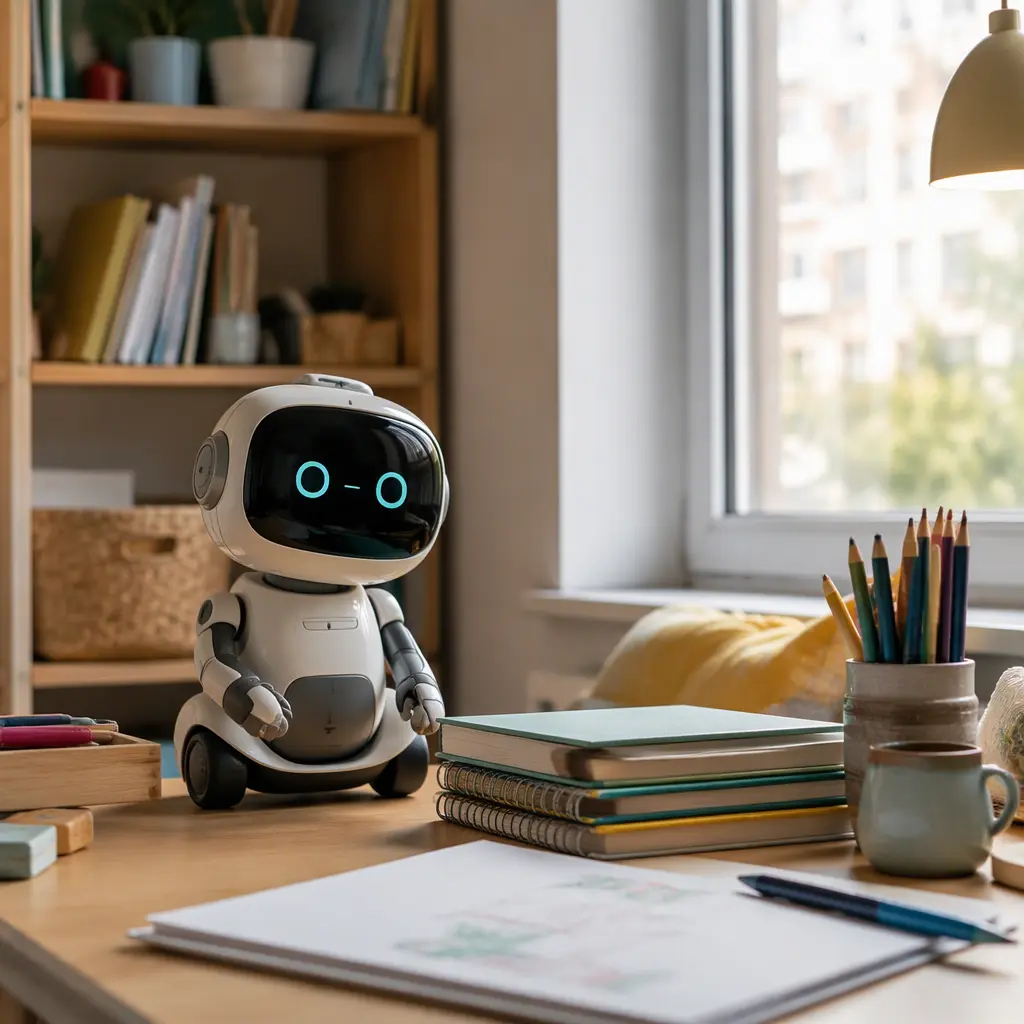
Miko Mini is closer to a child-focused smart assistant than a traditional robot toy. Manufacturer materials emphasize conversational AI, educational content and interactive learning experiences. That can make it appealing for children who want a robot that talks back, answers questions and leads activities. In practice, this also means a stronger dependence on connectivity, accounts and software support. Parents should expect setup time, updates and occasional interruptions if services change or subscriptions evolve over time. In smaller homes, the voice-heavy interaction style can also become noticeable during homework time or shared living space use.
Eilik takes a different approach. It is not positioned as a full AI conversation companion in the same way. Instead, it focuses on animated emotions, touch responses and playful interactions. Many children treat it more like a digital pet or expressive desk toy. Because the experience relies less on cloud conversation systems, it can feel more predictable and easier to use casually. That simplicity may also help it stay enjoyable in short bursts rather than demanding long sessions. However, children expecting detailed conversations or educational guidance may outgrow it faster. Parents should also know that Eilik's sounds and emotional reactions are intentionally attention-grabbing, which may not suit noise-sensitive households or shared bedrooms.
- Choose Miko Mini if your child enjoys conversation, guided activities, trivia and interactive learning content, and your household is comfortable with app-connected devices.
- Choose Eilik if your child prefers expressive reactions, tactile interaction and shorter bursts of play without relying heavily on cloud features.
- Avoid Miko Mini if you want a mostly offline toy with minimal account setup or low microphone use.
- Avoid Eilik if your child mainly wants detailed conversations or educational coaching from a robot companion.
- For small apartments or shared workspaces, consider whether either robot has a dedicated quiet storage spot and charging location.
- If long-term software support matters to your family, connected AI toys usually carry more uncertainty than simpler offline electronic toys.
Frequently asked questions
Does either robot work well without internet access?
Eilik generally keeps more of its core experience offline because its personality features rely heavily on onboard reactions and sensors. Miko Mini may still perform some functions locally, but many of its advertised conversational and content-based features depend on internet connectivity or companion services.
Which robot is quieter for apartment living?
Neither robot is completely quiet. Eilik often uses expressive sounds and reactions throughout play, while Miko Mini may speak for longer periods during conversations or activities. Families in small apartments may prefer scheduled play times or lower-volume settings if available.
Do these robots replace educational tablets?
Not completely. Miko Mini includes educational content and interactive features, but it is still a companion robot rather than a full learning platform. Eilik is even further from a tablet replacement because its focus is emotional interaction and desktop play rather than structured lessons.
Will children lose interest quickly?
Novelty fade is common with interactive robots. Children who enjoy routines, quizzes and conversation may stay engaged with Miko Mini longer, especially if new content is added through updates. Eilik often works best as a background desk companion that children revisit briefly throughout the day rather than a toy for long sessions.
Are these robots suitable for siblings to share?
They can work in shared spaces, but both are designed around personal interaction. Miko Mini may respond best to one speaker at a time, while Eilik is easier for multiple children to interact with casually. In smaller homes, shared ownership may also increase noise and charging disputes.
For smaller homes, the better choice depends less on which robot appears more advanced and more on how your family uses shared space. Miko Mini suits households looking for connected conversation and guided interaction, with the trade-off of more setup, more data considerations and greater dependence on online services. Eilik fits families wanting a compact expressive companion that stays relatively simple and tactile, even if it offers less depth over time. Parents deciding between them should focus on everyday practicality: how much talking, connectivity and ongoing maintenance they actually want from a desk toy.