Best AI Toys That Don’t Need Accounts for Basic Play
A parent-focused guide to AI and connected toys that still work without mandatory accounts, covering guest modes, offline play, privacy trade-offs and app dependence for ages 6–8.
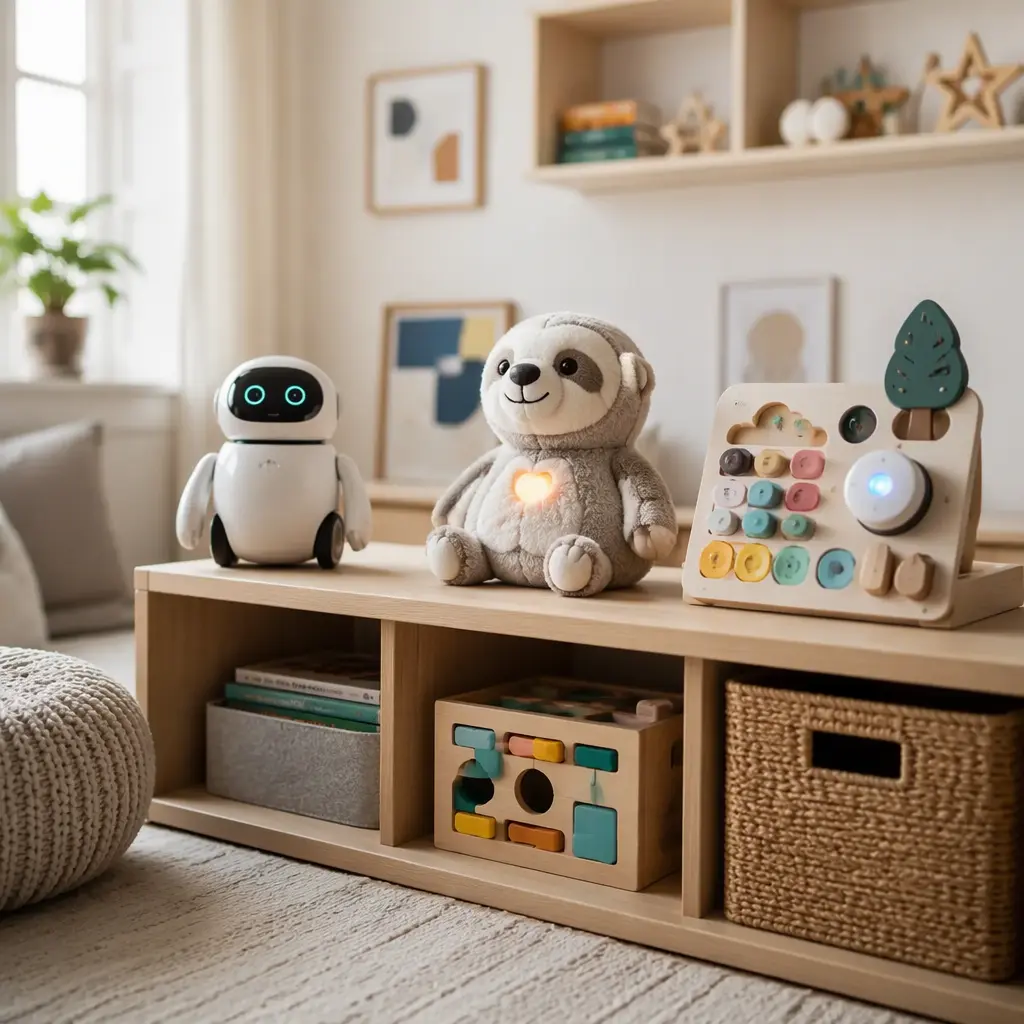
Compare prices and availability
Check current prices and availability for this guide on eBay.
As an eBay Partner, we may be compensated if you make a purchase.
Many connected toys promise conversations, coding games or responsive play, but some require account creation before a child can do anything useful. For families buying AI or app-connected toys for ages 6–8, setup friction matters almost as much as the toy itself. A toy that can start playing straight out of the box is usually easier for shared households, grandparents, classrooms and families trying to limit data collection. The most practical options keep core features available without permanent logins, paid subscriptions or constant cloud access. That does not always mean fully offline. Some toys still use Bluetooth pairing, occasional app updates or optional parent dashboards while remaining usable in a guest mode or limited offline mode. The key buying decision is how much functionality survives when the app is removed, the Wi‑Fi is off or the account is skipped.
What to look for
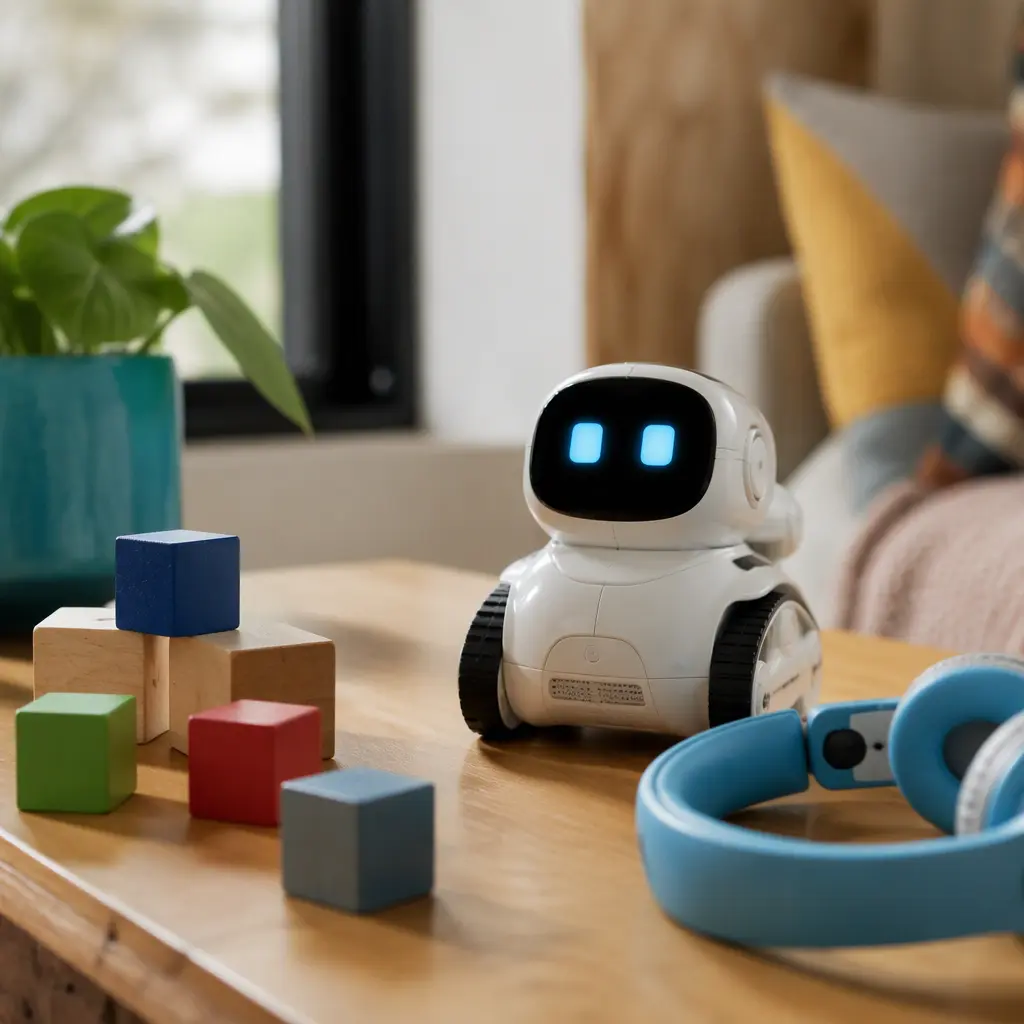
Connected toys vary widely in how dependent they are on apps, cloud services and accounts. Some products marketed as AI toys are actually simple voice-triggered animatronics with local responses stored on the device. Others send voice recordings or prompts to cloud systems for processing. Parents comparing options should focus less on marketing labels and more on practical day-to-day usability.
- Check whether the toy offers guest mode, local mode or basic play without registration.
- Look for clear explanations of what the microphone or camera does and whether recordings are stored remotely.
- Confirm which features require Wi‑Fi and which continue working offline.
- See whether the companion app is optional or essential after initial setup.
- Check if the toy needs ongoing subscriptions, credits or paid AI features.
- Consider device compatibility for the parent app, especially in mixed Android and iPhone households.
- Think about storage and charging. Many interactive toys include docks, cables or bulky accessories.
- Look for physical mute switches or easy-to-access parental controls.
- Research how the toy behaves when servers are unavailable or support eventually ends.
- Consider noise levels. Voice assistants, music playback and repeated prompts can become tiring in shared spaces.
Age suitability
Children aged 6–8 are usually old enough to understand simple voice commands, coding challenges and conversational play, but they still benefit from toys with clear boundaries and predictable responses. At this age, toys that combine physical interaction with digital features often work better than purely chat-based experiences. Coding robots, interactive pets and smart board games tend to hold attention longer because they encourage movement, problem-solving or imaginative play away from a screen. Families looking for quieter independent play may prefer toys with downloadable content stored locally rather than always-on voice interaction. Younger children within this range may need help with Bluetooth pairing, software updates or troubleshooting, while older children often enjoy experimenting with commands and customization settings.
Options compared
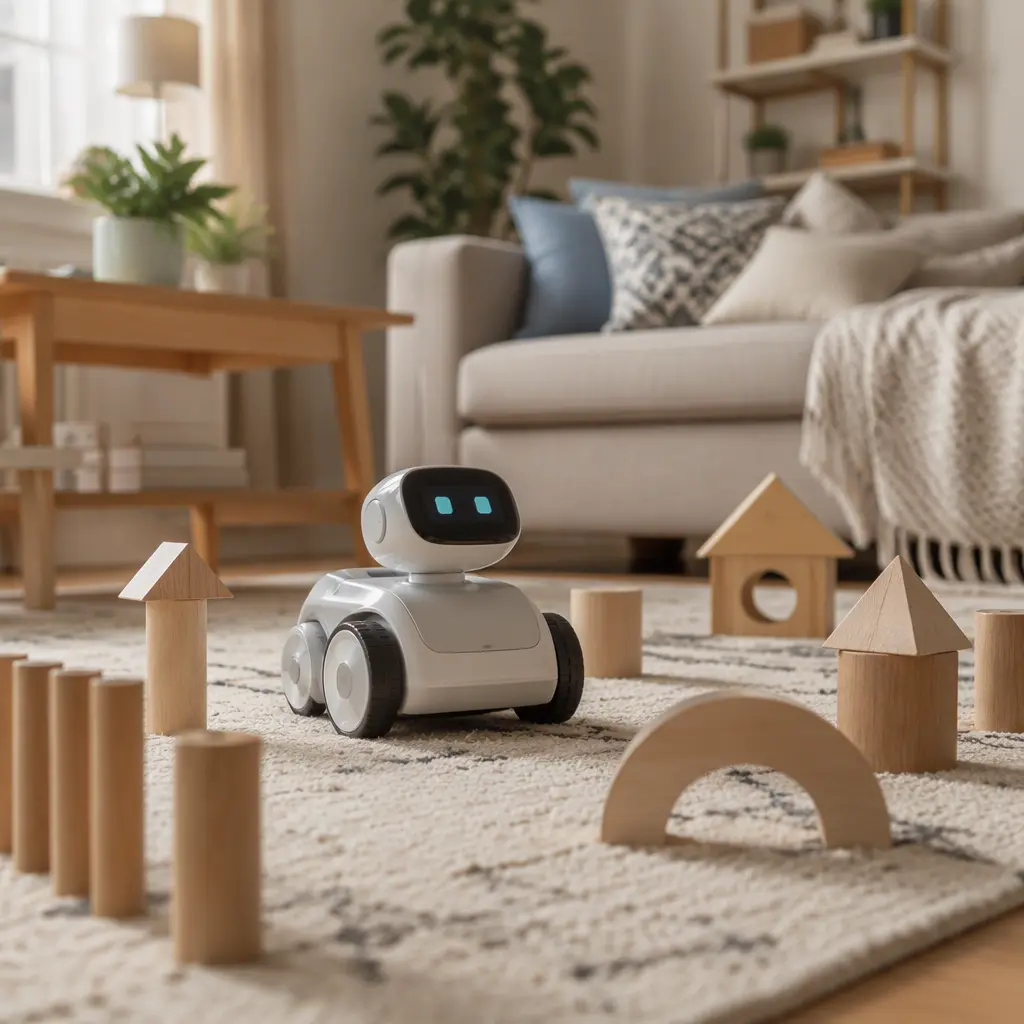
Coding robots are often the safest choice for families seeking useful play without mandatory accounts. Many coding-focused toys store activities directly on the device or connect over Bluetooth for temporary setup only. These toys usually remain functional even if cloud services disappear later. They suit children who enjoy puzzles, obstacle courses and repeatable challenges. The trade-off is that conversation features are usually limited compared with more advanced AI assistants.
Interactive pets and companion robots sit in the middle. Some use basic onboard responses with optional app features such as new sounds, routines or games. Others rely heavily on cloud-based AI conversations. A toy that can still walk, react to touch or play games offline tends to age better than one that mainly depends on remote servers. Parents should also consider emotional attachment. Toys designed as companions can become frustrating if subscriptions expire or features stop working after updates.
- Offline-friendly coding robots: usually durable, educational and lower-risk for privacy concerns; best for problem-solving play and shared family spaces.
- Interactive smart pets: good for children who enjoy nurturing play and expressive reactions; check charging needs and app dependence carefully.
- Voice assistant style toys: strongest conversational features but often most dependent on accounts, cloud processing and internet access.
- Smart board games and quiz systems: useful for group play and shorter sessions; may require periodic app updates but often keep core gameplay offline.
- App-enhanced plush toys: softer and more approachable for younger children, though some lose major features without companion apps.
Frequently asked questions
Do AI toys really need internet access?
Some do, especially toys that generate open-ended conversations or cloud-based responses. Others only use internet access for updates or optional content downloads. Coding robots and simpler interactive toys are more likely to continue working offline.
What is the difference between AI toys and regular electronic toys?
Many electronic toys use prerecorded sounds, sensors or scripted responses without true AI processing. AI-connected toys usually rely on software that interprets speech, adapts responses or pulls information from cloud systems. In practice, the line can blur because marketing often labels advanced animatronics as AI.
Are account-free toys better for privacy?
They can reduce the amount of personal information linked to a child, especially if no email address or profile is required. However, some toys still transmit usage or diagnostic data during updates or app pairing. Reading the privacy policy and permission settings remains important.
What happens if app support ends?
This depends on the toy design. Products with strong offline functionality usually continue basic play normally, while cloud-dependent toys may lose voice features, downloadable content or app-controlled settings. Buying a toy that still works without servers lowers the risk of early obsolescence.
Are these toys suitable for shared households or travel?
Toys with guest modes or no-login setup are generally easier for travel, divorced households, grandparents or classrooms because they avoid repeated account sign-ins. Battery-powered toys with local storage also tend to be more reliable away from home Wi‑Fi.
The most practical AI toys for ages 6–8 are usually the ones that treat connected features as optional enhancements rather than requirements. A toy that still delivers games, movement, creativity or coding challenges without constant accounts and cloud access is often easier to maintain and more likely to stay useful over time. Parents comparing options should focus on offline value, privacy controls and long-term usability rather than the broadest list of smart features.