Best UK AI Toys With Short Setup for Grandparents
A practical guide to AI and smart toys for ages 3–5 that avoid long setup, confusing apps and constant troubleshooting. Compare offline play, privacy, Wi‑Fi needs and supervision before buying.
Compare prices and availability
Check current prices and availability for this guide on eBay.
As an eBay Partner, we may be compensated if you make a purchase.
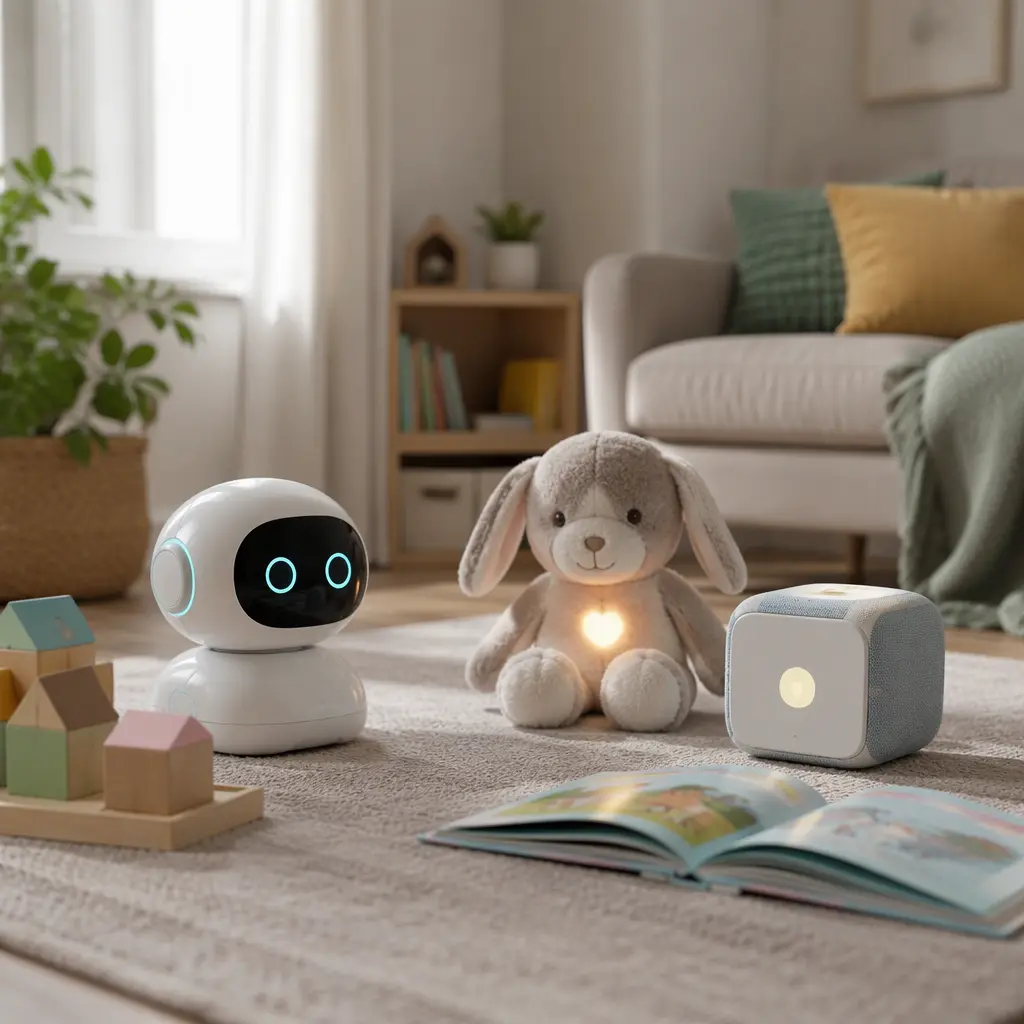
AI and connected toys aimed at children aged 3 to 5 often promise quick conversations, personalised stories or educational games, but the setup experience matters just as much as the features. Grandparents buying gifts may not want to create several accounts, scan QR codes or troubleshoot home Wi‑Fi before a child can play. Some toys work mainly as simple offline companions with a few smart features added, while others depend heavily on apps, cloud services and subscriptions. For younger children, the easiest options are usually toys that can still function in a basic way without a phone nearby. Choosing carefully can reduce frustration, shorten setup time and make the toy more likely to stay in regular use rather than sitting uncharged in a cupboard.
What to look for
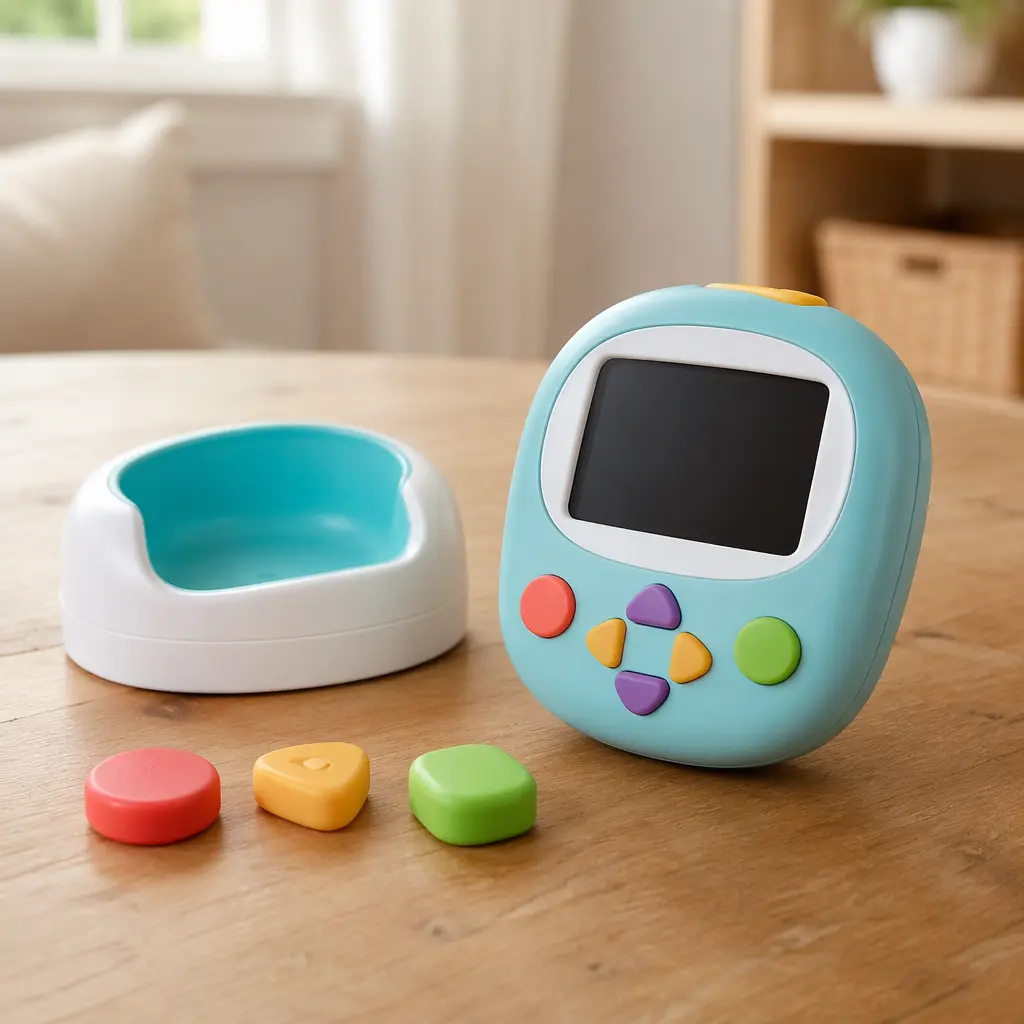
For grandparents or relatives who want a straightforward experience, the key difference is whether the toy truly needs an app and internet connection to work. Some products described as AI toys are really voice-triggered animatronics with limited responses stored inside the toy itself. Others send recordings or prompts to cloud services for more advanced conversations and updates. Cloud-based features can feel more impressive, but they usually add account setup, permissions and ongoing maintenance. Preschool children also benefit from toys with physical controls and predictable play patterns rather than open-ended chatbot-style interaction.
- Check whether the toy works offline after initial setup or becomes limited without Wi‑Fi.
- Look for toys with simple charging methods and large physical buttons rather than app-only controls.
- Read privacy details carefully if the toy includes microphones or cameras. Some manufacturers store voice recordings to improve services.
- See whether a parent account is required before first use and whether multiple apps are needed.
- Check compatibility with UK app stores, home Wi‑Fi standards and supported mobile devices.
- Consider whether subscription fees, story credits or paid content are required for long-term use.
- Choose toys with manageable volume levels and durable materials for regular preschool play.
- Look at storage needs. Larger robot toys and ride-ons can quickly take over living-room space.
Age suitability
Children aged 3 to 5 are usually still learning turn-taking, speech clarity and simple routines. Many AI toys aimed at older children rely on reading menus, typing prompts or navigating companion apps, which limits independent use at preschool age. Simpler interactive toys often work better because they focus on songs, stories, movement or basic conversation. At this age, short interactions are usually more successful than long educational sessions. Parents and grandparents should also expect occasional misunderstandings with voice recognition, especially with younger children or regional accents. Toys with a useful non-AI mode, such as physical play features or preloaded audio content, tend to remain engaging even when internet features fail or are temporarily unavailable.
Options compared
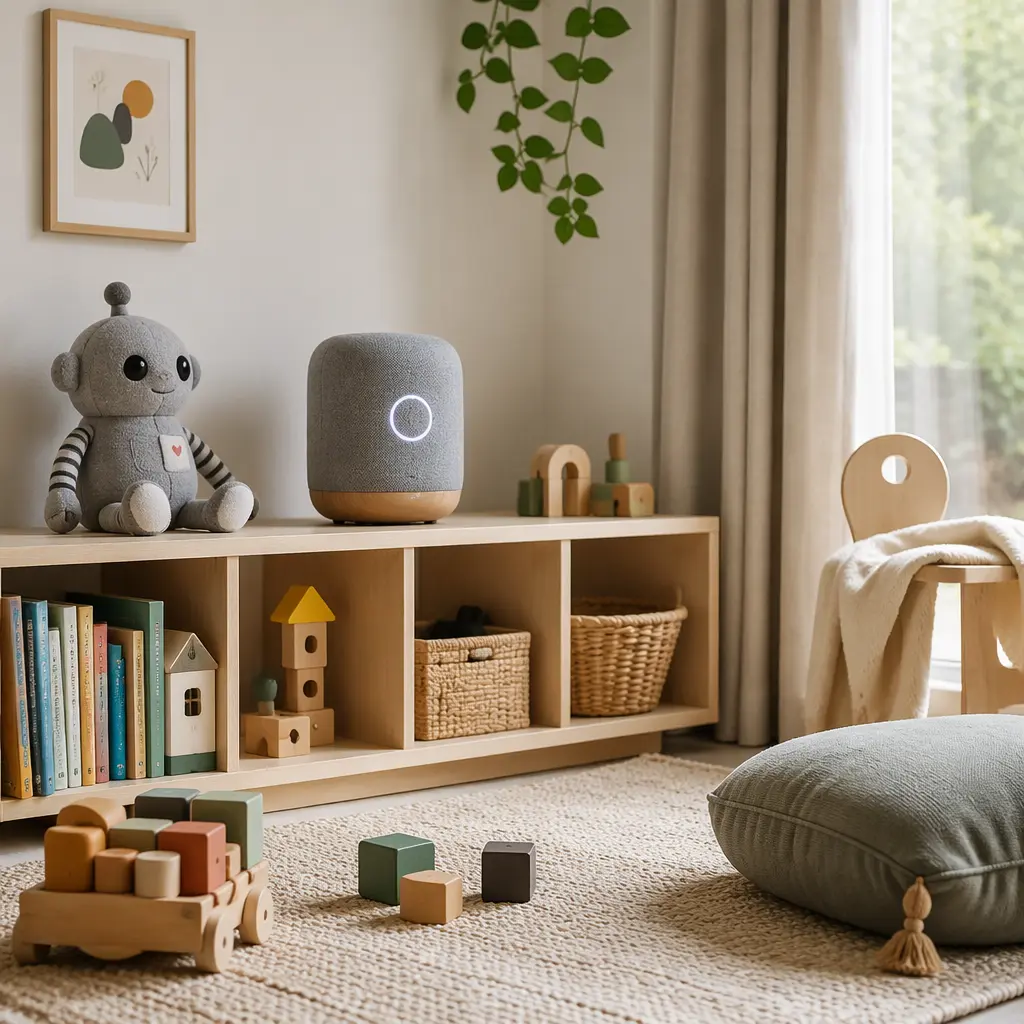
For the shortest setup process, audio-focused smart toys are often the easiest category. Storytelling speakers and interactive audio boxes usually need only basic Wi‑Fi connection and an adult account during initial setup. After that, children can operate them independently with physical figures, cards or large buttons. These devices suit grandparents who want low-maintenance gifts with quieter play and fewer moving parts. The trade-off is that the AI features may be limited to recommendations or voice responses rather than full conversations.
Interactive plush toys and companion robots vary much more. Some contain only simple sensors and pre-programmed phrases, which means little setup and good reliability. Others use cloud AI to generate changing responses or activities. Those more advanced toys can feel impressive at first but may require regular charging, software updates and app management. Families with limited patience for troubleshooting may prefer toys that advertise offline functionality clearly. Robot pets and educational coding toys can also work well for this age band if they rely on button-based interaction instead of reading-heavy apps. However, larger robots are often noisier, more expensive and less durable when dropped repeatedly.
- Interactive audio players: Usually quickest to start, lower supervision needs, quieter and suitable for bedtime routines.
- Simple smart plush toys: Good for comfort and imaginative play, but check battery access and washable components.
- Cloud-connected AI companions: More conversational features but greater dependence on apps, accounts and stable internet.
- Educational coding toys: Better for older preschoolers nearing age 5 who enjoy patterns and button sequences.
- Screen-linked tablet toys: Often easiest for updates but can become heavily app-dependent and less screen-free.
Frequently asked questions
Do AI toys for preschoolers really need Wi‑Fi?
Not always. Many toys marketed as AI products only use Wi‑Fi for updates, downloading stories or initial account setup. Others depend on cloud processing for speech recognition and become much less useful offline. For grandparents seeking minimal frustration, products with meaningful offline play are usually the safest choice.
Are app-based toys difficult for older relatives to set up?
Some are straightforward, while others involve multiple steps including account verification, Bluetooth pairing, permissions and firmware updates. Toys with dedicated companion apps can also become harder to maintain if the app changes or loses support. Reading setup requirements before buying is especially important for gifts sent directly to relatives.
What privacy features should families check?
If a toy contains microphones, cameras or cloud-based conversation features, look for clear information about recording storage, parental controls and account deletion. Manufacturers may process voice data remotely to improve responses. Families who prefer minimal data sharing may prefer toys with local processing or non-connected modes.
Are subscriptions common with AI toys?
Increasingly, yes. Some storytelling systems, conversational toys and educational platforms offer extra content through subscriptions or digital credits. The toy may still function without payment, but libraries and features can become limited over time. Checking ongoing costs helps avoid disappointment after the initial excitement fades.
Which type of smart toy is easiest for a 3-year-old to use independently?
Toys with physical controls usually work best. Large buttons, tactile figures and simple voice prompts are easier for younger preschoolers than touchscreens or open-ended chat systems. Audio players and simple responsive plush toys are often more intuitive than complex educational robots at this age.
The best AI or connected toy for grandparents to buy is often the one that demands the least technical attention after the box is opened. Preschool children usually gain more from reliable, repeatable play than from advanced features that work inconsistently. Smart audio toys, simple interactive companions and limited-connectivity products generally offer the smoothest experience for ages 3 to 5. Before buying, it helps to check whether the toy still provides enjoyable offline play, how much adult setup is required and whether the manufacturer clearly explains privacy, subscriptions and long-term app support.