AI Coding Robots Without Cameras: A UK Parent Guide
A practical guide to AI and coding robots without cameras for UK families aged 9–12, covering offline play, account requirements, supervision, privacy and realistic trade-offs.
Compare prices and availability
Check current prices and availability for this guide on eBay.
As an eBay Partner, we may be compensated if you make a purchase.
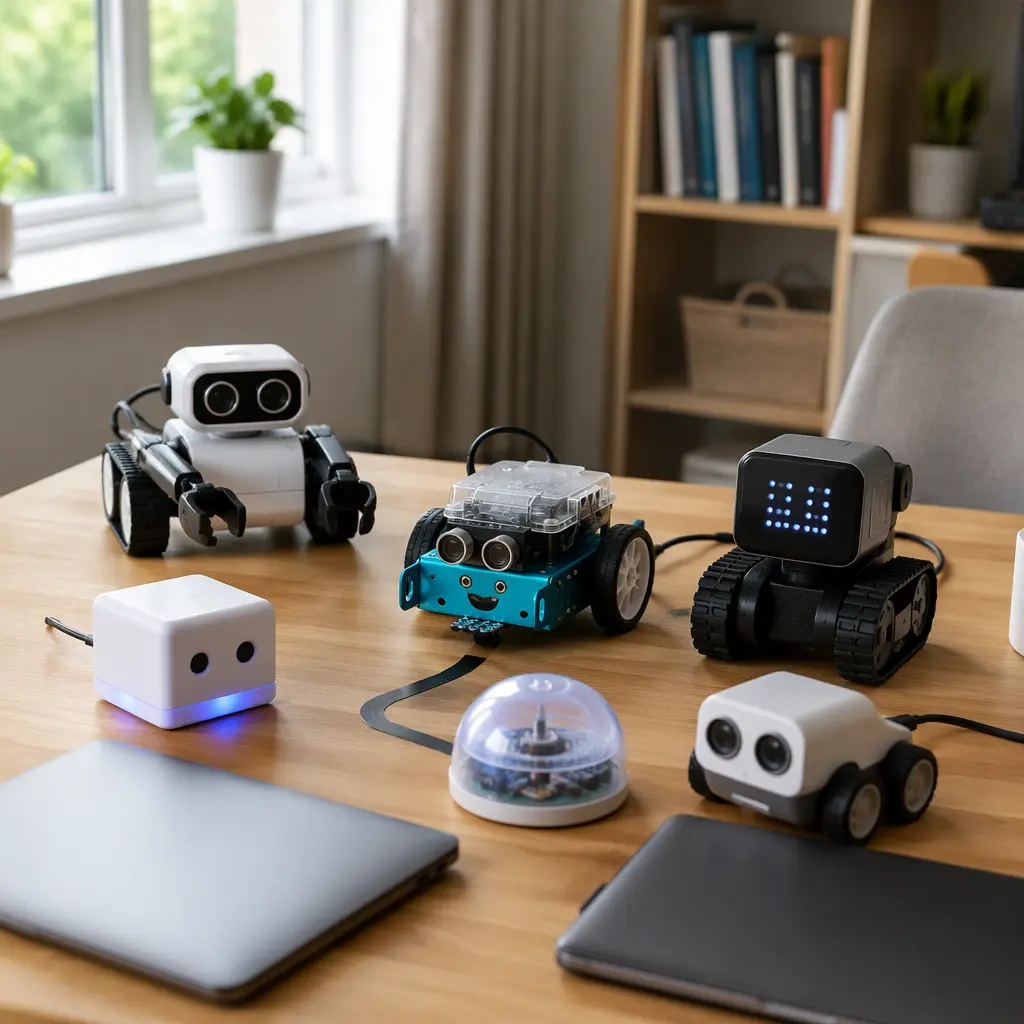
Coding robots aimed at children aged 9–12 increasingly mention AI features, but many parents are specifically looking for options without built-in cameras. In practice, that usually means robots that rely on microphones, simple sensors, pre-programmed responses or app-based coding rather than live visual recognition. For UK families, the buying decision often comes down to three questions: how much internet access the toy needs, whether children need personal accounts or subscriptions, and how much adult help is realistically required once the novelty phase passes. Some products marketed as AI toys are closer to programmable robots with speech or pattern recognition, while others depend heavily on cloud services and companion apps. Understanding that difference helps avoid buying a toy that creates unnecessary privacy concerns or turns into another device that only works while connected to a parent’s phone.
What to look for
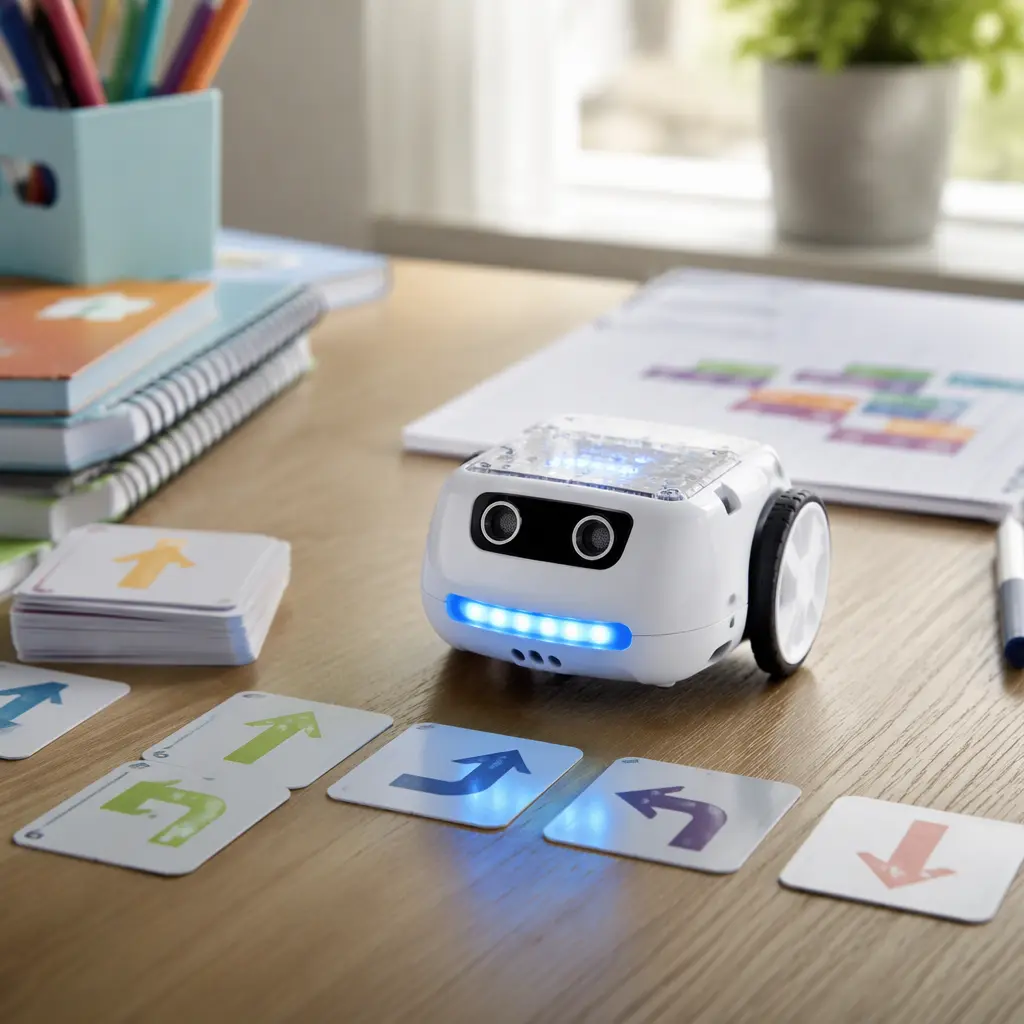
A camera-free coding robot can still vary widely in how connected it is. Some robots work almost entirely offline once set up, while others require frequent app logins, cloud processing or ongoing Bluetooth pairing. Parents looking for lower-maintenance STEM toys should pay close attention to how coding activities are delivered and whether the robot remains useful without constant internet access. Many children in the 9–12 age range enjoy progressing from drag-and-drop coding into beginner Python-style logic, but not every robot supports that transition equally well.
- Check whether the robot works offline after setup or whether cloud access is needed for core features.
- Look for clear information about account requirements, especially if a child email address or app profile is required.
- Consider how coding is handled: physical coding cards, tablet apps, browser tools or downloadable desktop software all create different supervision needs.
- Microphones are common even without cameras. Review whether voice recordings are stored or processed online according to the manufacturer.
- Battery type matters for long sessions. Rechargeable systems reduce ongoing cost but may limit play if charging takes time.
- Some robots depend heavily on tablets or smartphones, which can reduce the appeal for families seeking more screen-light play.
- Storage can become an issue if kits include mats, modular parts, coding blocks or expansion packs.
- Noise levels vary widely. Robots with speech synthesis, music or sound effects may become tiring in smaller homes or shared bedrooms.
- Look for realistic support life. App-based toys can lose features if software support ends or devices stop receiving updates.
- UK compatibility matters for plugs, language support and app availability on local app stores.
Age suitability
The 9–12 age range is broad, especially for coding confidence and independent problem-solving. Children at the younger end often prefer robots with tactile controls, guided missions and visible movement, while older children may quickly lose interest if the coding system feels restrictive or overly simplified. Camera-free robots are often a better fit for families who want coding skills without introducing facial recognition or live image processing into play. However, most still require occasional adult support for software updates, Bluetooth pairing or troubleshooting. A child already comfortable using Scratch-style coding platforms may benefit from a robot that supports more advanced logic structures or integrations with classroom coding systems. Children who mainly enjoy imaginative play may prefer robots focused on interaction and movement rather than detailed programming challenges.
Options compared
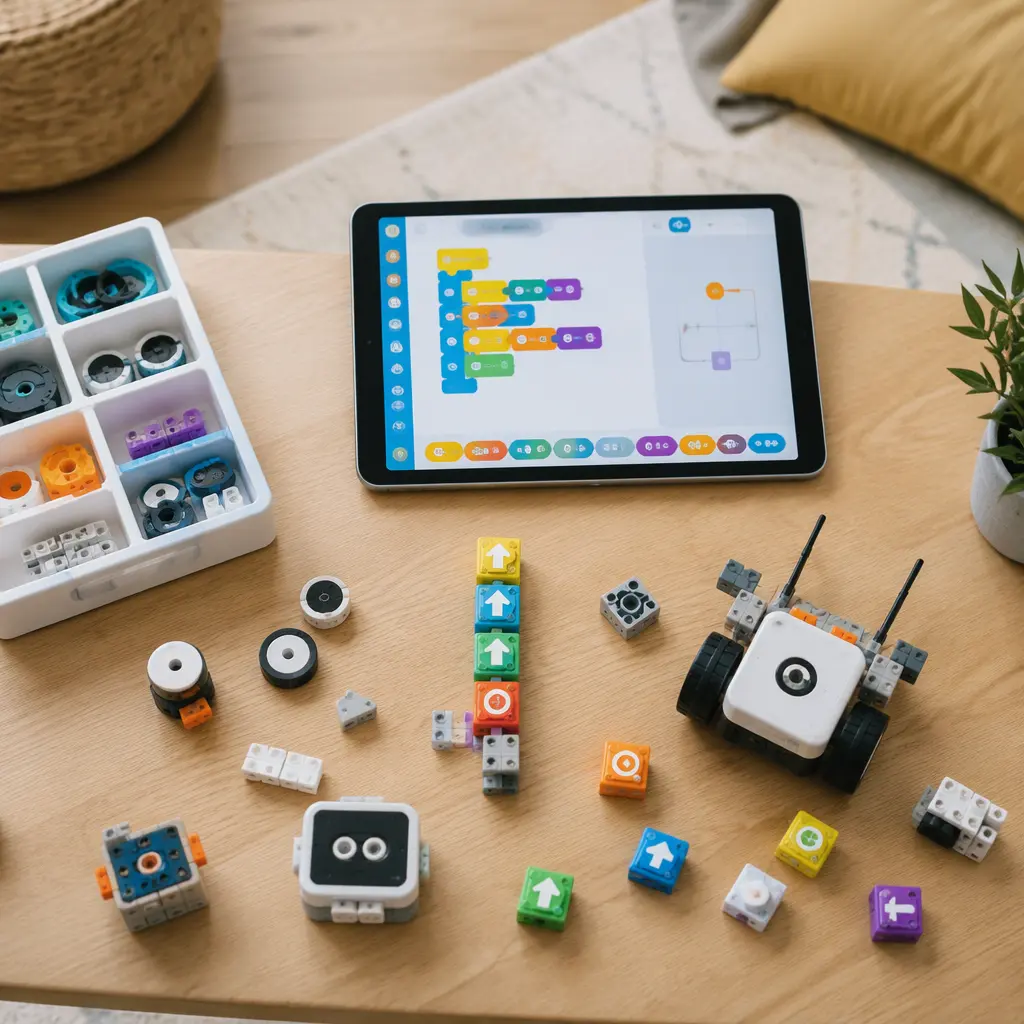
Camera-free coding robots generally fall into three broad categories. The first includes mostly offline programmable robots with buttons, coding cards or onboard controls. These are often the easiest to manage in family homes because children can experiment without relying on constant app access. Products similar in style to educational classroom robots or programmable rovers usually suit families prioritising privacy, portability and shorter setup times. The trade-off is that AI features are often minimal. Manufacturers may describe adaptive responses or voice interaction as AI even when the system uses simple scripted behaviour.
The second category combines physical robots with companion apps or browser coding tools. These often provide the strongest educational progression because children can move from block coding toward more advanced programming logic. Families should expect more screen involvement and more frequent updates, account sign-ins and compatibility checks. Some systems also place premium lessons or advanced coding challenges behind subscriptions or credit systems. These products can work well for children already enthusiastic about STEM clubs or school computing lessons, but they are less suitable for households trying to reduce device time.
The final category includes conversational or assistant-style robots marketed with AI personalities. Without cameras, these may rely on microphones, cloud speech processing and chatbot-style interaction. They can feel more engaging socially, but they also tend to raise the most questions around data handling, online dependence and long-term support. Parents should check whether voice interaction still works offline and whether the robot remains useful if cloud services change. For many families, these toys are better treated as connected gadgets with coding elements rather than pure educational coding tools.
- Offline programmable robots: lower privacy concerns, easier supervision, usually less advanced AI interaction.
- App-connected coding robots: stronger coding progression, but higher screen dependence and setup complexity.
- Voice-based AI robots: interactive and engaging, but often dependent on cloud services and ongoing app support.
- Modular robotics kits: strong long-term learning potential, though setup, storage and part management can frustrate some children.
- Classroom-style coding kits: structured and educational, but sometimes less playful for children expecting entertainment-first experiences.
Frequently asked questions
Do camera-free AI robots still collect data?
Potentially, yes. Many connected toys collect app usage information, device identifiers or voice inputs even without cameras. Manufacturers usually explain this in privacy documentation or app permissions. Offline-only robots generally collect less data, although companion apps may still request analytics permissions.
Can these robots work without Wi-Fi?
Some can. Many coding robots only need internet access during setup, updates or lesson downloads, while others rely heavily on cloud processing for voice interaction or AI features. Parents looking for lower-maintenance toys should check whether core coding functions remain available offline.
Are subscriptions common?
They are becoming more common, especially for app-connected STEM platforms that provide coding lessons, AI chat features or project libraries. Some robots remain fully usable without subscriptions but reserve advanced activities for paid accounts. It is worth checking whether recurring costs are required for meaningful long-term use.
How much supervision do children aged 9–12 need?
Most children in this age range can handle day-to-day coding activities independently once setup is complete. Adult help is still commonly needed for account management, troubleshooting wireless connections, updating firmware and evaluating online community features or shared coding projects.
What is the difference between AI and ordinary programmable robots?
Many educational robots use sensors, pre-written responses or basic automation without true AI systems. Products described as AI toys may use cloud speech recognition, adaptive software behaviour or chatbot-style interaction. Marketing language varies widely, so it helps to focus on the practical features rather than the AI label alone.
For UK parents choosing a coding robot without a camera, the most useful approach is usually to prioritise reliability and independence over marketing claims about AI. A robot that works consistently offline, supports gradual coding progression and does not depend heavily on subscriptions or cloud services is often easier to manage at home. Children aged 9–12 tend to stay engaged longer when the toy offers clear challenges, experimentation and creative problem-solving rather than novelty conversations alone. Checking privacy expectations, software support and realistic supervision needs before buying can help narrow the field quickly.