Connected STEM Kits Kids Can Use Without Constant Tech Help
A parent-focused guide to connected STEM kits for ages 9–12, comparing setup friction, app dependence, firmware updates, troubleshooting and which systems children can manage more independently.
Compare prices and availability
Check current prices and availability for this guide on eBay.
As an eBay Partner, we may be compensated if you make a purchase.
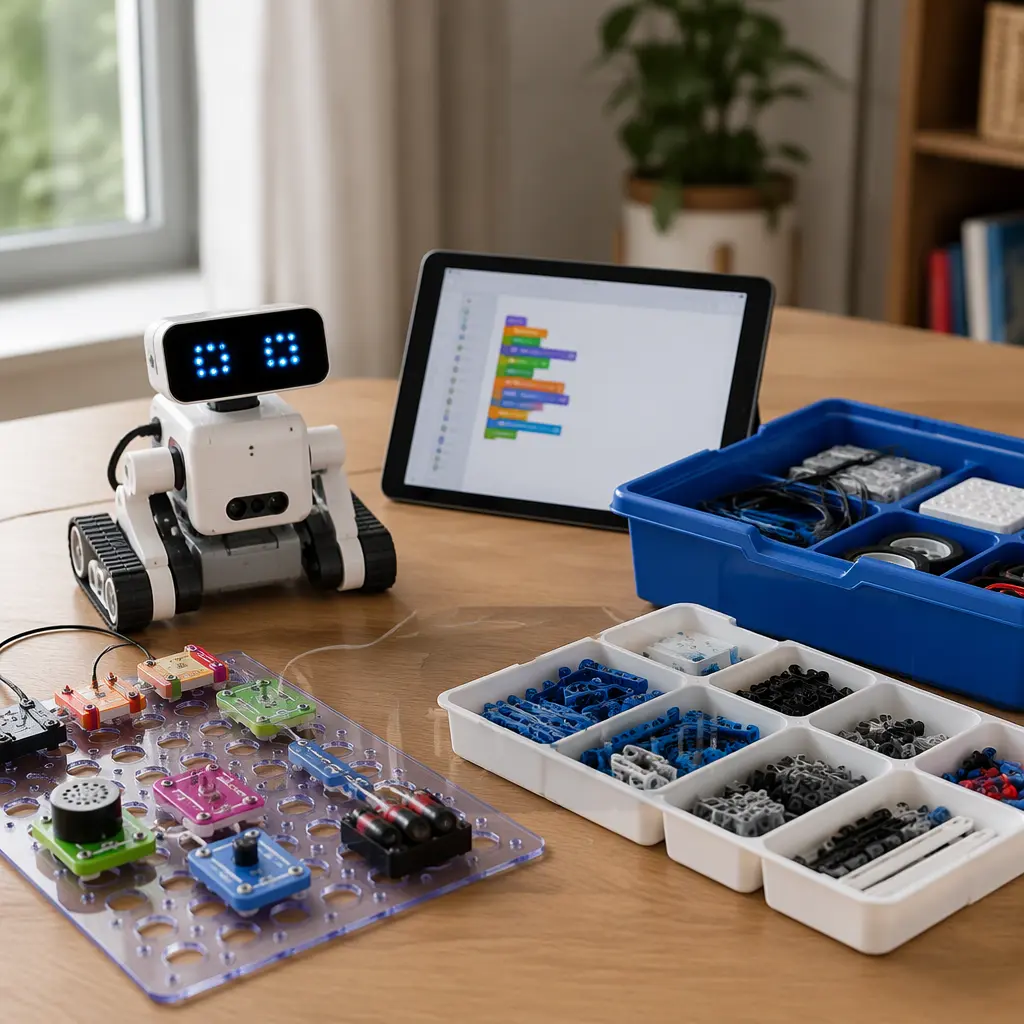
Connected STEM kits can be engaging for children aged 9–12 because they combine hands-on building with coding, sensors or app-guided experiments. The challenge for many families is that some kits quietly shift a lot of technical work onto parents. A toy that looks simple on the box may require repeated firmware updates, account creation, Bluetooth troubleshooting or a permanent internet connection before a child can even start building. The easiest kits for this age group are usually the ones that keep setup short, provide clear visual instructions and still offer useful play when the app is closed or the Wi‑Fi is unreliable.
What to look for
The biggest difference between connected STEM kits is not the subject matter but how much technical maintenance they require after the first week. Some products are closer to traditional toys with optional app features, while others function more like small consumer electronics devices that depend heavily on updates and cloud services. For ages 9–12, many families find the best balance in kits that support independent experimentation without requiring adults to constantly reconnect devices or diagnose software problems.
- Short setup process: Kits with guided pairing and clear visual instructions are usually easier for children to manage independently.
- Offline usefulness: Some coding robots and electronics kits continue working after initial setup, while others become limited without an internet connection.
- Firmware update frequency: Frequent mandatory updates can interrupt play and often require adult passwords or app permissions.
- Device compatibility: Check whether the companion app works on the devices already in the home and whether multiple children can share access.
- Account requirements: Some systems require parent-managed accounts, cloud logins or email verification before use.
- Troubleshooting design: Kits with onboard buttons, screens or physical reset options are often easier for children to recover without adult help.
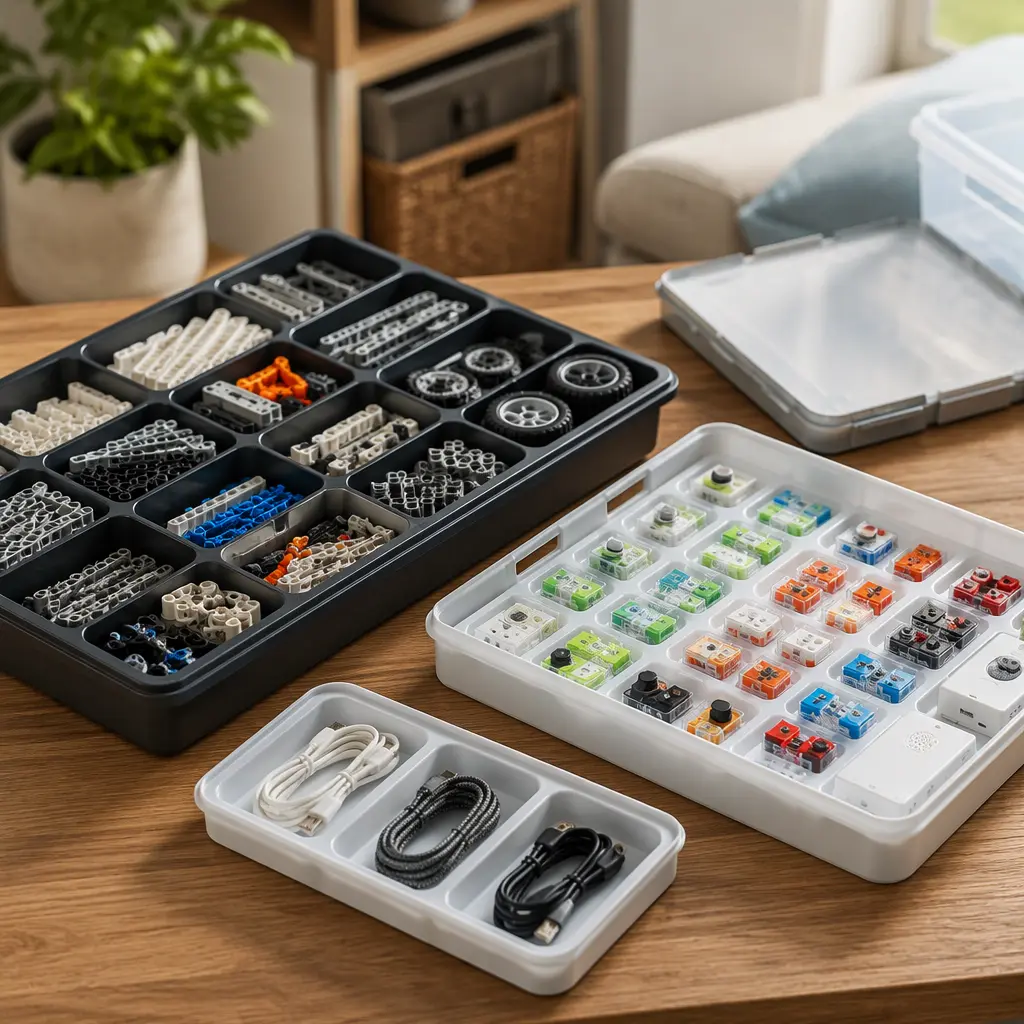
- Storage and durability: Modular systems with many small parts need organized storage to avoid frustration during rebuilding.
Age suitability
Most connected STEM kits marketed for ages 9–12 assume children can follow multi-step instructions and tolerate occasional technical hiccups. Younger children within this range often do better with drag-and-drop coding robots and guided science experiments, while older tweens may enjoy more open-ended electronics or programmable systems. Reading ability matters as much as age because troubleshooting menus, Bluetooth permissions and update prompts are often text-heavy. Children who already use tablets independently may manage connected kits more smoothly, but highly app-dependent systems can still become frustrating without occasional adult oversight.
Options compared
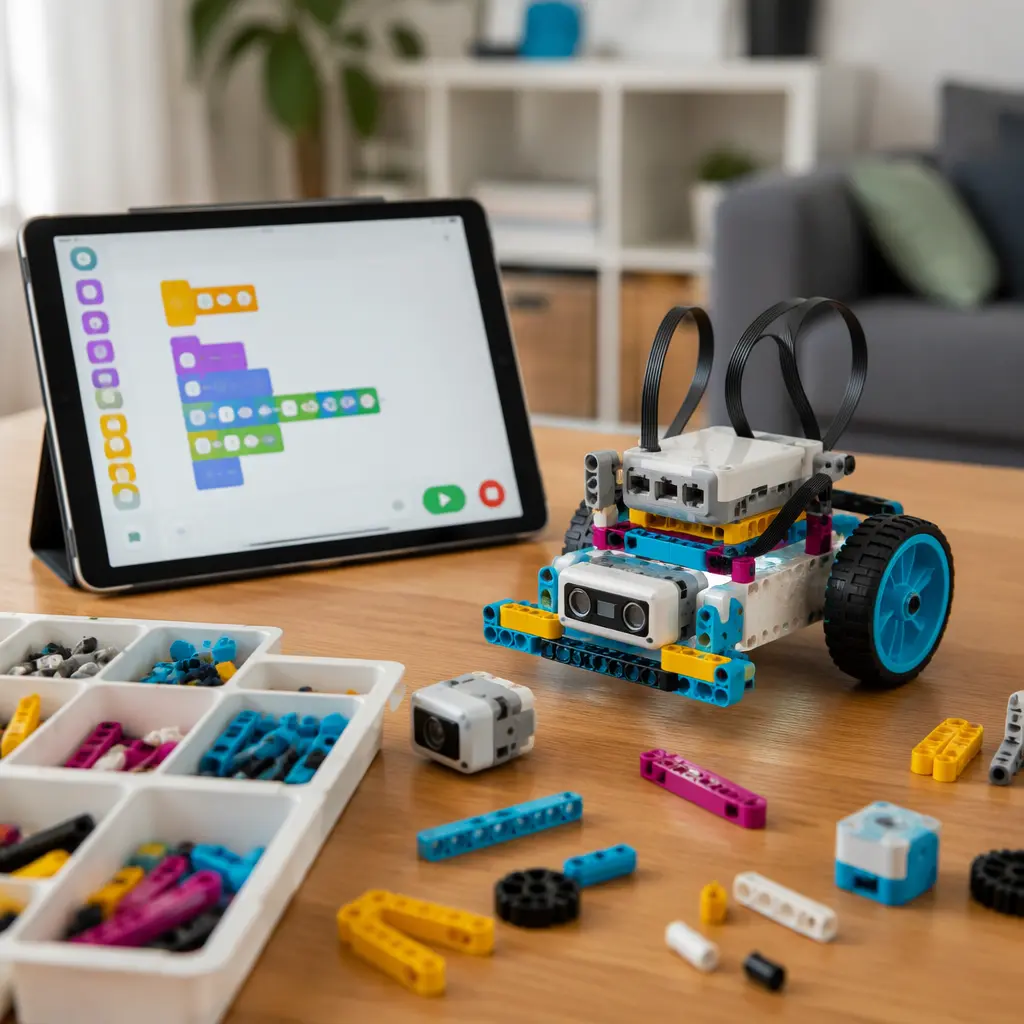
Coding robots are often the easiest connected STEM toys for independent use because they usually guide children through short challenges with visual programming blocks. Brands such as LEGO Education, Sphero and Wonder Workshop generally focus on structured learning paths that help children recover from mistakes on their own. These systems tend to work best for children who enjoy experimentation but can become repetitive for kids who prefer free-form engineering projects. Bluetooth pairing remains the most common source of frustration, especially in homes with multiple tablets or school-managed devices.
Electronics and engineering kits with connected apps can offer deeper long-term learning but often require more patience. Modular systems such as littleBits-style circuits or app-guided Arduino-compatible kits may involve calibration, firmware updates or troubleshooting sensor connections. These suit children who already enjoy building and problem-solving rather than those looking for quick results. Families who want lower-maintenance play may prefer hybrid kits that combine physical instruction books with optional app features instead of systems that lock most activities behind a connected dashboard.
- Coding robots: Usually the easiest setup and clearest instructions; good for independent learners and shorter play sessions.
- Modular electronics kits: Strong for experimentation and engineering concepts but often require more setup patience and careful storage.
- App-guided science kits: Engaging for children who like step-by-step activities, though some rely heavily on subscriptions or consumable materials.
- Programmable robotics systems: Better for older tweens who enjoy ongoing projects and iterative troubleshooting rather than instant results.
Frequently asked questions
Do connected STEM kits always need Wi‑Fi?
Not always. Many kits need internet access for initial downloads, account setup or firmware updates, but some continue functioning offline afterward. Others rely heavily on cloud-based content and become limited without a connection. Checking whether coding projects can run directly on the device can help identify more resilient systems.
Which type usually requires the least parent troubleshooting?
Simple coding robots with guided apps are usually the most manageable for ages 9–12. Systems with physical buttons, visual status lights and limited account requirements tend to produce fewer support problems than highly customizable engineering platforms.
Are firmware updates a major issue?
They can be. Some manufacturers release updates infrequently and in the background, while others require manual updates before activities will launch. Updates may also require adult permissions on tablets or phones. Families who want lower-maintenance play may prefer kits that remain usable even when updates are postponed.
Do children lose interest quickly in connected STEM toys?
Interest often depends on whether the kit encourages open-ended experimentation. Systems with only a fixed sequence of tutorials may have shorter replay value. Kits that allow custom builds, coding changes or physical redesigns usually support longer engagement.
What should parents check before buying?
It helps to verify device compatibility, storage needs, internet requirements and whether the app includes subscriptions, credits or account systems. Families may also want to check whether replacement parts are available and whether the manufacturer has a history of maintaining older apps.
The most parent-friendly connected STEM kits are not necessarily the most advanced. For many families, the better choice is a system that children can restart, troubleshoot and enjoy independently after the initial setup. A slightly simpler kit that keeps kids building and experimenting often delivers more value than a feature-heavy platform that repeatedly stalls because of updates, pairing issues or app dependence.