AI Coding Robots vs Classic STEM Kits for Kids in 2026
A parent-focused guide to AI coding robots and classic STEM kits for ages 9–12, covering skill-building, privacy, subscriptions, durability and long-term value.
Compare prices and availability
Check current prices and availability for this guide on eBay.
As an eBay Partner, we may be compensated if you make a purchase.
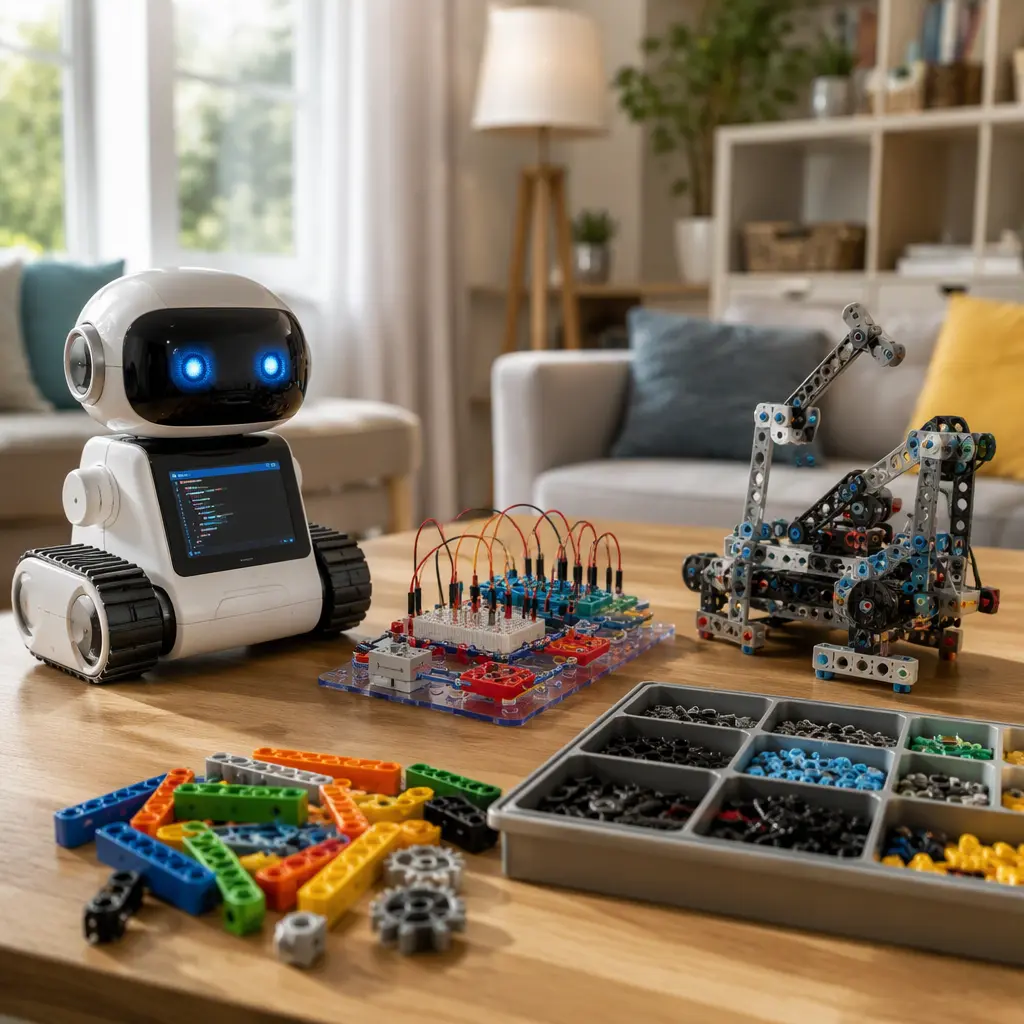
AI coding robots are increasingly marketed as the next step beyond traditional STEM kits, promising conversational help, adaptive lessons and app-connected projects. For parents of 9–12 year olds, the decision is less about which category is more advanced and more about what kind of learning experience fits the child and the household. Classic STEM kits still tend to focus on hands-on engineering, electronics, mechanics or coding logic without requiring constant internet access. AI-powered robots often add guided coaching, voice interaction or cloud-based coding tools, but they can also introduce subscriptions, shorter software support windows and more screen time. The right choice depends on whether the priority is independent building, structured coding practice, long-term durability or ongoing digital features.
What to look for
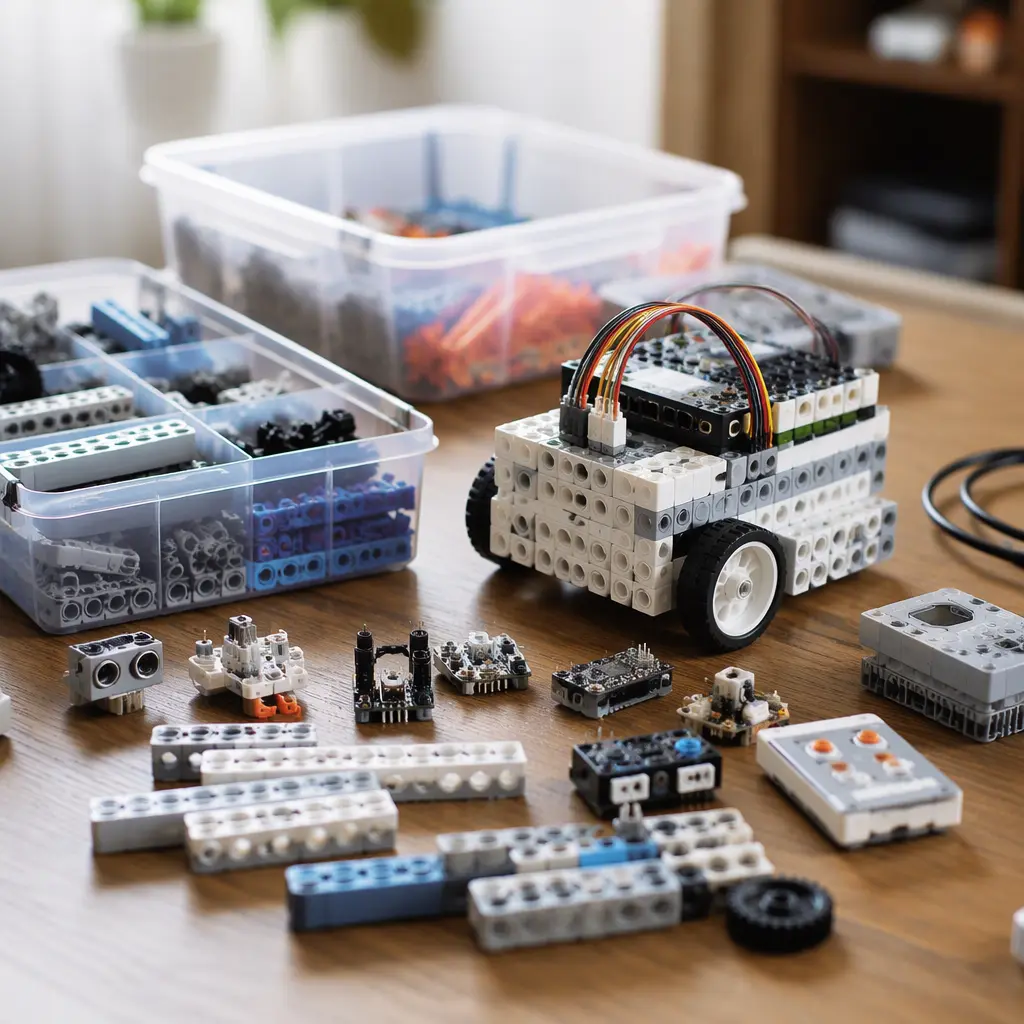
For this age group, the biggest differences are not usually raw educational quality but how the toy teaches and how dependent it is on apps or cloud services. Some children stay motivated with interactive AI guidance and challenge systems, while others learn more deeply through slower trial-and-error building projects. Parents should also consider practical issues such as setup complexity, storage space, battery charging and whether the toy still works if a company stops supporting the app.
- Check whether the robot or kit still functions offline or in limited mode without cloud access.
- Look for transparent subscription details. Some AI coding systems place advanced lessons or extra projects behind monthly plans or credit systems.
- Review device compatibility carefully. Many AI toys require newer tablets or phones and may not support shared family devices.
- Consider the balance between guided learning and open-ended creativity. Highly scripted apps can keep children engaged but may limit experimentation.
- Compare replacement part availability and repairability, especially for robots with motors, sensors or rechargeable batteries.
- Think about noise and shared spaces. Voice-enabled robots, sound effects and motorized movement may not suit quieter homes or apartments.
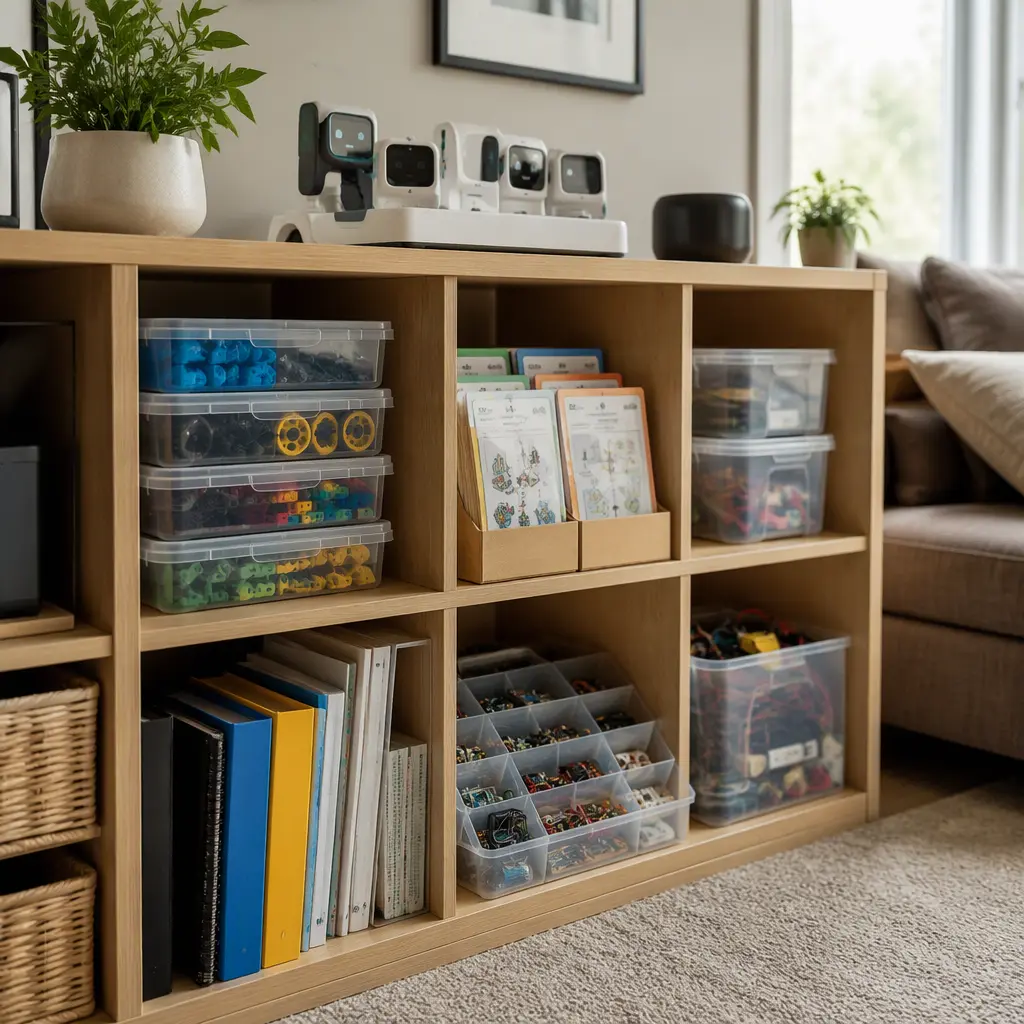
- Assess storage needs. Large modular engineering kits can spread across tables, while compact coding robots may store more easily but require charging cables and devices.
- Look at support lifespan. Traditional STEM kits often remain usable for years, while connected toys may lose features if servers or apps are discontinued.
Age suitability
Ages 9–12 is a transition period where many children are ready for more abstract problem-solving but still benefit from visible, physical results. AI coding robots can work well for children who enjoy interactive feedback, game-like progress systems or digital creativity. They may especially appeal to children already interested in tablets, coding games or robotics clubs. Classic STEM kits often suit children who prefer building, experimenting and understanding how components physically work together. Many parents find that children at this age benefit from a mix of both: tactile engineering projects combined with beginner coding concepts. Children who become frustrated by device troubleshooting or reading-heavy app interfaces may find classic kits more approachable.
Options compared
Classic STEM kits remain strong choices for long-term replay value and broad engineering skills. Electronics kits, mechanical building systems and offline coding boards usually continue working regardless of software updates or account systems. They often encourage patience, troubleshooting and experimentation because children can physically see circuits, gears or structures working together. Many families also appreciate that these kits can be shared among siblings without requiring separate user accounts or subscriptions.
AI coding robots add a different kind of engagement. Their strongest feature is usually guided progression. Some systems adapt challenges based on performance, explain coding errors or provide conversational prompts that make programming feel less intimidating. This can help children who lose interest when projects become too technical. However, connected features can create trade-offs. Cloud dependence may reduce usefulness if support ends, and some AI features work best only with stable internet access. Parents should also be realistic about novelty. A robot with impressive voice interaction may still offer less engineering depth than a simpler robotics kit with expandable hardware.
- Classic electronics kits: Good for hands-on learners, lower long-term dependency and durable reuse. Often less exciting initially but strong for foundational skills.
- Mechanical engineering sets: Best for children who enjoy construction, moving parts and open-ended design. Usually require more storage space and cleanup.
- Offline coding kits: Blend physical play with programming logic while avoiding heavy cloud dependence. Often suitable for families limiting screen time.
- AI coding robots: Strong for guided learning, motivation and interactive coding practice. May involve apps, accounts, updates or subscriptions.
- Hybrid robotics systems: Combine sensors, motors and app coding. Useful for children ready for more advanced projects but may require greater parent support during setup.
Frequently asked questions
Do AI coding robots actually teach coding?
Many do teach real coding concepts, especially sequencing, loops, logic and debugging. The difference is that some systems simplify coding heavily through drag-and-drop interfaces or guided prompts. That can help beginners, but children may eventually outgrow highly simplified systems and need more open coding environments.
Are classic STEM kits becoming outdated?
Not necessarily. Physical engineering, electronics and mechanical problem-solving remain central STEM skills. Traditional kits may lack flashy connected features, but they often provide longer-lasting value because they do not rely on apps, servers or ongoing software support.
How important are subscriptions?
Subscriptions can significantly affect long-term cost and usefulness. Some AI toy companies include free starter content but reserve advanced lessons, AI coaching or extra projects for paid plans. Parents should check what works permanently without additional payments before buying.
What about privacy concerns?
Privacy matters more with connected toys than with traditional STEM kits. Robots with microphones, cameras or cloud-linked profiles may collect usage data or recordings depending on the manufacturer’s policies. Reviewing account settings, parental controls and data deletion options is worthwhile before children begin using the toy independently.
Which option lasts longer?
Classic STEM kits often have the longer physical lifespan because they rely less on apps and online systems. AI coding robots can remain useful for years if software support continues, but their connected features may age faster as operating systems, apps and cloud services change.
For many families in 2026, the strongest buying decision is not choosing between AI and traditional STEM play entirely but deciding how much connected technology is genuinely useful. AI coding robots can make coding more approachable and engaging, especially for children who enjoy interactive digital experiences. Classic STEM kits still offer dependable hands-on learning, fewer privacy concerns and better long-term independence from apps or subscriptions. The best fit is usually the one that matches the child’s attention style, the family’s tolerance for connected devices and the kind of skills parents want to encourage over time.