AI Drawing Robots in Shared Bedrooms: Privacy and Safety
A parent-focused guide to AI drawing robots for ages 9–12, covering cameras, microphones, cloud features, subscriptions and nighttime privacy concerns in shared bedrooms.
Compare prices and availability
Check current prices and availability for this guide on eBay.
As an eBay Partner, we may be compensated if you make a purchase.
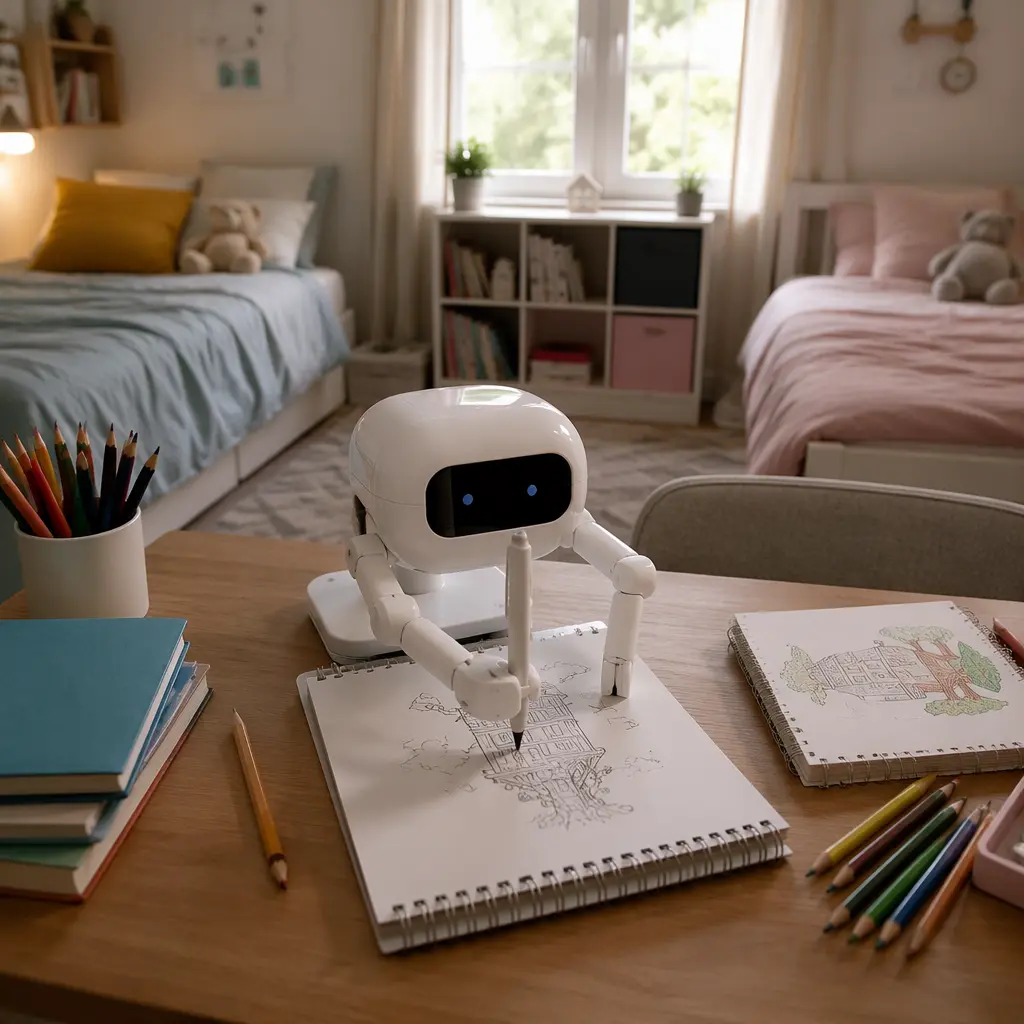
AI drawing robots combine art activities with connected technology, usually pairing a small tabletop robot with a mobile app, camera, microphone or cloud-based software. For children aged 9–12, they can add novelty to drawing practice and coding-style experimentation, but shared bedrooms create extra considerations that do not apply to ordinary craft toys. Parents often need to think beyond creativity and look closely at how the device handles cameras, voice input, internet connections and overnight placement. Some products use genuine AI features such as image generation, conversational prompts or cloud recognition systems, while others are closer to programmable plotters with simple sensors and no learning systems. Understanding that difference helps narrow down which type fits a shared sleeping space more comfortably.
What to look for
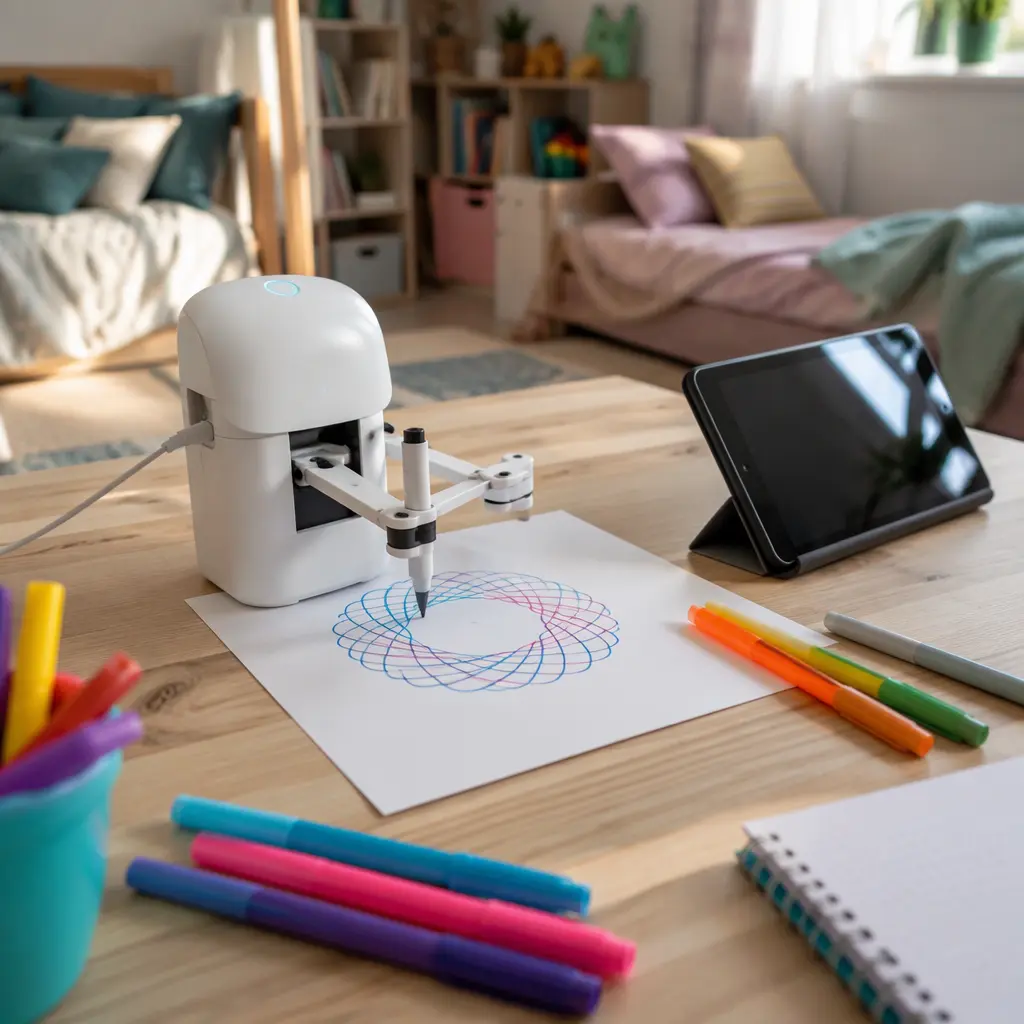
The safest and least disruptive option for a shared bedroom is usually a drawing robot that can function mostly offline. Some connected models require constant app access and cloud processing, while others can complete drawing tasks locally once set up. Parents should also check whether the toy includes a camera or microphone and whether those features can be disabled physically or through settings. A bedroom is a more sensitive environment than a playroom because siblings may change clothes, sleep nearby or hold private conversations within range of the device.
- Check whether the robot works without a constant internet connection after setup.
- Look for clear mute controls or physical camera covers rather than app-only privacy settings.
- Review whether accounts are required for every child or only for the supervising parent.
- Confirm which devices are compatible, since some toys depend on newer tablets or phones.
- Consider subscription costs, drawing-credit systems or cloud limits before buying.
- Choose quieter motor systems if the robot may be used near sleeping siblings.
- Look at storage needs for paper, markers, charging cables and accessory trays.
- Read the manufacturer privacy policy to see whether voice clips or images are stored remotely.
Age suitability
Most AI drawing robots aimed at ages 9–12 assume children can navigate apps independently, follow setup instructions and handle basic troubleshooting. That age group is usually capable of understanding simple privacy rules too, such as avoiding voice sharing or keeping cameras pointed away from beds. Younger siblings in the same room may still interact with the toy accidentally, so parents should consider whether exposed markers, moving arms or connected devices could become disruptive. Children who mainly want screen-free art play may become frustrated if the robot depends heavily on account sign-ins, software updates or cloud processing before it can draw. On the other hand, kids interested in coding, robotics or digital creativity may enjoy the mix of physical drawing and app-based controls more than a traditional craft kit.
Options compared
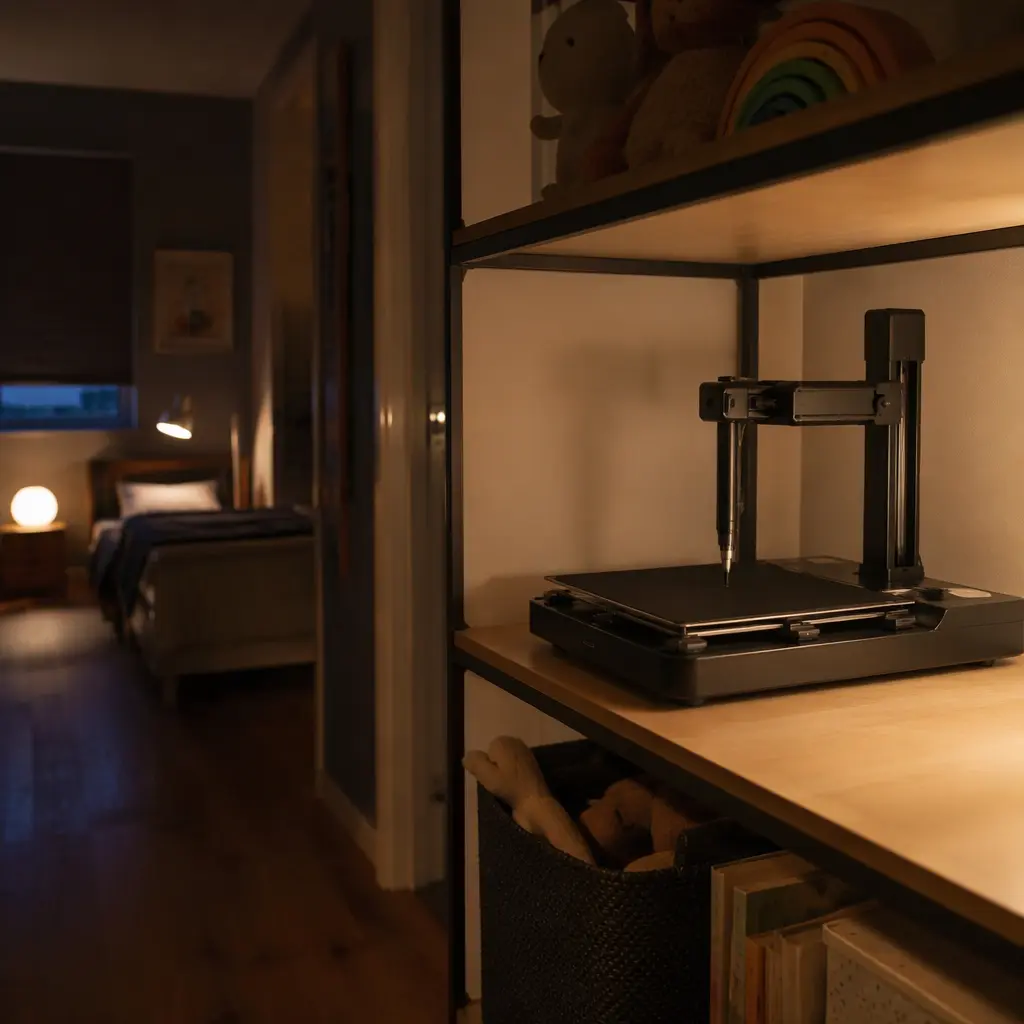
Broadly, AI drawing robots fall into three categories. The simplest are programmable drawing machines with preset patterns or coding-style commands. These may connect to an app but usually do not include microphones, cameras or cloud-generated content. For shared bedrooms, this category is often the easiest to manage because it behaves more like a traditional STEM toy than a connected assistant. The trade-off is that the experience may feel less interactive over time.
The middle category includes app-connected art robots that can trace uploaded images or respond to prompts processed through cloud software. These systems can be more creative and flexible, but they may upload photos or usage data to remote servers. Parents should pay attention to account permissions, whether children's artwork is stored online and how long software support is likely to continue. If the company stops supporting the app, some functions may disappear entirely.
The most connected category includes robots marketed with conversational AI or voice interaction. These may include microphones, cameras or chatbot-style features designed to guide drawing sessions. In a shared bedroom, those features can create more concerns than benefits for some households. Continuous listening claims vary by manufacturer, and parents may not always have independent verification about what data is processed locally versus remotely. These models may suit families already comfortable managing smart speakers and connected devices at home, but they are less ideal for children who share small sleeping spaces with siblings or who have limited supervision during device use.
- Offline-capable drawing robots suit families prioritising privacy, lower maintenance and quieter play.
- Cloud-connected art robots suit children interested in digital creativity and guided drawing prompts.
- Voice-enabled AI robots suit tech-focused households comfortable with connected-device management.
- Portable battery-powered models are easier to move out of bedrooms after use.
- Larger desk-based robots may offer smoother drawing but take up more shared storage space.
Frequently asked questions
Do AI drawing robots always include cameras or microphones?
No. Some are simply motorised drawing tools controlled through buttons or apps. Others add cameras for image scanning or microphones for voice commands. Product descriptions sometimes group all connected robots under the "AI" label even when the features are fairly limited, so it helps to check the hardware details carefully.
Can children use these robots without internet access?
That depends on the model. Some robots can continue drawing stored designs offline after setup, while others rely on cloud processing for prompts, updates or image generation. If internet-free use matters, parents should confirm which functions remain available when Wi-Fi is turned off.
Are shared bedrooms a bad place for connected toys?
Not necessarily, but shared sleeping spaces increase the importance of privacy controls and physical placement. Families often prefer devices with clear power switches, visible camera covers or removable batteries so the toy can be fully inactive during sleep hours.
Do these toys require subscriptions?
Some connected drawing platforms include optional subscriptions for extra templates, AI prompts or cloud storage. Others use one-time purchases with free companion apps. Ongoing costs are worth checking early because a toy may lose key features if access expires.
Are AI drawing robots educational enough to justify the added technology?
For some children, yes. They can encourage interest in robotics, sequencing, digital art and problem-solving. However, children who already enjoy independent sketching may get similar creative benefits from traditional art supplies or simpler coding toys without introducing microphones, accounts or cloud services into a bedroom environment.
AI drawing robots can be engaging STEM toys for older children, but shared bedrooms change the buying decision. The most practical choice for many families is a model with limited data collection, strong offline functionality and easy-to-control privacy features. Looking carefully at microphones, cameras, app dependence and nighttime storage habits usually matters more than choosing the most advanced AI label on the box.