Connected STEM Kits Without Parent Phone Setup
A parent-focused guide to connected STEM kits for ages 9–12 that work with minimal setup, limited app dependence, and safer offline-friendly features.
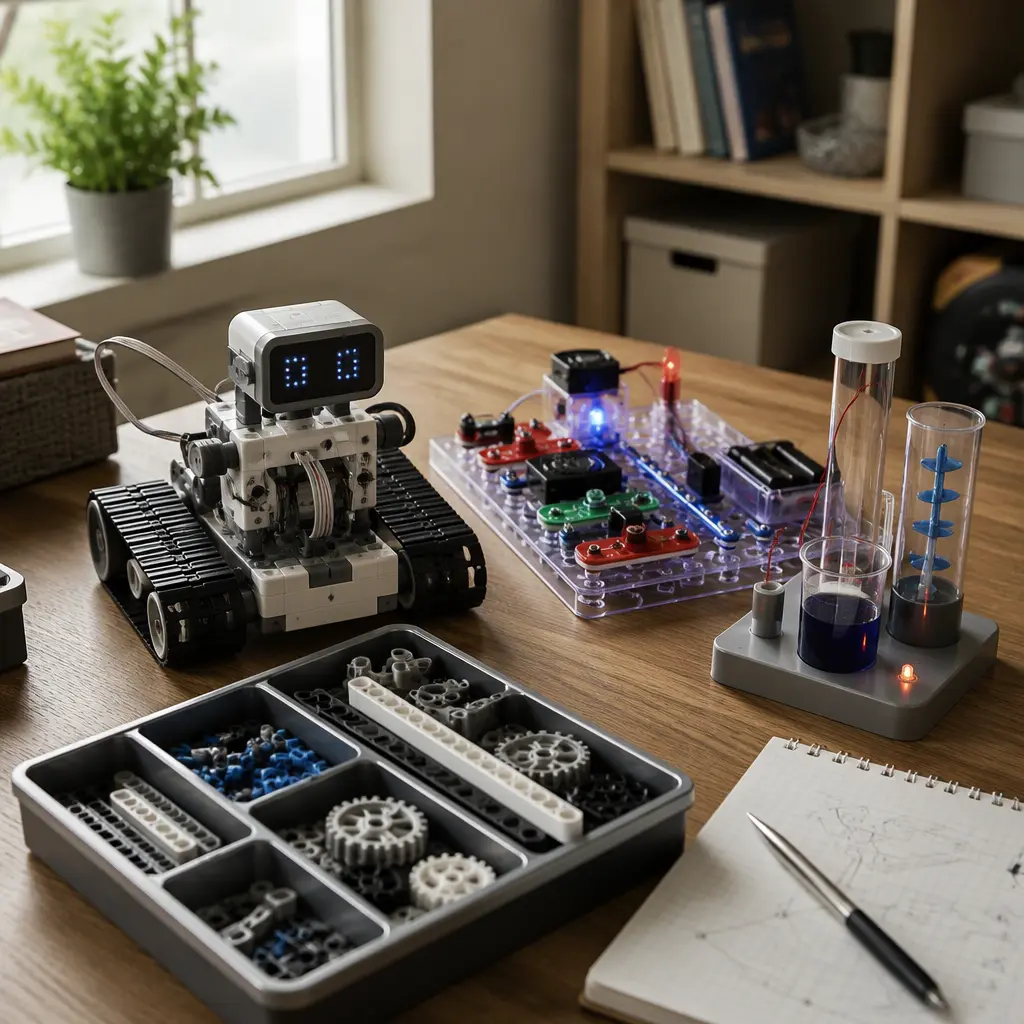
Compare prices and availability
Check current prices and availability for this guide on eBay.
As an eBay Partner, we may be compensated if you make a purchase.
Many STEM toys for ages 9–12 now include connected features such as companion apps, Bluetooth pairing, downloadable coding projects, or cloud-based lessons. For some families, those extras are useful. For others, the setup process becomes the hardest part of the toy. Kits that require a parent account, constant phone pairing, subscriptions, or always-on internet access can quickly turn independent play into a shared technical support job. The easiest connected STEM kits for this age group are usually the ones that still work well without a parent phone nearby. Some use a built-in screen, physical coding blocks, USB connection to a shared family computer, or optional apps rather than mandatory accounts. The goal is not to avoid technology completely, but to choose products where the connected features genuinely improve learning without creating ongoing supervision, privacy, or compatibility problems.
What to look for
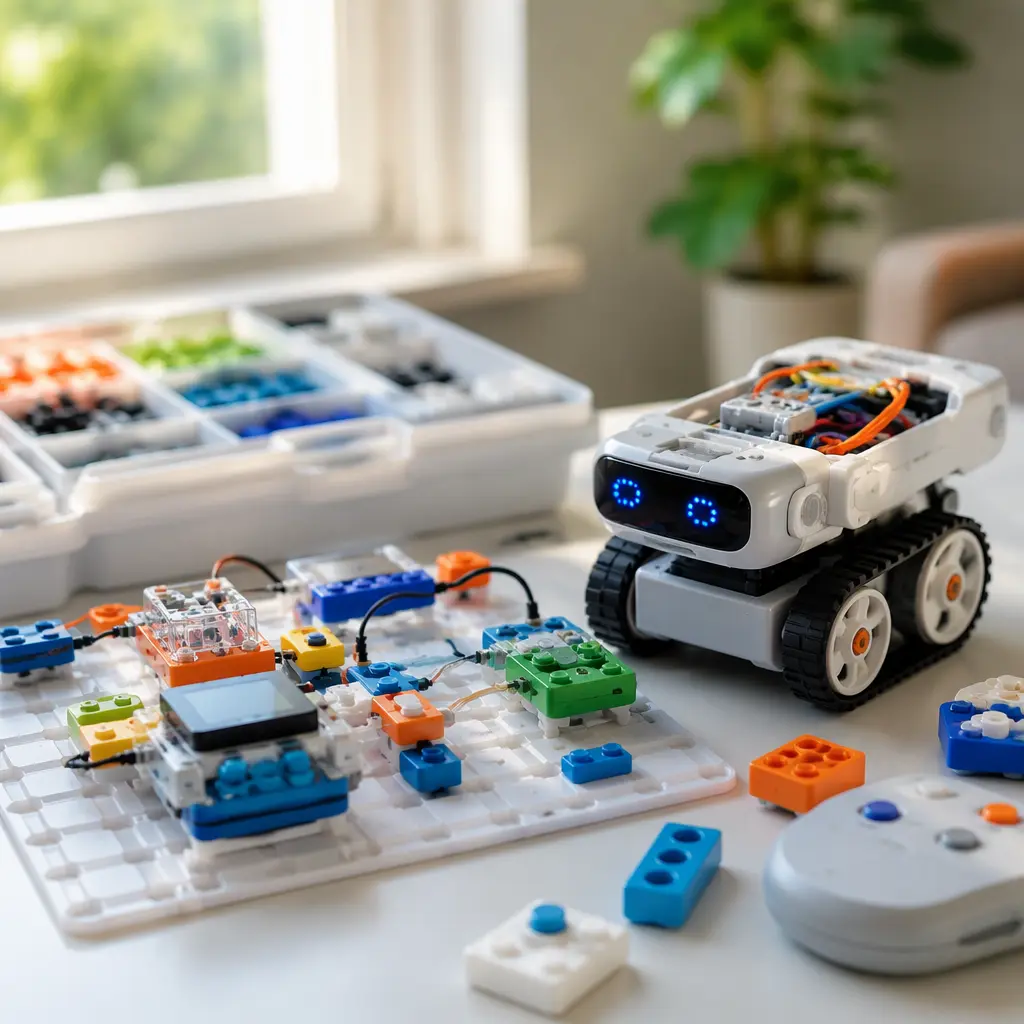
The most practical connected STEM kits for this age range balance independence with manageable technology. Many products marketed as AI or smart toys are actually simple app-controlled devices with sensors or pre-programmed responses. That is not necessarily a bad thing, but it helps to understand what the connected features actually do before buying. A child who enjoys building and experimenting may benefit more from reliable offline functions than from cloud-based extras that only work through a mobile app.
- Look for kits with optional apps rather than mandatory parent account creation before first use.
- Built-in screens, onboard controls, or USB computer setup are often easier for independent use than phone-only systems.
- Check whether the toy still works offline after initial updates or downloads.
- Prefer products with clear age guidance and gradual learning levels instead of open-ended coding platforms that assume prior experience.
- Bluetooth-only connections are generally simpler than toys that require constant cloud syncing or live internet access.
- Review device compatibility carefully. Some kits only support tablets, newer operating systems, or certain browsers.
- Consider storage and durability. Robotics kits with many tiny sensors or connectors can become frustrating if pieces are easily lost.
- Battery requirements matter for this age group because frequent charging interruptions can reduce engagement.
- If the kit includes cameras, microphones, or online sharing features, check parental controls and privacy policies before setup.
- Subscription-based coding platforms can limit long-term usefulness if lessons or projects become locked behind ongoing payments.
Age suitability
Ages 9–12 is a wide range for STEM learning. Younger children in this group often do best with structured projects and visible results, such as snap-circuit kits, beginner robotics, or drag-and-drop coding systems. Older children may enjoy more open-ended electronics, engineering, or text-based programming projects that encourage experimentation. Independence also varies. Some children can follow printed instructions carefully and troubleshoot basic pairing problems on their own, while others still need adult support with updates, charging, or software installation. Kits that provide a strong physical play experience alongside digital features usually work best across this age band because they remain engaging even when devices are unavailable.
Options compared
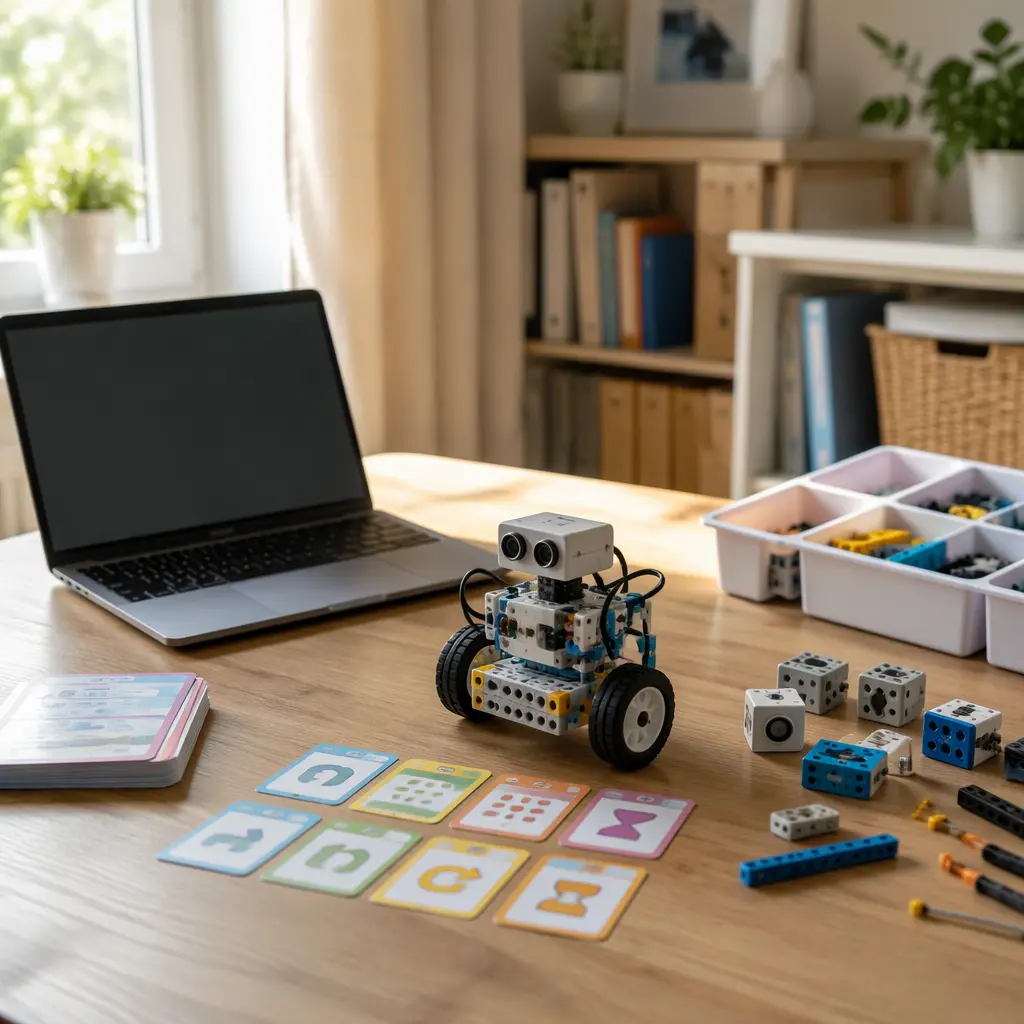
Robotics kits are often the most appealing connected STEM toys in this age group because they combine coding with visible movement and problem-solving. Simpler beginner robots that use block coding and onboard controls are usually easier for independent setup than advanced robotics platforms that rely on cloud dashboards or multiple mobile apps. Families who want lower supervision demands may prefer robots that can store programs directly on the device after setup, allowing children to continue experimenting offline.
Electronic circuit kits with connected features are another strong option. Some modern versions add guided app lessons or digital troubleshooting tools while still allowing hands-on building without continuous internet access. These can work well for children who enjoy engineering but are less interested in screen-heavy coding activities. Computer-based coding kits sit somewhere in the middle. Products that connect through USB to a shared desktop or laptop often avoid some of the privacy concerns and distractions associated with phone apps, but they do require access to compatible computers. Families with limited storage space may prefer compact coding boards or all-in-one robots instead of large modular engineering systems with many loose parts.
- Screen-light robotics kits suit children who enjoy movement, puzzles, and repeat experimentation without needing constant app interaction.
- Circuit and electronics kits suit detail-oriented children who prefer building and understanding how components work physically.
- Coding-first kits with guided lessons suit children already comfortable using computers independently.
- Offline-capable kits are often the easiest choice for shared households where devices are limited or internet access is inconsistent.
- Highly app-dependent systems may frustrate families trying to reduce screen time or avoid repeated account management.
- Large engineering systems with motors and sensors can offer longer-term replay value but require more storage and organization.
Frequently asked questions
Do connected STEM kits always need internet access?
No. Many kits only need internet access for initial downloads, firmware updates, or optional project libraries. Others work almost entirely offline after setup. Checking whether core functions remain available without Wi-Fi can help avoid frustration later.
Are app-free STEM kits better for this age group?
Not necessarily. Some apps provide excellent step-by-step guidance and make coding easier to understand. The main advantage of lower-app systems is simplicity. Children can often start faster and continue playing without waiting for account approvals, updates, or device charging.
What connected features are actually useful?
Useful features usually support learning directly, such as saving programs to a robot, visual debugging tools, guided experiments, or downloadable challenge packs. Features that mainly add social feeds, voice assistants, or constant cloud dependence may not improve the educational value for most families.
Should parents worry about privacy with STEM toys?
It depends on the product. Toys with microphones, cameras, cloud accounts, or online sharing tools collect more data than simple Bluetooth devices or offline coding kits. Reviewing the manufacturer's privacy information and parental control options is worthwhile before setup, especially for products aimed at children.
Can these kits still be useful if a company stops supporting the app?
That depends on how much the toy relies on online services. Kits with strong offline functionality, downloadable software, or physical coding methods tend to remain usable longer. Products that depend heavily on cloud accounts or subscription platforms may lose features if support ends.
The best connected STEM kits for ages 9–12 are usually the ones that make technology feel approachable rather than complicated. A good kit should help children experiment independently, solve problems, and stay curious without requiring constant parent troubleshooting. Looking closely at setup requirements, offline usefulness, privacy features, and long-term support can narrow the field quickly. For many families, the easiest choice is not the most advanced-looking product, but the one that keeps the focus on building, coding, and discovery instead of account management.