Connected STEM Kits That Still Work Without UK Accounts
A parent-focused guide to STEM kits for ages 9–12 that still offer meaningful offline play after setup, with practical advice on apps, logins, privacy, subscriptions and long-term usability.
Compare prices and availability
Check current prices and availability for this guide on eBay.
As an eBay Partner, we may be compensated if you make a purchase.
Many STEM toys now rely on apps, cloud accounts or connected services, which can create problems for families who want straightforward setup, fewer privacy concerns or toys that still work years later. For children aged 9 to 12, the strongest options are usually kits that combine physical building or electronics with software that continues working locally after installation. Some connected features genuinely add value, such as guided coding lessons, firmware updates or project sharing, but others mainly add account requirements and ongoing dependence on servers. When comparing STEM kits for 2025 and 2026, it helps to focus less on marketing terms like “AI-powered” and more on what the child can still do if the internet connection drops or an account is never created.
What to look for
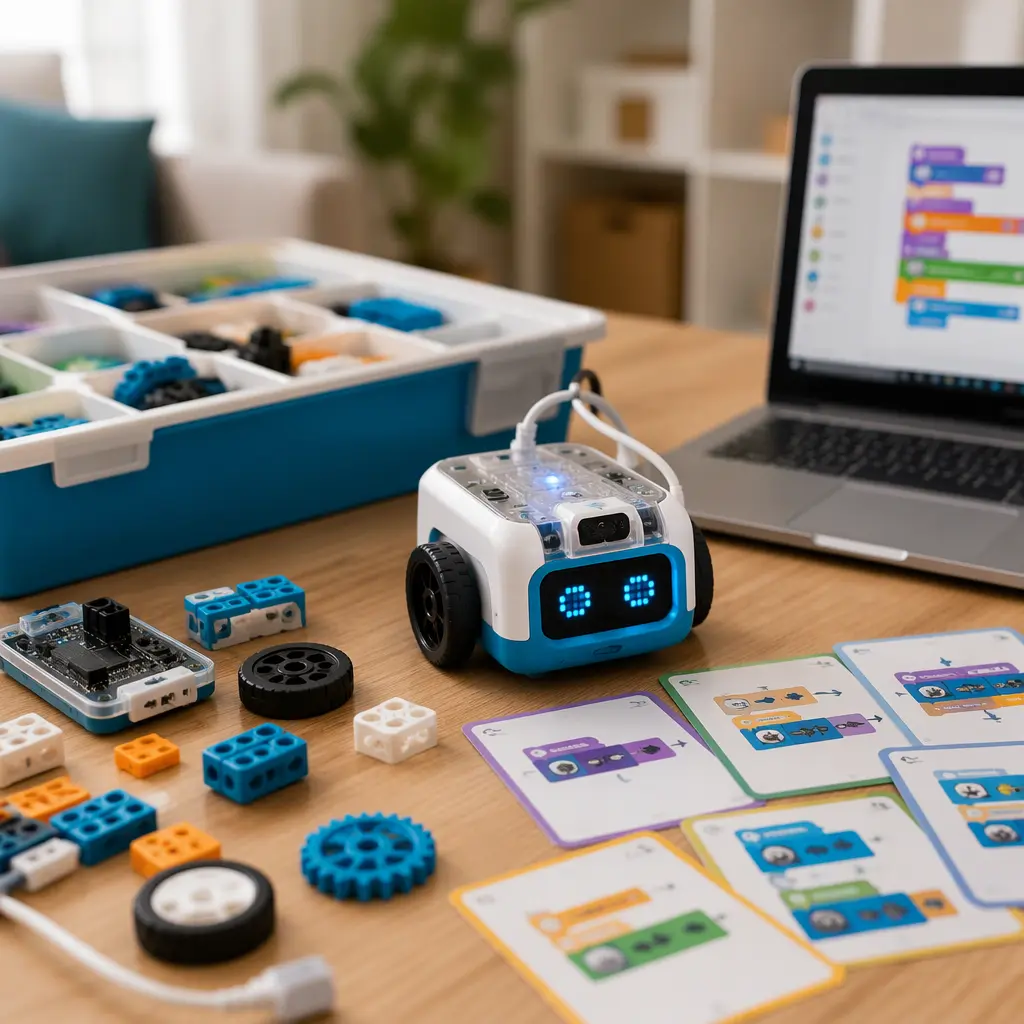
The most practical connected STEM kits for this age group keep core activities available locally on the device or controller itself. Some systems require an account only for initial app downloads or optional cloud storage, while others lock lessons, coding tools or project saving behind permanent sign-ins. Parents should also check whether the app works on shared family devices, whether internet access is needed every session and whether subscription fees appear after the included content ends. Physical durability matters too. Children in the 9–12 range often revisit kits repeatedly, so reusable components and expandable systems tend to provide better long-term value than one-time experiments.
- Look for kits with downloadable apps that continue working in offline mode after installation.
- Check whether coding projects save locally on the device instead of only in cloud accounts.
- Prefer systems with physical controls, onboard screens or programmable hubs that still function without Wi‑Fi.
- Review device compatibility carefully, especially for Chromebook, Fire tablet and older iPad support.
- Check whether advanced lessons, AI features or multiplayer modes require subscriptions or credits.
- Choose modular kits with reusable electronics, sensors or building parts for longer play value.
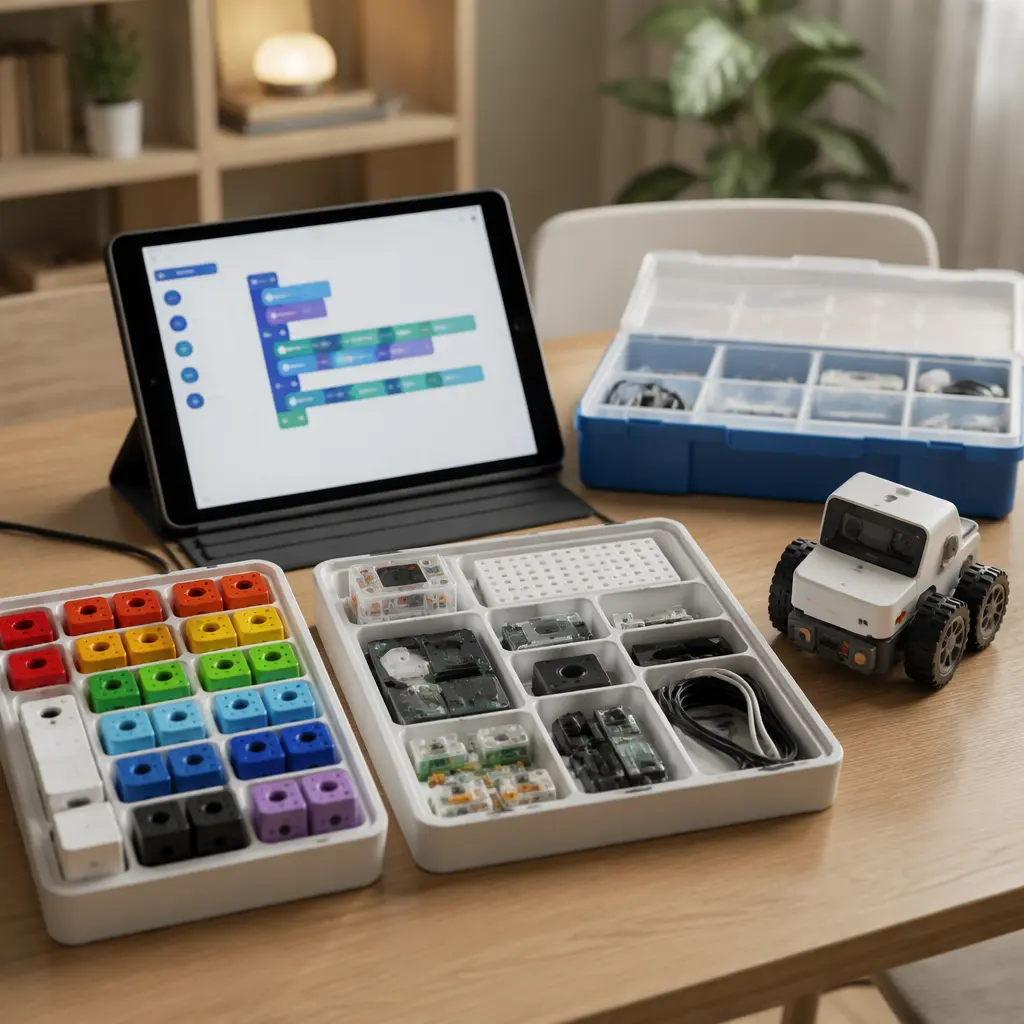
- Consider storage needs, as robotics and engineering kits often include many small components.
Age suitability
Children aged 9 to 12 are usually ready for more independent experimentation, but the ideal complexity varies widely. Younger children in this range often do best with drag-and-drop coding systems, snap-together electronics and guided projects. Older or more confident users may prefer Python-compatible devices, programmable microcontrollers or robotics systems with open-ended building options. Kits that balance structured tutorials with free experimentation tend to stay engaging longer. Parents should also think about supervision needs. Solder-free systems are easier for independent use, while electronics kits with tools, batteries or moving robotic parts may need occasional adult oversight, especially during setup and charging.
Options compared
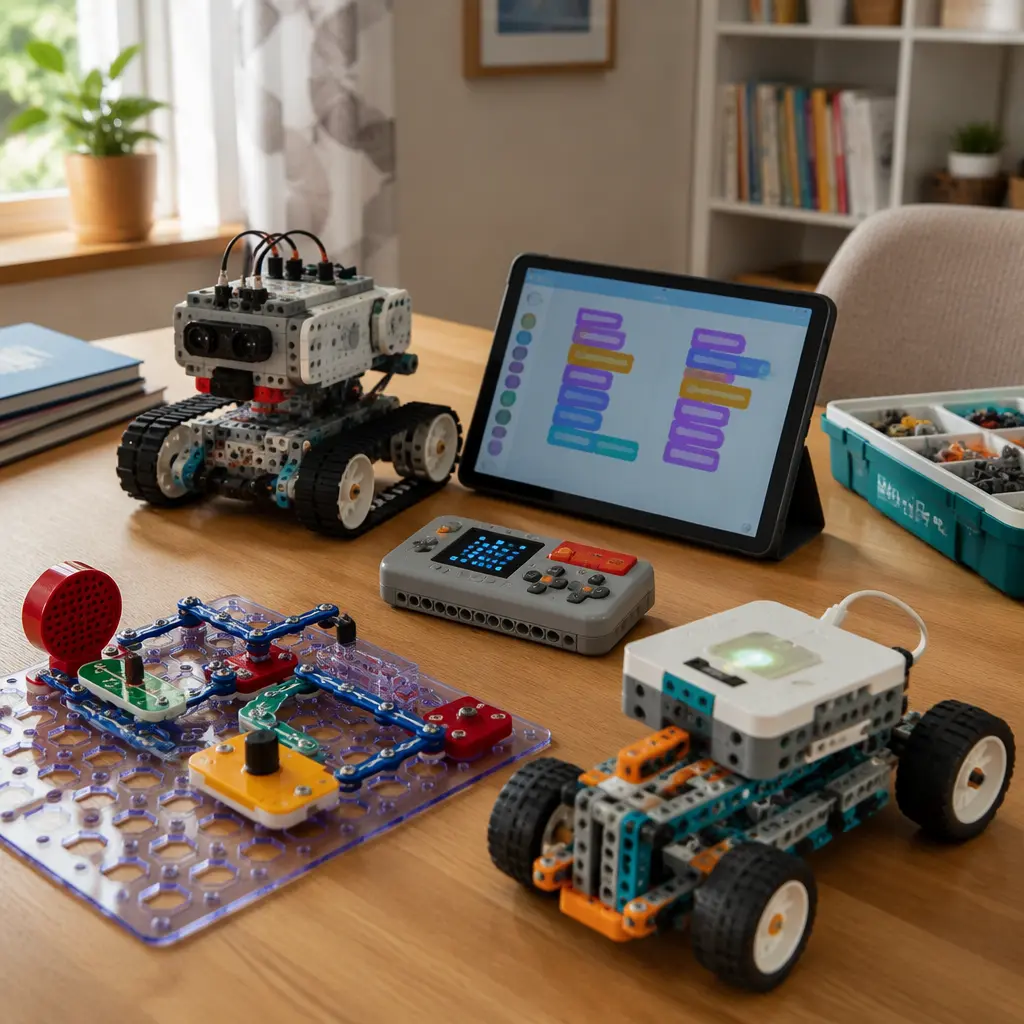
App-connected robotics kits are often the most appealing category for this age group because they combine building, coding and movement. Systems from brands such as LEGO Education, Sphero and Makeblock commonly use companion apps for lessons and coding interfaces, but many continue to run core programming activities offline once the software is installed. These kits suit children who enjoy iterative projects and problem-solving. They do require storage space, charged batteries and occasional troubleshooting when devices or operating systems update.
Microcontroller platforms such as micro:bit or Arduino-based education kits can offer the longest useful lifespan because projects often run directly on the hardware after being uploaded. Many coding environments work in a browser, but downloadable editors or offline modes are increasingly important for families avoiding constant account use. These kits are usually better for older children within the 9–12 range or those already interested in coding and electronics. They also tend to involve more reading and experimentation than toy-style robotics systems.
- Snap-circuit and electronics kits: Best for children interested in hands-on engineering without heavy app dependence. Usually quieter and easier to store, though less focused on coding.
- Programmable robots: Good for visual learners and active play. Often rely on tablets or phones initially but may keep offline coding features afterward. Charging and floor space can become factors.
- Microcontroller coding kits: Strong long-term learning value and often more open-ended. Better for patient learners comfortable with trial and error.
- Science lab kits with connected apps: Useful for guided experiments, but some lose value quickly if app support ends or consumable materials run out.
- AI-branded STEM kits: Some genuinely use cloud-based speech or image recognition, while others mainly use simple sensors or scripted responses. Cloud-dependent AI features are more likely to require ongoing accounts and internet access.
Frequently asked questions
Do connected STEM kits still work if the company stops supporting the app?
It depends on how much processing happens locally. Kits that store programs directly on the robot or controller are generally safer long term than systems that stream lessons or coding tools from cloud servers. Downloadable offline apps and open coding standards can also extend usability.
Are browser-based coding platforms a problem for offline use?
Some browser tools work well after initial loading, while others require regular internet access and account logins. Parents looking for longer-term reliability should check whether a desktop app or offline editor is available for Windows, macOS or tablets.
Do children need a separate tablet or laptop?
Many kits support shared family devices. However, robotics and coding systems can become frustrating on small screens or older hardware. Before buying, check operating system requirements and whether Bluetooth support is necessary for pairing.
Are subscriptions common with STEM toys now?
They are becoming more common, especially for advanced coding lessons, AI features or large project libraries. Some companies include a basic free mode after setup, while others reserve important features for paid plans. Parents should check whether the toy remains useful without the subscription.
What type of STEM kit works best without constant supervision?
For most children aged 9 to 12, snap-together electronics kits and block-based coding robots are the easiest independent options. Kits involving tools, loose wiring, internet communities or advanced programming often benefit from occasional adult support, especially early on.
The most parent-friendly connected STEM kits are usually the ones that treat online features as optional extras rather than permanent requirements. A strong kit should still provide meaningful building, coding or experimentation after setup, even without ongoing accounts or subscriptions. Focusing on offline usefulness, device compatibility and long-term support can help families avoid toys that become unusable once apps change or services disappear.