Connected STEM Kits That Still Work After Factory Resets
A parent-focused guide to connected STEM kits for ages 9–12, explaining which features still work after factory resets, app removal or lost accounts, and what cloud dependence really means.
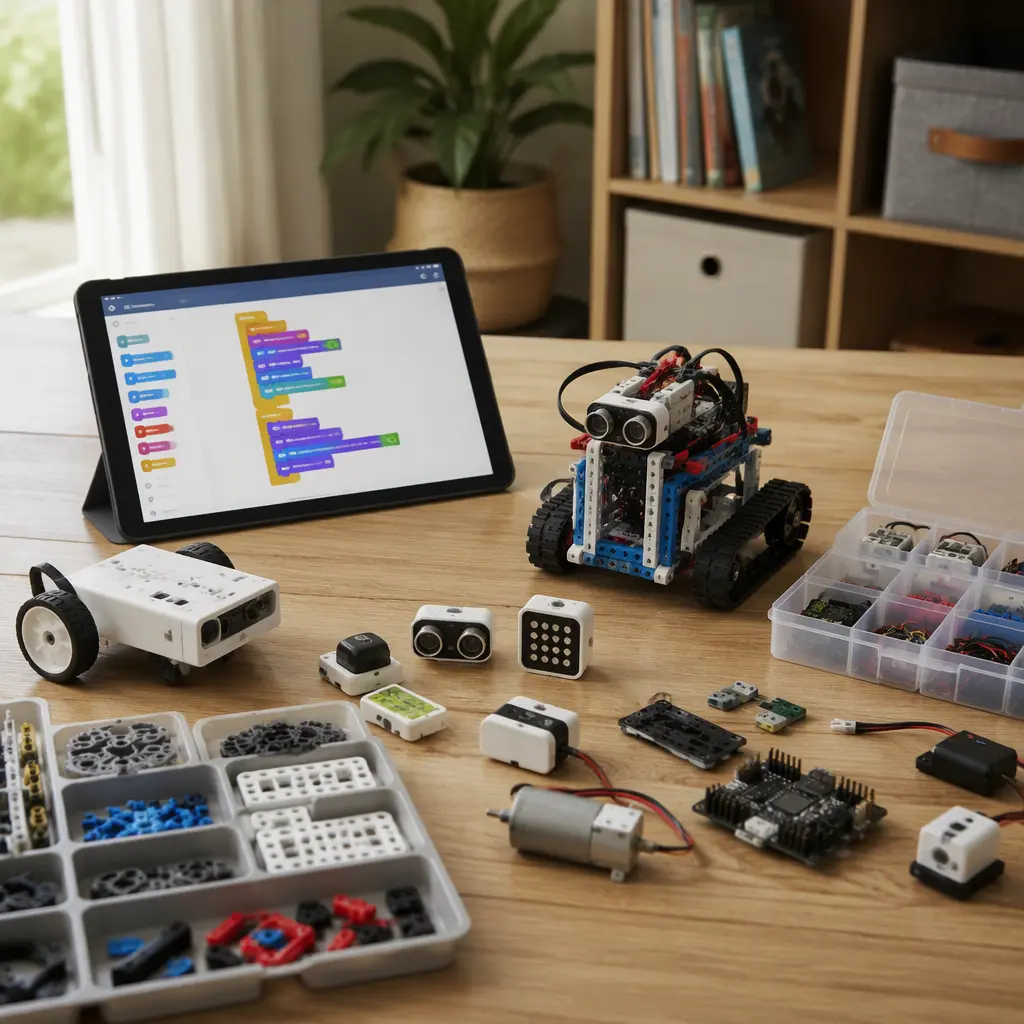
Compare prices and availability
Check current prices and availability for this guide on eBay.
As an eBay Partner, we may be compensated if you make a purchase.
Many connected STEM kits for ages 9–12 combine physical building projects with coding apps, tablets or cloud-based accounts. That can make setup easier and unlock guided lessons, but it also creates a practical question for families: what still works after a factory reset, a replaced tablet, a deleted app or a lost login? Some kits keep running because the core programming happens on the device itself. Others lose major features when cloud syncing, subscriptions or companion apps disappear. For parents comparing coding robots, smart electronics kits and app-connected engineering sets, long-term usefulness matters as much as the original play value.
What to look for
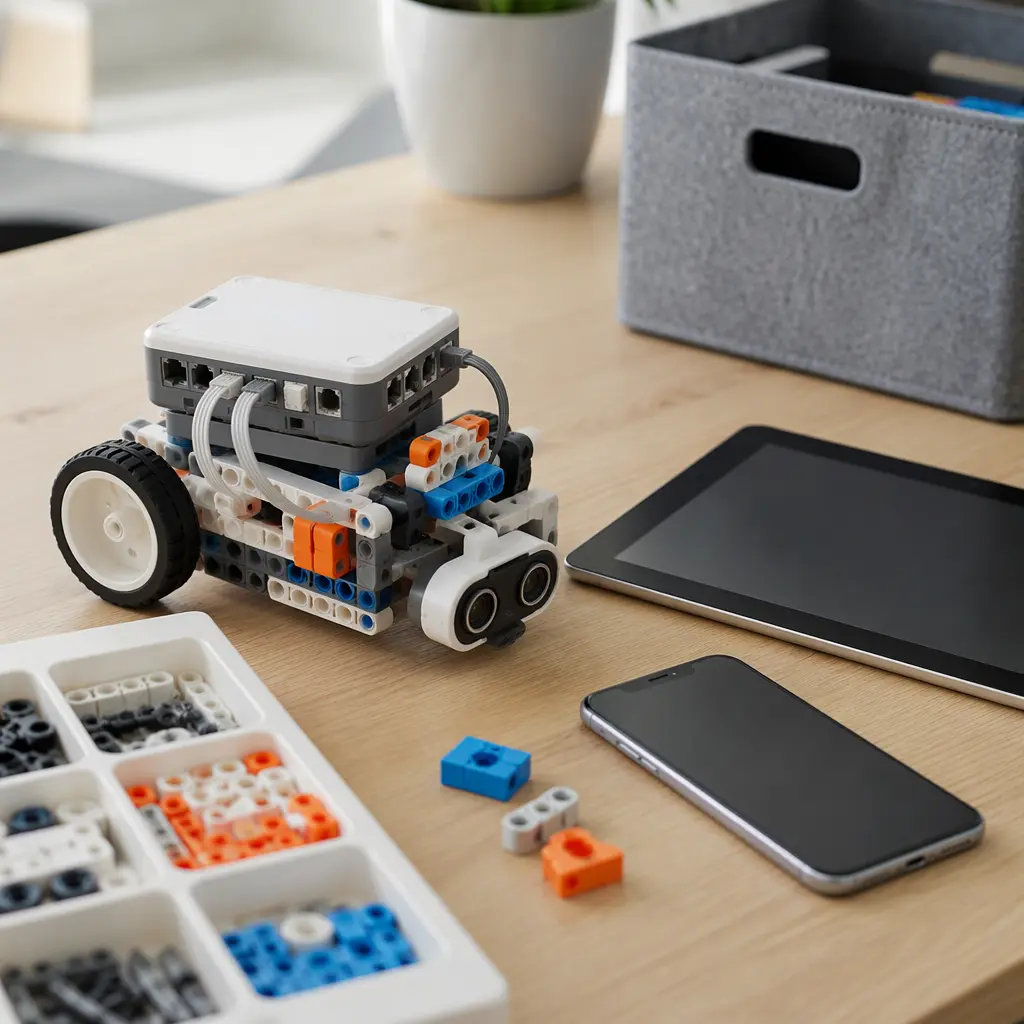
The most durable connected STEM kits continue to offer meaningful offline play even if the app changes or cloud support eventually ends. Manufacturers describe connected features differently, so it helps to separate true cloud dependence from simple wireless control. A Bluetooth robot that stores code directly on the toy is usually more resilient than a system that requires account syncing every session. For children in the 9–12 age range, the best balance is often a kit that teaches coding concepts locally first, with optional online extras rather than mandatory subscriptions.
- Check whether projects can be programmed and saved directly onto the robot or controller rather than only in the cloud.
- Look for downloadable apps that continue working without permanent internet access after setup.
- See whether the manufacturer requires account creation for basic play or only for community sharing and lesson tracking.
- Kits using standard coding languages such as Scratch variants, Python or Arduino-style systems are often easier to keep using long term.
- Consider whether the toy still functions as a construction kit, electronics lab or manual coding activity if the app stops working.
- Check device compatibility carefully. Some kits support only newer tablets or specific operating systems after app updates.
- Look for replaceable batteries, USB charging and standard connectors instead of proprietary accessories that may become harder to replace.
- Review whether advanced lessons, AI features or extra project slots depend on subscriptions, credits or cloud services.
Age suitability
Children aged 9–12 are usually ready for more independent experimentation, but connected STEM kits vary widely in complexity. Simpler coding robots with drag-and-drop interfaces suit children who are new to programming and still benefit from guided instructions. Electronics kits with sensors, motors and open-ended building systems often appeal more to older children within this range who are comfortable troubleshooting. Parents should also consider supervision needs around solder-free circuits, rechargeable batteries and internet-connected features. A child who enjoys building physical projects may lose interest quickly if a kit relies too heavily on screen prompts or account-based tutorials.
Options compared
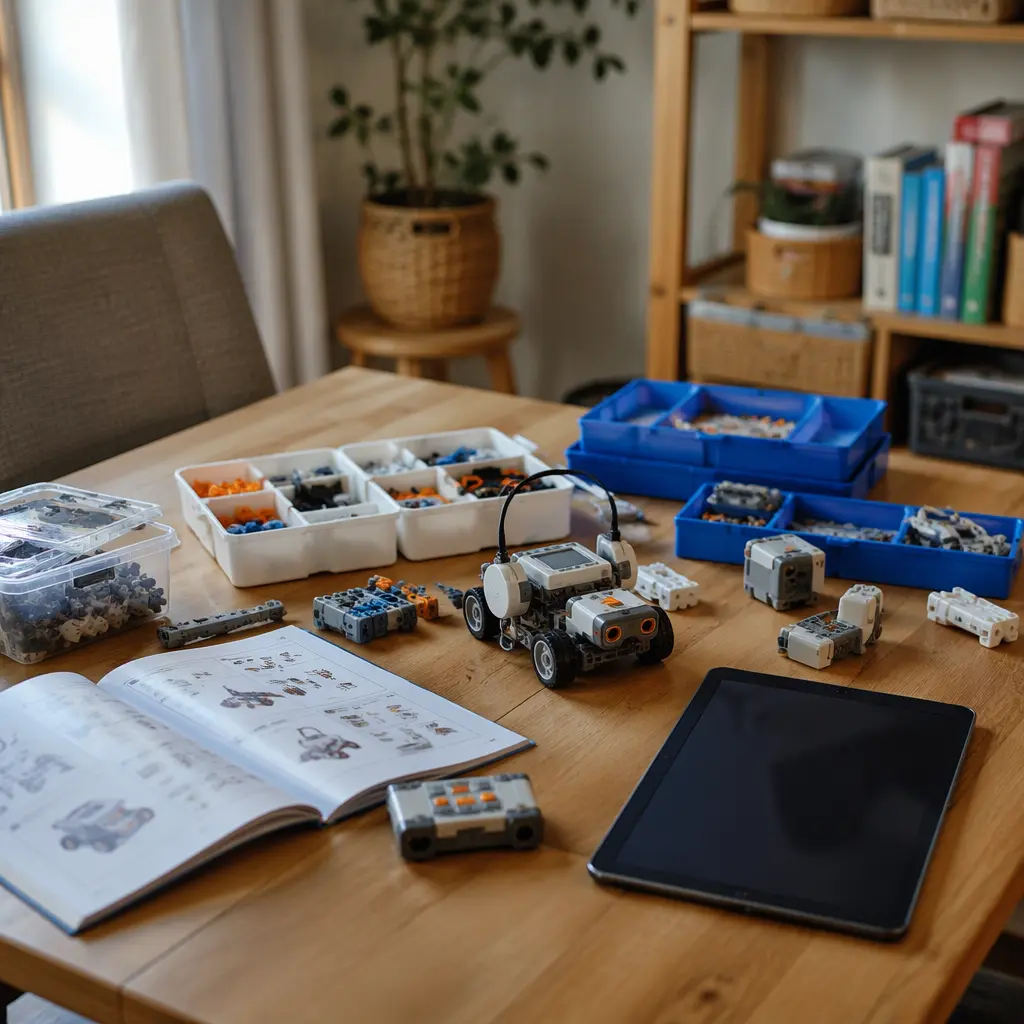
Coding robots that store programs locally are usually the safest choice for long-term use after resets. Systems based on LEGO robotics families, micro:bit-compatible projects and many Arduino-inspired kits typically keep core functions on the hardware itself. Even if the companion app needs reinstalling, the physical kit can usually continue running uploaded programs once paired again. These systems also tend to benefit from large educational communities that share offline tutorials and replacement coding tools.
App-first STEM toys can be more fragile over time. Some guided science kits and interactive coding games depend heavily on cloud accounts for lesson progression, unlocks or project storage. If the app disappears from an app store or stops supporting older devices, much of the experience may become inaccessible. Kits with AI chat features deserve extra scrutiny because the AI functions often rely on cloud processing rather than onboard hardware. In those cases, a factory reset or expired service support can remove the headline feature entirely. Parents who want a lower-maintenance option may prefer kits that still function as standalone construction toys, programmable gadgets or electronics labs without requiring logins every session.
- Local-storage coding robots: Best for families wanting long-term reliability and reduced cloud dependence. Usually still usable after resets if the app can be reinstalled.
- Microcontroller and electronics kits: Strong for older children interested in experimentation and transferable coding skills. Often supported by broader hobby communities.
- Tablet-dependent learning systems: Easier for beginners but more vulnerable to discontinued apps or account issues.
- AI-assisted coding toys: Can provide conversational guidance or adaptive challenges, but often depend on ongoing cloud support and data handling policies.
- Subscription-based STEM platforms: May offer expanding lesson libraries, but parents should check what remains usable if subscriptions end.
Frequently asked questions
Do connected STEM kits still work without internet access?
Some do, especially kits that use Bluetooth for setup but store code directly on the device. Others require internet access for account verification, cloud saves or AI-powered features. Manufacturers usually explain whether offline play is supported, although the details may appear in setup instructions rather than product packaging.
Are AI STEM toys different from ordinary coding robots?
Yes. Many coding robots simply follow uploaded instructions and do not use AI at all. AI-enabled toys may include conversational assistants, adaptive lessons or image and voice processing handled through cloud services. Those features often stop working if server support ends or accounts are unavailable.
What happens if a child gets a new tablet or computer?
The answer depends on how the kit stores projects. Some systems save programs directly on the robot or controller, while others keep everything tied to an account or device app. Parents should check whether projects can be exported, backed up locally or transferred between devices before buying.
Are browser-based STEM kits more future-proof than app-based kits?
Sometimes. Browser-based coding systems may continue working across different computers without needing specific app versions, but they can still depend on online servers. Downloadable offline editors or open-source coding environments are usually more resilient over time.
Should parents avoid cloud-connected STEM toys entirely?
Not necessarily. Cloud features can add guided lessons, project sharing and easier progress tracking. The key is understanding whether those services are optional extras or essential for basic play. Families looking for long-term value often prefer kits that remain useful even if online services change later.
For most families, the strongest buying choice is a connected STEM kit that teaches real coding or engineering skills while still functioning offline in some form. Local program storage, optional accounts and broad device compatibility usually matter more in the long run than flashy cloud features. A good kit should remain engaging after resets, device upgrades and changing apps rather than depending entirely on a single online service.