Connected STEM Kits That Still Work After App Changes
A parent-focused guide to connected STEM kits for ages 9–12, including which features still work offline, how app updates affect play, and what to check before buying.
Compare prices and availability
Check current prices and availability for this guide on eBay.
As an eBay Partner, we may be compensated if you make a purchase.
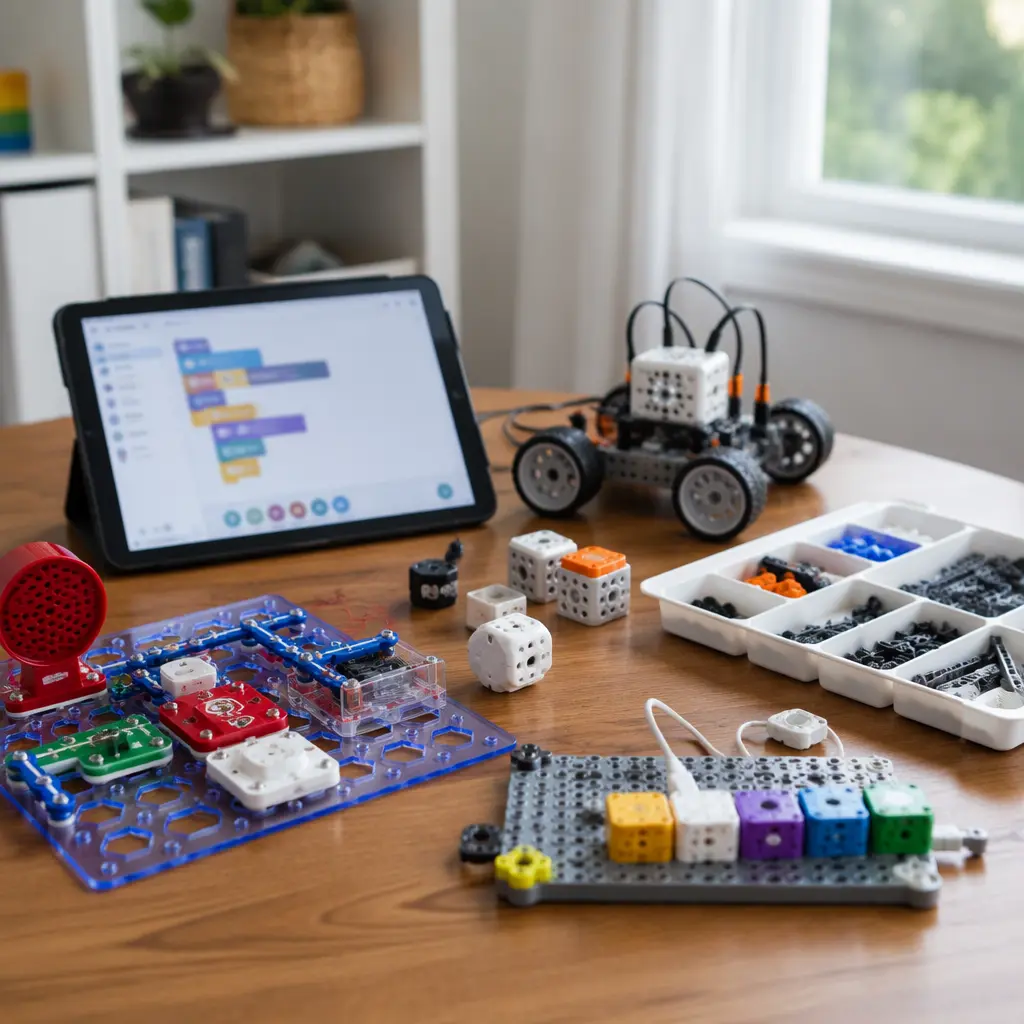
Connected STEM kits can make coding, electronics and engineering more approachable for children ages 9–12, especially when apps provide guided lessons, animations or instant feedback. The challenge for parents is that some kits depend heavily on cloud services, frequent app updates or account systems that may change over time. A kit that works well today can become harder to use if a companion app is redesigned, support ends, or a subscription feature is added later. For long-term value, it helps to look beyond the initial features and focus on how much the toy can still do without constant internet access, whether projects can run independently once built, and how easily children can continue experimenting if software support changes.
What to look for
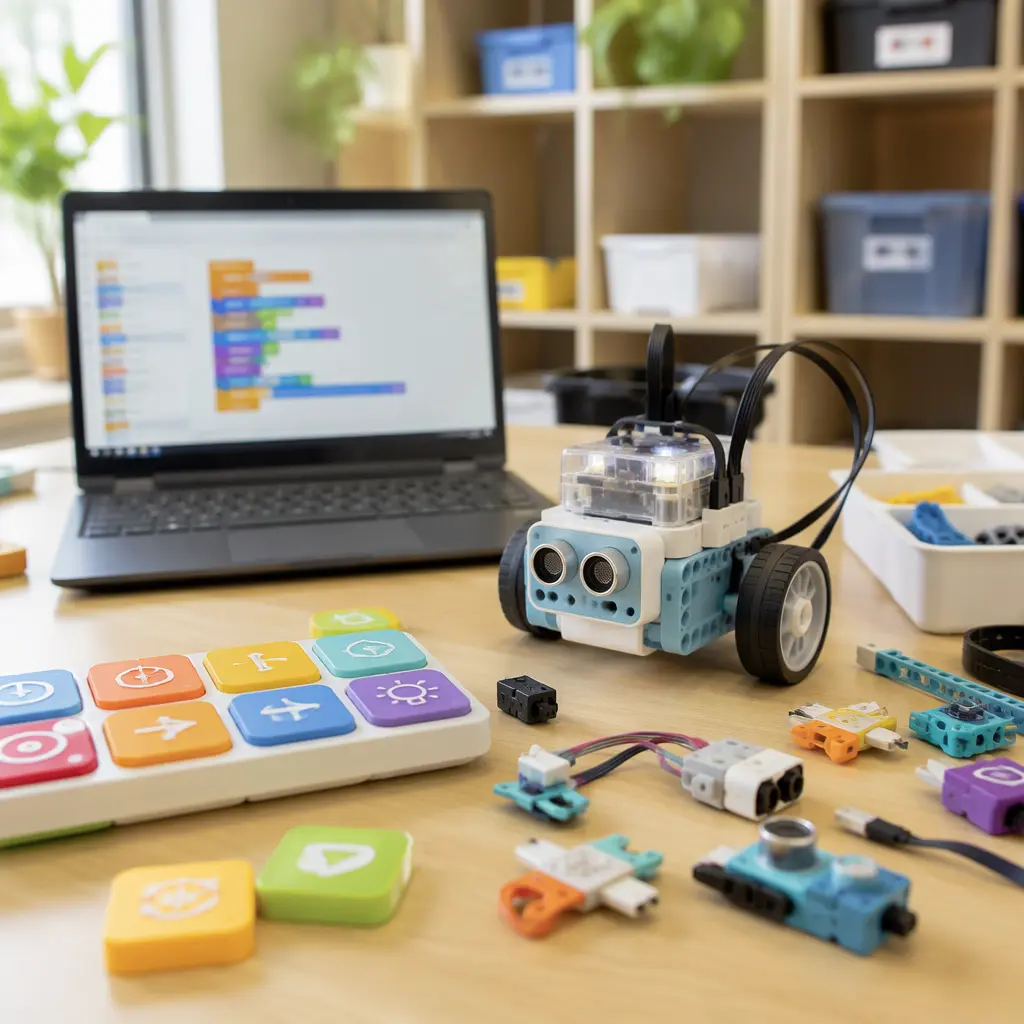
The most durable connected STEM kits combine physical building play with software that is optional rather than essential. Some kits continue working normally once projects are downloaded to the device, while others require a live internet connection for coding, tutorials or even basic controls. For ages 9–12, the strongest options usually support independent experimentation after the initial setup instead of locking children into fixed app-guided activities.
- Check whether projects can run offline after setup or whether the app must stay connected during play.
- Look for kits that use common coding systems such as Scratch-style block coding or Python instead of heavily proprietary software.
- See whether the manufacturer provides downloadable lesson content rather than streaming everything from the cloud.
- Consider whether the hardware remains useful without the app, such as programmable robots with onboard buttons or reusable electronics modules.
- Review device compatibility carefully, especially for older tablets, Chromebooks or shared family devices.
- Look for clear parental account controls and transparent privacy information if microphones, cameras or cloud profiles are involved.
- Consider long-term costs including subscriptions, paid coding lessons, consumable parts or expansion packs.
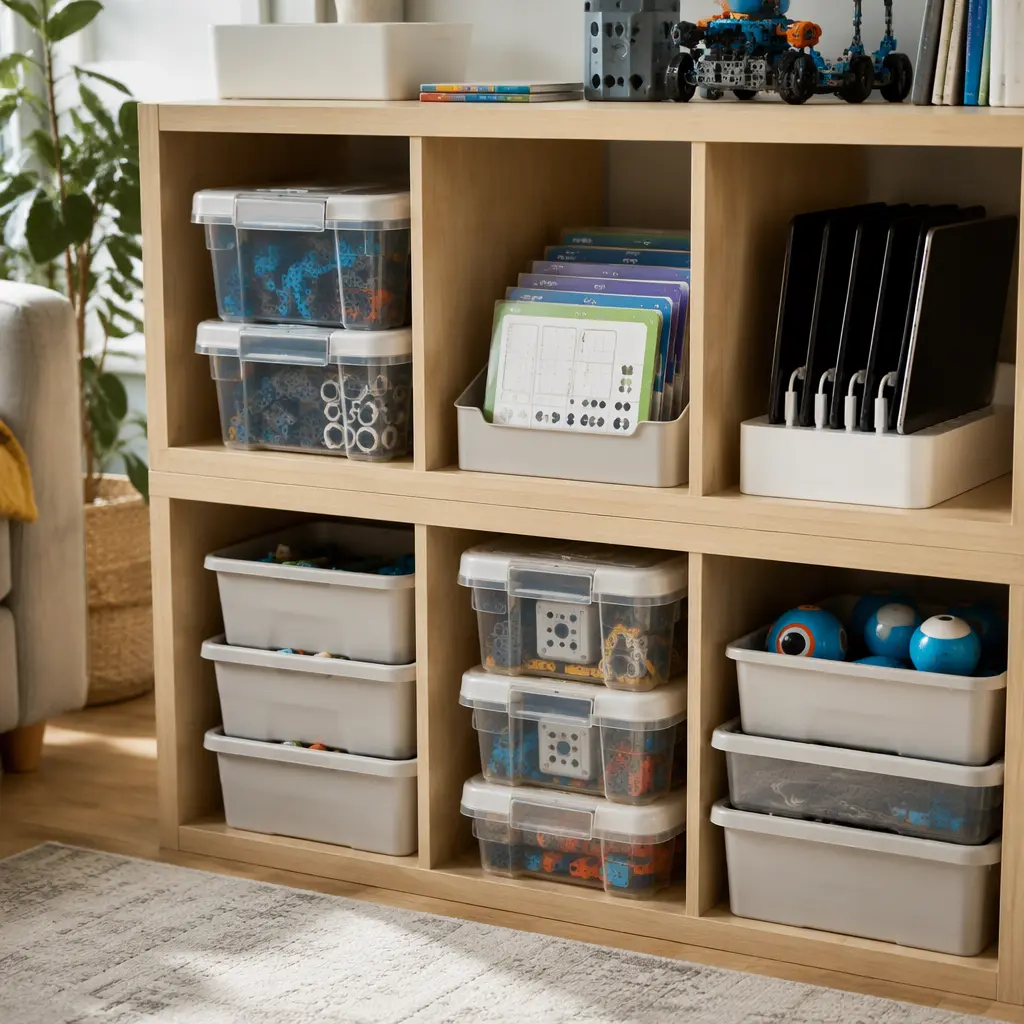
- Think about storage and durability. Kits with many small electronic components need organized storage to stay usable over time.
Age suitability
Most connected STEM kits aimed at ages 9–12 assume children can follow multi-step instructions, troubleshoot basic problems and use a tablet or computer independently. Younger children in this range often do best with visual coding systems and snap-together electronics that provide fast feedback. Older children may prefer open-ended robotics kits, programmable microcontrollers or engineering-focused sets that encourage custom projects. Parents should also consider frustration tolerance. Kits that rely heavily on firmware updates, Bluetooth pairing or account sign-ins may require regular adult help, especially when software changes alter menus or tutorials.
Options compared
Coding robots with downloadable programs tend to age better than cloud-dependent learning platforms. Products similar to LEGO Education robotics systems, Sphero robots or micro:bit-based kits often allow children to create programs locally and transfer them to the device. Once downloaded, the robot or controller can usually continue running projects offline. These systems also benefit from large educational communities, which can help extend usefulness after official lesson content changes.
By contrast, some app-first STEM kits focus more on guided digital experiences than reusable hardware. These may work well initially but become frustrating if tutorials move behind subscriptions, if app interfaces change significantly, or if older devices lose compatibility. Kits that stream lessons from the cloud can also feel limiting in households with inconsistent internet access. Subscription-based coding platforms sometimes add worthwhile structured learning, but parents should decide whether the ongoing digital service is the main product rather than the physical kit itself.
- Robot kits with onboard memory suit children who enjoy repeat experiments and independent tinkering.
- Microcontroller kits work well for older or more advanced learners interested in coding beyond guided lessons.
- Snap-circuit and sensor kits suit children who prefer hands-on electronics with less screen time.
- App-heavy science kits may appeal to children who enjoy structured missions but can lose value if support changes.
- Voice-enabled or AI-assisted kits add conversational features but may rely more heavily on cloud processing and account systems.
- Camera-equipped AI kits can offer object recognition or coding feedback, but parents may prefer simpler offline robotics if privacy is a concern.
Frequently asked questions
Do connected STEM kits still work if the app is discontinued?
It depends on how the kit is designed. Some kits store programs directly on the robot or controller and continue functioning normally after setup. Others rely on cloud-based coding environments or app-controlled gameplay, which can become limited if support ends. Before buying, look for information about offline coding, downloadable software or browser-based alternatives.
Are AI STEM toys different from regular coding kits?
Yes. Traditional coding kits usually follow fixed programming rules created by the child, while AI-focused kits may include speech recognition, adaptive responses or image processing. Many AI features depend on cloud computing and internet access, which can affect privacy, response speed and long-term reliability. Simpler robotics kits without AI often remain usable for longer because fewer online services are required.
Do children need constant internet access for these kits?
Not always. Many robotics and electronics kits only need internet access for initial downloads, firmware updates or tutorial videos. Others require live online connections during use. Families with limited internet access may prefer kits that support local programming or downloadable lessons.
What devices are usually required?
Most connected STEM kits use tablets, laptops or Chromebooks for programming and setup. Compatibility varies widely between manufacturers, especially with older operating systems. Checking supported devices before buying is important because some apps receive updates that no longer support aging hardware.
Are offline STEM kits better for reducing screen time?
Often, yes. Kits that combine physical building with occasional programming sessions tend to balance screen use more effectively than app-centered systems. Electronics kits, mechanical engineering sets and programmable robots with physical controls can keep children engaged away from the screen once projects are running.
A connected STEM kit can still provide good long-term value if the physical hardware remains useful after software changes. Parents comparing options for ages 9–12 should focus on offline functionality, broad device compatibility and whether children can continue creating independently over time. Kits that encourage experimentation beyond the app itself are usually the most resilient when platforms, subscriptions or updates inevitably change.