Best Connected STEM Kits Without Monthly Fees
A parent-focused guide to connected STEM kits for ages 9–12 that still work without subscriptions, cloud credits or constant app payments, with practical trade-offs and privacy considerations.
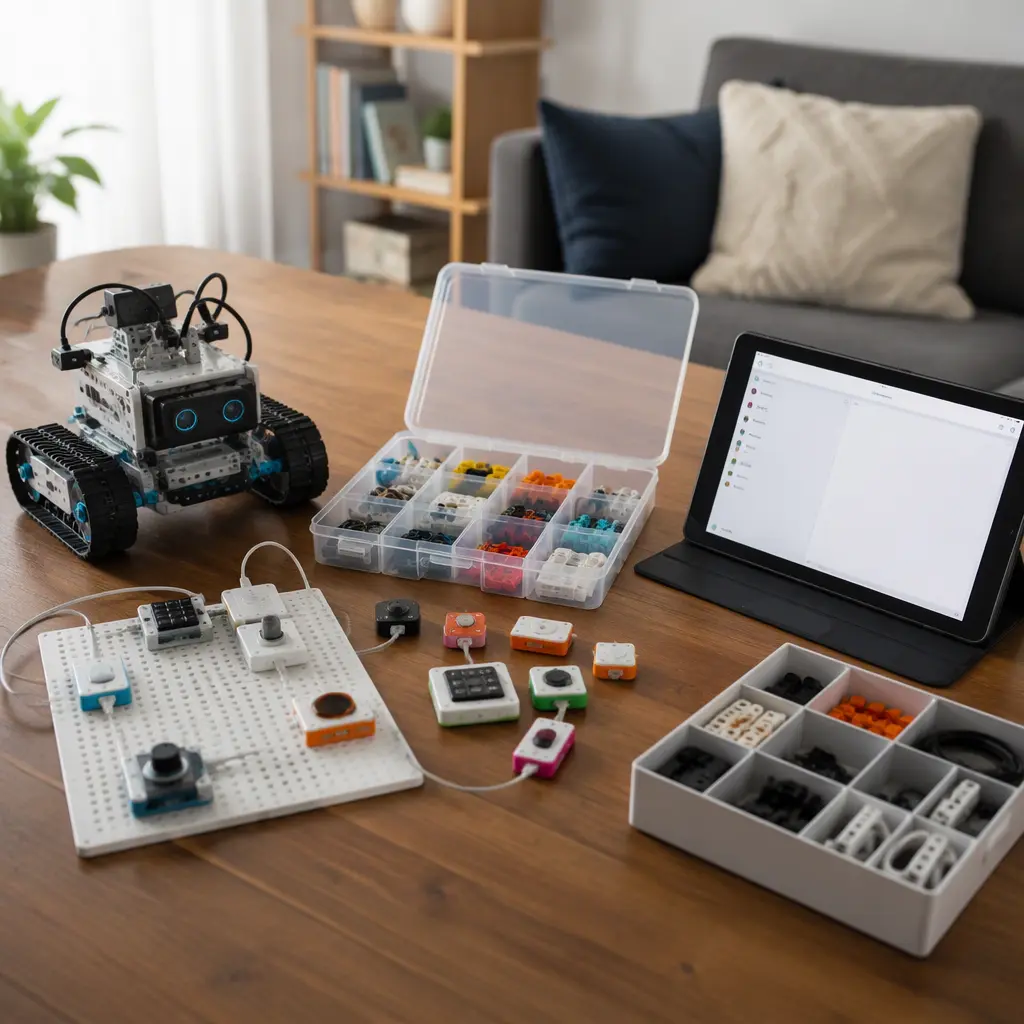
Compare prices and availability
Check current prices and availability for this guide on eBay.
As an eBay Partner, we may be compensated if you make a purchase.
Connected STEM toys can be useful for older children because they combine hands-on building with coding, sensors and interactive challenges. The difficulty for many families is that some kits now depend heavily on subscriptions, cloud logins or paid AI credits to unlock core features. For children aged 9 to 12, the most practical options are usually kits that keep essential play and learning available offline or through a one-time app download. That approach reduces long-term costs and avoids the frustration of a toy becoming limited if a service changes, a company closes support or a household wants less screen time. The strongest choices in this category typically focus on coding logic, robotics, electronics or engineering challenges rather than novelty chatbots or heavily monetized companion apps.
What to look for
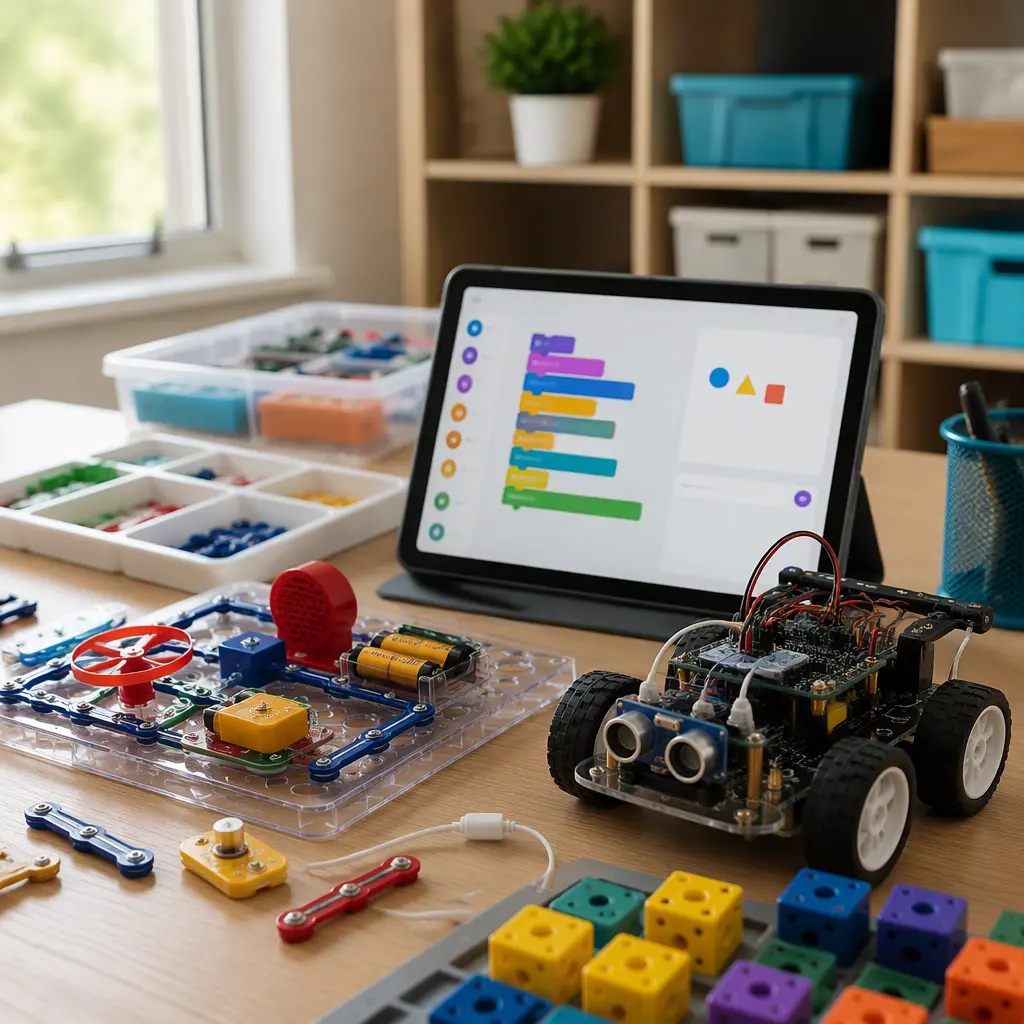
The biggest difference between connected STEM kits is how much of the experience remains usable without an ongoing payment or cloud connection. Some robotics kits only use Bluetooth to send commands locally between a tablet and the toy, while others rely on remote servers for coding challenges, AI features or account syncing. For most families, local control is simpler and more durable. It is also worth checking whether a kit supports open-ended projects after the guided lessons are complete. A child who enjoys experimenting may get more long-term value from expandable electronics or programmable sensors than from a fixed challenge system.
- Look for kits where coding, movement and building functions still work without paid credits or subscriptions.
- Check whether the app requires a permanent account login or can run locally after setup.
- Bluetooth-connected toys usually depend less on cloud services than Wi-Fi-first products.
- Modular systems with reusable sensors, motors and building pieces often last longer than single-purpose gadgets.
- Consider storage space because robotics kits can include loose components, charging cables and small parts.
- Younger siblings may need supervision around magnets, batteries or small electronic connectors.
- Some coding apps support tablets only, while others also work on Chromebooks or desktop computers.
Age suitability
For ages 9 to 12, most children can handle beginner coding concepts, basic robotics and structured engineering challenges, but the ideal complexity still varies widely. Children who enjoy building models may prefer modular robotics systems from brands such as LEGO Education, Makeblock or Sphero because they combine physical construction with coding tasks. Children more interested in experimentation may engage better with electronics kits that teach sensors, circuits and automation without requiring extensive assembly. Families should also consider patience level. Some connected STEM toys involve firmware updates, pairing steps or calibration before play begins, which can frustrate children expecting instant results. Kits with visual drag-and-drop coding are generally more approachable at the younger end of this age range, while text-based coding support becomes more relevant closer to age 12.
Options compared
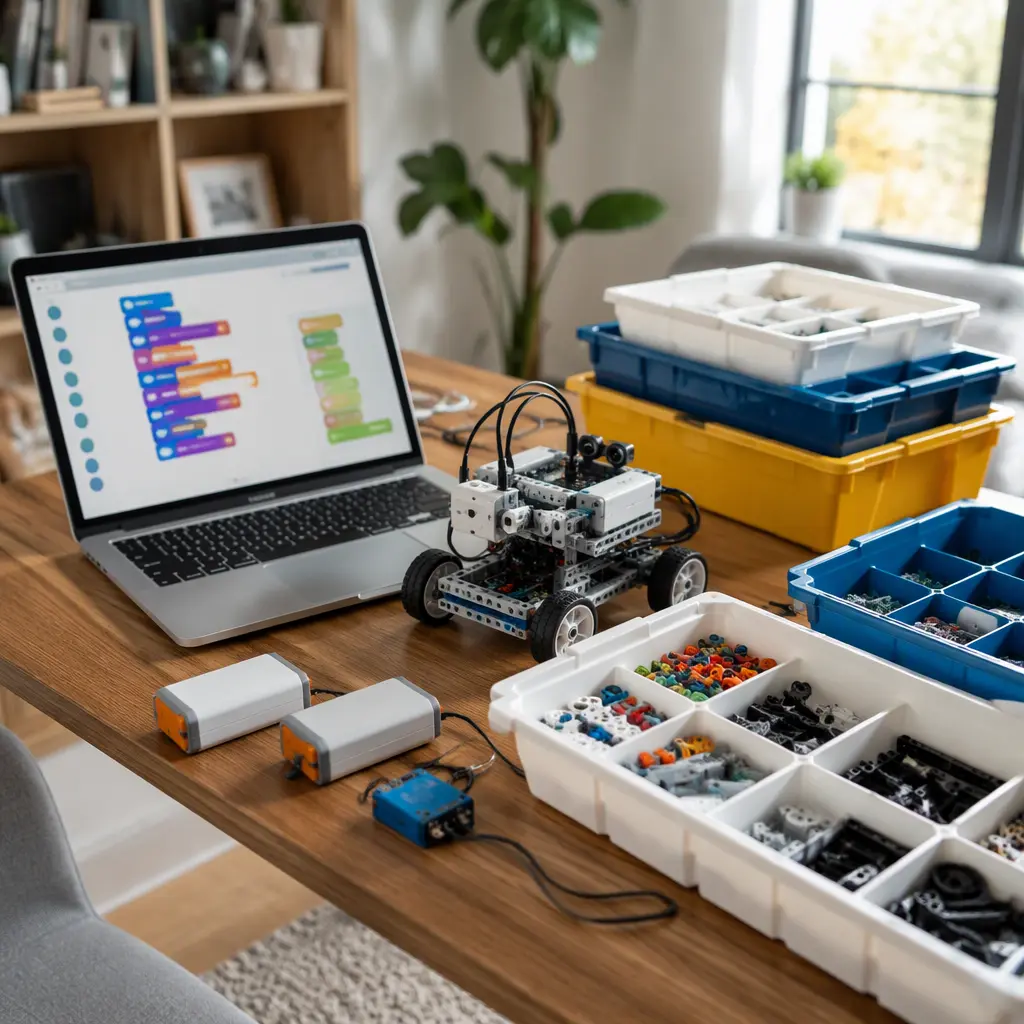
Bluetooth coding robots are often the safest choice for families trying to avoid recurring fees. Products in the Sphero and Makeblock categories typically run most core features through a local app connection, allowing children to program movement, sensors and challenges without paying for AI tokens or premium memberships. These kits usually suit children who enjoy active experimentation and replayable coding tasks. The trade-off is that app-guided lessons may eventually feel repetitive unless the child is motivated to create independent projects.
Modular building systems such as LEGO robotics platforms appeal to children who like construction as much as coding. These systems are often more expensive upfront but can remain useful longer because parts can be rebuilt into multiple projects. They also tend to work well for siblings sharing a kit. Storage and setup take more effort, however, and younger children may need help sorting pieces or troubleshooting connections.
- Robot balls and compact coding robots: Good for quick setup, smaller homes and shorter sessions. Less building depth but easier to store.
- Modular robotics systems: Better for long-term engineering projects and collaborative play. Higher cost and more cleanup.
- Electronics and sensor kits: Strong for children interested in science experiments, automation and problem-solving. May feel less playful for children expecting game-style interaction.
- AI-themed coding kits: Some add useful speech recognition or adaptive lessons, but others rely heavily on cloud processing or paid credits. Check whether offline coding still works if online features are disabled.
- Screen-light kits with physical coding blocks: Helpful for families limiting tablet use, though they may offer less advanced programming depth.
Frequently asked questions
Do connected STEM kits still work if the internet is turned off?
Many do, but the level of functionality varies. Bluetooth-based robotics kits often keep coding and control features available locally after the initial app download. Cloud-heavy products may lose lesson access, AI tools or syncing features without internet access. Checking for an offline mode before purchase is worthwhile.
Are subscriptions always a bad sign?
Not necessarily. Some companies use subscriptions for optional lesson libraries, competitions or advanced coding content while leaving the main toy fully usable. The concern is when core functions, such as programming the robot or accessing basic projects, depend on ongoing payments or limited monthly credits.
What connected features are genuinely useful for this age group?
Useful connected features usually improve learning or expand projects rather than simply adding novelty. Examples include firmware updates that improve stability, local multiplayer coding challenges, sensor data tracking or compatibility with block-based and text-based coding systems. Features marketed as AI are sometimes only pre-scripted voice responses or simple automation rather than true adaptive learning.
How much supervision do children aged 9 to 12 need?
Most children in this age range can complete guided STEM activities independently once setup is finished. Adult help is more commonly needed for charging, software installation, account permissions or troubleshooting Bluetooth and Wi-Fi connections. Electronics kits with soldering or exposed components require closer supervision than snap-together robotics kits.
Will these kits still be useful after the guided lessons end?
That depends on the design philosophy of the kit. Open-ended systems with reusable motors, sensors and coding tools tend to hold attention longer because children can invent their own projects. Single-path challenge kits are often easier to start but may have a shorter lifespan once the activities are completed.
For most families looking at connected STEM toys in 2025 and 2026, the safest long-term choice is a kit that balances hands-on building with optional digital features rather than requiring constant online access. Local coding support, reusable components and offline functionality usually matter more than flashy AI branding. A well-designed STEM kit should still teach useful problem-solving and engineering skills even if the subscription is never activated.