Offline Coding Kits vs Logic Boards for Beginners
A parent-friendly guide to choosing between offline coding kits and logic boards for ages 6–8, comparing setup time, replay value, frustration level, storage, and supervision needs.
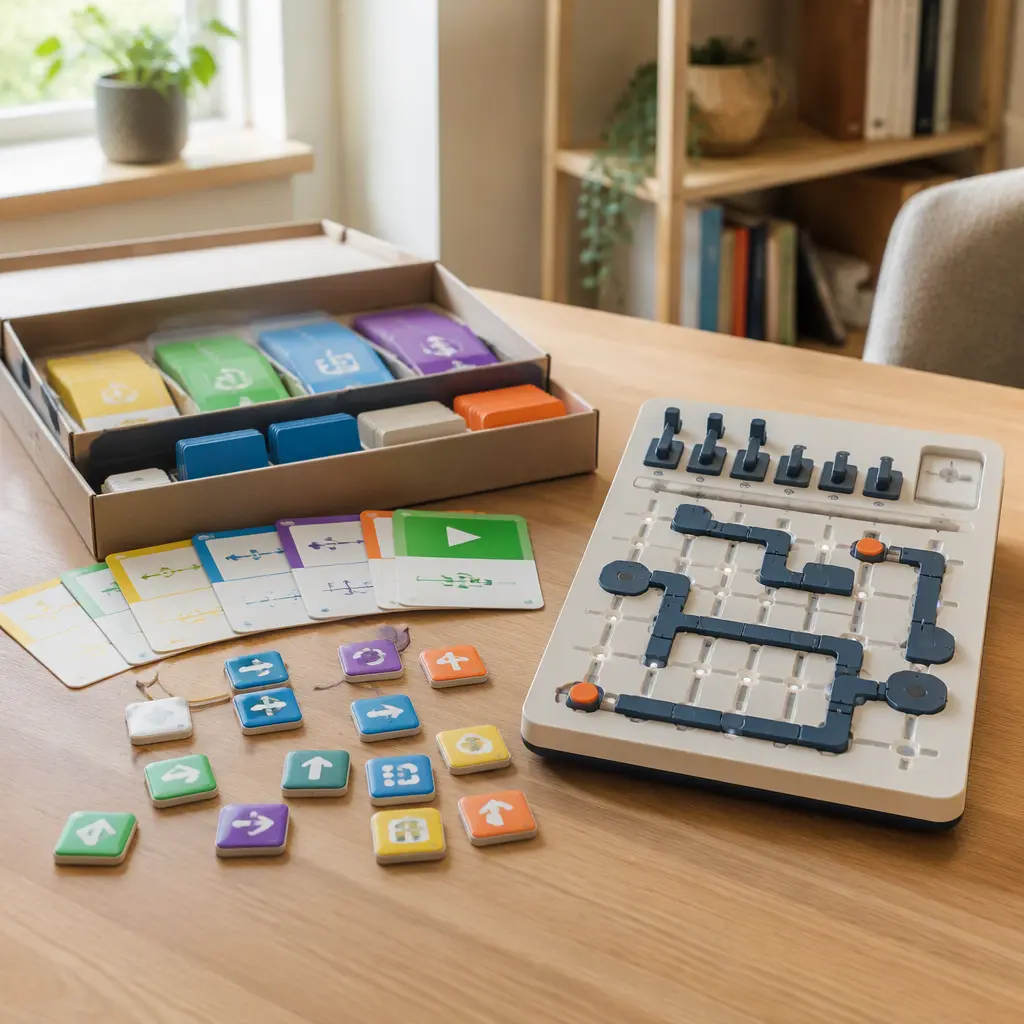
Compare prices and availability
Check current prices and availability for this guide on eBay.
As an eBay Partner, we may be compensated if you make a purchase.
Parents looking for screen-free STEM toys for ages 6–8 often end up comparing two categories that seem similar at first: offline coding kits and logic boards. Both aim to build problem-solving skills without tablets or apps, but they create very different play experiences. Offline coding kits usually involve sequencing actions with cards, blocks, or physical commands to guide a character or complete a challenge. Logic boards focus more on solving circuits, pathways, switches, or spatial puzzles. The right choice depends less on academic labels and more on your child’s patience, attention span, and preferred style of play. Some children enjoy experimenting freely and telling stories through movement, while others prefer contained puzzles with clear right-or-wrong outcomes. Setup time, replay value, frustration level, storage space, and supervision all matter just as much as the educational angle.
What to look for
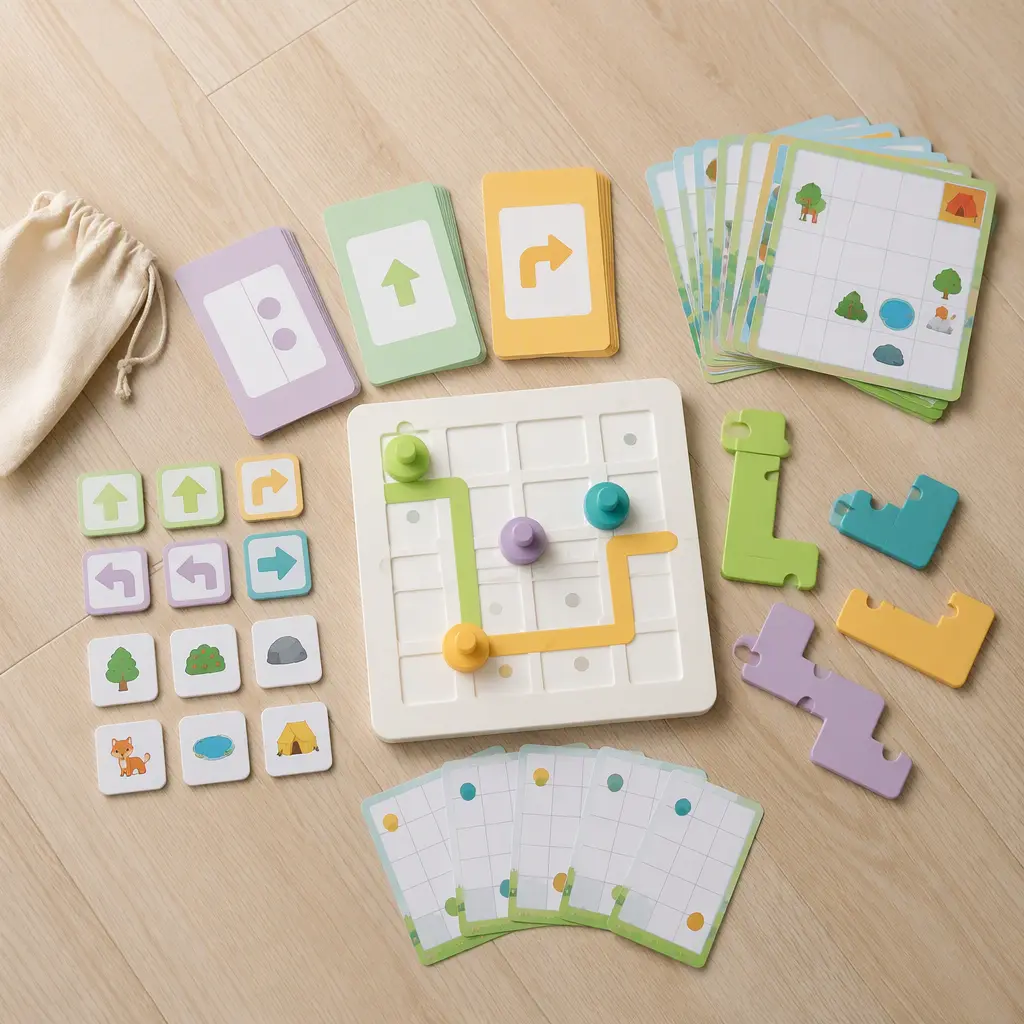
For this age group, the biggest difference is how children interact with the toy. Offline coding kits tend to reward experimentation and movement. Many involve sequencing commands, moving pieces across a board, or creating step-by-step paths. Logic boards usually focus on solving a contained challenge correctly, often through matching, connecting, or arranging components. Neither approach is automatically better. The best fit depends on how your child handles trial and error and whether they enjoy open-ended play or structured puzzles.
- Choose offline coding kits for children who enjoy storytelling, movement, building sequences, or cooperative play with siblings.
- Choose logic boards for children who like puzzles, patterns, matching tasks, and independent problem-solving.
- Look for large, durable pieces that are easy to sort and store. Tiny components can quickly become frustrating or get lost.
- Check how challenges are presented. Visual cards with gradual difficulty increases usually work better for beginners than text-heavy instructions.
- Consider setup and reset time. Some coding kits require spreading out mats, cards, or tracks, while many logic boards can be used straight from a shelf.
- Think about replay value. Open-ended coding systems may stay interesting longer, while puzzle-based logic boards can feel repetitive once solutions are memorized.
- Noise levels are usually low for both categories, but electronic sound effects can become repetitive in smaller homes or shared spaces.
- Storage matters more than many parents expect. Larger coding sets may need bins or dedicated shelf space, while compact logic boards travel more easily.
Age suitability
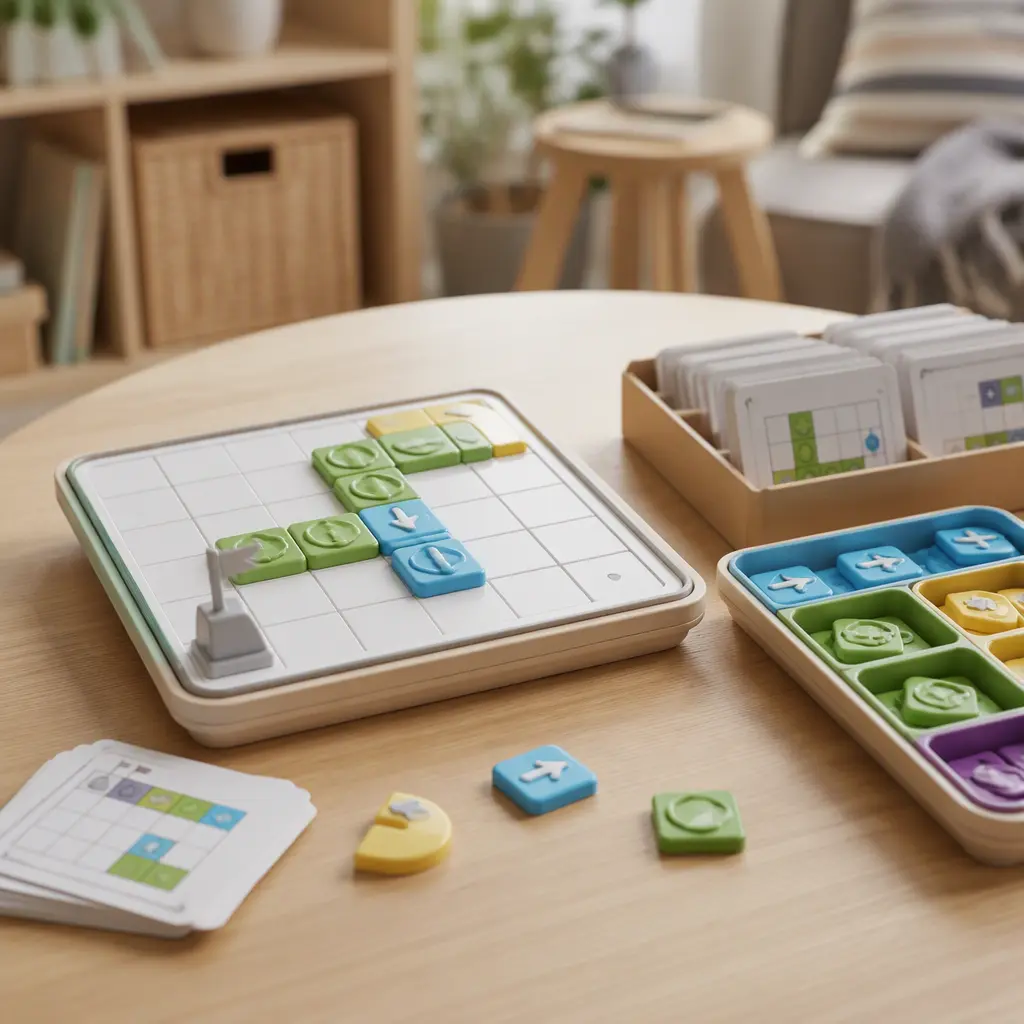
Ages 6–8 is a transition stage where children vary widely in reading ability, fine motor skills, and frustration tolerance. Younger six-year-olds often benefit from coding kits with physical movement and visible cause-and-effect relationships. For example, placing directional tiles to guide a character across a board can feel intuitive and active. Many seven- and eight-year-olds are more comfortable with logic boards that require planning several steps ahead or spotting patterns independently. Children who become discouraged easily may struggle with puzzle systems that only have one correct answer. On the other hand, children who dislike imaginative roleplay sometimes find coding adventures too open-ended and prefer the clarity of a structured logic challenge. Parents should also consider whether the toy can grow with the child through added challenge cards or multiple difficulty levels.
Options compared
Offline coding kits usually have the advantage in replay value. Because children can create their own paths, stories, or challenges, the play pattern often changes from session to session. They also work well for siblings or parent-child activities because several people can help build sequences together. The trade-off is setup and cleanup. Larger mats, tracks, or piles of coding cards can spread across the floor quickly. Some children also lose focus if the system feels too open-ended or if they must correct long sequences repeatedly.
Logic boards are often easier to store and faster to start. Many are designed as self-contained puzzle systems that can be taken out for short independent play sessions. This can be useful for quieter afternoons, travel, or limited-space homes. They also tend to create clearer progress because challenges increase in difficulty step by step. The downside is that replay value may drop after puzzles are solved several times. Some children enjoy mastering familiar challenges, while others stop using the toy once they know the answers.
- Offline coding kits suit active children, collaborative play, and families looking for flexible screen-free activities with creative elements.
- Logic boards suit children who enjoy solo puzzles, predictable rules, and shorter play sessions with less setup.
- Children with low frustration tolerance may prefer coding systems that encourage experimentation rather than single-solution puzzles.
- Busy households with limited storage often find compact logic boards easier to manage.
- Families wanting long-term variety may get more use from expandable coding systems with multiple challenge paths.
- Children who dislike reading instructions may engage more easily with visual coding arrows or hands-on puzzle mechanics than written task cards.
Frequently asked questions
Do offline coding toys actually teach coding?
Most screen-free coding toys for ages 6–8 focus on foundational thinking skills rather than programming languages. Children practice sequencing, logic, planning, debugging mistakes, and understanding cause and effect. These are useful early STEM concepts even when no computer is involved.
Are logic boards too difficult for six-year-olds?
Some are, especially puzzle systems aimed at older children with complex instructions or abstract challenges. Beginner-friendly options with visual clues, large pieces, and gradual difficulty levels are usually more successful for younger children in this age range.
Which option works better for independent play?
Logic boards often work better for short independent sessions because they are self-contained and easier to reset. Offline coding kits can still support solo play, but younger children may need help organizing pieces or troubleshooting longer sequences at first.
Do these toys replace educational apps?
They serve a different purpose. Screen-free STEM toys encourage hands-on experimentation, spatial reasoning, and tactile problem-solving without notifications or screen distractions. Many families use them alongside digital learning rather than as direct replacements.
What matters more: challenge level or replay value?
For most families, balance matters more than either feature alone. A toy that is too easy may lose interest quickly, but a toy that creates constant frustration may not get used at all. Adjustable difficulty levels and flexible play patterns tend to support longer-term use.
Offline coding kits and logic boards can both support strong screen-free STEM play when matched to the right child. Coding kits generally offer more creativity and replay value, while logic boards usually provide faster setup and clearer puzzle structure. Parents deciding between them should focus on how their child prefers to learn and play rather than which category sounds more educational. A toy that feels approachable, manageable, and enjoyable is more likely to stay in regular use over time.