Connected STEM Kits That Still Work Offline
A parent-focused guide to connected STEM kits for ages 9–12 that remain useful if apps, servers or subscriptions disappear. Learn what offline features matter before buying.
Compare prices and availability
Check current prices and availability for this guide on eBay.
As an eBay Partner, we may be compensated if you make a purchase.
Connected STEM kits can introduce coding, electronics and engineering in ways that feel more interactive than traditional building sets. Many use apps, cloud accounts or online lessons to unlock projects and features. The problem for parents is long-term usefulness. Some kits continue working as basic robotics or electronics systems if a company shuts down servers or stops updating an app, while others lose major functions quickly. For children aged 9–12, a good connected STEM kit should still support meaningful hands-on play even if internet access changes, a tablet becomes incompatible or an account system disappears later.
What to look for
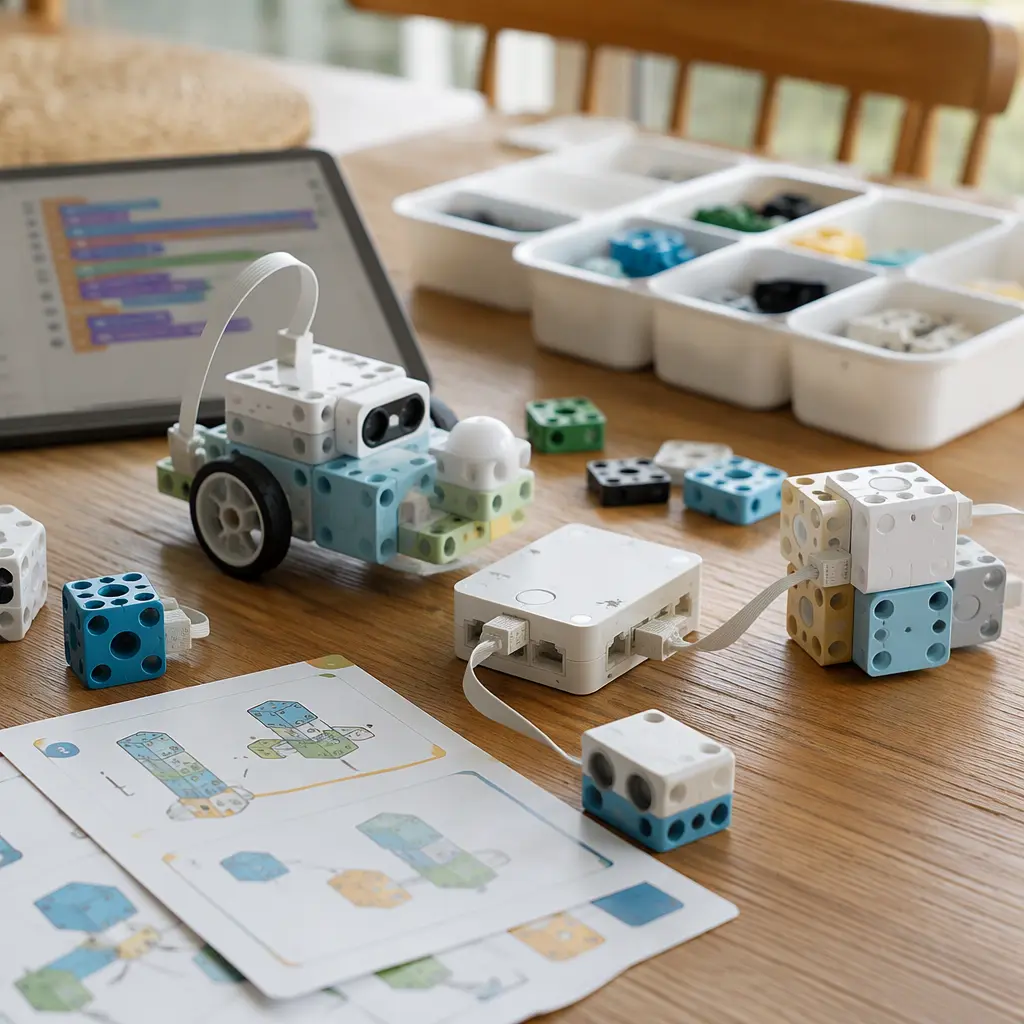
The most durable connected STEM kits separate their physical hardware from their online services. A child should still be able to build, experiment or program something useful without depending entirely on cloud logins or live servers. Some manufacturers provide downloadable coding software, local Bluetooth control or printed project guides that keep the kit usable for years. Others rely heavily on remote accounts, video lessons or subscription-based project libraries. Parents should also check whether a kit works across multiple devices and operating systems because support for older tablets can disappear before the hardware itself wears out.
- Look for downloadable or browser-free coding tools that can run locally on a computer or tablet.
- Check whether projects can be programmed over Bluetooth or USB without requiring cloud accounts.
- Printed manuals and offline PDFs are helpful if online tutorials disappear later.
- Prefer open-ended electronics systems using common components such as Arduino-compatible parts or standard sensors.
- Find out whether the app requires subscriptions, credits or ongoing memberships for advanced lessons.
- Check minimum device requirements carefully because older tablets may not support future app updates.
- Battery-powered kits with reusable modules are often more practical than systems tied to a proprietary charging dock.
- If cameras or microphones are included, review privacy settings and account requirements before setup.
Age suitability
Children aged 9–12 are often ready for more independent experimentation than younger builders, but the best kit depends on patience level and learning style. Younger children within this range may prefer drag-and-drop coding with clear visual feedback such as moving robots or light-up projects. Older children often enjoy systems that gradually introduce text-based coding, electronics troubleshooting or sensor-based automation. Parents should also consider setup complexity. Kits requiring account creation, firmware updates and frequent troubleshooting may frustrate children who mainly want immediate building play. Screen-heavy systems can also lose appeal quickly if too much time is spent navigating apps rather than creating physical projects.
Options compared
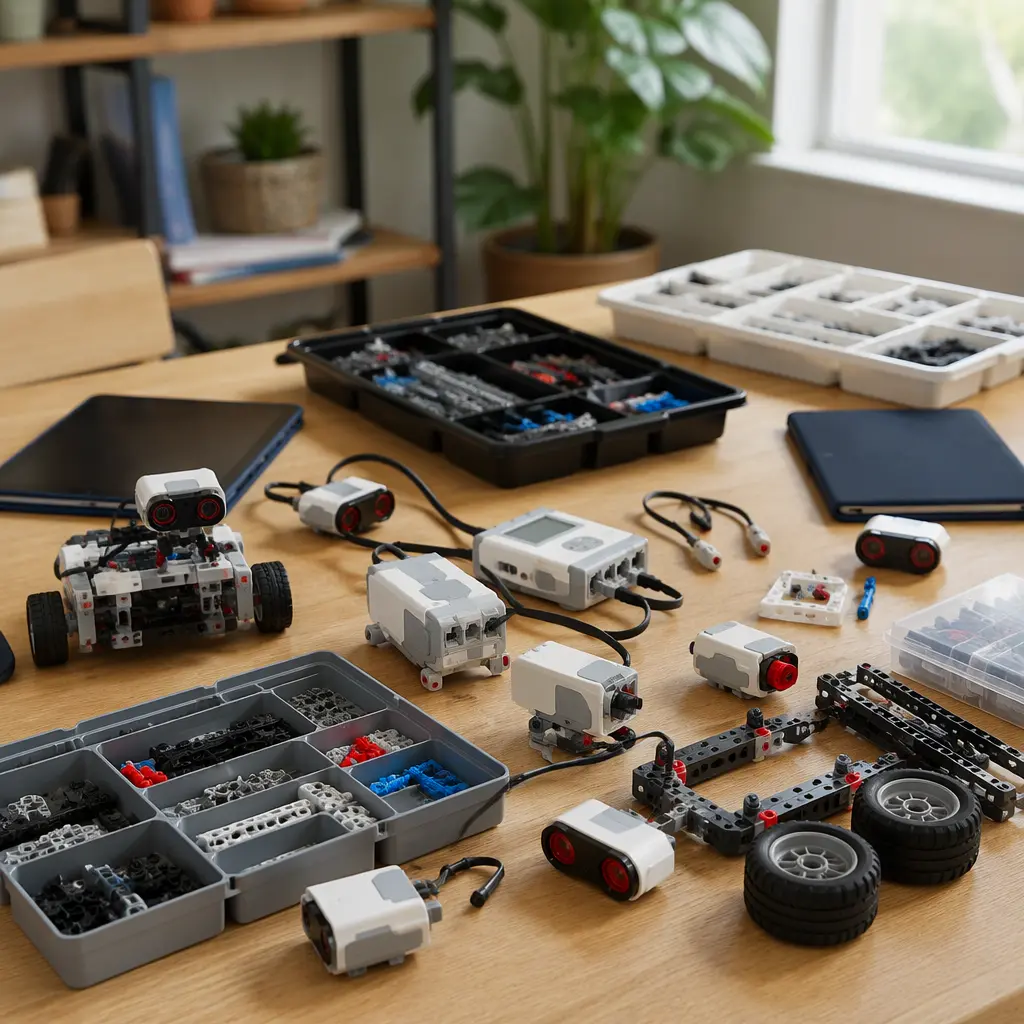
Broadly, connected STEM kits fall into three categories. The first includes robotics systems with companion apps. These often offer the most exciting movement and sensor-based projects, but they vary widely in offline usefulness. Kits that store code directly on the robot or hub are usually more resilient because children can continue running programs after setup. Systems that stream commands continuously from a cloud-connected app are more vulnerable if support ends.
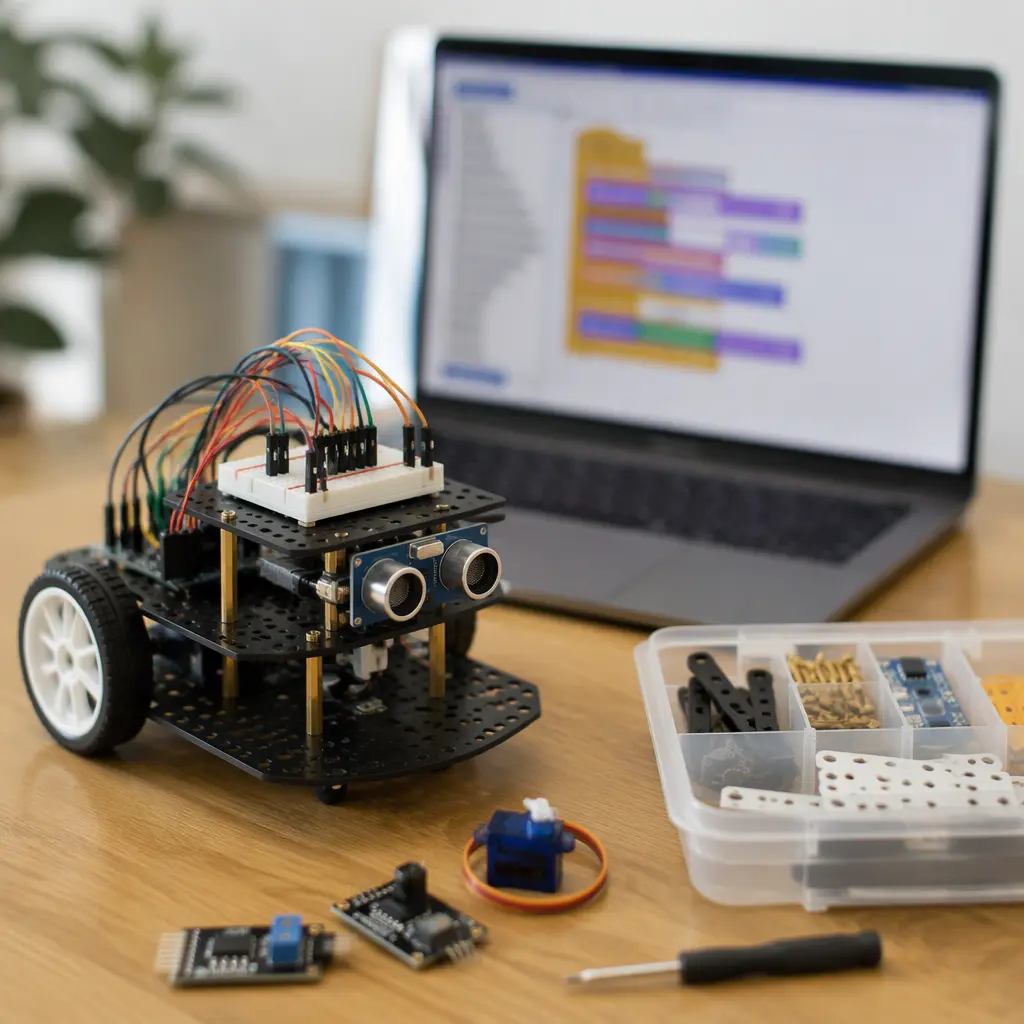
The second category includes electronics and coding platforms based on open ecosystems such as Arduino or Micro:bit-compatible hardware. These typically require more patience at the beginning, but they often age better because they use standard programming tools and widely supported parts. Even if a specific learning app disappears, the hardware can usually be repurposed with other software. These kits tend to suit children who enjoy experimentation and gradual learning rather than instant guided play.
- Closed app-first robotics kits: Easier onboarding and polished lessons, but higher risk of losing features if apps or servers disappear. Best for children who want guided activities and quick results.
- Open electronics platforms: Better long-term flexibility and offline usefulness, though setup may feel less beginner-friendly. Good for curious tweens who enjoy tinkering.
- Hybrid coding kits with downloadable software: Often a practical middle ground with offline coding plus guided projects. Suitable for families wanting balance between structure and independence.
- Subscription-linked learning systems: May provide extensive lesson libraries and progression tracking, but parents should expect reduced usefulness if payments stop or support ends.
- Screen-light engineering kits with optional apps: Physical builds remain usable even without software. Good for households limiting screen time.
Frequently asked questions
Do connected STEM kits always need internet access?
Not always. Some kits only need internet access for initial setup, software downloads or firmware updates. Others depend heavily on cloud services for coding, tutorials or saved projects. Before buying, check whether the manufacturer offers offline programming tools or downloadable lessons.
Are AI STEM toys different from ordinary coding kits?
Yes. Many products marketed as AI toys actually use simple sensors or pre-programmed responses rather than true generative AI systems. Kits with genuine AI features may process voice, image or behavioral data through cloud services, which can increase privacy concerns and dependence on ongoing online support. Parents should review how data is handled and whether any AI functions work locally.
What happens if the companion app stops receiving updates?
Older apps may eventually stop working on newer phones or tablets. Kits with downloadable desktop software, browser-independent tools or programmable hardware usually remain useful longer. Physical components such as motors, LEDs and sensors may still work even if official apps become outdated.
Is Bluetooth better than Wi-Fi for long-term use?
Bluetooth-only control can simplify setup and reduce dependence on external servers because devices communicate locally. Wi-Fi-connected kits sometimes offer remote features or cloud syncing, but they may rely more heavily on manufacturer infrastructure and account systems.
Are offline STEM kits less educational?
Not necessarily. Many offline-friendly kits encourage stronger experimentation because children interact directly with electronics, mechanics and programming logic rather than following tightly controlled app tutorials. The most educational option often depends on whether a child prefers guided instruction or open-ended problem solving.
For most families, the safest long-term choice is a connected STEM kit that still delivers useful hands-on building and coding without permanent reliance on servers, subscriptions or specific mobile apps. A strong offline mode protects the value of the kit over time and gives children more freedom to experiment beyond guided lessons. Looking beyond flashy connected features can help parents choose a system that remains creative, practical and usable for years rather than only while an app ecosystem lasts.